
Startup Show TV is a free, powerful, and user-friendly Android application designed to streamline your access to a vast world of streaming content. Developed by App4All 2000 and categorized under Lifestyle, this app distinguishes itself through its robust features and commitment to providing a seamless viewing experience, free from intrusive advertisements. This in-depth review will explore its capabilities, user-friendliness, and the overall experience it offers to Android users.
A Deep Dive into Startup Show TV’s Functionality
Startup Show TV’s core functionality revolves around its sophisticated built-in media player. Unlike many streaming applications that rely on a curated library of content, Startup Show TV empowers users to import their own media sources. This is achieved through the seamless integration of M3U playlists, offering unparalleled flexibility and control over your viewing choices. Whether you prefer live streaming channels or on-demand video (VOD), Startup Show TV caters to diverse viewing preferences.
The app’s versatility extends beyond simple playback. It boasts a faster M3U parser, ensuring that playlists are processed quickly and efficiently, minimizing buffering and loading times. Furthermore, the advanced built-in player supports a wide range of popular video formats, eliminating the compatibility issues that often plague other streaming applications. This ensures that your chosen content plays smoothly, regardless of its format.
Beyond the robust media player, Startup Show TV offers added convenience features. AirPlay mirror/cast functionality allows users to seamlessly stream their content to larger screens, such as televisions or projectors, transforming their mobile viewing experience into a shared, cinematic one. The inclusion of Electronic Program Guide (EPG) support adds an extra layer of organization, enabling users to easily browse and schedule their viewing. The app also supports remote playlists, facilitating access to content from various sources and devices.
Content Management and User Responsibility
It’s crucial to understand that Startup Show TV itself does not provide any media or content. The app acts solely as a powerful player and organizational tool for content that users supply themselves. This means that users are responsible for sourcing and managing their own M3U playlists. The only content included within the app is a sample dummy link featuring the open-source video “Sintel,” which serves purely as a demonstration of the app’s functionality.
This design choice places the responsibility of content acquisition squarely on the user. Startup Show TV emphasizes the importance of respecting copyright laws and obtaining necessary permissions before streaming any copyright-protected material. The app explicitly states that it does not endorse the streaming of copyrighted content without the explicit consent of the copyright holder. Users are expected to adhere to all relevant copyright regulations and legal frameworks when using the application.
Technical Specifications and User Experience
Startup Show TV is available as a free download on the Google Play Store. As of this review, the latest version (2.4.5) was last updated on August 7, 2025, demonstrating the ongoing commitment of the developers to maintain and improve the app. The app is compatible with Android OS versions 13.0 and above. The language currently supported is English, although the download links provided suggest multilingual support is planned or potentially available through different app stores. The app boasts over 1,700 downloads, indicating a level of user adoption and acceptance.
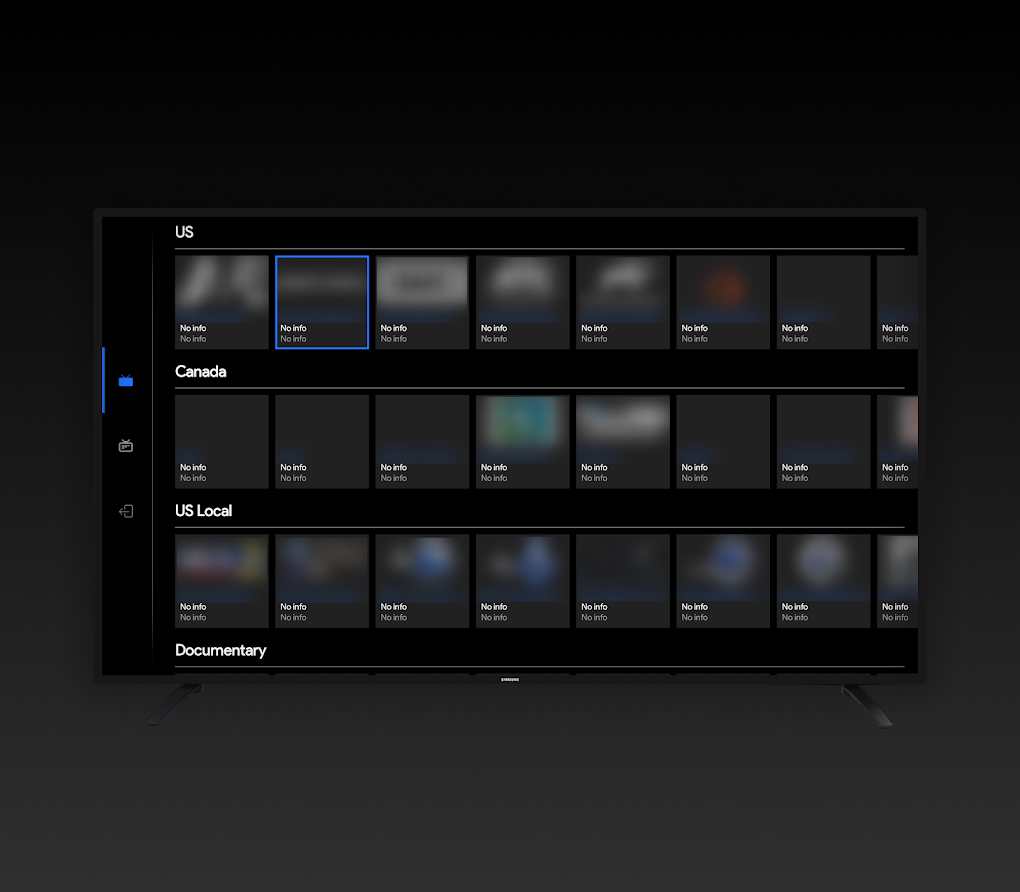
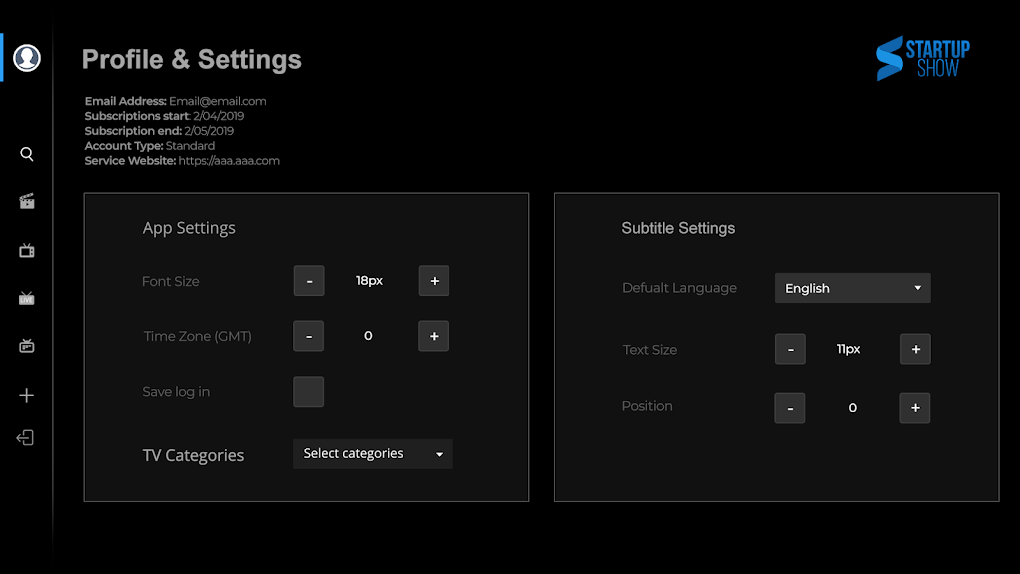
The user interface (UI) is designed for simplicity and ease of use. Navigation is intuitive, allowing users to quickly access and manage their playlists, adjust playback settings, and utilize the AirPlay functionality. The absence of ads contributes significantly to a more enjoyable and uninterrupted viewing experience, a stark contrast to many free streaming apps that rely heavily on advertisements. The clean design and streamlined interface make Startup Show TV a joy to use, even for those unfamiliar with similar streaming applications.
Alternative Applications and Community Feedback
While Startup Show TV stands out for its features and user-friendly interface, several alternative applications offer similar functionalities. However, the unique combination of a powerful built-in player, support for a wide range of formats, and the inclusion of EPG and remote playlist support sets Startup Show TV apart from many competitors.
Currently, there are no user reviews available for Startup Show TV on the Google Play Store at the time of writing this review. This absence of reviews presents an opportunity for early adopters to shape the future development and improvement of the application by providing valuable feedback. By sharing their experiences, users can contribute directly to the app’s evolution and help to improve its functionality and user experience for everyone.
Conclusion: A Powerful and Flexible Streaming Solution
Startup Show TV offers a compelling solution for Android users seeking a versatile and powerful streaming application. Its key strengths lie in its robust built-in player, broad format support, convenient features like AirPlay mirroring and EPG, and its completely ad-free experience. While the app doesn’t supply content itself, its user-friendly interface and ease of use make it a valuable tool for managing and enjoying personally sourced streaming content. The absence of user reviews presents an opportunity for initial users to contribute significantly to the app’s development and future improvements. If you’re searching for a flexible and powerful streaming app that prioritizes user control and a clean viewing experience, Startup Show TV deserves a serious look. Remember to always respect copyright laws and only stream content you have the right to access.
File Information
- License: “Free”
- Version: “2.4.5”
- Latest update: “August 7, 2025”
- Platform: “Android”
- OS: “Android 13.0”
- Language: “English”
- Downloads: “1.6K”
- Download Options: “Google Play”


