WhatsApp, a ubiquitous messaging app, offers a convenient way to share photos and videos with friends and family through its “Status” feature. However, WhatsApp itself doesn’t provide a built-in mechanism to save these statuses, leaving users who want to preserve them with limited options. This is where third-party apps like “Status Saver for WhatsApp” step in, offering a simple and effective solution to download and manage WhatsApp statuses. This guide explores the functionality, advantages, and potential drawbacks of using such apps.
Understanding Status Saver for WhatsApp
Status Saver for WhatsApp, developed by Jikan Software, is a free Android application designed specifically to download and save WhatsApp statuses. Unlike the official WhatsApp app, this third-party tool circumvents the built-in limitations, allowing users to easily store their favorite or important status updates. The app operates independently of the WhatsApp app, meaning you don’t need to log in to your WhatsApp account to use it. This separation ensures a degree of privacy and avoids potential security concerns associated with granting a third-party app access to your WhatsApp account.
The application’s primary function is straightforward: to provide a convenient method for downloading and organizing WhatsApp statuses. It achieves this by offering a simple interface and a categorized storage system. This makes it significantly easier to manage downloaded statuses compared to manually saving them from WhatsApp notifications or screenshots.
How Status Saver for WhatsApp Works
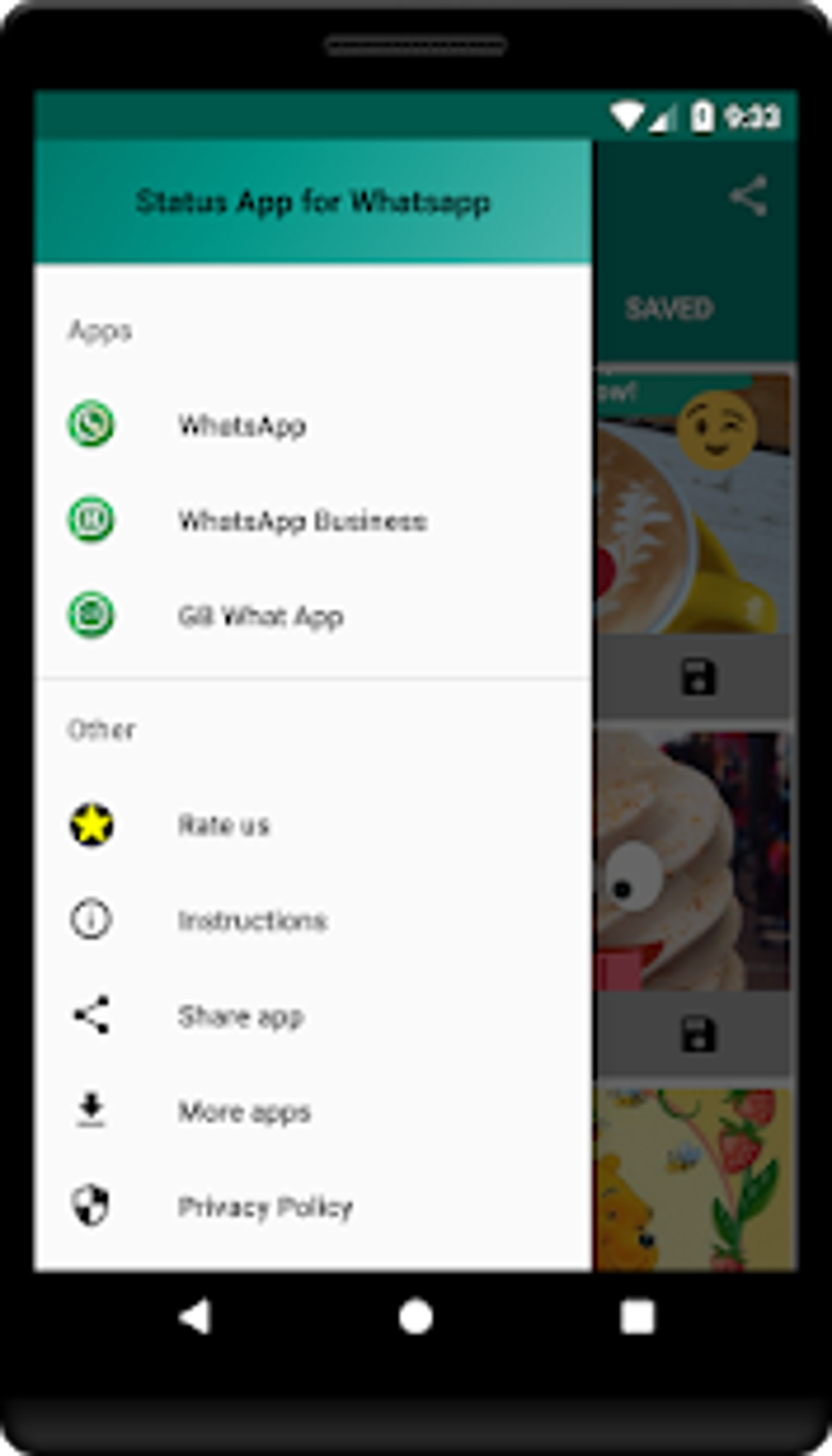
The app features a user-friendly interface designed for ease of use. The main screen displays three key tabs:
-
Picture: This section stores all the downloaded image statuses. Images are automatically organized into this category upon saving. This organization ensures quick and easy access to specific types of downloaded content.
-
Videos: Similar to the “Picture” tab, this section is dedicated to storing downloaded video statuses. The categorization simplifies the process of finding and replaying desired video statuses.
- SAVED: This tab provides a consolidated view of all downloaded statuses—both images and videos—regardless of their original source. This provides a central location for reviewing all saved content within the app.
The app’s functionality extends to various WhatsApp versions, including standard WhatsApp, WhatsApp Business, and GB WhatsApp. This broad compatibility ensures that users across different platforms can benefit from the app’s features. To save a status, the user simply needs to view the status within their respective WhatsApp client, then select either the “Share” or “Save” option, directing the status to the Status Saver for WhatsApp app. This straightforward process requires minimal user interaction, facilitating a fast and efficient workflow.
Key Features and Benefits
Status Saver for WhatsApp offers several advantages over other methods of saving WhatsApp statuses:
-
Automatic Saving: The app automates the saving process. Once you view a status, it is automatically downloaded and stored in the appropriate category (Picture or Video). This eliminates the need for manual screenshots or downloads.
-
Organized Gallery: The app’s categorized gallery simplifies the management of saved statuses. Having separate sections for images and videos ensures easy navigation and prevents the clutter often found when saving statuses through other methods.
-
User-Friendly Interface: The app’s intuitive interface requires minimal technical expertise, making it accessible to users of all levels. This simple design enhances the overall user experience, ensuring the app remains easy to use and navigate.
-
No Registration Required: The app does not require any user registration or login, thereby preserving user privacy and eliminating unnecessary account creation. This design choice prioritizes user data security and simplifies the application’s overall usage.
-
Multi-Platform Support: Its compatibility across different WhatsApp versions (standard WhatsApp, WhatsApp Business, and GB WhatsApp) is another key advantage, catering to a broader user base. This feature increases the utility and reach of the application.
-
Privacy Focused: The developers emphasize their commitment to user privacy, assuring users that the app does not access or store any personal data beyond the downloaded statuses. This reinforces user trust and security.
Limitations and Considerations
While Status Saver for WhatsApp provides a convenient solution, it’s important to acknowledge its limitations:
-
Limited Functionality: The app’s functionality is primarily focused on saving statuses; it doesn’t offer any additional features like editing or sharing functionalities. Users seeking more advanced tools may need to look at alternative apps.
-
Third-Party App Dependence: As a third-party app, it depends on the WhatsApp API and its policies. Any updates or changes to WhatsApp’s functionality could potentially affect the app’s performance. This inherent reliance makes the application susceptible to compatibility issues.
-
Potential Copyright Concerns: Saving copyrighted statuses without permission from the original creator may violate copyright laws. Users should be mindful of the legal implications before downloading and distributing such content. This legal caveat stresses the user’s responsibility when utilizing the app’s functions.
- Security Risks (General): Using third-party apps always carries a small risk. While the developers emphasize privacy, users should always download apps from trusted sources to minimize the chance of malware or security breaches. This reminder highlights the general security concerns associated with installing apps from untrusted sources.
Alternatives and Comparisons
Several alternative apps provide similar functionality to Status Saver for WhatsApp. However, some alternatives may offer additional features or have different strengths and weaknesses. Choosing the right app depends on individual needs and preferences. A comparative analysis should consider factors such as interface design, features offered, and user reviews. The marketplace is full of comparable applications, each with its unique attributes.
Conclusion
Status Saver for WhatsApp offers a straightforward and efficient solution for saving WhatsApp statuses. Its user-friendly interface, automatic saving feature, and categorized gallery make it an attractive option for users who want to easily preserve their favorite status updates. However, users should be mindful of its limitations, potential legal implications, and the general risks associated with using third-party apps. Always download apps from trusted sources and use caution when saving copyrighted material. Weighing the advantages and disadvantages carefully, and considering available alternatives, will help you determine if Status Saver for WhatsApp aligns with your specific requirements. Remember, responsible and ethical usage of any app is paramount.
File Information
- License: “Free”
- Latest update: “May 20, 2025”
- Platform: “Android”
- OS: “Android 9.0”
- Downloads: “116.2K”
- Size: “4.83 MB”
- Download Options: “APK, Google Play”
- Filename: “com-jikansotware-whatsappguardarestado-10-50303695-3d529e23c5b9f06d6a412ebbecea53c0.apk”