
Stylish is a free browser extension that empowers users to dramatically alter the visual appearance of websites, offering a personalized browsing experience unlike any other. This in-depth exploration will examine Stylish’s capabilities, its ease of use, its limitations, and its place within the broader landscape of browser customization. We’ll cover everything from basic usage to advanced techniques, providing a comprehensive understanding of this powerful tool.
Transforming the Web: Stylish’s Core Functionality
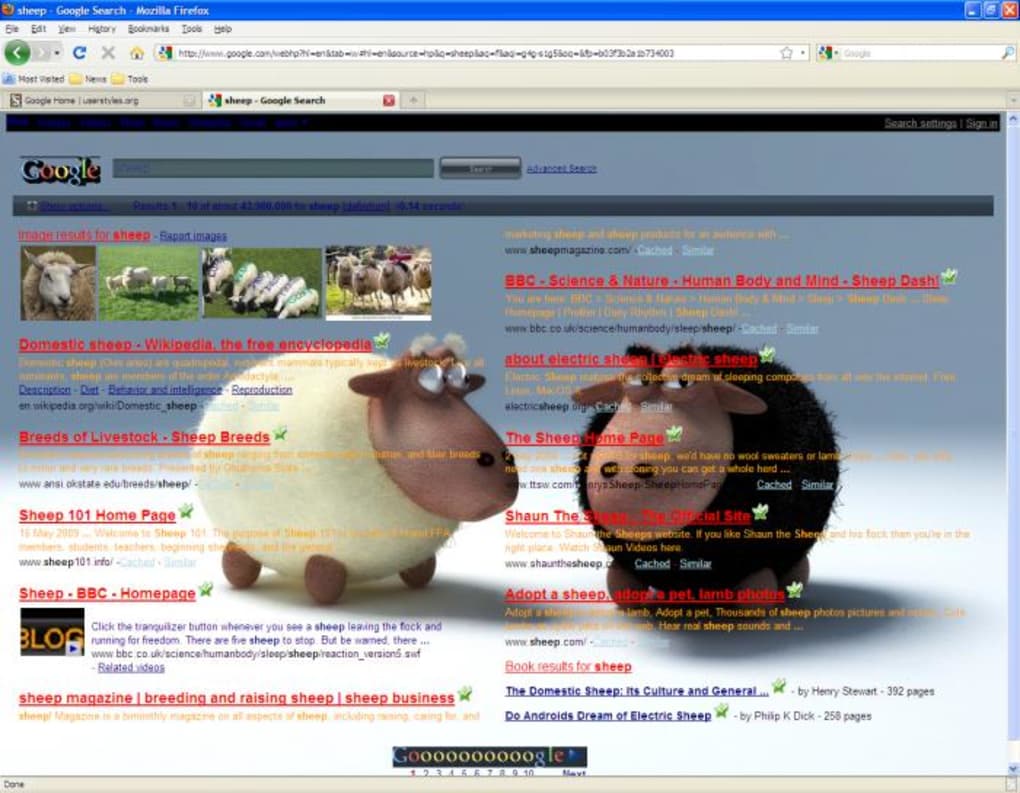
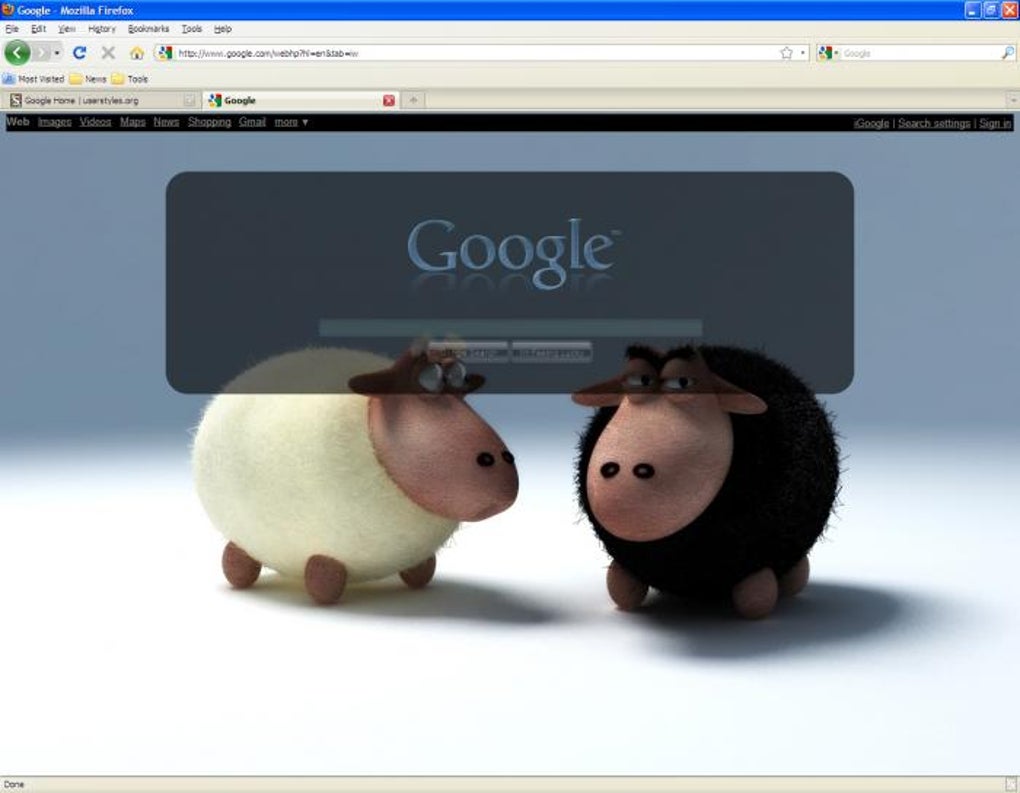
At its heart, Stylish functions as a user style manager. It works by seamlessly integrating user-created or pre-existing Cascading Style Sheets (CSS) files with a website’s existing code. This allows for profound visual transformations without altering the underlying content of the page itself. The changes implemented by Stylish range from subtle tweaks to complete overhauls, offering a wide spectrum of customization possibilities. Imagine transforming a bland news site into a vibrant, minimalist masterpiece, or adjusting the color scheme of your favorite online store to perfectly match your aesthetic preferences. This level of control is what sets Stylish apart from many other browser extensions.
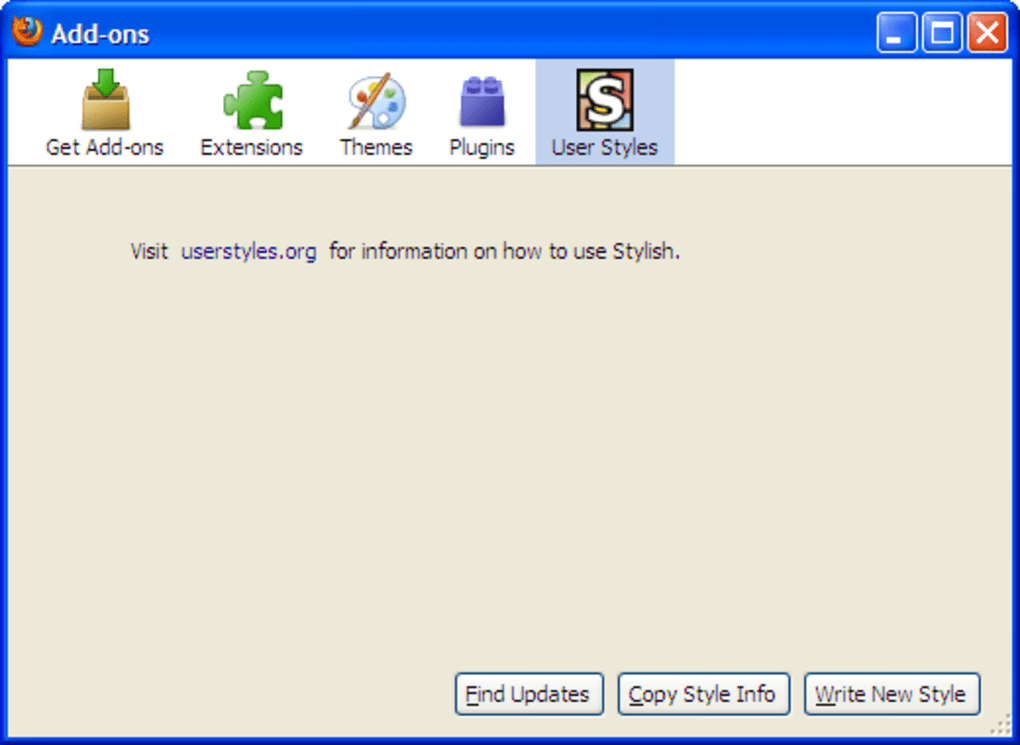
One of the key strengths of Stylish lies in its extensive library of pre-made themes. Sourced from Userstyles.org, a vibrant community of designers and developers, this repository provides a vast collection of styles catering to a diverse range of tastes and preferences. Whether you’re searching for a minimalist theme, a retro design, or something entirely unique, the chances are high that you’ll find something to your liking within this ever-expanding collection. This eliminates the need for coding expertise for most users, making Stylish accessible to a broad audience.
However, Stylish isn’t limited to pre-made themes. For users with a background in web development, or those eager to learn CSS, the extension offers a powerful built-in code editor. This allows for the creation of completely custom styles, providing an unparalleled level of control over the visual presentation of any website. You can meticulously adjust colors, fonts, layouts, and virtually any other visual element to create a truly personalized experience tailored precisely to your needs. This feature opens up a world of possibilities for those who want to go beyond pre-existing designs and create unique, one-of-a-kind themes.
User-Friendly Interface and Ease of Use
Despite its powerful features, Stylish boasts a surprisingly user-friendly interface. Installing the extension is a straightforward process, involving a simple download and installation through your browser’s extension manager. Once installed, a neatly designed icon will appear in your browser’s toolbar, providing quick and easy access to Stylish’s functionality.
Activating a style is equally intuitive. Simply navigate to the website you want to modify, click the Stylish icon, and browse the available themes. The extension cleverly presents the top six most popular styles for the current website, making it easy to find a suitable option. If none of the default options appeal, clicking “Find more styles for this site” opens up the vast library of user-created themes, allowing you to explore a wealth of possibilities.
The process of installing and managing styles is equally simple. A clear and concise interface guides you through each step, ensuring a hassle-free experience. The ability to quickly enable or disable styles allows for seamless transitions between different designs, making it easy to experiment and find the perfect look for each website.
Beyond Pre-Built Themes: Creating Custom Styles
While the vast library of pre-made themes makes Stylish incredibly accessible to casual users, the real power of the extension lies in its capacity for creating custom styles. For those comfortable with CSS, the built-in code editor allows for comprehensive control over a website’s visual presentation. This feature empowers users to create truly unique and personalized styles, going beyond the limitations of pre-existing designs.
The code editor is well-integrated into the extension’s interface, providing a convenient platform for creating, modifying, and saving custom styles. While a certain level of technical knowledge is required, the editor itself is relatively intuitive and easy to navigate. However, it’s worth noting that Stylish does not offer comprehensive, beginner-friendly tutorials within the extension itself. For users new to CSS, it would be beneficial to seek external resources to understand the fundamental concepts and syntax of the language. This is a key area where the extension could be improved. The inclusion of basic tutorials or links to helpful resources would greatly enhance its accessibility to a broader range of users.
The Stylish Community and Support
Stylish is more than just a browser extension; it’s a thriving community of designers and developers. The Userstyles.org platform provides a central hub for sharing and collaborating on styles. This allows users to not only access a wide variety of pre-made themes but also contribute their own creations, fostering a collaborative environment of creativity and innovation.
Beyond the Userstyles.org platform, the Stylish community extends to other platforms such as Discord. This provides a venue for users to connect with each other, share tips and tricks, request custom designs, and generally engage with a passionate and helpful community. This active community support significantly enhances the user experience, providing a valuable resource for those seeking assistance or inspiration.
Limitations and Areas for Improvement
While Stylish is a powerful and generally user-friendly tool, it does have some limitations. The most notable is the lack of integrated, beginner-friendly tutorials for its code editor. This hurdle can prevent users without prior CSS experience from fully leveraging the extension’s potential. While external resources exist, incorporating basic tutorials or guided exercises directly within the extension would greatly improve accessibility for novice users.
Another minor limitation is the potential for compatibility issues with certain websites. While generally robust, some websites may not fully support all aspects of custom styles, leading to unexpected results. This is not a unique problem for Stylish, as it’s inherent to the nature of browser extensions and their interaction with diverse website code. However, it is a factor to consider when exploring the possibilities of website customization.
Conclusion: Stylish – A Powerful Tool for Personalized Browsing
Stylish is a versatile and powerful browser extension that enables users to drastically change the look and feel of their online experience. Its intuitive interface, extensive library of pre-made themes, and powerful custom styling capabilities cater to a wide range of users, from casual browsers to experienced developers. While the lack of integrated tutorials for its code editor represents a limitation, the overall user experience is generally positive, aided significantly by the active and supportive community surrounding the extension. Stylish offers a compelling way to personalize your browsing experience, making the internet a more visually pleasing and enjoyable space. The extension’s ongoing development and the continued contributions of its active community suggest that its functionality and accessibility are likely to improve further in the future.
File Information
- License: “Free”
- Latest update: “October 18, 2024”
- Platform: “Windows”
- OS: “Windows 95”
- Language: “English”
- Downloads: “133.2K”


