
Sumo Paint presents itself as a free, fully-featured image editing and digital painting application, aiming to compete with industry giants like Photoshop and GIMP. This review delves into its strengths and weaknesses, examining its user interface, toolset, performance, and overall value proposition. We’ll explore whether Sumo Paint truly lives up to its ambitious claim of being a powerful and versatile alternative to established graphic design software.
User Interface and Ease of Use
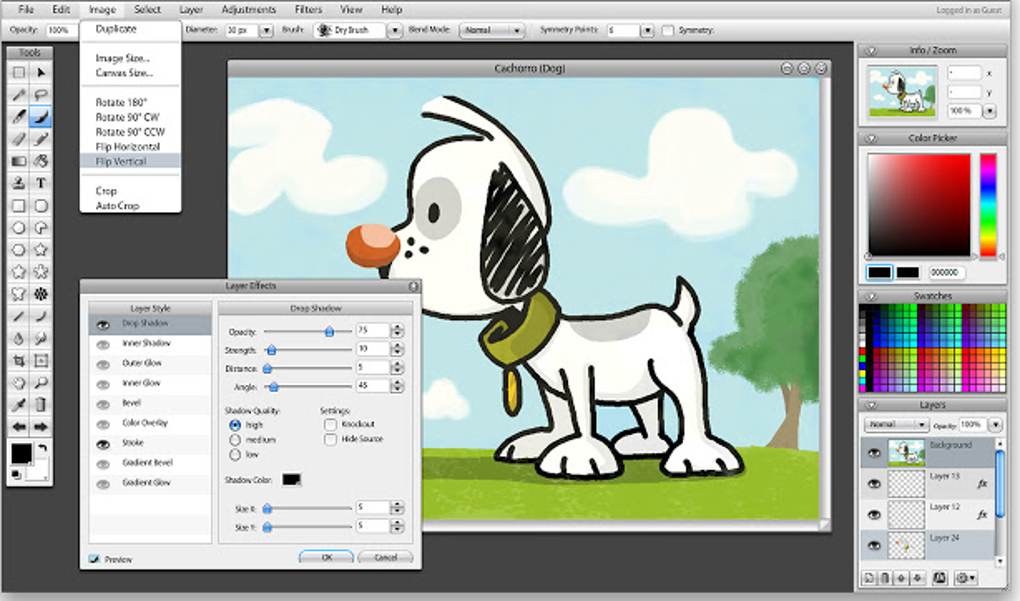
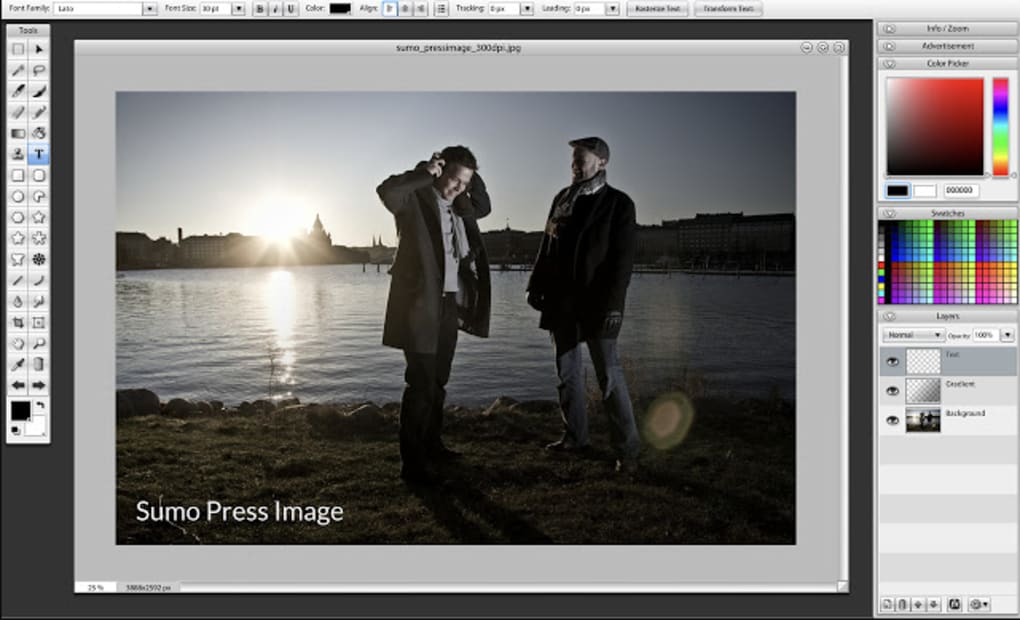
Sumo Paint boasts a familiar interface, deliberately designed to resemble the layout of professional applications such as Photoshop. This familiarity can be a significant advantage for users already acquainted with these industry standards, allowing for a smoother transition and quicker learning curve. The application dedicates a substantial portion of the window to the primary drawing canvas, neatly organizing tools around the perimeter. This layout prioritizes the user’s creative space, minimizing distractions and promoting a focused workflow. A notable positive is the absence of intrusive advertisements, a refreshing change from many free photo editing applications. Furthermore, Sumo Paint provides comprehensive tooltips and information, making it accessible even for novice users. Each tool’s function is clearly explained, enabling users to understand and utilize its capabilities effectively, regardless of their prior experience with digital painting or photo editing.
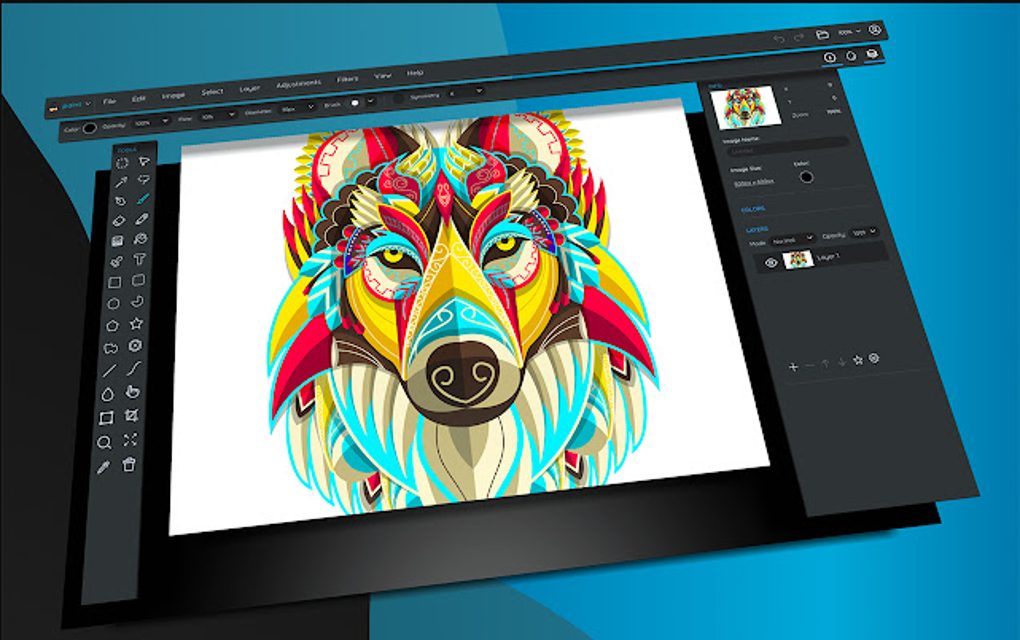
However, this seemingly straightforward interface masks some underlying performance issues. While intuitive in its layout, the application’s responsiveness can be a significant drawback. Applying corrections, adjustments, and filters frequently results in noticeable lag and delays. This sluggish performance significantly impacts the user experience, especially when working on larger canvases or complex projects. The responsiveness of the sliders used for precise adjustments is another point of concern; their implementation feels overly sensitive and imprecise, hindering the ability to make fine-grained modifications. These performance shortcomings detract from the otherwise well-designed and user-friendly interface.
Feature Set and Tool Functionality
Sumo Paint offers a robust set of tools for both digital painting and basic photo editing. The array of brushes, filters, and effects is impressive, providing a wide range of creative possibilities. The inclusion of a Symmetry Tool is a notable feature, facilitating the creation of intricate symmetrical patterns and geometric shapes. Other functionalities, such as translucency, shadow casting, and gradient tools, further enhance the creative potential. The application supports multiple layers, enabling users to work non-destructively and easily manage different elements within their artwork. Furthermore, Sumo Paint allows image import via URL or from local storage, supporting a variety of common image formats. The presence of Photoshop-like functions adds a layer of familiarity and convenience for those transitioning from other professional image editing software.
Despite its comprehensive feature set, Sumo Paint suffers from significant limitations, particularly in its free version. A considerable portion (approximately 80%) of the photo editing tools are unavailable to free users, severely restricting the application’s functionality for those unwilling or unable to subscribe to the pro version. This drastically limits the practicality of the free edition, rendering it largely unusable for serious photo editing tasks. The lack of drag-and-drop functionality further hampers workflow efficiency, requiring users to navigate menus and dialog boxes, a cumbersome process that interrupts creative flow. This stark difference in capabilities between the free and pro versions raises concerns about the overall value proposition of the free offering. The free version essentially acts as a limited demonstration, forcing users to pay for a significant portion of the application’s full potential.
Performance and System Requirements
Sumo Paint’s performance is arguably its most significant weakness. The application’s sluggish response to user input, particularly during complex edits and filter applications, severely impacts workflow. The delays experienced when making color corrections or applying various effects are substantial enough to disrupt the creative process and hinder productivity. This performance bottleneck appears to be a persistent issue, affecting both the free and pro versions, indicating a broader problem with the application’s underlying architecture or optimization.
Beyond the immediate lag experienced during use, the application’s startup time can also be lengthy, adding to the overall inconvenience. These performance issues significantly diminish the user experience, making Sumo Paint less appealing compared to alternative applications that offer a smoother and more responsive workflow. While the exact system requirements are not explicitly listed, the application’s reliance on Adobe AIR suggests a potential need for a relatively powerful machine to mitigate some of the performance issues. However, even on adequately equipped systems, the lag persists, implying underlying coding or optimization inefficiencies.
Comparison to Alternatives and Overall Value
Sumo Paint, despite its ambitions, falls short of being a compelling alternative to established digital painting and photo editing applications. While its interface is user-friendly and its feature set is impressive, the significant performance issues and the restrictive nature of its free version significantly detract from its overall value. The stark limitations imposed on the free users, rendering the majority of features inaccessible, cast doubt on the fairness and transparency of the application’s freemium model.
Compared to free alternatives such as Krita or GIMP, Sumo Paint lacks the stability and responsiveness that are crucial for a smooth creative process. Paid options like Photoshop, while considerably more expensive, provide a significantly superior user experience, with vastly improved performance, a broader toolset, and more refined features. Therefore, Sumo Paint occupies an awkward middle ground, failing to convincingly compete with either free or paid competitors. Its strengths – a user-friendly interface and a diverse range of tools – are overshadowed by its significant weaknesses: poor performance and a restrictive freemium model. Consequently, Sumo Paint’s current iteration does not represent a viable alternative for serious digital artists or photo editors.
Conclusion
Sumo Paint’s potential is undeniable; the interface is intuitive, the tools are varied, and the concept is sound. However, until the underlying performance issues are addressed and the limitations of the free version are reevaluated, Sumo Paint remains a flawed application that struggles to justify its existence in a competitive market. The slow application of corrections, lag in tool responsiveness, and the substantial restrictions of the free version significantly diminish its usability and overall appeal. While promising in certain aspects, Sumo Paint needs substantial improvement before it can realistically challenge the established leaders in the digital painting and photo editing landscape. Currently, it is not recommended for serious creative work due to its substantial performance limitations.
File Information
- License: “Free”
- Version: “11.0”
- Latest update: “May 24, 2023”
- Platform: “Windows”
- OS: “Windows 8”
- Language: “English”
- Downloads: “14.7K”


