
Supp Browser is a free utility tool designed for Android users who value a lightweight and highly customizable web browsing experience. Its minimalist approach prioritizes memory efficiency, making it an excellent choice for devices with limited resources. Unlike bloated browsers filled with unnecessary features and constant updates, Supp Browser empowers users to create a personalized browsing environment tailored precisely to their needs, minimizing distractions and maximizing efficiency. This article delves into the features, benefits, and overall user experience of Supp Browser.
Core Features: Simplicity and Control
Supp Browser’s strength lies in its streamlined design and user-centric features. Instead of overwhelming users with a plethora of options, it focuses on providing essential functionalities with a clean, intuitive interface. This simplicity translates to faster loading times, reduced battery drain, and a more enjoyable browsing experience, especially on lower-end devices. Key features include:
-
Minimalist Interface: The browser boasts a clean and uncluttered interface, free from distracting elements. This minimalist design enhances focus and improves overall browsing speed. Users can easily navigate to their favorite sites and manage their browsing data without unnecessary visual clutter.
-
Customizable Settings: Users have extensive control over their browsing experience. This includes the ability to select their preferred search engine, customize the homepage, and manage various settings to optimize performance and privacy. This level of customization ensures Supp Browser adapts to individual needs and preferences.
-
Essential Browsing Tools: While prioritizing minimalism, Supp Browser includes all the necessary tools for a functional browsing experience. These include a comprehensive search history, a detailed access history, and a robust bookmark management system allowing users to easily save and access their favorite websites. The ability to add, edit, and organize bookmarks provides a highly personalized and efficient browsing experience.
-
Incognito Mode: For those who value their online privacy, Supp Browser offers an incognito mode. This feature allows users to browse the web without storing their browsing history, cookies, or other data. This makes it an ideal choice for users who want to maintain their online anonymity and privacy.
-
Quick Access to Resources: The browser’s design facilitates quick access to frequently used resources and settings. This contributes to a significantly improved user experience, making daily browsing more efficient and less time-consuming.
Performance and Efficiency: A Lightweight Champion
In a world of resource-intensive web browsers, Supp Browser stands out with its commitment to efficiency. Its lightweight design ensures minimal impact on device performance and battery life. This makes it ideal for older devices or those with limited processing power and RAM. The benefits extend beyond just speed; efficient resource utilization also contributes to a more sustainable mobile experience, reducing the environmental impact of excessive data consumption and battery usage.
Privacy and Security: A User-Focused Approach
Supp Browser doesn’t compromise on user privacy and security despite its minimalist design. The inclusion of incognito mode provides a secure browsing option for those who prioritize anonymity and data protection. While the browser itself doesn’t integrate advanced security features like built-in ad blockers or VPN capabilities, its lightweight nature and the absence of bundled software reduces the potential attack surface, contributing to a more secure browsing environment. This allows users to supplement the browser with their preferred security and privacy extensions or applications.
User Experience: Simple, Intuitive, and Effective
The overall user experience with Supp Browser is characterized by its simplicity and intuitiveness. The clean interface and easy navigation ensure that even novice users can easily find their way around the browser. The streamlined feature set minimizes distractions and encourages a more focused browsing experience, making it a pleasure to use. The ability to customize the browser to individual preferences adds a further layer of user satisfaction. This personalization is a key differentiator, allowing users to create a truly unique and effective browsing experience tailored precisely to their needs and preferences.
Comparison to Other Browsers: Standing Out From the Crowd
Supp Browser differentiates itself from other Android browsers through its unwavering focus on minimalism and efficiency. While other browsers often prioritize features and add-ons, Supp Browser prioritizes core browsing functionality, creating a faster and more efficient experience. It’s the ideal choice for users who want a browser that gets out of the way and lets them focus on content, rather than battling with an overly complex interface or slow loading times. This makes it a strong contender for users looking for a lightweight, faster alternative to more resource-intensive browsers.
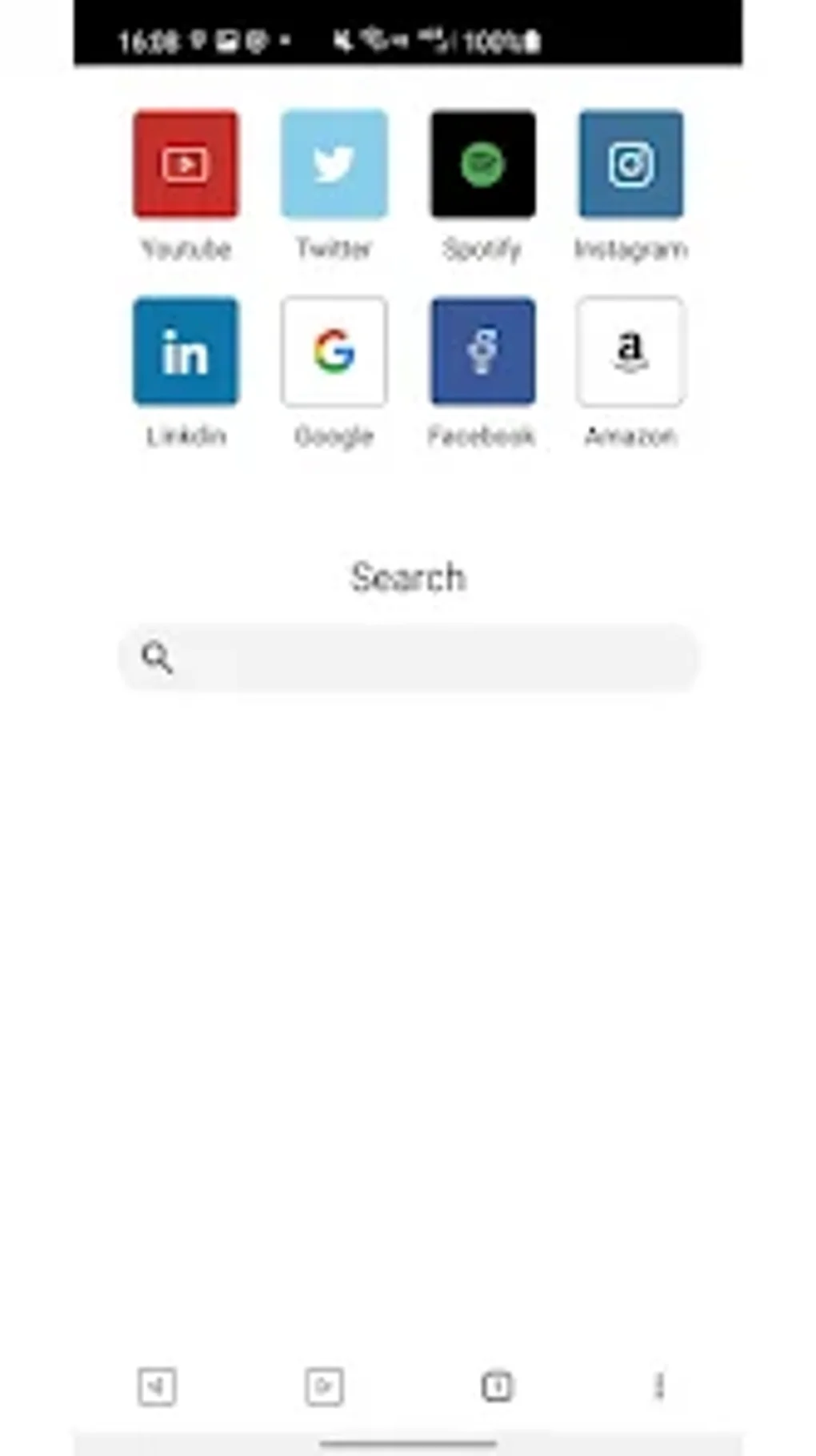
The absence of bloatware and unnecessary features allows Supp Browser to maintain its lightweight profile, which translates directly to improved performance and a more enjoyable user experience, especially compared to browsers laden with built-in ad blockers, VPNs, and other potentially resource-intensive features. Users seeking a streamlined and uncluttered experience will find Supp Browser an appealing alternative.
Conclusion: A Minimalist Masterpiece for Efficient Browsing
Supp Browser provides a refreshing alternative to the increasingly complex and resource-hungry web browsers prevalent on the Android platform. Its commitment to a minimalist design, coupled with essential features and a focus on user customization, makes it a compelling choice for users who prioritize efficiency, performance, and a clean, uncluttered browsing experience. Whether you have a high-end device or a more modest one with limited resources, Supp Browser offers a reliable and enjoyable way to navigate the web. Its dedication to user control allows users to craft a browsing experience perfectly suited to their individual needs, ensuring a faster, more efficient, and more enjoyable online journey. For those seeking a lightweight and customizable Android browser, Supp Browser deserves serious consideration.
Frequently Asked Questions (FAQ)
Q: Is Supp Browser safe to use?
A: PhanMemFree has scanned the Supp Browser application and its associated files using multiple industry-leading antivirus engines. No malicious code or threats have been detected. However, it is always recommended to practice safe internet habits, regardless of the browser you use. Keep your software updated, be cautious of suspicious websites, and use strong passwords.
Q: Does Supp Browser support extensions?
A: Currently, Supp Browser does not support browser extensions. The focus remains on core browsing functionality and a lightweight user experience.
Q: Does Supp Browser have a built-in ad blocker?
A: No, Supp Browser does not have a built-in ad blocker. This design choice helps maintain its lightweight nature and fast loading speeds.
Q: How can I provide feedback or report issues?
A: You can submit feedback and report any issues you encounter directly through the application or by contacting the developer through PhanMemFree’s platform.
Q: Is Supp Browser available for other platforms besides Android?
A: Currently, Supp Browser is only available for Android devices. There are no plans to release versions for other platforms at this time.
Q: Does Supp Browser consume a lot of data?
A: Due to its lightweight design, Supp Browser’s data consumption is generally quite low, especially compared to more feature-rich browsers. However, data usage will still depend on your browsing habits and the websites you visit.
Q: Can I sync my bookmarks and browsing history across devices?
A: No, currently Supp Browser doesn’t support cross-device syncing of bookmarks or browsing history. This functionality might be considered for future updates.
Q: What is the minimum Android version required to run Supp Browser?
A: This information should be clearly specified on the PhanMemFree app listing. Please refer to the app’s description page for the minimum Android OS version requirement.
Q: Is Supp Browser open source?
A: The open-source status of Supp Browser should be detailed on the PhanMemFree application description page. If it is not stated explicitly, it is assumed that the source code is not publicly available.
File Information
- License: “Free”
- Version: “v3.0.0”
- Latest update: “November 30, 2024”
- Platform: “Android”
- OS: “Android 13.0”
- Language: “English”
- Downloads: “1.9K”
- Download Options: “Google Play”


