The SWF Player - Flash File Viewer is a free utility app designed to play .swf files on Android devices. Developed by issess, this application offers a range of features aimed at simplifying the viewing experience, including zoom functionality, play/stop controls, fullscreen mode, and even a virtual mouse. While seemingly straightforward, its reliance on a now-obsolete technology significantly impacts its usability and overall effectiveness in the current Android ecosystem. This review delves into the app’s strengths, weaknesses, and overall suitability for modern Android users.
Ease of Use and Core Functionality
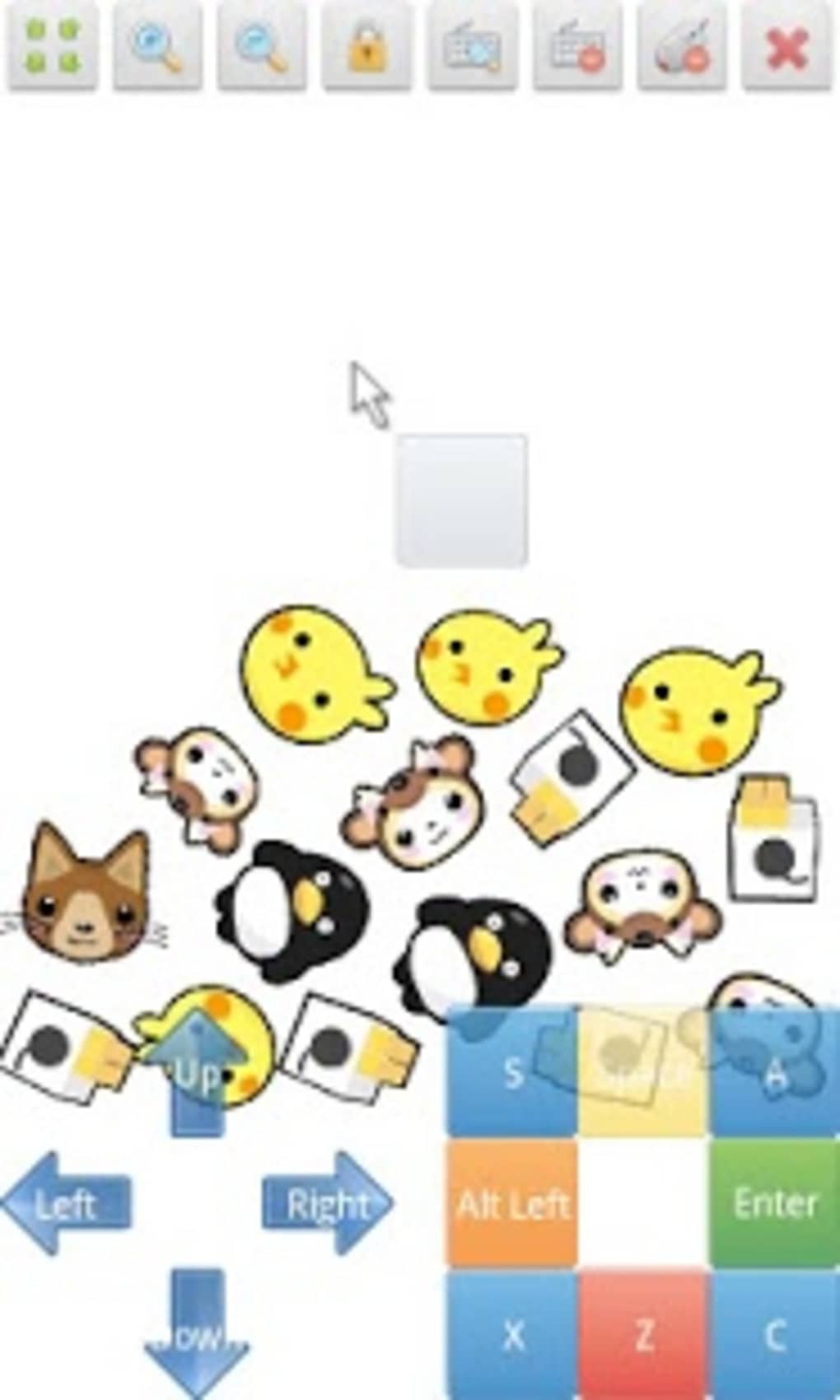
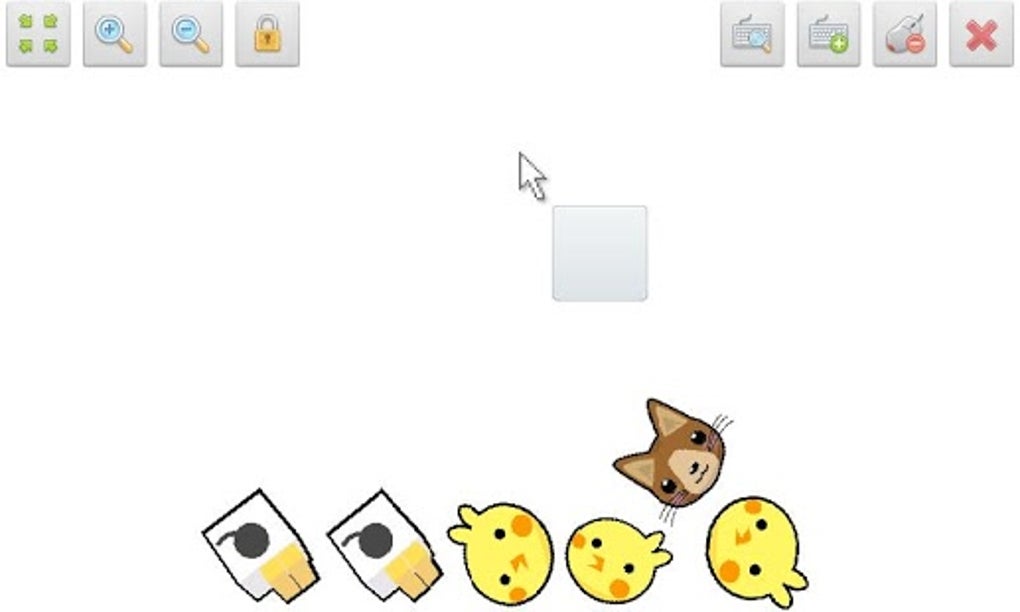
The SWF Player - Flash File Viewer boasts a user-friendly interface, allowing for quick and intuitive navigation. The core function, playing .swf files, is generally performed effectively, provided the necessary prerequisites are met. The inclusion of features like zoom, play/stop controls, and fullscreen mode enhances the viewing experience, catering to various user preferences and needs. The integrated virtual mouse further improves control and navigation within the .swf content itself.
However, a crucial limitation is its dependence on the Adobe Flash Player plugin. Adobe discontinued support for Flash Player in 2021, rendering this plugin obsolete. While the app might function on older Android devices with Flash Player pre-installed, its compatibility with newer versions of Android is severely compromised, often resulting in malfunctions and complete failure to launch .swf files. This dependence on a discontinued technology is the app’s most significant drawback.
Feature Set and Advanced Options
Beyond the basic playback functionalities, SWF Player - Flash File Viewer offers several advanced settings. Users can adjust parameters like wmode, background color, quality, and scaling. These options provide a degree of customization, enabling users to fine-tune their viewing experience to a certain extent. The ability to share .swf files via email clients like Gmail adds further practicality, facilitating easy file sharing amongst users.
Nevertheless, the usefulness of these advanced settings is somewhat mitigated by the app’s primary limitation – its reliance on a deprecated plugin. Tweaking settings might improve the visual presentation of compatible files, but the underlying compatibility issue remains a significant hurdle.
Compatibility and System Requirements
The SWF Player - Flash File Viewer app’s compatibility is primarily determined by its reliance on the Adobe Flash Player plugin. This directly impacts the range of Android versions it supports effectively. Devices running Android versions 4.0.1 and older might be able to utilize the app without significant issues, provided they have Flash Player installed. However, users with newer Android versions will almost certainly experience problems, rendering the app largely unusable. The lack of inherent support for newer Android versions significantly limits its potential user base.
Alternatives and Comparable Applications
Given the inherent limitations of SWF Player - Flash File Viewer, exploring alternative solutions is advisable for users seeking reliable .swf file playback. Several alternative apps and software programs are available, some offering native support for .swf files or utilizing updated rendering techniques that circumvent the need for Flash Player. These alternatives often provide improved performance, broader compatibility, and updated features, surpassing the capabilities of this app. Researching and choosing a modern alternative should be a priority for those seeking a consistent and reliable solution.
User Reviews and Community Feedback
While user reviews for SWF Player - Flash File Viewer are limited at this time, those that do exist reflect the core limitations of the application. The most frequent concern expressed is the incompatibility with newer Android versions. This widespread incompatibility directly relates to the app’s reliance on the discontinued Adobe Flash Player plugin. The lack of widespread usage and feedback also reflects the app’s diminishing relevance in the current Android landscape. As a result, there is a lack of ongoing development or significant updates addressing these key compatibility problems.
Conclusion: A Relic of the Past?
SWF Player - Flash File Viewer, while functional in its basic operation for a niche user base, is significantly hindered by its dependence on a discontinued technology. Its primary strength, the ease of use and inclusion of basic features like zoom and fullscreen mode, is overshadowed by its critical weakness: incompatibility with modern Android devices. The lack of support for the Adobe Flash Player plugin renders the application obsolete for the vast majority of Android users. While it might provide a solution for those with older devices and pre-installed Flash Player, the long-term viability and usefulness of this application are questionable. Considering the limited support, compatibility issues, and the availability of modern alternatives, this application is likely best avoided in favor of more contemporary and reliable .swf file viewers. Therefore, it’s strongly recommended to explore and adopt alternative solutions for a more seamless and reliable viewing experience. The SWF Player - Flash File Viewer is best viewed as a historical artifact, rather than a viable option for modern-day Android users.
App Specs and Download Information
- License: Free
- Version: 1.90-free-build-507 (and other older versions available)
- Latest Update: October 8, 2024
- Platform: Android OS (Android 13.0 and lower, with limitations)
- Language: English (with some support for Korean)
- Downloads: 10.5K
- Size: 32.15 MB
- Developer: issess
- Download Options: APK (direct download), Google Play (where available)
Alternative Apps
Several alternative applications offer similar functionality with improved compatibility and features:
- SWF Player (by BIT LABS LLC): A comparable application that might offer better performance, but its specifics need further investigation for its own compatibility issues.
- SWF Player Pro (by issess): A paid version of the app mentioned here; it’s unknown if it solves the compatibility issues or offers significant improvements beyond what’s already reviewed.
- Webgenie SWF Flash Player (by Webgenie Launcher Team): Yet another alternative that should be examined independently for its functionality, advantages, and drawbacks.
It’s important to research these alternatives thoroughly before committing to a download to ascertain their current compatibility and reliability for viewing .swf files on your Android device. Remember to always download apps from trusted sources to protect your device’s security.
File Information
- License: “Free”
- Latest update: “October 8, 2024”
- Platform: “Android”
- OS: “Android 13.0”
- Language: “English”
- Downloads: “10.4K”
- Size: “32.15 MB”
- Download Options: “APK, Google Play”
- Filename: “com-issess-flashplayer-507-68951966-9dafa95c956f004f6a3099eab67b8e5b.apk”