
Talking Ginger, from the creators of the popular Talking Tom Cat and Talking Ben the Dog series, offers a delightful and engaging experience for users of all ages. More than just a talking pet app, Talking Ginger provides a multifaceted interactive experience centered around the endearing titular character, a playful ginger cat. This review delves into the features, gameplay, and overall appeal of Talking Ginger for Windows, highlighting its strengths and weaknesses.
Engaging Gameplay and Interactive Elements
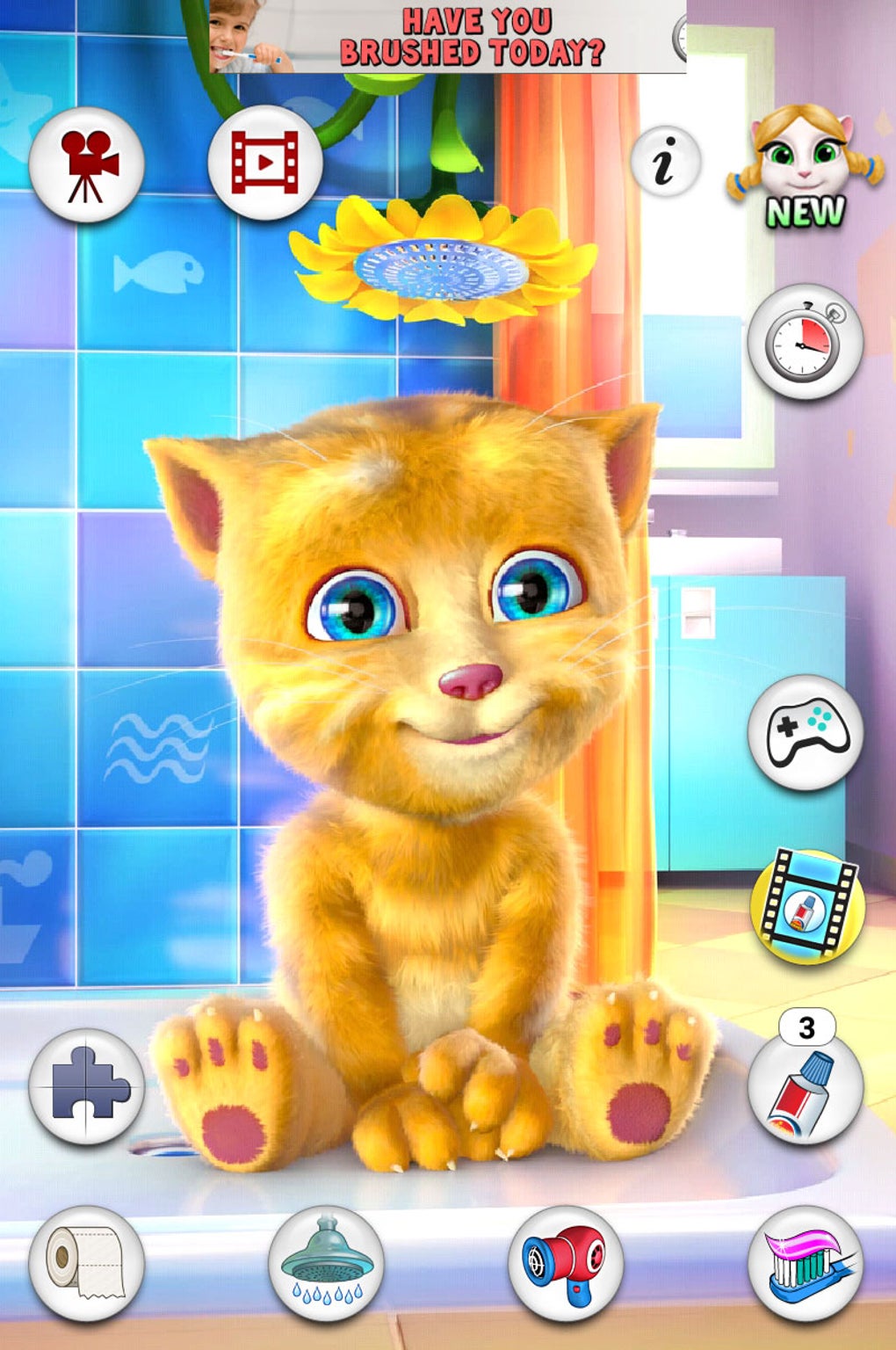
Talking Ginger distinguishes itself from simpler talking pet apps through its diverse range of interactive elements. The core gameplay loop revolves around interacting with Ginger in various ways, fostering a sense of virtual pet ownership and nurturing. Users can engage in a range of activities, contributing to a dynamic and consistently enjoyable experience.
The most straightforward interaction involves talking to Ginger. Similar to other apps in the series, users can speak into their microphone, and Ginger will hilariously repeat their words in a charming, squeaky voice. This feature, while seemingly simple, serves as a foundation for further interactions, building a playful rapport between the user and the virtual cat.

Beyond vocal interactions, Talking Ginger offers a plethora of mini-games and activities designed to engage users and provide varied gameplay. These include:
-
Brushing Ginger’s Teeth: A fun and educational mini-game that encourages good dental hygiene habits, particularly beneficial for younger users. Ginger’s animated reactions add a layer of charm and amusement to this routine task.
-
Bathing Ginger: A playful sequence where users can interact with Ginger as she enjoys a shower. The animations are delightful, emphasizing the playful nature of the app.
-
Hair Drying: Similar to the bathing sequence, this mini-game allows users to participate in Ginger’s grooming routine, contributing to the overall sense of care and interaction.
These interactive grooming elements aren’t merely cosmetic; they are integral to the app’s design, reinforcing the virtual pet dynamic. The app succeeds in its subtle educational element, implicitly teaching children about hygiene through playful interaction. This approach is much more effective than a straightforward lesson, making it an enjoyable and engaging experience.
The app also features a series of jigsaw puzzles featuring imagery from Ginger’s dreams. These puzzles offer a welcome change of pace from the grooming activities, providing a different kind of mental stimulation. The difficulty scales to keep the engagement high, ensuring an enjoyable and challenging experience for various age groups.
A unique element of the app is the inclusion of a toothbrush timer, intended to encourage good oral hygiene habits in children. This thoughtful addition reflects the app’s broader appeal, extending beyond mere entertainment to encompass subtle educational benefits. Parents can set the timer duration, allowing them to customize the experience to suit their child’s needs.
Beyond the core gameplay, the app also includes a simple toilet paper unraveling mini-game that adds a touch of unexpected fun. While seemingly insignificant, this mini-game contributes to the app’s diverse range of activities, preventing the experience from becoming monotonous.
Video Recording and Sharing Capabilities
One of the standout features of Talking Ginger is its capability to record video clips of the interactions. Users can record themselves speaking to Ginger, combined with footage of the grooming and mini-game activities. These recordings can then be shared across various social media platforms, fostering interaction and creativity. This video recording feature enhances the app’s social dimension, allowing users to share their creations with friends and family, further extending the gameplay experience.
The inclusion of a video recording and sharing feature is a strategic move that appeals to the contemporary preference for content creation and social sharing. It cleverly integrates the app into the user’s broader social media ecosystem, enhancing its engagement and longevity.
In-App Purchases and Monetization
Talking Ginger employs a freemium model, offering a core game experience for free while introducing in-app purchases for additional content and features. While this is common in the mobile app market, the implementation in Talking Ginger presents some notable aspects.
The game provides a limited number of toothpaste tubes to start, which need to be replenished through in-app purchase or by viewing advertisements. This approach ensures that the core functionality remains accessible while introducing the optional in-app purchase for those seeking an uninterrupted experience.
The abundance of promotional elements within the game, however, constitutes one of its main weaknesses. The user interface feels somewhat cluttered, with numerous options potentially leading to accidental in-app purchases. This is particularly concerning for younger users, as it can lead to unintended costs for parents.
Fortunately, the developers have included a Child Mode, designed to mitigate these concerns. This mode disables in-app purchases and video recording, thus preventing unintended spending and maintaining parental control. The inclusion of Child Mode is a crucial aspect of the app’s design, actively working to prevent accidental purchases or inappropriate content exposure. This thoughtful addition demonstrates the developer’s awareness of the target audience and commitment to providing a safe environment for children.
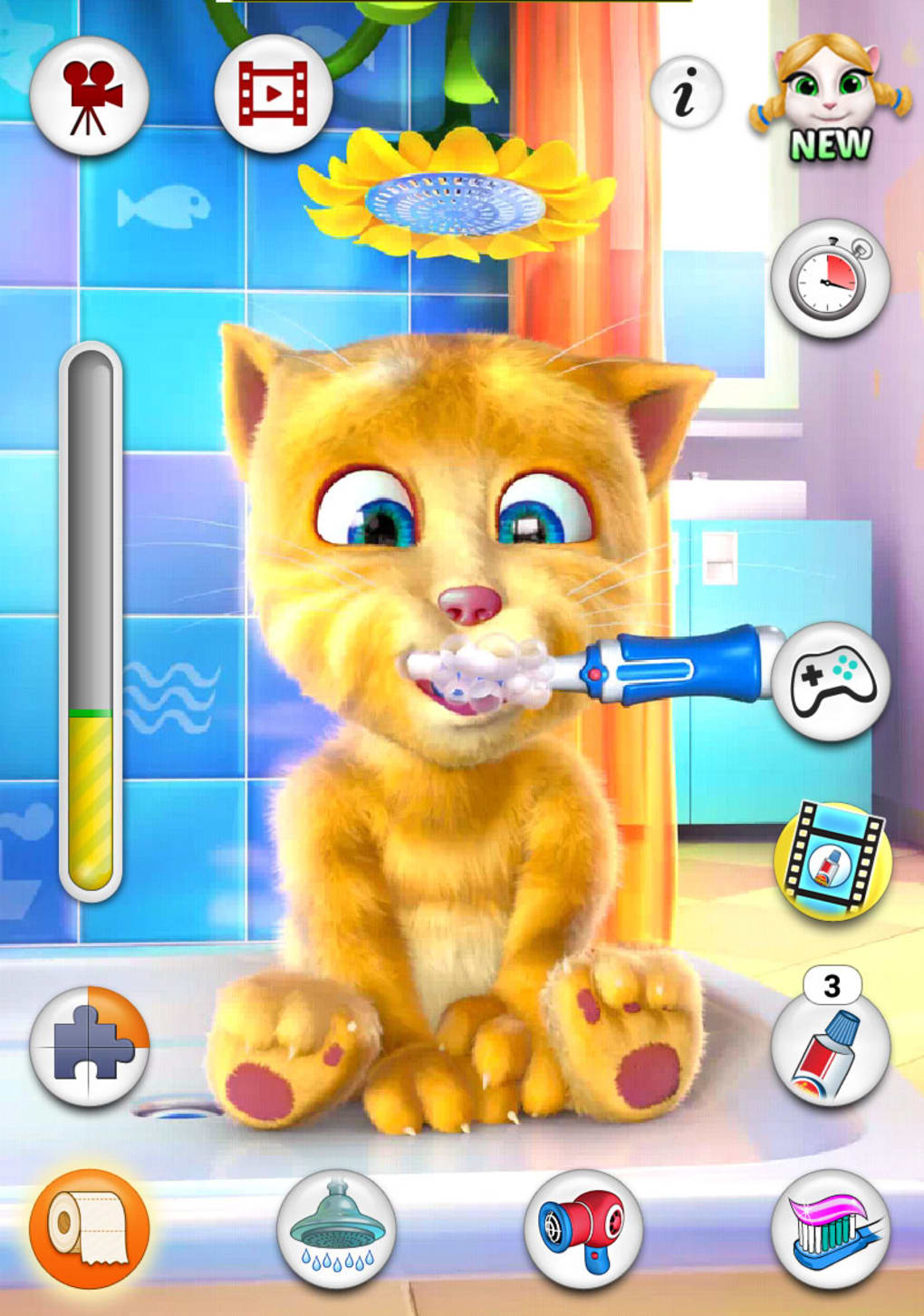
However, even with Child Mode active, the excessive number of promotional elements remains a point of concern. A redesign focusing on a cleaner user interface, with better-organized menus and less intrusive promotional banners, would significantly improve the app’s overall user experience.
Strengths and Weaknesses
Talking Ginger offers several compelling advantages. Its variety of interactive elements, including the grooming activities, mini-games, and video recording features, make it significantly more engaging than many other talking animal apps. The addition of a toothbrush timer showcases a thoughtful approach to integrating educational elements within a fun and entertaining framework. Furthermore, the inclusion of Child Mode reflects a commitment to ensuring user safety and promoting responsible app usage.
However, the app’s weaknesses also need to be addressed. The sheer number of promotional options and in-app purchase prompts can be overwhelming, especially for young children, even with Child Mode enabled. The interface might benefit from a redesign that prioritizes clarity and minimizes distractions. While the variety of games is a strength, a wider array of mini-games could help enhance the long-term engagement and reduce the potential for repetitive gameplay.
Conclusion
Talking Ginger provides a fun and engaging experience for users of all ages, successfully blending entertainment with subtle educational elements. The diverse range of interactions keeps the gameplay fresh and exciting, and the inclusion of video recording capabilities encourages user creativity and social sharing.
While the abundance of in-app purchases and promotional material might be overwhelming, the inclusion of Child Mode effectively mitigates this issue for younger users. Nevertheless, future iterations could benefit from a refined user interface that prioritizes clarity and minimizes the potential for accidental in-app purchases, ultimately enhancing the overall user experience and solidifying Talking Ginger’s position as a top-tier virtual pet app.
File Information
- License: “Free”
- Latest update: “May 18, 2015”
- Platform: “Windows”
- OS: “Windows 8.1”
- Language: “English”
- Downloads: “30.2K”


