
Talking Tom Cat, the virtual pet that captivated millions on mobile devices, made its way to Windows 10, offering a fun and interactive experience for users of all ages. This review delves into the features, gameplay, and overall experience of this popular application on the Windows platform. While the app has since been updated and improved with various iterations, this review focuses on the core experience offered in the original Windows 10 release.
Meet Talking Tom: More Than Just a Repeater
At its core, Talking Tom Cat is a virtual pet simulator. The app centers around the titular character, Tom, a charming and expressive cat who responds to user interaction in a variety of entertaining ways. Unlike a typical pet simulation, Talking Tom’s primary function is mimicking the user’s voice in a comically high-pitched, endearing tone. This simple yet effective gimmick forms the foundation of the game’s appeal, providing endless opportunities for amusement and playful interaction. Users can engage in conversations with Tom, recording and replaying their interactions for further enjoyment. The sheer novelty of hearing their voice filtered through Tom’s comical vocalization is a primary source of the game’s entertainment value.
Beyond the Voice: Interactive Gameplay Elements
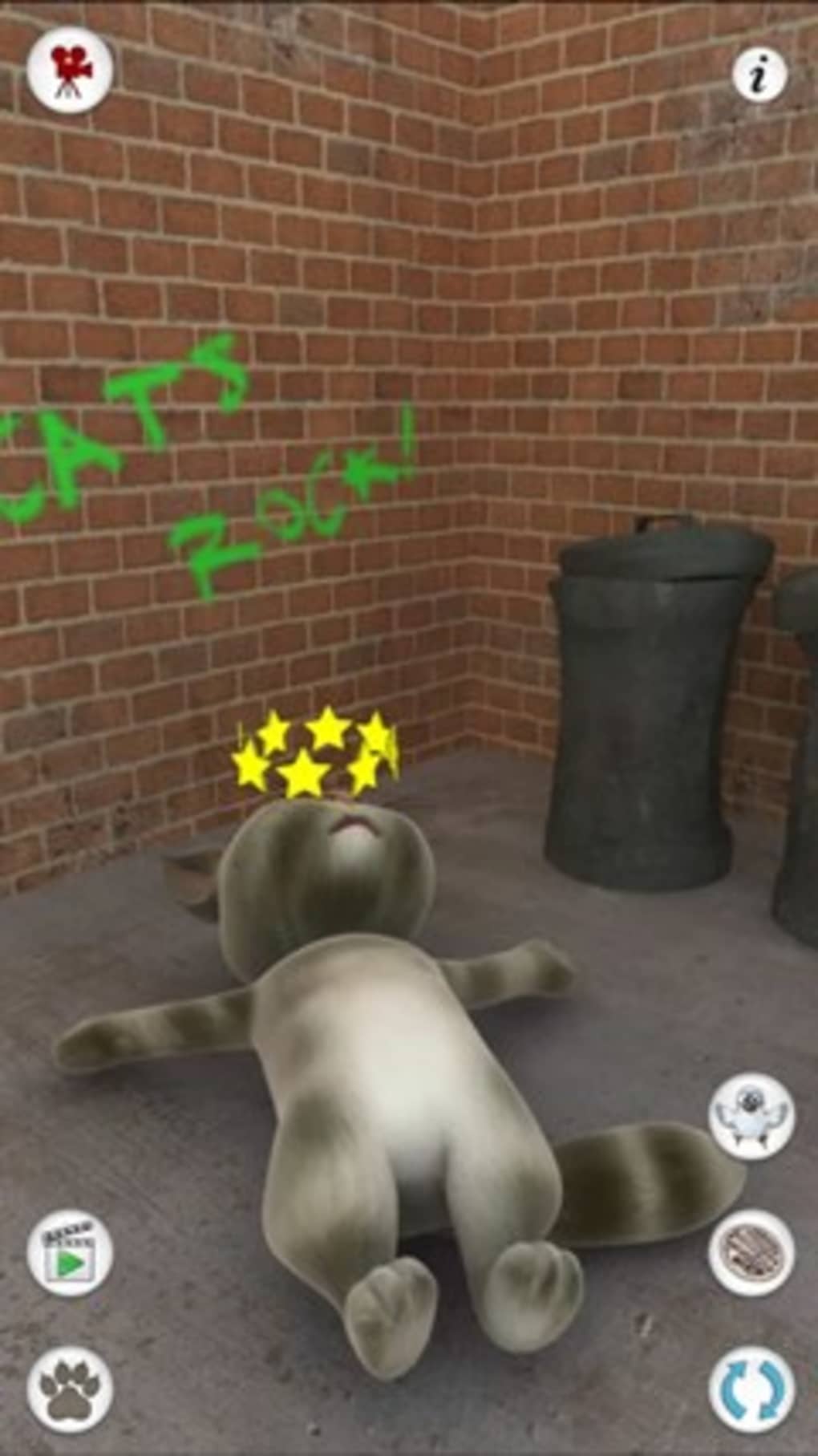
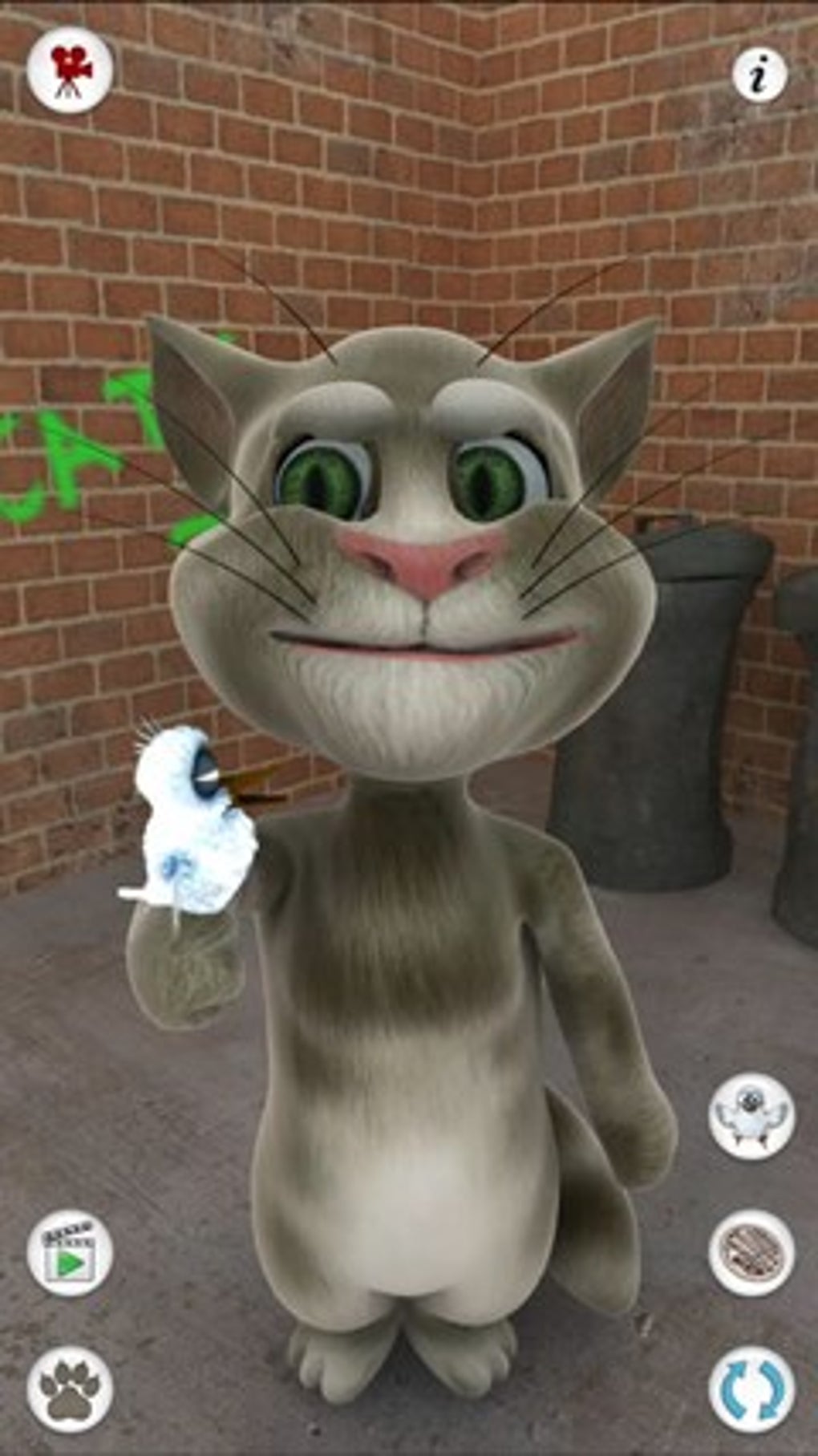
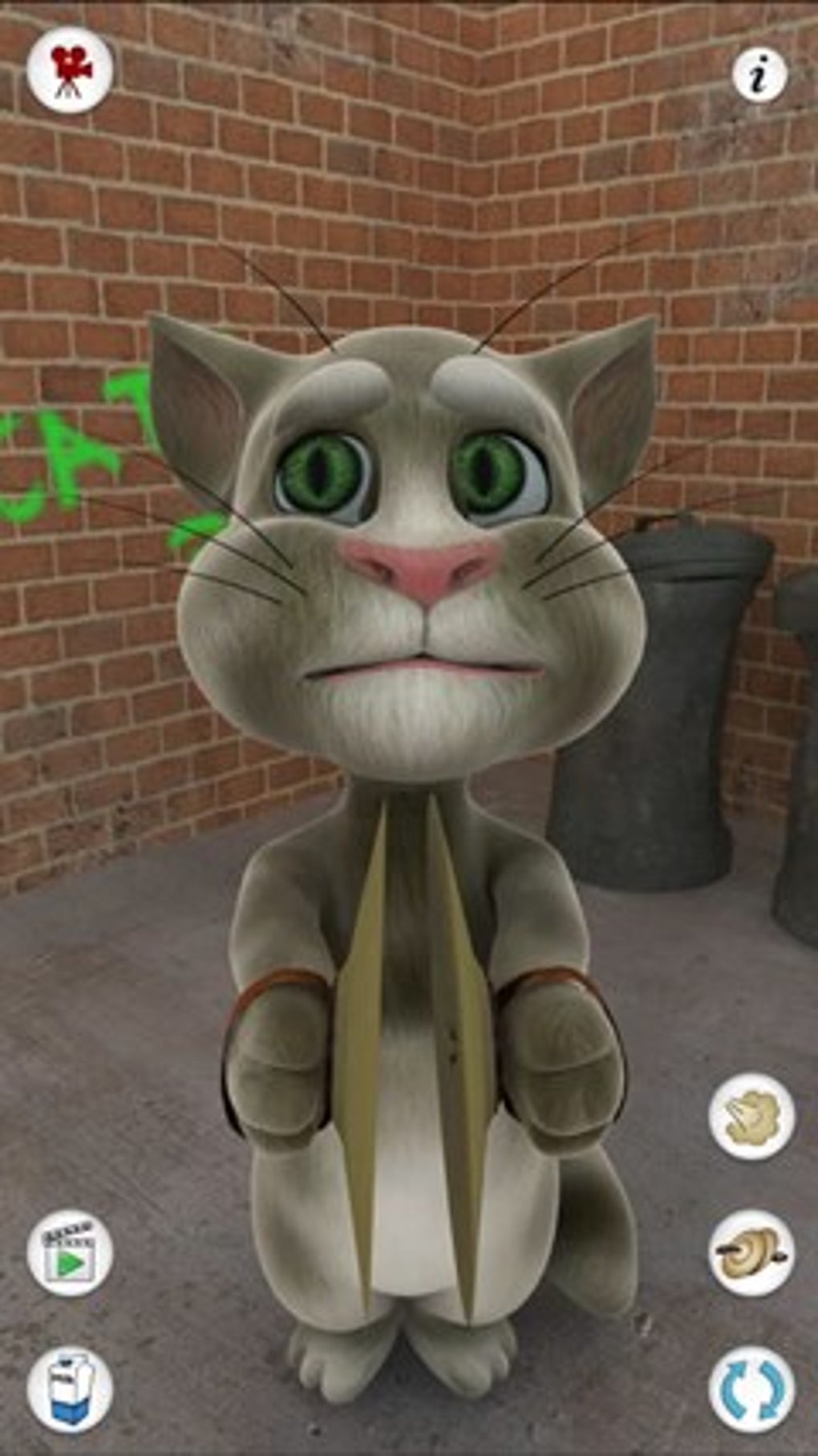
While voice mimicking is the central feature, Talking Tom offers a wider array of interactive elements that enhance the overall experience. Users can physically interact with Tom through touch commands on the screen. Depending on the area touched, Tom will react in a unique manner, providing visual and audio feedback. These interactions go beyond simple animations; they elicit different reactions from Tom, adding layers of engagement. Some actions, such as petting him or feeding him, are straightforward and expected responses from a virtual pet. However, other actions might trigger more unexpected and humorous responses. This unpredictability adds to the game’s charm and encourages repeated play. The game also includes actions such as having Tom drink milk, play cymbals, or even indulge in more humorous activities like blowing out candles or emitting comical sounds. This element of surprise and variety prevents the game from becoming repetitive, even with extended usage.
Customization and Progression: Unleashing Tom’s Potential
Though the core gameplay loop focuses on simple voice interaction and touch commands, the developers incorporated a system to add depth and encourage long-term engagement. While the basic actions are accessible from the outset, additional actions and features were often available through upgrades or in-app purchases. This incentivized players to explore further within the app and potentially invest in the game for more varied and extensive interactions. This “upgrade” system added a layer of strategic depth, allowing players to tailor their experience and unlock a broader range of Tom’s abilities. Although the specific features unlocked through this system may vary across different versions, it fundamentally adds a sense of progression and accomplishment, encouraging users to continuously interact with the application.
Sharing the Fun: Recording and Social Features
Talking Tom Cat extends its functionality beyond the single-user experience by incorporating social and sharing features. The app included the ability to record video clips of Tom’s reactions and interactions. These recordings could then be shared easily through social media or messaging platforms. This feature cleverly leveraged the inherently shareable nature of the game’s comedic element; users could record and share funny interactions with friends and family, expanding the app’s reach beyond its core gameplay. This social aspect was likely instrumental in the game’s viral spread and contributed significantly to its initial popularity. Sharing humorous recordings encouraged user-generated content and word-of-mouth marketing, contributing to the game’s widespread success.
A Lasting Legacy: Talking Tom’s Impact and the Expanding Universe
Talking Tom Cat’s success on Windows 10, as well as other platforms, wasn’t just a fleeting trend. It spawned a whole franchise, with several sequels and spin-offs featuring other talking animals. The core concept of a virtual pet that repeats your voice proved incredibly successful, establishing a formula that was replicated and expanded upon in numerous subsequent releases. This success highlights the game’s enduring appeal and its clever combination of simple mechanics and widespread social sharing capabilities. The subsequent releases further refined the core gameplay mechanics and introduced additional features, expanding the universe beyond the original Talking Tom. The lasting legacy of Talking Tom underscores the app’s significant impact on the mobile gaming landscape and the broader virtual pet genre. The game’s simple design and intuitive interface allowed it to easily translate to different platforms, retaining its core appeal across a wide range of devices and user groups. This adaptability contributed to the longevity of the franchise and solidified its place as a significant player in the virtual pet category.
The original Talking Tom Cat for Windows 10 might seem simplistic compared to modern gaming experiences. However, its success reveals the power of a simple, well-executed concept. The combination of voice-mimicking technology, intuitive touch-based controls, and readily shareable content created a formula that resonated widely with users. While the game might lack complex gameplay mechanics found in more elaborate virtual pet simulations, its charm and inherent comedic value ensured its enduring appeal and cemented its place as a cultural phenomenon.
File Information
- License: “Full”
- Version: “1.0”
- Latest update: “January 10, 2022”
- Platform: “Windows”
- OS: “Windows 8”
- Language: “English”
- Downloads: “87.7K”


