
Textoon - Text on Photo Add text to photo Quotes, or simply Textoon, is a free, versatile photo editing app for Android devices. This powerful tool allows users to seamlessly add text to images, creating everything from eye-catching quote cards and professional-looking posters to engaging memes and memorable logos. Its intuitive interface and extensive feature set make it ideal for both casual users and those seeking more sophisticated design capabilities.
App Features and Functionality
Textoon’s strength lies in its user-friendly design coupled with a surprisingly robust collection of editing tools. The app greets users with a clean, uncluttered interface that simplifies the creative process. Upon launching the app, users are presented with a selection of pre-designed graphic templates, offering a head start for those seeking inspiration or a quick turnaround. These templates are fully editable, allowing users to customize text, images, and layout elements to their liking. Alternatively, a blank canvas option provides a completely freeform design space for users to build their creations from scratch.
The editing process itself is remarkably straightforward. Users can easily add, delete, and rearrange text layers. Precise control over text formatting is offered, including font selection, size, color, and various text effects such as shadows, outlines, and gradients, enabling users to achieve visually appealing typography. The ability to adjust the position, rotation, and layering of text elements provides a high degree of creative flexibility.
Beyond text manipulation, Textoon boasts a comprehensive suite of image editing tools. Users can import images from their device’s gallery to serve as the base for their designs. The app supports various image formats, ensuring compatibility with most common image files. Once an image is selected, users can apply a range of enhancements, including adjusting brightness, contrast, saturation, and more. This allows users to optimize the visual appeal of their background image before adding text and other design elements.
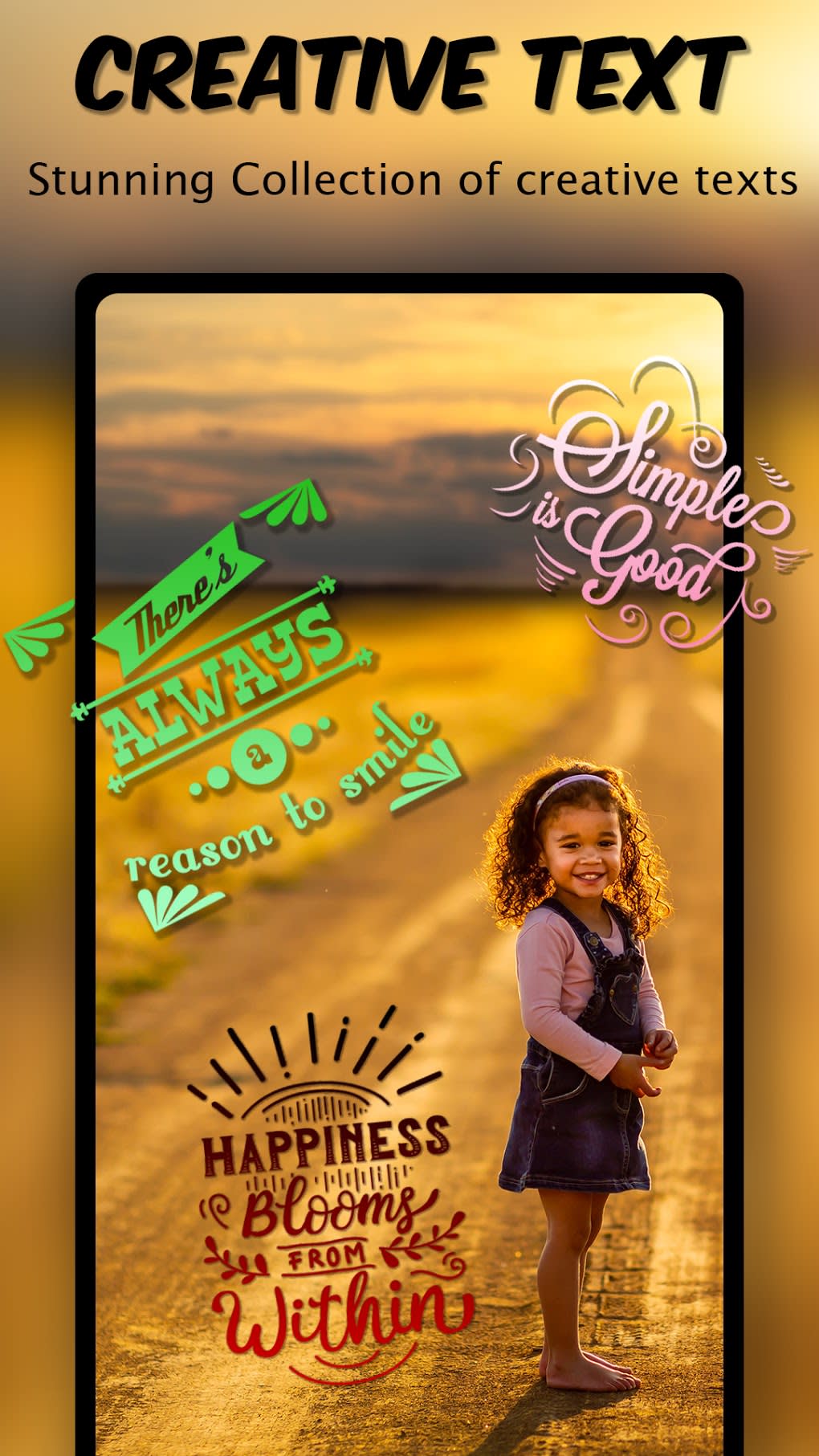
A unique feature of Textoon is its extensive library of pre-loaded quotes. While the loading time for this section could be improved, the sheer variety of messages available makes it a valuable resource for those seeking inspiration or ready-made text for their projects. This feature significantly reduces the time and effort required to create quote cards or other text-based designs. The app even allows users to import their own quotes, further expanding the creative potential.
For users who prefer a more hands-on approach, Textoon includes drawing tools. These tools enable users to add freehand sketches, doodles, or illustrations directly onto the canvas, adding a personal touch to their designs. The inclusion of shape tools allows for the addition of geometric forms, providing further design possibilities. In addition, the ability to animate text adds a dynamic element to designs, enabling users to create more engaging and visually stimulating outputs.
Textoon for Different User Types
Textoon’s versatility makes it suitable for a wide range of users and purposes. Its ease of use and extensive features cater to both novice and experienced users.
For Casual Users
Casual users will appreciate Textoon’s intuitive interface and pre-designed templates, allowing for quick and easy creation of visually appealing images. The extensive selection of fonts, colors, and effects allows for personalization without requiring extensive design knowledge. The ability to create simple quote cards, personalized memes, or even basic posters is readily accessible, even for users with limited experience in graphic design.
For Business Users
Businesses can leverage Textoon to create professional marketing materials, such as social media graphics, promotional posters, or even product logos. The ability to add custom branding elements, such as logos and specific color schemes, ensures that all marketing materials maintain a consistent brand identity. The app’s ability to quickly generate visually appealing graphics makes it an efficient tool for creating marketing materials on the go.
For Creative Professionals
While not a professional-grade graphic design suite, Textoon offers sufficient features to be a useful tool for creative professionals. The combination of advanced text editing, image manipulation tools, and drawing capabilities empowers creative professionals to quickly prototype designs or create simple yet effective visuals for various projects. The ability to easily export high-resolution images ensures the suitability of the final product for a range of applications.
Apps: Alternatives and Comparisons
While Textoon offers a compelling suite of features, it’s important to consider alternative apps available on the market. Several other apps provide similar functionality, each with its strengths and weaknesses. Direct comparisons are difficult without specifying particular features or user preferences, however, some general points of comparison can be made.
Some competing apps might offer a larger selection of pre-designed templates or a more extensive library of fonts and effects. Others might excel in specific areas, such as advanced image editing tools or animation capabilities. Choosing the best app depends on individual needs and preferences. The selection of an alternative app should be based on a careful consideration of specific requirements and features, such as the frequency of use, the type of projects, and the level of sophistication required.
Android and Productivity
Textoon’s availability on Android makes it readily accessible to a vast user base. The app seamlessly integrates with the Android ecosystem, making it easy to import images from the device’s gallery and share finished projects on various social media platforms directly from within the app. Its inclusion in productivity app categories reflects its ability to streamline the creation of visual content, saving time and effort for users involved in content creation.
The app’s straightforward workflow and intuitive controls enhance productivity by minimizing the learning curve and enabling users to quickly generate high-quality outputs. For users who regularly create images with text overlays, Textoon provides a significantly faster and more convenient method compared to traditional desktop design software. This efficiency boost is a key factor in its appeal to a wide range of users.
Conclusion
Textoon - Text on Photo Add text to photo Quotes is a free and versatile Android app providing a comprehensive set of tools for adding text to photos. Its user-friendly interface, along with a robust set of features, makes it suitable for a wide variety of users, from casual users creating quick memes to businesses generating marketing materials. While the slow loading time of the quotes section presents a minor drawback, the overall efficiency and quality of the app make it a valuable addition to any Android user’s toolkit. Its ability to blend ease of use with a significant amount of creative control positions it favorably in a competitive market. The ability to quickly and effectively create visually appealing text-based images makes Textoon a strong contender among mobile photo editing applications.
File Information
- License: “Free”
- Version: “26.0”
- Latest update: “February 20, 2023”
- Platform: “Android”
- OS: “Android 9.0”
- Language: “English”
- Downloads: “20.2K”
- Size: “27.03 MB”
- Download Options: “APK, Google Play”
- Filename: “com-pixellab-textoon-26-56721646-6035dfbbecf4ccd18750d7535409877b.apk”


