
The PC Decrapifier is a free, portable Windows application designed to streamline the removal of unwanted or redundant programs. Unlike the often tedious and time-consuming manual uninstall process, PC Decrapifier offers a bulk uninstall feature, automating significant portions of the procedure and saving users considerable time. Its primary focus is on removing bloatware, shovelware, junkware, and other pre-installed programs that often come bundled with new PCs, but its capabilities extend far beyond this initial purpose. This comprehensive review explores the features, functionality, alternatives, and overall value of this powerful yet simple PC cleanup tool.
Understanding the Need for PC Decrapification
Modern computers, especially those purchased pre-built from retailers, often come pre-loaded with a plethora of software. Many of these applications are trial versions, freeware with questionable value, or simply unwanted programs that consume valuable disk space and system resources. This “crapware” often includes toolbars, browser extensions, and other utilities that can negatively impact system performance, security, and user experience. They might run in the background, consuming RAM and CPU cycles, slowing down boot times, and even potentially compromising user privacy through data collection and tracking. These programs, even if initially seemingly harmless, can lead to a cluttered and inefficient system over time. PC Decrapifier addresses this issue directly by providing a straightforward and efficient method for removing these unwanted programs, revitalizing your computer’s performance.
Key Features and Functionality of PC Decrapifier
PC Decrapifier simplifies the process of identifying and uninstalling unwanted applications. Its core functionality revolves around several key features:
-
Bulk Uninstall: One of its most significant advantages is the ability to select and uninstall multiple programs simultaneously. This eliminates the need for individual uninstallation through each program’s own uninstaller, saving considerable time and effort.
-
Smart Recommendations: The software uses a wizard-based interface that guides users through the process, offering recommendations for programs that are commonly uninstalled by other users. This helps users make informed decisions about which programs to remove, particularly helpful for those unfamiliar with the technical aspects of software management. A percentage-based system, showing the percentage of users who have uninstalled a specific application, provides additional context.
-
Categorization: PC Decrapifier organizes installed applications into three clear categories: “Questionable,” “Recommended,” and “Everything Else.” This categorization simplifies the selection process, allowing users to quickly focus on potential candidates for removal. The categorization is based on user data and common bloatware patterns.
-
Space Display: Along with the categorization, the application clearly displays the disk space consumed by each application. This allows users to understand the impact of each program’s removal on their available storage space.
-
Malicious Software Detection: A crucial feature of PC Decrapifier is its ability to detect and automatically remove potentially malicious software. This proactive approach enhances the security of the system by eliminating programs that might pose a risk.
-
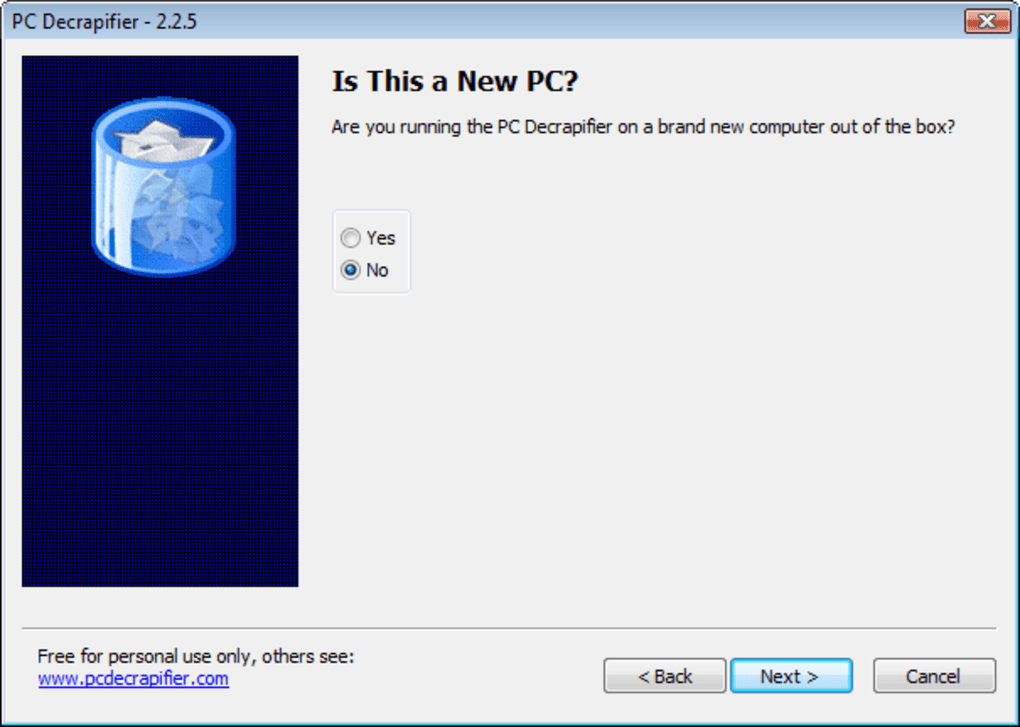
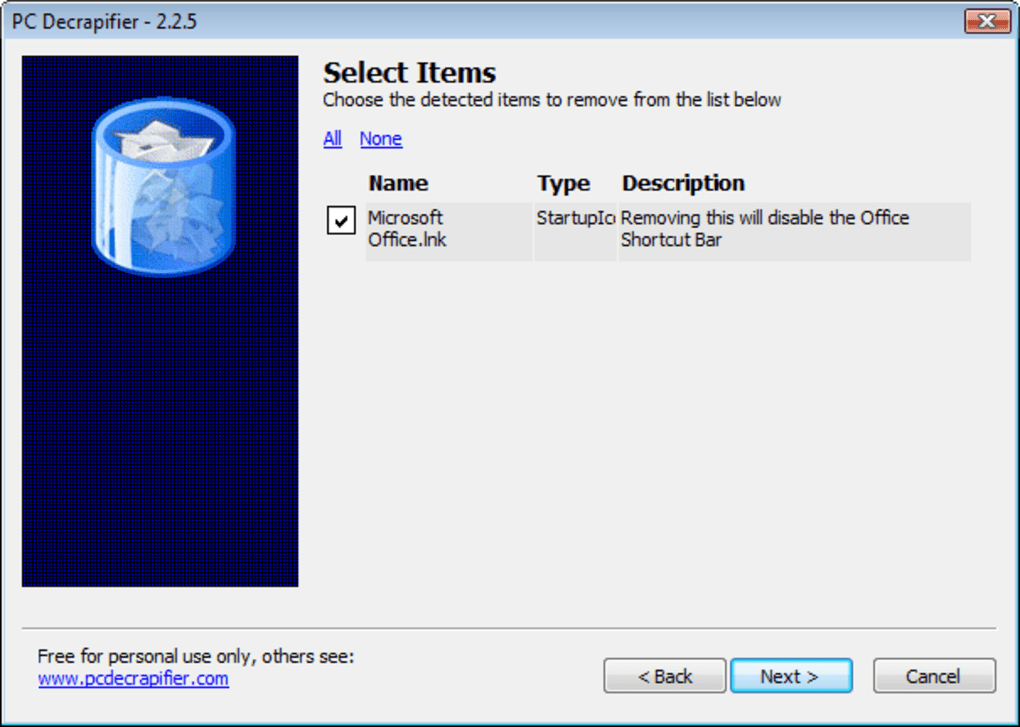
Simple Interface: The program prioritizes ease of use. The user interface is straightforward and intuitive, even for users with limited technical expertise. The wizard-style guide ensures that even beginners can confidently use the program.
-
Portability: PC Decrapifier is a portable application; it doesn’t require installation. This makes it highly convenient, allowing users to run it directly from a USB drive or other external storage without altering the system registry.
-
Wide Windows Compatibility: The software is compatible with a wide range of Windows versions, including Windows XP, Vista, 7, 8, 10, and 11, ensuring broad accessibility.
How PC Decrapifier Works: A Step-by-Step Guide
The process of using PC Decrapifier is remarkably straightforward:
-
Download and Run: Download the executable file from the official website and run it directly. No installation is required.
-
Program Scan: Upon launch, the program automatically scans the system and creates a list of installed applications.
-
Categorization and Selection: The listed applications are categorized into “Questionable,” “Recommended,” and “Everything Else.” Users can review the list, examining the disk space usage and the percentage of users who have uninstalled each application.
-
Uninstall Selection: Users select the applications they wish to uninstall.
-
Uninstall Process: Initiate the uninstall process by clicking the appropriate button. The program handles the uninstallation automatically.
-
Completion: Once the uninstall is complete, users may be prompted to restart their system to fully implement changes.
Alternatives to PC Decrapifier
While PC Decrapifier provides a streamlined approach to removing unwanted programs, several alternative applications offer similar functionality with potentially different features and strengths:
-
Revo Uninstaller: This application is known for its speed and efficiency in removing programs. It also removes residual files and registry entries left behind after standard uninstallation. However, the free version has limitations, and advanced features require a paid upgrade.
-
Ashampoo Uninstaller: Ashampoo Uninstaller offers comprehensive features, including enhanced cleanup tools and system optimization capabilities. It excels at removing residual data, freeing up hard drive space. However, reports suggest occasional instability and crashes.
-
ZSoft Uninstaller: This is a basic, free uninstaller. It’s simple to use but lacks advanced features and can be slower with larger applications, and has an outdated interface.
Should You Download PC Decrapifier?
The decision to download PC Decrapifier depends on your individual needs and technical skills. If you’re looking for a free, simple, and efficient way to remove unwanted pre-installed programs and bloatware, PC Decrapifier is an excellent choice. Its ease of use, portability, and effectiveness make it particularly attractive to less technically inclined users. The clear categorization and recommendations assist in making informed decisions, mitigating the risk of accidentally removing essential system components.
The software shines in its ability to quickly and easily clear unnecessary programs that slow down system performance and consume valuable storage space. Its focus on the common problem of bloatware makes it a practical tool for users new to their computer or those who find themselves overwhelmed by the number of pre-installed applications.
However, if you require advanced features like detailed registry cleanup or strong forced uninstall capabilities for stubborn programs, you might consider exploring more feature-rich alternatives. PC Decrapifier prioritizes simplicity and ease of use, and this might not be sufficient for advanced users with specialized requirements.
Conclusion: A Lightweight Champion for PC Cleanup
PC Decrapifier is a highly effective tool for clearing unwanted applications and improving system performance. Its straightforward interface and user-friendly design make it accessible to a wide range of users, while its ability to handle bulk uninstalls and detect potentially malicious software adds significant value. Though its interface may lack visual sophistication, its functionality more than compensates, making it a strong contender in the world of PC cleanup utilities. For a quick, free, and efficient way to declutter your Windows PC and enhance its performance, PC Decrapifier is a compelling and effective solution.
File Information
- License: “Free”
- Latest update: “July 11, 2023”
- Platform: “Windows”
- OS: “Windows 7”
- Language: “English”
- Downloads: “34.7K”
- Size: “2.00 MB”


