
The Print Shop Deluxe is a versatile design suite catering to both personal and professional needs. This software provides a robust platform for creating a wide range of printed materials, from personalized greeting cards to professional marketing collateral. With its extensive library of templates, images, and editing tools, The Print Shop Deluxe streamlines the design process, making it accessible to users of all skill levels, from beginners to seasoned designers. This review delves into the software’s capabilities, features, pros, and cons, comparing it to similar alternatives to provide a comprehensive assessment of its value and usability.
A User-Friendly Design Suite for Diverse Needs
The Print Shop Deluxe stands out for its intuitive interface and straightforward workflow. The software’s core functionality revolves around three simple steps: selecting a template, customizing the design, and printing or sharing the finished product. This streamlined approach makes it incredibly easy for even novice users to create visually appealing materials without the steep learning curve often associated with professional design software.
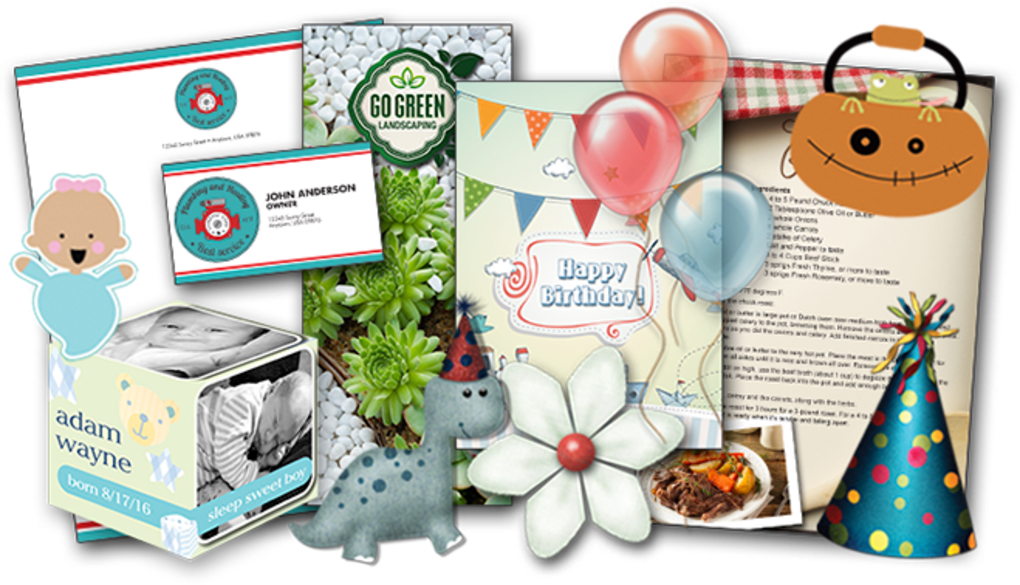
The software boasts a vast library of over 4,800 templates covering a broad spectrum of applications. Whether you need to design invitations for a birthday party, create marketing materials for your business, or produce personalized stationery, The Print Shop Deluxe likely has a template to fit your needs. These templates are highly customizable, allowing you to modify text, images, and colors to perfectly match your vision.
Beyond its template library, The Print Shop Deluxe offers a comprehensive collection of over 193,000 clip art images and photographs. This extensive library provides users with abundant creative resources to personalize their projects, adding a unique touch to every design. The inclusion of license-free content ensures that users can confidently incorporate these assets into their projects without worrying about copyright infringement.
Powerful Editing Capabilities for Enhanced Creativity
The Print Shop Deluxe is more than just a template-based design tool. It incorporates a fully featured photo and text editor, enhancing its versatility and providing users with the power to fine-tune every aspect of their designs.
The integrated photo editor offers a range of essential tools for enhancing images. Users can easily remove blemishes, correct red-eye effects, adjust lighting, and apply various filters to improve the overall quality and aesthetic appeal of their photographs. These capabilities are particularly useful when incorporating personal photos into projects, ensuring that images are presented in their best possible light.
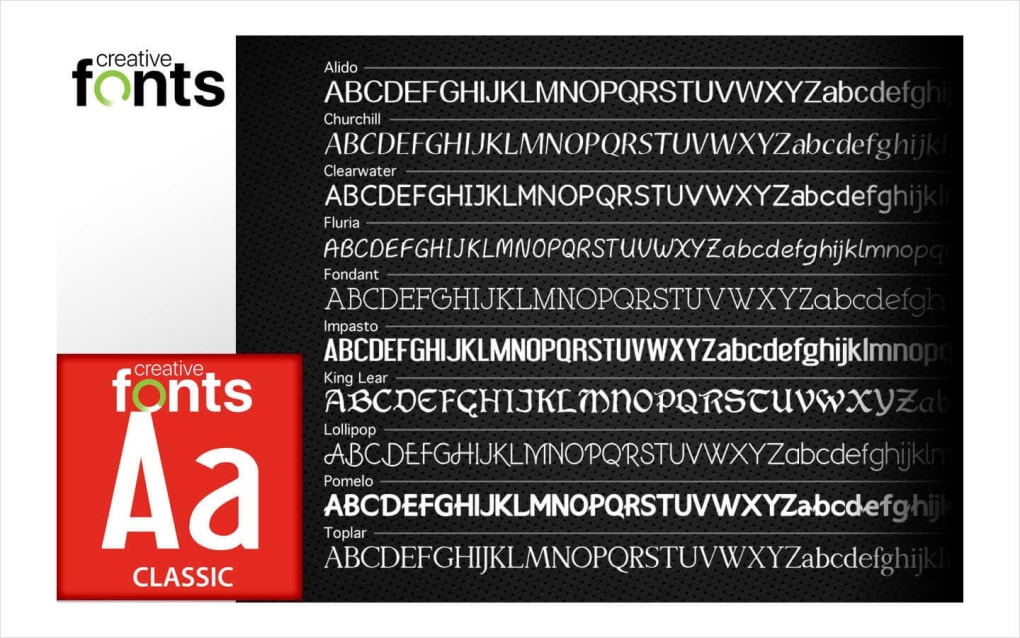
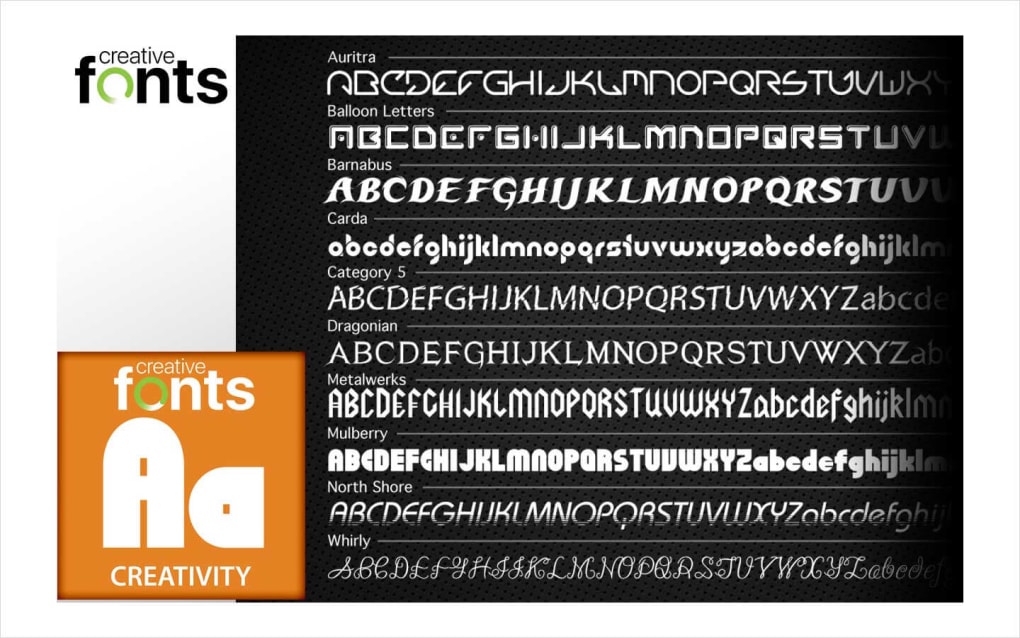
The text editor provides a comprehensive set of tools for creating visually striking typography. Users can customize font styles, sizes, colors, and effects to match their branding or personal preferences. The inclusion of features such as gradients, drop shadows, block letters, and 3D effects allows for the creation of sophisticated text designs that add a professional touch to projects. This flexibility empowers users to create visually compelling text elements that perfectly complement their designs.
Streamlined Workflow and Enhanced User Experience
The Print Shop Deluxe 6.0 introduces several significant improvements to the user experience. The user interface has been redesigned to align with the modern aesthetic of Windows 10, ensuring that the software seamlessly integrates with the operating system. This design choice enhances usability and familiarity for a broader user base.
The incorporation of an auto-save feature with customizable intervals is a noteworthy addition. This functionality ensures that user’s work is automatically saved at regular intervals, eliminating the risk of data loss due to unexpected program closures or power outages. The clear visual indication of the auto-save timer in the bottom right corner of the screen keeps users informed about the progress and ensures peace of mind during the design process. This intelligent feature enhances the overall workflow, allowing users to focus on creativity without constantly worrying about saving their work.
Pros and Cons of The Print Shop Deluxe
Pros:
- Extensive Template Library: The software provides access to a vast collection of over 4,800 templates, catering to diverse design needs and applications.
- Large Image and Clip Art Library: The inclusion of over 193,000 license-free clip art images and photographs offers abundant creative resources.
- Integrated Photo and Text Editor: The software features powerful photo and text editing tools, enabling users to fine-tune their designs.
- User-Friendly Interface: The intuitive interface and straightforward workflow make the software accessible to users of all skill levels.
- Automatic Save Feature: The auto-save function with customizable intervals safeguards user work, preventing potential data loss.
- Modern User Interface: The updated UI aligns with the aesthetic of Windows 10, enhancing usability and familiarity.
Cons:
- Cost: The Print Shop Deluxe is a paid software program, potentially limiting accessibility for budget-conscious users.
- Simplistic Features (For the Price): While functional, some users may find the features relatively basic compared to the cost, particularly when compared to more feature-rich alternatives.
- Limited Advanced Features: The software may lack some advanced features found in professional-grade design suites, such as complex vector editing tools or advanced animation capabilities.
Comparison with Alternative Design Software
The Print Shop Deluxe competes with several alternative design programs, each with its own strengths and weaknesses. Canva, a popular free online design tool, offers similar features, such as template-based designs, drag-and-drop functionality, and a library of images and graphics. However, Canva’s free plan has limitations on features and access to premium content. Other free and open-source options include Inkscape and GIMP (GNU Image Manipulation Program), which provide more advanced editing capabilities but may have a steeper learning curve for beginners.
The choice of software ultimately depends on individual needs and preferences. If ease of use and a large template library are paramount, The Print Shop Deluxe offers a compelling option. However, users seeking more advanced features or a free alternative may find Canva or other open-source options more suitable.
Conclusion
The Print Shop Deluxe is a user-friendly design suite that effectively bridges the gap between simple design tools and professional-grade software. Its intuitive interface, extensive template library, and powerful editing capabilities make it a valuable asset for individuals and small businesses seeking a straightforward yet effective way to create a wide variety of printed materials. While its cost and relative simplicity compared to professional-grade alternatives might be drawbacks for some users, its accessibility and ease of use make it a strong contender in the market for those prioritizing a streamlined workflow and user-friendly experience. Ultimately, the decision of whether or not The Print Shop Deluxe is the right choice will depend on the specific needs and technical expertise of the user.
File Information
- License: “Full”
- Version: “6.0”
- Latest update: “January 31, 2023”
- Platform: “Windows”
- OS: “Windows 10”
- Language: “English”
- Downloads: “5.5K”


