
The Rasterbator is a free, lightweight photography program designed for creating large-format posters from your digital images. Developed by Matias Arje, this application simplifies the process of transforming a single image into a multi-page printable PDF, ready for assembly into a stunning, oversized poster. Unlike many other poster creation tools, The Rasterbator offers a unique approach, breaking down your image into individual pages, allowing for a more artistic and customizable final product. This article will explore its functionality, benefits, and limitations to help you determine if it’s the right tool for your poster-making needs.
Creating Giant Posters: A Step-by-Step Guide
The Rasterbator operates on a straightforward principle: it takes your input image and intelligently divides it into multiple pages, creating a printable PDF file. This PDF then serves as your blueprint for creating a large-scale poster. The process is remarkably simple, although there’s a small learning curve to master the various customization options.
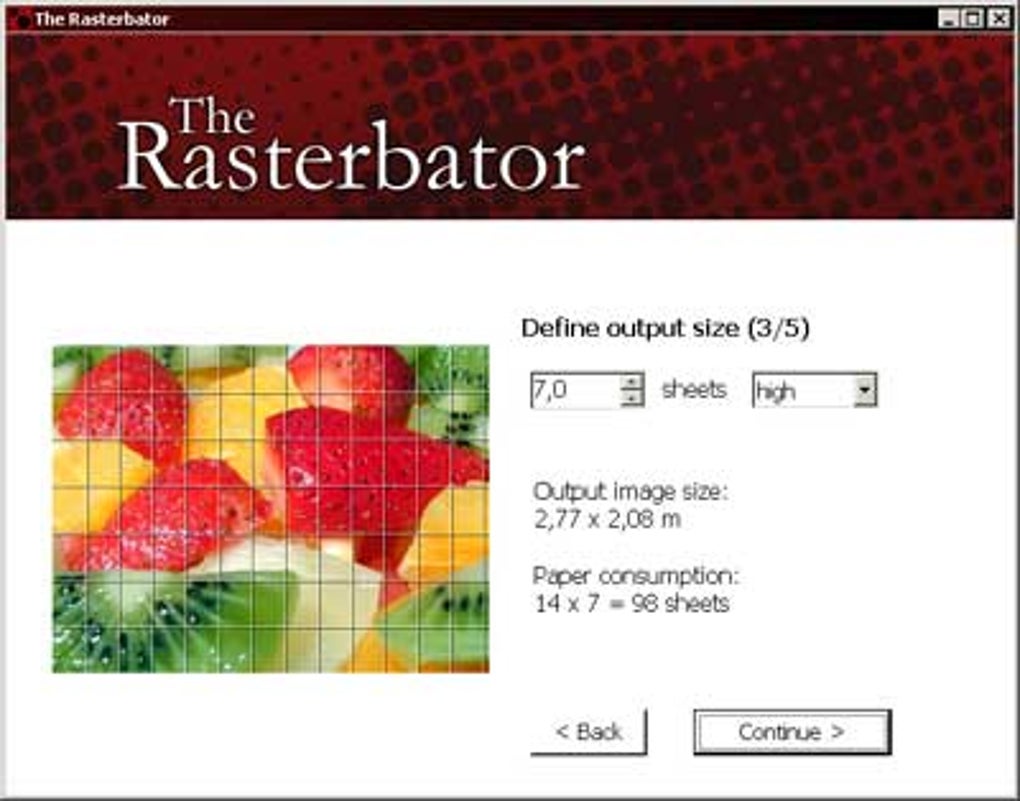
First, you select your source image. The Rasterbator supports JPG and PNG file formats, ensuring compatibility with most common image types. Once your image is loaded, you’re presented with a range of customization options to tailor your poster’s final appearance. This includes selecting the desired paper size (such as A4, Letter, or custom dimensions), specifying the number of pages wide your poster will be, and applying various stylistic effects and color schemes. These effects can range from simple adjustments to more artistic filters, adding a creative dimension to the output.
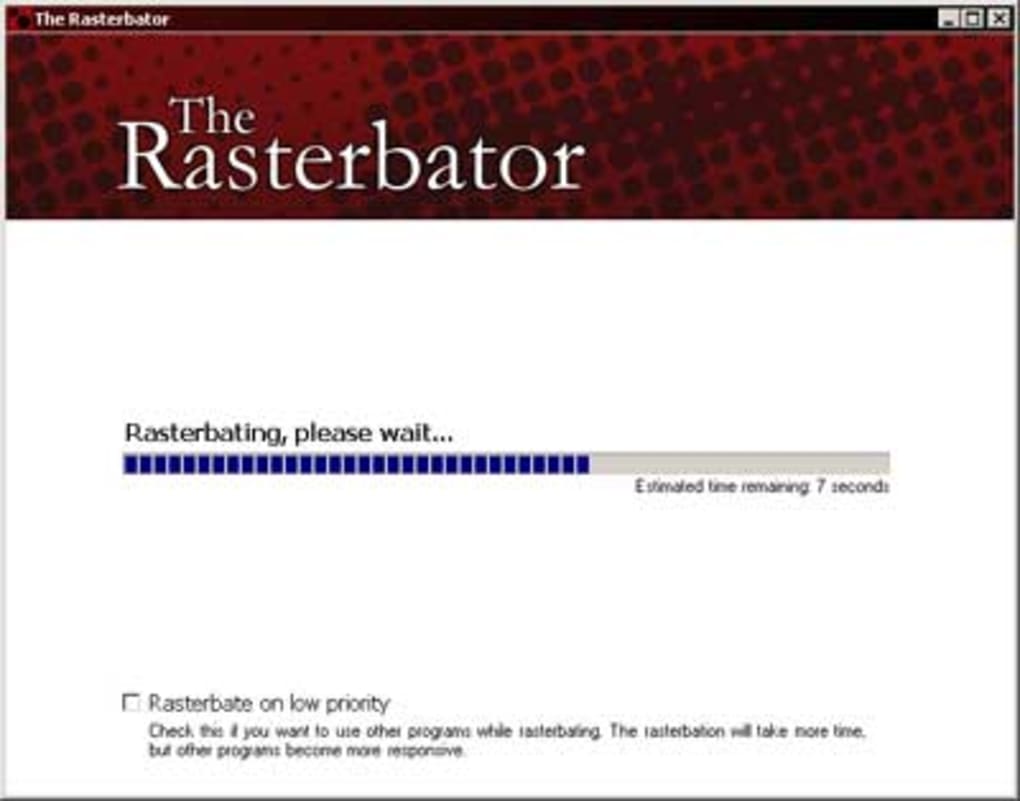
After choosing your settings, you simply click the “Rasterbate!” button. The Rasterbator will then generate your multi-page PDF. You can view this PDF in any PDF reader to preview the result before printing. This preview is crucial, as one of the program’s limitations is the absence of page numbering or visual indicators to guide you during assembly. While the program generates the pages in the correct order, there’s no in-app visual confirmation, which can be challenging, particularly when using complex layouts or effects.
The final step involves printing each page individually and assembling the printed pages to create the finished poster. The precision required during assembly can be demanding, especially with larger posters. A clean workspace and accurate alignment are essential to ensure a seamless final product.
Customization and Artistic Control
The Rasterbator shines in its extensive customization options, allowing users to fine-tune their posters to perfection. The ability to specify the number of pages wide provides unparalleled control over the final size. Whether you’re creating a small wall hanging or a massive floor-to-ceiling masterpiece, The Rasterbator allows you to achieve your desired scale. The selection of paper size ensures compatibility with various printer types and readily available paper stock.
Beyond sizing, The Rasterbator offers a palette of stylistic choices. While the program doesn’t boast a vast library of predefined effects, the available options allow for a good degree of artistic freedom. The ability to adjust color schemes can dramatically change the mood and feel of the final poster. Experimentation is key to unlocking the full creative potential of The Rasterbator, enabling you to transform your images into unique and eye-catching works of art.
Advantages and Disadvantages
The Rasterbator offers several compelling advantages. Primarily, its freeware nature makes it accessible to anyone, regardless of budget. Its lightweight design means minimal system resources are needed, allowing it to run efficiently on a wide range of computers. The ease of use, combined with the substantial customization possibilities, makes it an attractive option for both casual and serious users.
However, The Rasterbator also presents some drawbacks. The most significant is the lack of page numbering or visual cues in the generated PDF. This omission necessitates careful attention to detail during assembly, potentially increasing the overall time and effort required. Additionally, while the customization options are extensive, the program lacks a built-in guide or tutorial, potentially creating a steeper learning curve for first-time users. There’s no inherent visual indication of the proper page order during the assembly process, which could lead to frustration if not carefully considered.
Another point to consider is the limitations of the stylistic effects. While present, the variety isn’t as extensive as some commercial alternatives. Users seeking a broad array of filters and artistic transformations might find themselves seeking more feature-rich software. Ultimately, the program’s strengths lie in its simplicity and capability for large-scale poster generation, while its weaknesses are primarily related to the user experience and lack of advanced features.
Comparison with Other Poster Creation Software
The Rasterbator stands out from its competitors in several key aspects. Unlike many commercial programs which offer a wide range of templates and pre-designed layouts, The Rasterbator focuses on simple, effective functionality: transforming a single image into a printable large-format poster. This streamlined approach makes it incredibly easy to use for those who don’t need the complexities of more advanced features.
Compared to applications like PosteRazor or Posteriza, The Rasterbator offers a unique artistic approach. While other programs might focus on seamlessly tiling images, The Rasterbator’s multi-page output results in a subtly different aesthetic, adding a distinct handmade quality to the final product. This makes it a unique option for users seeking to create posters with a handcrafted look.
However, if extensive editing features or a vast library of pre-designed templates are a priority, then other poster creation applications might be more suitable. The Rasterbator prioritizes simplicity and scale, while advanced alternatives offer a broader array of creative tools and templates. The choice ultimately depends on the user’s specific needs and priorities.
Conclusion: Is The Rasterbator Right for You?
The Rasterbator is a powerful and accessible tool for creating large-scale posters from your digital images. Its freeware status, lightweight design, and ease of use make it an excellent option for anyone looking to transform their photos into impressive wall art or promotional materials. The ability to customize size and apply basic effects provides a degree of creative control. However, its limitations, particularly the lack of page numbering and limited artistic filters, should be considered.
Users who value simplicity and a straightforward approach to creating large-format posters will find The Rasterbator incredibly effective. However, those who need extensive editing tools, a vast selection of templates, or sophisticated artistic effects might find themselves better served by other, more feature-rich options. Ultimately, The Rasterbator’s effectiveness hinges on the user’s understanding of its capabilities and limitations. If you’re prepared to embrace its unique approach, it can be a remarkably useful tool for producing stunning, large-scale poster art.
File Information
- License: “Free”
- Version: “1.21”
- Latest update: “December 2, 2021”
- Platform: “Windows”
- OS: “Windows 2000”
- Language: “English”
- Downloads: “122.6K”
- Size: “907.60 KB”


