
The Weather Channel Desktop application, once a popular choice for Windows users seeking detailed weather information directly on their desktop, is no longer available for download. This article examines the application’s features, strengths, and weaknesses, and explores reasons for its discontinuation, ultimately offering alternatives for users seeking similar functionality.
The Weather Channel Desktop aimed to provide a comprehensive weather experience integrated seamlessly into the Windows desktop environment. Users could access weather information for two locations of their choice, globally, with temperature displays in both Celsius and Fahrenheit. Beyond basic temperature readings, the application boasted a range of features designed to provide a holistic view of weather conditions.
Key Features and Functionality
The application offered a detailed array of weather information, going beyond simple temperature readings. Users had access to:
-
Multi-location Tracking: The ability to monitor weather conditions in two different locations simultaneously was a key selling point, allowing users to track weather patterns in their current location and another of interest (e.g., a vacation destination or family member’s location). This catered to users with diverse needs, whether for personal or professional reasons.
-
Comprehensive Forecasting: Forecasting options extended beyond a simple daily outlook. The application offered hour-by-hour forecasts for immediate planning and short-term predictions, weekend forecasts for weekend activities, and extended 10-day forecasts for longer-term planning. This depth of forecasting allowed users to anticipate weather changes over a significant timeframe.
-
Detailed Meteorological Data: Users weren’t limited to temperature alone. The application provided detailed meteorological data, including air pressure, humidity levels, and wind direction. This granularity of data proved beneficial for users with specific weather-related needs or interests.
-
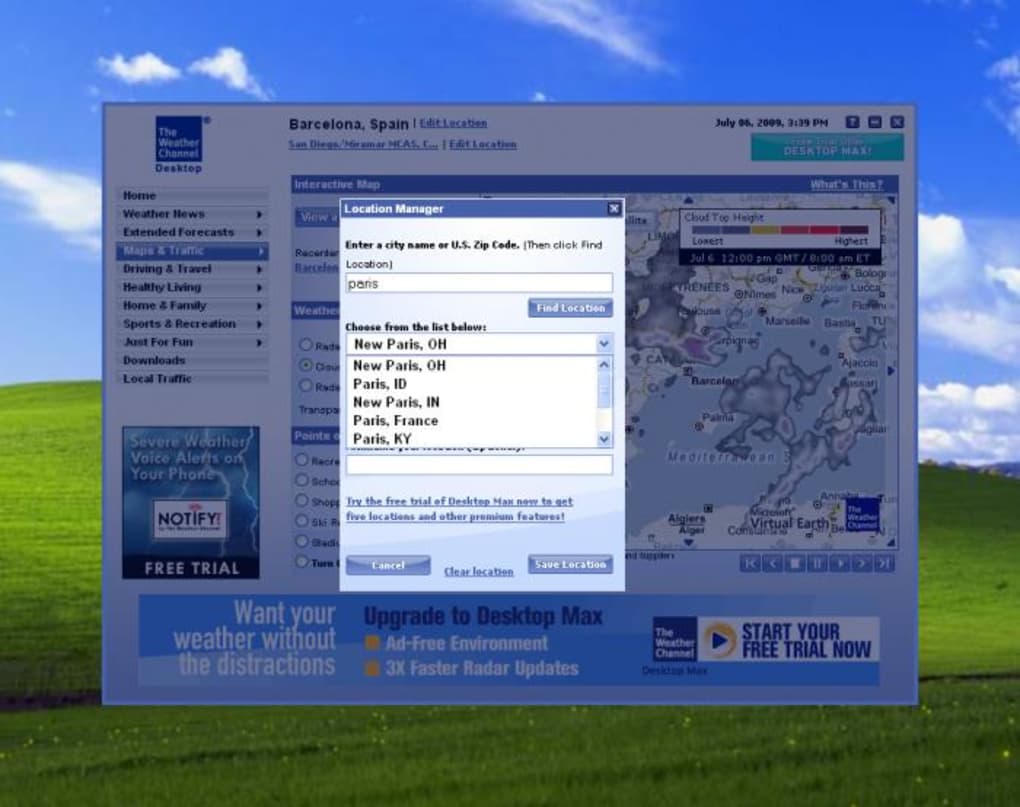
Visual Weather Representations: Beyond numerical data, the application included animated maps illustrating cloud cover and precipitation patterns. These visual aids provided a contextual understanding of weather systems and their movements, making weather information more intuitive and accessible.
-
Integrated Tools and Alerts: The Weather Channel Desktop incorporated several additional tools aimed at enhancing the user experience. Allergy advice, a helpful feature for allergy sufferers, provided relevant pollen counts and allergen information based on location. Additionally, severe weather warnings provided crucial alerts for potentially dangerous weather conditions, ensuring timely notification and safety preparedness. However, it’s important to note that certain features, particularly allergy information and severe weather alerts, were reportedly limited to US locations.
Interface and User Experience
While the application offered a wealth of information, its user interface received mixed reviews. Users often described the interface as cluttered, even with advertisements deactivated. The lack of customization options further hindered user experience, preventing personalization to individual preferences. The design arguably didn’t fully leverage the potential of the Windows desktop environment for a cleaner, more intuitive layout.
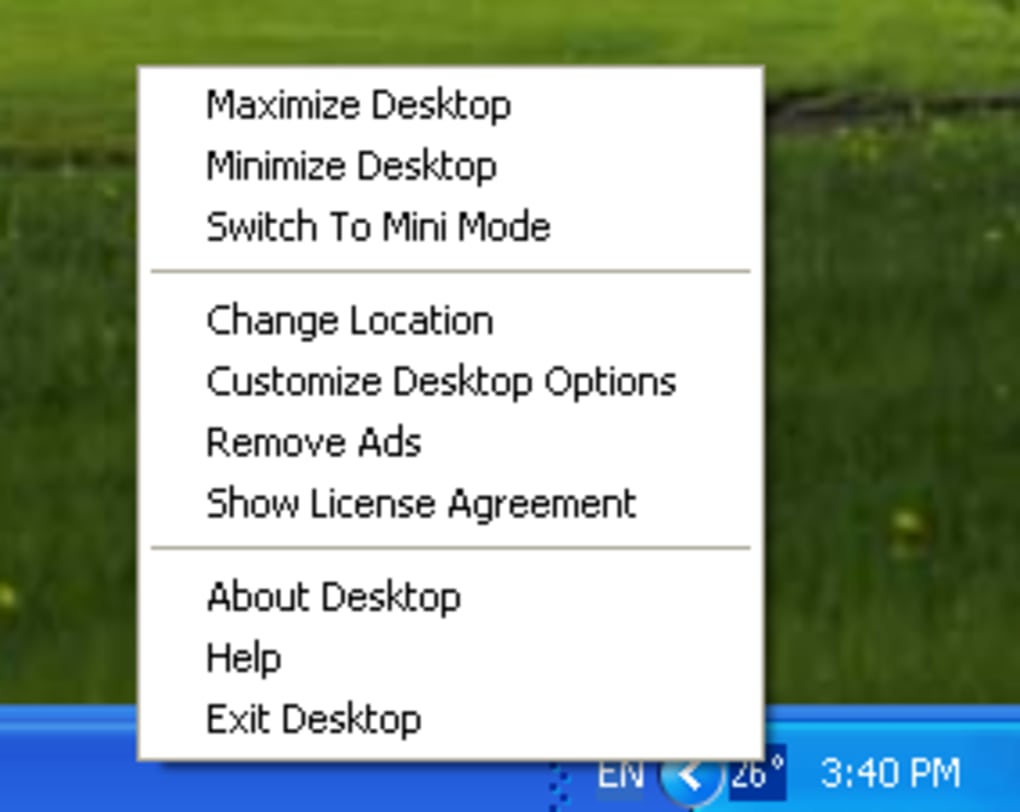
The application minimized to the taskbar, displaying only the current temperature, a simple approach that offered quick access to basic information but may have lacked visual appeal for some. Access to the full application required double-clicking the icon or navigating through right-click menus. This functionality was adequate but could have been improved for smoother navigation.
System Requirements and Availability
The Weather Channel Desktop was designed for the Windows operating system and ran on Windows 2000 and later versions. The language support was primarily English. However, its final version, 6.00.293.2, was released on April 21, 2020, and is no longer available for download from the original source. The reasons behind its removal remain unstated, though possibilities include program discontinuation, security vulnerabilities, or other undisclosed factors. The absence of clear communication regarding the removal left users seeking alternatives without official explanation.
User Reviews and Criticisms
User reviews reflect a mixed reception towards the Weather Channel Desktop. While some praised the comprehensive weather information and visual representations of weather maps, others strongly criticized the cluttered interface, limited customization, and regional restrictions on features. Negative comments also highlighted difficulties in displaying the application icon in the desktop tray, a key requirement for many users seeking constant temperature updates.
Several reviews also raised concerning issues regarding security. Some users reported encountering virus warnings or malware flags during installation, raising significant concerns about the software’s safety and the potential for malicious code. These reports highlight the importance of exercising caution when installing software from third-party sources and regularly updating antivirus software.
One significant issue highlighted by users concerned the intrusive nature of advertisements, even after disabling the ads through the settings. The remaining advertising was often large and obstructive, covering crucial weather information, thereby diminishing the user experience and negating the goal of quick weather updates.
Alternatives to The Weather Channel Desktop
Given the unavailability of The Weather Channel Desktop, users seeking similar desktop weather applications have several alternatives:
- The Desktop Weather: This free application provides daily weather updates, offering a simpler, less feature-rich alternative.
- Meteo Fusion: Another free option, Meteo Fusion allows users to check weather conditions directly from their desktop.
- AccuWeather - Weather for Life: This free application provides a more comprehensive weather experience, though potentially with more extensive system requirements.
- The Weather Network for Windows 10: A robust option specifically for Windows 10 users, providing detailed forecasts and weather analysis.
- MyRadar: A free application with features including radar overlays and other visual weather aids.
- WeatherMate: A comprehensive weather application providing information for over 50,000 cities.
These alternatives offer varying levels of features and user interface design. Users should research and select an application that best aligns with their needs and preferences, balancing features, ease of use, and system compatibility.
Conclusion
The Weather Channel Desktop, despite its comprehensive features and detailed weather data, suffered from design flaws and user experience limitations. The cluttered interface, limited customization options, and the issues surrounding advertisements and potential malware proved significant deterrents. Its unavailability underscores the dynamic nature of software development and the importance of developers engaging with user feedback and addressing user concerns. While the original application is no longer accessible, suitable alternatives exist to cater to users seeking convenient desktop-based weather applications, offering a range of options to fulfill individual requirements.
File Information
- License: “Free”
- Version: “6.00.29”
- Latest update: “April 21, 2020”
- Platform: “Windows”
- OS: “Windows 2000”
- Language: “English”
- Downloads: “300.4K”
- Size: “953.53 KB”


