
Themes applications have revolutionized the way we interact with our mobile devices, transforming them from functional tools into personalized expressions of our individuality. This exploration delves into the world of Android themes, examining their capabilities, limitations, and the impact they have on the overall user experience. We’ll also explore the broader landscape of theme applications, comparing features and functionalities to help you choose the right one for your needs.
The Allure of Customization: Why We Choose Themes
In today’s digital age, our smartphones are extensions of ourselves. They hold our memories, connect us with loved ones, and serve as gateways to a world of information and entertainment. It’s only natural, therefore, that we want to personalize these devices to reflect our unique tastes and preferences. Themes provide a powerful mechanism for this personalization, allowing us to dramatically alter the visual landscape of our Android experience. This extends beyond simply changing a wallpaper; themes can modify icon styles, color palettes, fonts, and even animation effects, creating a cohesive and visually stunning user interface.
The appeal of themes extends beyond aesthetics. For many users, a customized device fosters a stronger sense of ownership and connection. The ability to tailor the visual elements to match their personality or current mood can enhance their enjoyment and engagement with the device. This customization can also improve usability. For instance, a user with impaired vision might choose a high-contrast theme for improved readability, while someone with limited dexterity might opt for larger icons and simplified menus. The flexibility of themes caters to a wide range of user needs and preferences.
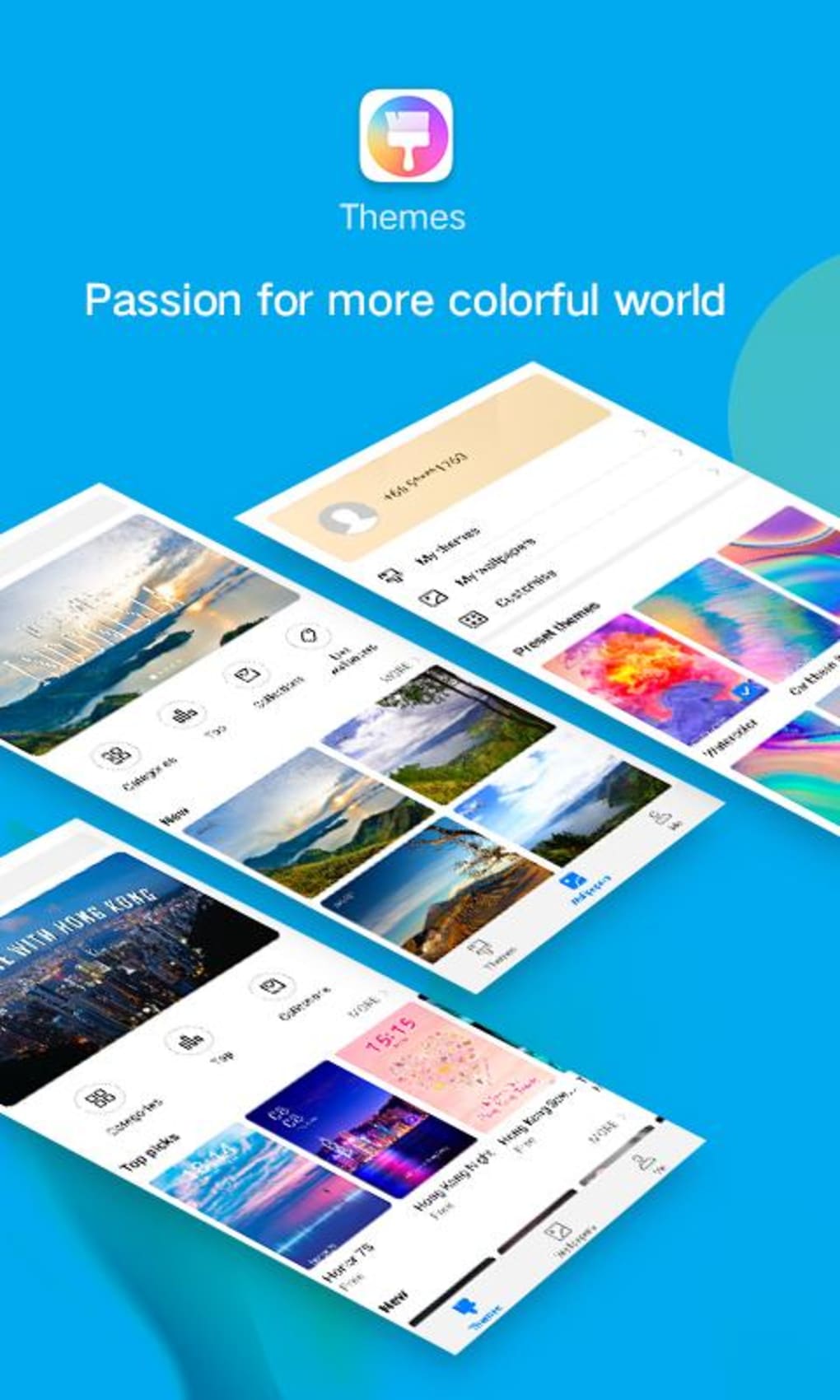
The market offers a vast selection of themes, ranging from minimalist designs to vibrant, eye-catching creations. This diversity ensures that everyone can find a theme that resonates with their personal style. Whether you prefer a sleek, professional look, a playful and colorful aesthetic, or something more abstract and artistic, there’s likely a theme out there waiting to be discovered.
A Deep Dive into Theme Functionality: What’s Possible?
Theme applications typically offer a wide array of customization features, allowing users to fine-tune their device’s appearance to an astonishing degree. These features often include:
- Wallpaper Changes: The most basic, yet still impactful, aspect of theme applications is the ability to change device wallpapers. High-resolution images, artistic designs, and even live wallpapers that dynamically change over time are commonly available.
- Icon Pack Customization: Many themes come with custom icon packs, replacing the default app icons with a consistent and visually appealing set. This creates a unified look across the entire home screen and app drawer.
- Color Palette Modifications: Themes often allow users to modify the overall color scheme of their device. This can involve altering the system accent colors, which influence the appearance of various UI elements.
- Font Selection: Some sophisticated theme applications even allow users to change the system fonts, providing another level of visual personalization.
- Animation and Transition Effects: Certain themes incorporate custom animations and transition effects, creating a more dynamic and engaging user experience.
- Lock Screen Customization: Many themes extend their customization capabilities to the lock screen, offering unique designs and layouts.
These features combined allow for an unparalleled level of personalization, making it possible to craft a truly unique and visually satisfying mobile experience.
The Limitations of Themes: Where They Fall Short
While themes offer significant customization capabilities, it’s essential to acknowledge their limitations. The most significant constraint is their confinement to primarily visual aspects. Themes typically don’t alter the underlying functionality of the device or the apps installed on it. They are purely aesthetic modifications.
This limitation means that users cannot expect to change core system behaviors or app functionalities through theme applications. For example, a theme cannot enhance battery life, speed up processing times, or fundamentally alter the way apps function. Attempts to do so would likely necessitate root access and significant system modifications beyond the scope of theme applications.
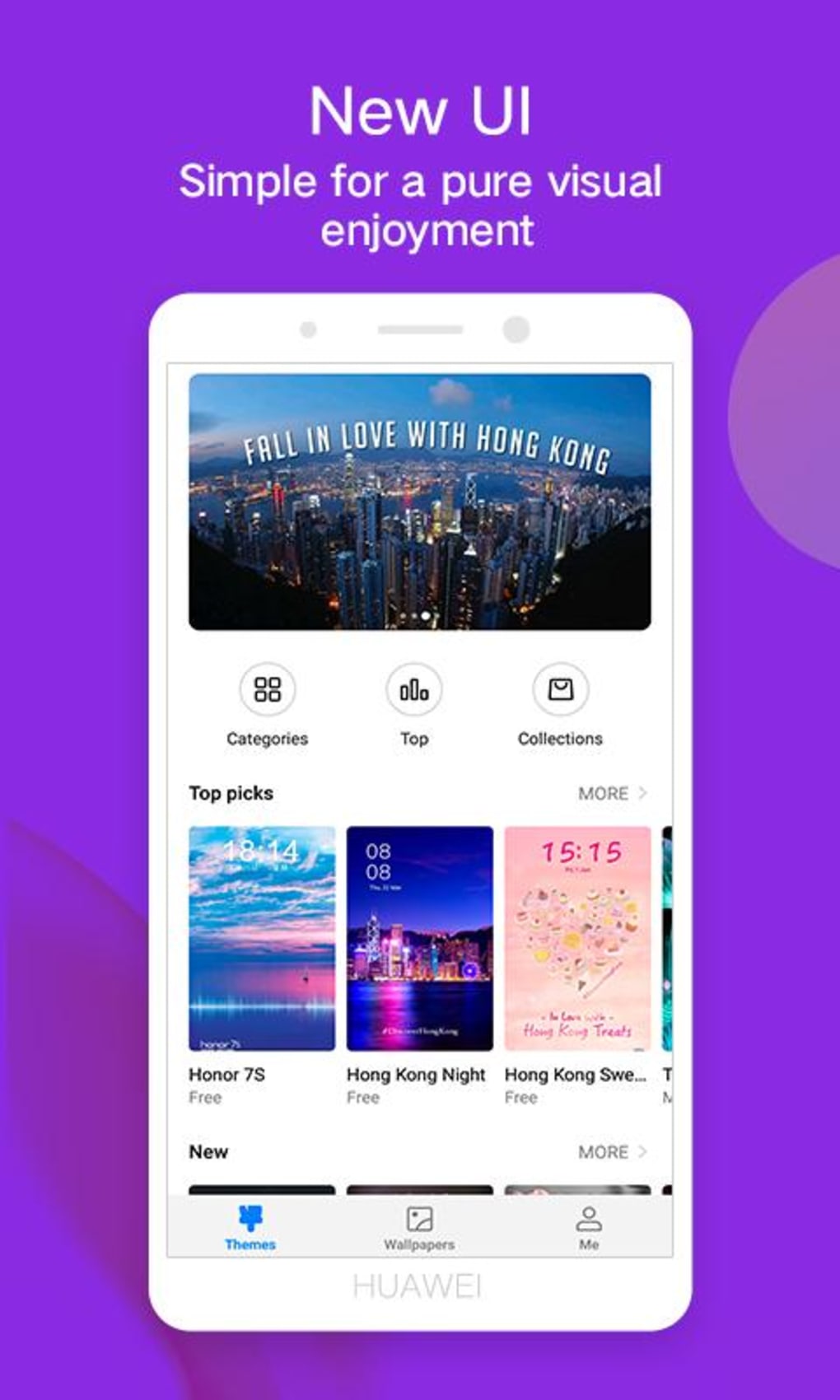
Another potential drawback is the potential for incompatibility. While many themes are designed to work across a range of Android versions and device manufacturers, some may not function correctly on all devices. Before installing a theme, it’s advisable to check compatibility information and user reviews to avoid potential issues.
Finally, the sheer abundance of themes can be overwhelming for some users. Navigating the vast landscape of options and finding a theme that truly resonates with personal preferences requires time and effort.
Choosing the Right Theme Application: A User’s Guide
With the vast number of theme applications available on the Google Play Store and other app marketplaces, making the right choice can seem daunting. Here’s a guide to help you navigate the selection process:
1. Consider Your Personal Style: Before diving into the myriad options, take some time to reflect on your preferences. Do you prefer minimalist designs, vibrant colors, or something more abstract? Defining your aesthetic preferences will significantly narrow down the search.
2. Review User Ratings and Reviews: Pay close attention to the ratings and reviews left by other users. These comments can provide valuable insight into the app’s performance, reliability, and the quality of its customization options.
3. Check Compatibility: Ensure that the theme application is compatible with your Android version and device model. Compatibility issues can lead to malfunctions and frustration.
4. Explore Feature Sets: Compare the feature sets of different theme applications. While some offer basic wallpaper changes, others provide more extensive customization options. Choose an app that aligns with your desired level of personalization.
5. Look for Regular Updates: Choose an app that is actively maintained and updated by the developer. Regular updates often include bug fixes, performance enhancements, and new features.
6. Consider Security: Download theme apps only from reputable sources like the Google Play Store to minimize the risk of malware or unwanted bundled software.
By following these guidelines, you can significantly increase your chances of finding a theme application that meets your needs and enhances your overall Android experience. Remember, the goal is to find a theme that reflects your personal style and creates a mobile environment that you enjoy and find functional.
File Information
- License: “Free”
- Latest update: “September 24, 2024”
- Platform: “Android”
- OS: “Android 9.0”
- Language: “English”
- Downloads: “34.1K”
- Size: “141.49 MB”
- Download Options: “APK, Google Play”
- Filename: “Themes_v12.0.22.320.apk”


