
TigerVPN is a virtual private network (VPN) service provider that offers users a secure and private way to access the internet. This review delves into its features, performance, security, and overall user experience, helping you decide if it’s the right VPN for your needs.
User Interface and Ease of Use
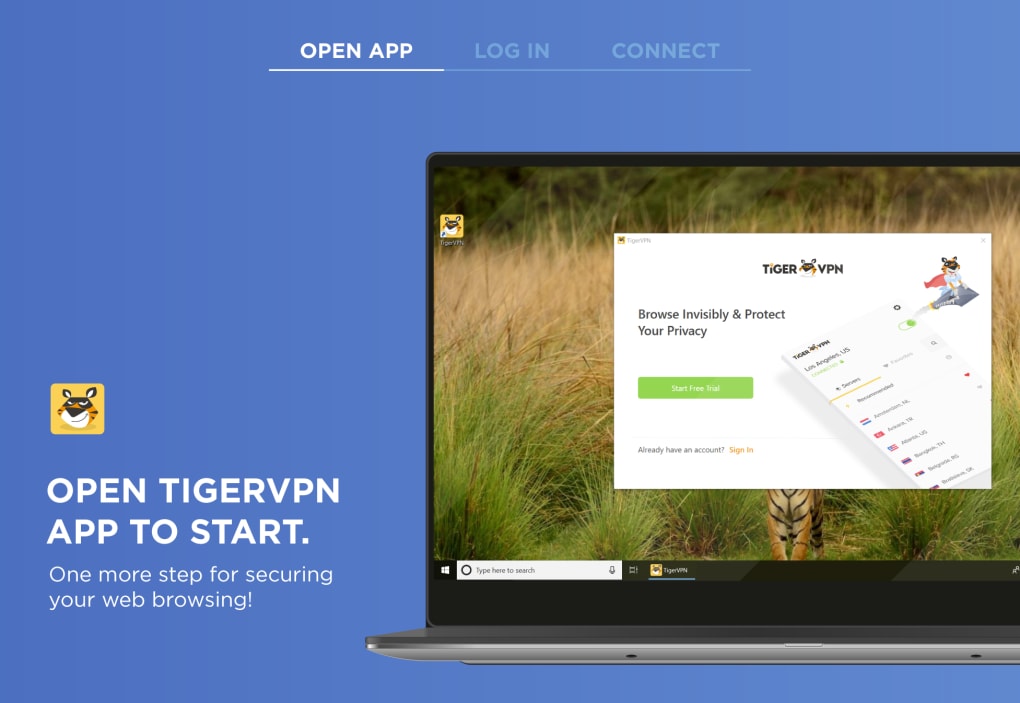
One of TigerVPN’s strengths lies in its user-friendly interface. Unlike many VPNs that boast complex, professional-looking dashboards, TigerVPN opts for a more relaxed and approachable design. This simplicity makes it incredibly accessible, particularly for users who are new to VPN technology. The initial setup process is straightforward, requiring only a one-time login. Subsequent sessions automatically direct you to the server selection screen, eliminating the need for repeated logins. This streamlined approach contributes to a faster and more convenient user experience.
Server selection is equally intuitive. Users have two distinct methods for choosing a server location: a visually appealing world map and a more organized list view. The map displays available servers as color-coded dots, with color representing latency (connection speed). This provides a quick visual representation of connection speeds across different locations. For a more organized approach, users can switch to a list view, which arranges servers alphabetically or by latency. This flexibility caters to different user preferences and allows for efficient server selection.
TigerVPN boasts an impressive network of 300 servers spanning 63 locations across 43 countries. To simplify the process of finding the fastest available connection, the software incorporates a built-in VPN finder button. With a single click, this tool automatically identifies and connects you to the server offering the lowest latency, ensuring optimal performance. The entire process is remarkably swift, usually completing within a few seconds. Once connected, the application displays key information such as connection status, duration, and your new IP address. Disconnecting is just as simple – a single swipe on the connection banner ends the session.
Security and Privacy
Security is a paramount concern for any VPN, and TigerVPN addresses this with robust measures. The service utilizes 256-bit encryption, widely considered the gold standard in VPN security and the strongest encryption technique currently available. This high level of encryption effectively protects user data from unauthorized access, even from the most determined hackers.
Furthermore, TigerVPN maintains a strict no-logs policy. This means the service does not record, log, or track users’ internet sessions or browsing activities. This commitment to user privacy ensures that your online activities remain confidential and untraceable. This feature is particularly reassuring when connecting to public Wi-Fi networks, where the risk of data breaches is significantly higher. TigerVPN’s protection extends to shielding users from potential hackers, spies, and malicious software that often lurks on unsecured networks.
While TigerVPN does not log browsing history, it does retain limited data for billing and operational purposes. This includes data and bandwidth usage, connection duration, and server location. While the user’s IP address is also stored for billing, TigerVPN takes steps to ensure this information remains hidden and does not compromise user anonymity. This approach allows for responsible service provision while upholding the commitment to user privacy.

Features and Functionality
TigerVPN provides unrestricted access to websites, apps, and online content that may be blocked or unavailable in certain regions. Whether content is geo-restricted or subject to censorship, TigerVPN effectively bypasses these limitations, granting users unfettered access to the global internet. While torrenting is not explicitly encouraged, it is permitted on the platform.
This combination of features makes TigerVPN a compelling option for users seeking quick and reliable access to the internet without geographical restrictions. The intuitive interface and straightforward functionality make it equally suitable for both novice and experienced VPN users.
Performance and Speed
TigerVPN consistently demonstrates fast connection speeds, contributing to a smooth and efficient browsing experience. The VPN finder tool actively seeks out the server with the lowest latency, further optimizing performance. However, individual speed experiences can vary depending on factors such as server load, geographic distance, and internet service provider (ISP) performance. While TigerVPN generally provides high speeds, it’s important to note that peak performance might not always be guaranteed.
Pros and Cons
Pros:
- User-friendly interface: The simple and intuitive design is easily navigable for users of all technical skill levels.
- Fast VPN finder: The built-in tool efficiently locates the fastest available server, optimizing connection speeds.
- Strong encryption (256-bit): Provides robust protection against unauthorized access and data breaches.
- No-logs policy: Ensures user privacy by refraining from recording browsing history and online activities.
- Wide server coverage: Offers a substantial network of servers across numerous countries and regions.
- Supports multiple connections: Allows for simultaneous connections across multiple devices.
- Torrenting allowed (though not officially endorsed): Provides flexibility for users who engage in peer-to-peer file sharing.
Cons:
- Lack of a kill switch: A kill switch automatically disconnects the internet connection if the VPN drops, preventing data leaks. Its absence is a noticeable drawback.
- Limited server count compared to some competitors: While the number of servers is substantial, some competitors offer significantly larger networks.
- Fewer advanced features: TigerVPN may lack some of the advanced features found in more sophisticated VPN services, such as split tunneling or custom DNS settings. This might be a limitation for power users.
Conclusion
TigerVPN presents a compelling balance of ease of use, security, and performance. Its intuitive interface and robust encryption make it an excellent choice for users prioritizing simplicity and privacy. While the lack of a kill switch and fewer advanced features might be drawbacks for some users, the overall experience is positive, particularly for those new to VPNs or those seeking a straightforward and reliable solution for secure browsing. The focus on ease of use and strong security makes TigerVPN a solid option for users looking for a hassle-free VPN experience. However, users requiring advanced features or a wider server selection might find more suitable alternatives on the market. Ultimately, whether or not TigerVPN aligns with your needs depends on your individual priorities and usage patterns.
File Information
- License: “Free”
- Version: “3.5.3”
- Latest update: “July 15, 2022”
- Platform: “Windows”
- OS: “Windows 7”
- Language: “English”
- Downloads: “34.9K”
- Size: “6.24 MB”


