
TikMate: Download No Watermark is a free Android application developed by KungfuNovel that allows users to download TikTok videos without watermarks. This comprehensive guide will explore its features, functionality, ease of use, and important considerations regarding copyright and intellectual property. We will also address common questions and concerns surrounding the app and its usage.
Understanding TikMate’s Functionality
TikMate simplifies the process of downloading TikTok videos by eliminating the need for a TikTok account login. This streamlined approach enhances user convenience and privacy. The app offers a user-friendly interface, making navigation and video downloading straightforward for users of all technical skill levels. The core functionality centers around removing the watermark typically associated with downloaded TikTok videos, allowing for cleaner, more customizable content.
The app supports downloading videos and popular background music (BGM) from TikTok, giving users the flexibility to save both visual and audio components of their preferred TikTok content. This dual functionality caters to a wider range of user needs, offering options for creating compilations, using music in other projects, or simply saving favorite tracks offline.
Downloading Videos with TikMate: A Step-by-Step Guide
TikMate offers two simple methods for downloading videos:
Method 1: Copy and Paste Link
- Open TikTok: Locate the video you wish to download within the TikTok application.
- Copy the Link: Tap the “Share” button on the TikTok video. Then select the “Copy Link” option. This copies the video’s unique URL to your device’s clipboard.
- Open TikMate: Launch the TikMate application on your Android device.
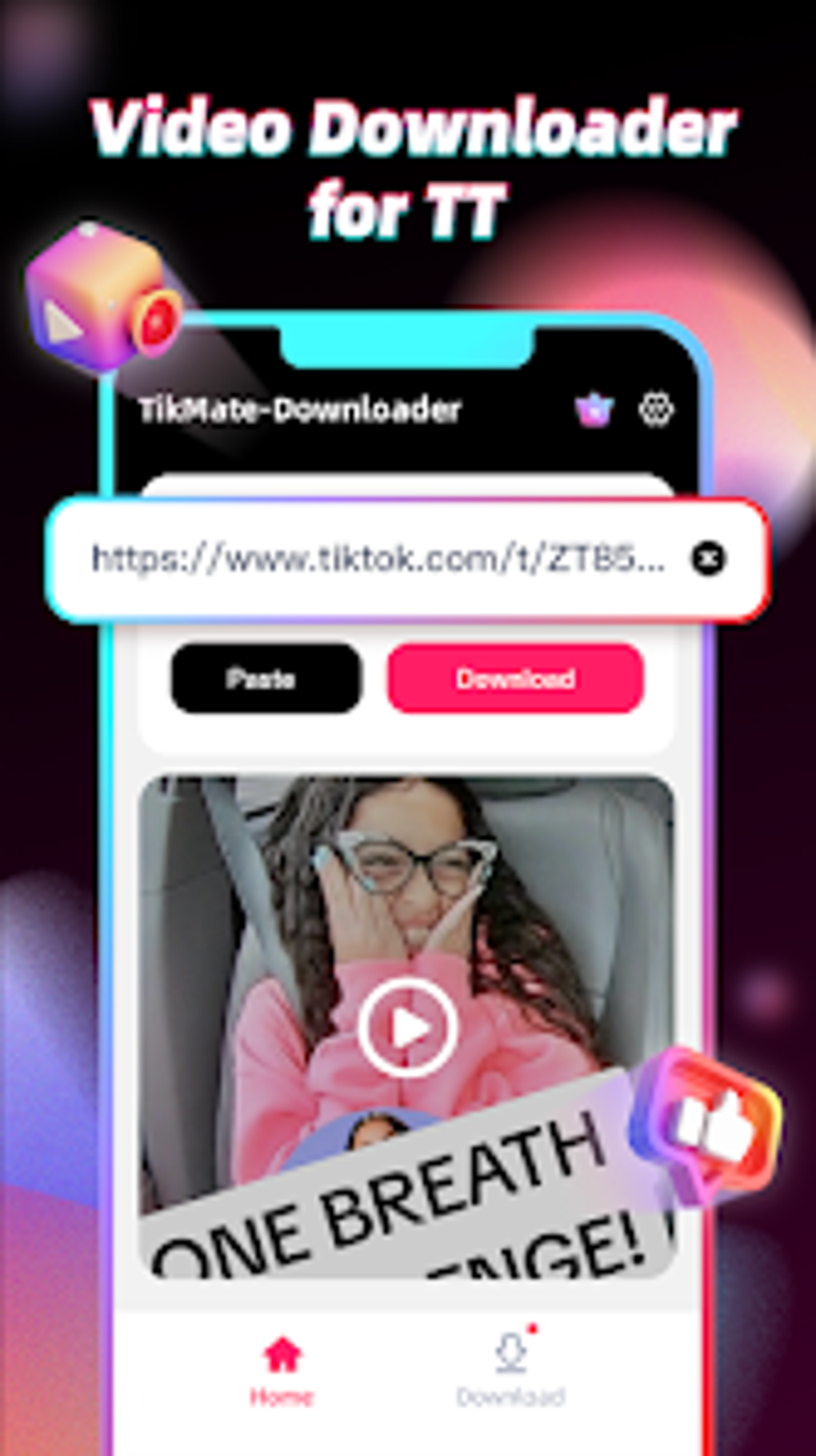
- Paste and Download: TikMate will automatically detect the copied link. Simply initiate the download process. The video will then be downloaded to your device’s designated storage location.
Method 2: Direct Sharing to TikMate
- Open TikTok: Locate the video you wish to download.
- Share to TikMate: Tap the “Share” button on the TikTok video. Select “Others” or a similar option from the sharing menu. From the list of available sharing options, locate and select “TikMate Downloader” (or a similar designation, depending on the app’s specific wording).
- Automatic Download: TikMate will automatically receive the video link and initiate the download process without requiring any further input from the user.
TikMate’s Commitment to User Privacy
A key aspect of TikMate’s design is its commitment to user privacy. The app explicitly states that it does not collect any personal or private information from users. It does not request or obtain user passwords or any other sensitive data. This commitment to transparency reinforces user trust and ensures a secure downloading experience. It’s crucial to understand that TikMate is not affiliated with TikTok and operates independently.
Legal and Ethical Considerations: Copyright and Intellectual Property
While TikMate provides a convenient means of downloading TikTok videos, users are strongly encouraged to adhere to copyright and intellectual property laws. Downloading and using copyrighted content without permission is illegal and can result in legal repercussions. Before downloading and using any video, audio, or image from TikTok, users should consider the following:
- Copyright Ownership: Understand that most content on TikTok is copyrighted. The creator of the content retains ownership of their work.
- Permission: Always seek permission from the content creator before downloading and re-using their work, especially for commercial purposes. This could involve contacting the creator through their TikTok profile or other available means.
- Attribution: When using downloaded content, give proper credit to the original creator. This shows respect for their work and acknowledges their ownership.
- Fair Use: Limited usage of copyrighted material may be permitted under the “fair use” doctrine in some jurisdictions. This doctrine generally allows for limited use of copyrighted material for purposes such as criticism, commentary, news reporting, teaching, scholarship, or research. However, the application of fair use is complex and depends on several factors.
It’s essential to act responsibly and ethically when using TikMate. Downloading content without permission or proper attribution can have serious consequences. Remember that respecting the intellectual property rights of others is crucial.
TikMate: App Specifications and Availability
Here’s a summary of TikMate’s key specifications:
- License: Free
- Version: 1.6.8 (as of May 14, 2025 – this may be outdated)
- Platform: Android
- OS Compatibility: Android 13.0 and above (compatibility might vary)
- Language: English (and potentially other languages, check the app store listing)
- Developer: KungfuNovel
- Availability: Available on various app stores (potentially including Phanmemfree.org, and the official Google Play Store. Always download from trusted sources to avoid malware).
User Reviews and Feedback
At the time of writing, user reviews for TikMate are limited. This section will be updated as more reviews become available. We encourage users to provide feedback and ratings to help other users make informed decisions.
TikMate in Comparison to Other Downloaders
While TikMate provides a convenient way to download TikTok videos without watermarks, various other applications offer similar functionalities. Users should compare features, ease of use, privacy policies, and reviews before selecting a downloader. Factors such as the presence or absence of ads, the speed of downloads, and the level of support offered by developers are all considerations to take into account.
Conclusion: A Practical Tool with Ethical Considerations
TikMate: Download No Watermark offers a user-friendly approach to downloading TikTok videos without watermarks. Its straightforward interface and privacy-focused design are appealing. However, responsible and ethical use is paramount. Users must always respect copyright and intellectual property rights, obtaining permission when necessary and providing proper attribution. By using TikMate responsibly, users can enjoy its convenience while upholding legal and ethical standards. Always prioritize downloading from reputable sources to ensure the safety of your device and data. Remember to check for updated versions and improved features as the app evolves.
File Information
- License: “Free”
- Version: “1.6.8”
- Latest update: “May 14, 2025”
- Platform: “Android”
- OS: “Android 13.0”
- Language: “English”
- Downloads: “27”
- Download Options: “Google Play”


