
Toolbox for Minecraft: PE is a popular game utility application designed to enhance the Minecraft Pocket Edition (PE) experience. Developed by Toolbox for Minecraft, this custom launcher provides players with a wide array of tools and modifications, significantly expanding the gameplay possibilities beyond the standard edition. This in-depth guide explores the functionalities, advantages, and limitations of Toolbox for Minecraft: PE, offering a comprehensive understanding for both novice and experienced Minecraft players.
Enhanced Modding Capabilities
Minecraft’s enduring appeal lies partly in its extensive modding community. Toolbox for Minecraft: PE capitalizes on this, providing a user-friendly interface for implementing various mods and alterations. Unlike the base game, which offers limited customization options, Toolbox for Minecraft: PE unlocks a world of possibilities. Players can seamlessly integrate popular mods, tweak game mechanics, and personalize their in-game experience to an unprecedented degree. This increased level of customization allows for unique and creative gameplay experiences tailored to individual preferences.
The app acts as a intermediary between the base Minecraft PE game and various modifications, making it easier to install and manage these modifications without needing extensive technical knowledge. This significantly lowers the barrier to entry for players interested in modding, enabling even those with limited technical expertise to enjoy a customized Minecraft experience. The streamlined process avoids the complexities often associated with manual modding, presenting a more accessible and user-friendly alternative.
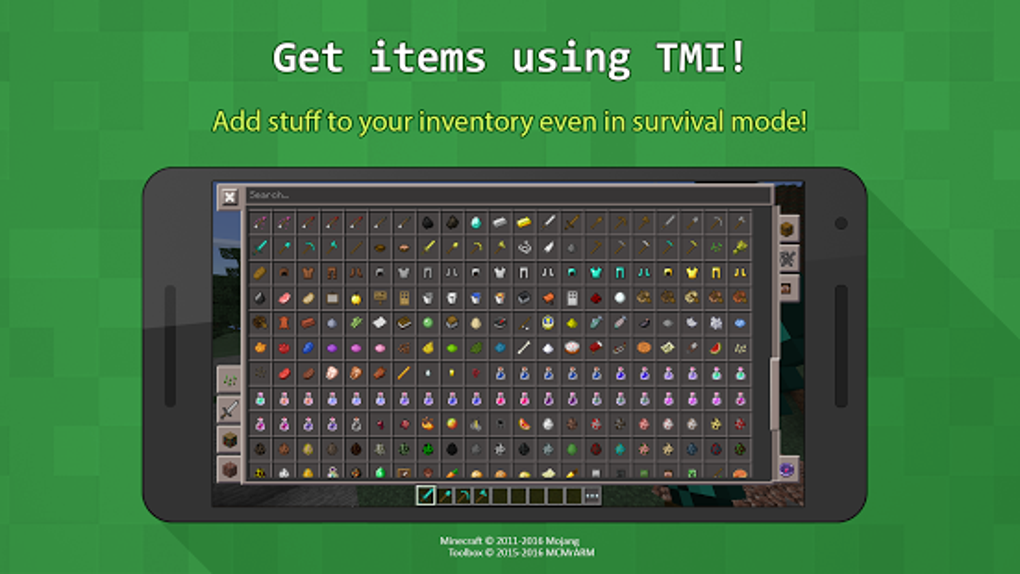
One notable feature is the ability to add the “Too Many Items” mod. This highly sought-after mod provides players with access to an expansive inventory of items, blocks, and resources, simplifying construction and experimentation. It eliminates the need for extensive resource gathering, allowing players to focus on building and creativity. Similarly, the ability to add potion effects and enchant items provides further enhancements, boosting character capabilities and tailoring gameplay to specific strategies.
Exploring Enhanced Gameplay Features
Beyond simply adding mods, Toolbox for Minecraft: PE introduces several compelling gameplay enhancements designed to improve the overall playing experience. These features address common frustrations and limitations of the base game, offering solutions that enhance both exploration and building processes.
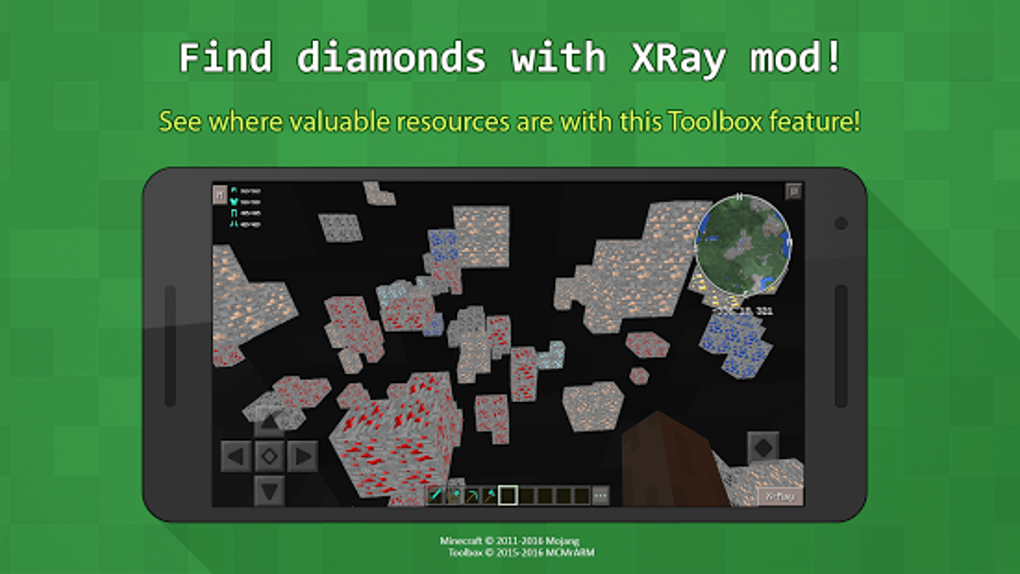
The “X-Ray” mode is a particularly notable addition. This feature allows players to see through blocks, revealing the location of valuable resources such as diamonds that would typically be hidden. This dramatically simplifies the process of resource acquisition, accelerating progression and eliminating the tedious process of searching for hidden resources. This functionality is particularly beneficial for players who prioritize efficient resource gathering and rapid progression within the game.
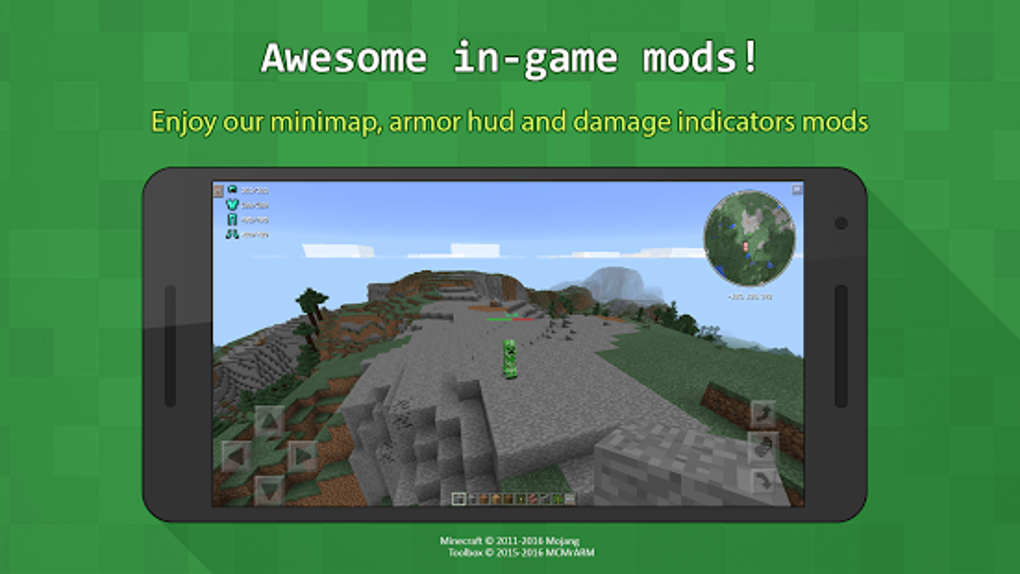
For players focusing on exploration, Toolbox for Minecraft: PE provides crucial navigational tools. The “Fullbright” mode eliminates the darkness within caves and underground environments, allowing for uninterrupted exploration without the need for constant light sources. This enhancement improves visibility and safety, mitigating the risk of unexpected encounters with hostile mobs in dark areas. Similarly, the integrated “Minimap” offers a convenient overview of the immediate surroundings, simplifying navigation and preventing players from getting lost in vast landscapes.
Construction and building are also significantly enhanced. The “Rapid Build” and “Reach” features accelerate the construction process, allowing for faster placement of blocks and structures. These features are particularly beneficial for players involved in large-scale projects, streamlining the building process and allowing for quicker realization of complex designs. The speed increase allows for a more dynamic and efficient building experience, making large-scale projects more feasible.
Addressing Limitations and Potential Issues
Despite its numerous advantages, Toolbox for Minecraft: PE is not without its limitations. One significant drawback frequently reported by users is the tendency for the game to crash frequently after applying mods. This instability can severely disrupt gameplay, negating the benefits of the added features and causing significant frustration. The unpredictable nature of these crashes makes it difficult for players to reliably enjoy the expanded functionalities offered by the app.
The frequency of crashes is a critical area requiring improvement. The developers need to address the underlying causes of these crashes to ensure a stable and reliable playing experience. Until this issue is resolved, players should approach the use of Toolbox for Minecraft: PE with caution, understanding the potential for disruption. Exploring alternative custom launchers or carefully selecting a subset of mods might mitigate the risk of crashes, but a stable, fully functional app is crucial for long-term player satisfaction.
This instability underscores the importance of ongoing maintenance and updates. Regular updates that address bugs, optimize performance, and enhance stability are essential for maintaining a positive user experience. The developer’s commitment to addressing these issues is crucial to ensuring the continued appeal and viability of Toolbox for Minecraft: PE.
Alternatives and Future Development
Given the instability issues, exploring alternative custom launchers for Minecraft: PE is advisable. Several other options offer similar functionalities with varying degrees of stability and features. Comparing and contrasting these alternatives allows players to choose the option that best suits their needs and preferences, balancing desired features with stability and performance.
The future development of Toolbox for Minecraft: PE hinges on addressing the crashing issue. Implementing robust testing procedures, actively soliciting user feedback, and promptly addressing reported bugs are crucial steps towards creating a more stable and reliable application. Further development could also explore adding new features and expanding compatibility with a wider range of mods, enhancing the overall appeal and versatility of the app.
The developers should also consider improving the user interface for a more intuitive and user-friendly experience. Simplifying the process of selecting and applying mods and providing clear instructions will improve user satisfaction and expand the accessibility of the application. A more streamlined and user-friendly interface would make the application more appealing to a wider audience.
Conclusion: Weighing the Pros and Cons
Toolbox for Minecraft: PE presents a compelling proposition for players seeking to expand their Minecraft: PE experience beyond the limitations of the base game. The addition of mods, enhanced gameplay features, and the simplification of the modding process are significant advantages. However, the frequent crashes represent a major drawback that severely impacts overall usability.
While the potential for enriched gameplay is undeniable, the instability currently renders Toolbox for Minecraft: PE a risky choice for players seeking a reliable and consistent gaming experience. The developers need to address the instability issues to fully realize the potential of this custom launcher. Until these issues are addressed, users should carefully consider the trade-offs between enhanced gameplay and the potential for frequent interruptions. Exploring alternative options and carefully managing mod implementation might mitigate some risks, but a stable and reliable core application is crucial for long-term success. The future of Toolbox for Minecraft: PE depends on addressing these limitations and providing a consistently enjoyable experience for its users.
File Information
- License: “Free”
- Latest update: “May 18, 2024”
- Platform: “Android”
- OS: “Android 13.0”
- Downloads: “105.8K”
- Size: “40.58 MB”
- Download Options: “APK, Google Play”
- Filename: “io-mrarm-mctoolbox-157-67591879-cbe4feeb3537714aa7178c2729e43f12.apk”


