
Toon Boom Studio is a robust 2D animation software package designed for professionals and serious hobbyists alike. It provides a powerful suite of tools to create high-quality animations for various platforms, including video, websites, television, film, games, mobile devices, and e-learning applications. While boasting a range of advanced features, the software’s intuitive interface makes it accessible to a wider user base than many comparable professional-grade animation programs. This comprehensive guide delves into the features, capabilities, and overall user experience of Toon Boom Studio.
Feature Set: Bringing Your Animations to Life
Toon Boom Studio offers a comprehensive set of features designed to streamline the animation workflow. Its strength lies in its ability to seamlessly integrate various aspects of the animation process, from initial concept sketches to final export. One of its key strengths is its versatility, supporting multiple animation techniques and catering to diverse creative styles.
Importing and Working with Assets
The software supports a wide array of import formats, allowing seamless integration of pre-existing assets. You can easily incorporate images, movies, and templates in formats such as SWF, AI, PSD, JPEG, TGA, and GIF. This flexibility enables animators to integrate their own artwork, stock assets, or materials created in other design programs, significantly accelerating the production process. The intuitive interface simplifies the process of importing and integrating these assets into your animation projects.
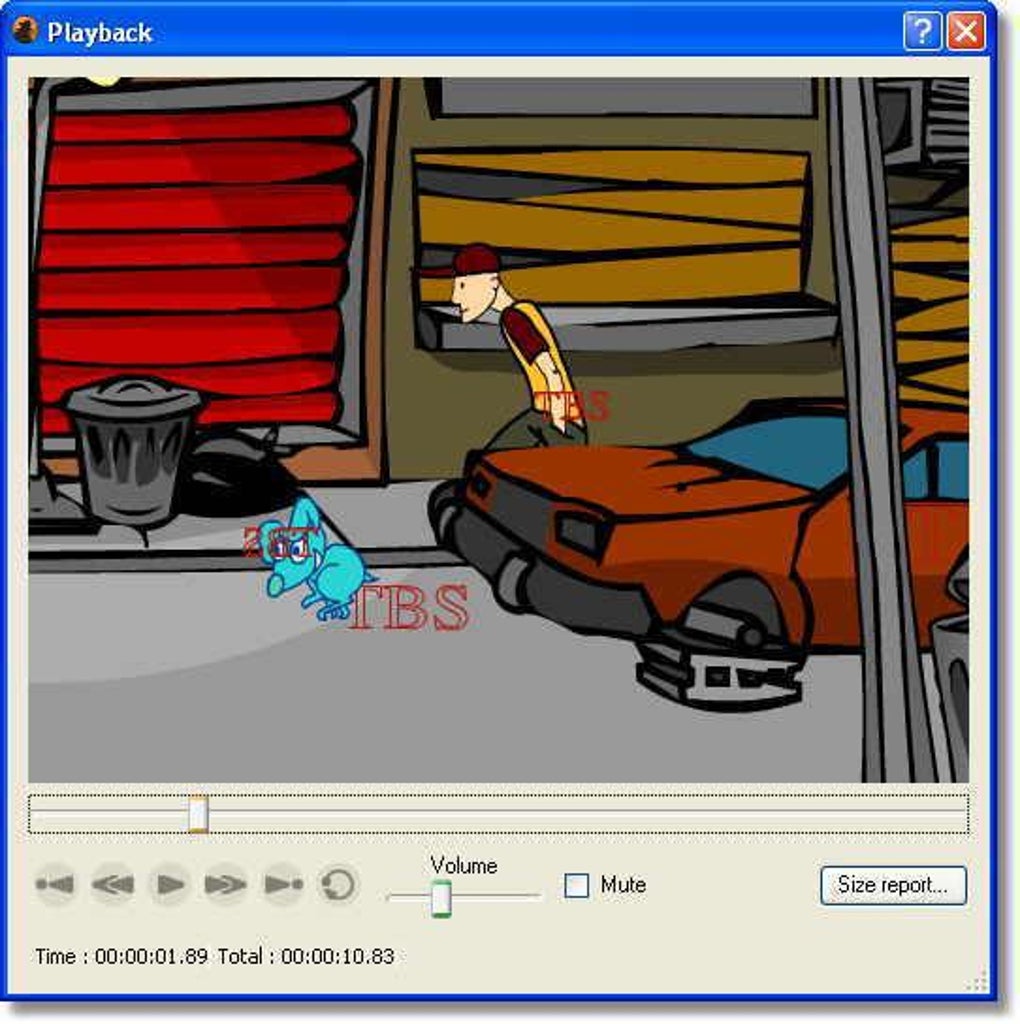
Animation Techniques and Tools
Toon Boom Studio offers a variety of animation techniques, allowing animators to choose the method best suited to their project and stylistic preferences. Traditional frame-by-frame animation, for instance, is readily supported, allowing animators to painstakingly craft each frame for a highly detailed and expressive result. However, Toon Boom Studio also offers advanced features such as motion tweening and shape tweening, which facilitate the creation of smooth, fluid animations with significantly reduced manual effort.
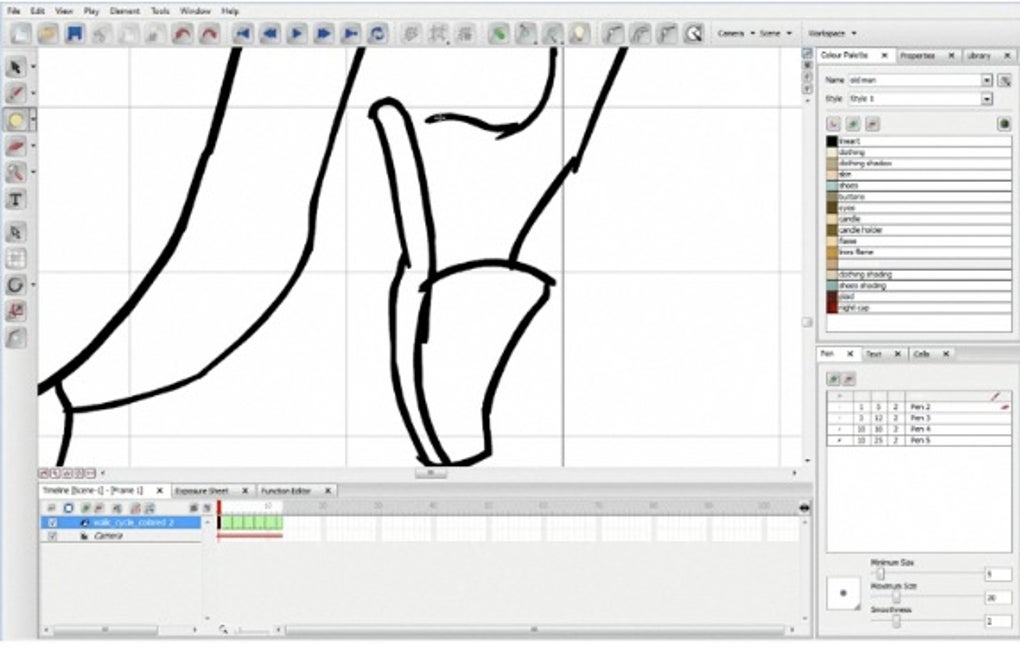
Furthermore, the software’s emphasis on mimicking the feel of traditional pen-and-paper animation makes the process incredibly intuitive. Animators can leverage tools designed to replicate the organic nature of hand-drawn animation, while still benefiting from the digital tools’ capabilities for precision and editing. The software strives to create a familiar and comfortable experience for animators transitioning from traditional methods.
Sound and Lip-Synchronization
Incorporating audio is crucial for creating engaging animations, and Toon Boom Studio provides robust tools to support this. You can import sound files in WAV, AIFF, and MP3 formats, seamlessly integrating sound effects and music into your animations. Moreover, Toon Boom Studio’s built-in lip-synchronization analyzer simplifies the process of animating characters’ mouth movements to match the dialogue, significantly enhancing realism and believability. This feature is a game-changer for animators creating projects with dialogue, reducing the time and effort required for accurate lip-sync animation.
3D Capabilities and Manipulation Tools
Although primarily a 2D animation software, Toon Boom Studio incorporates elements of 3D space manipulation. This functionality allows animators to create 3D backgrounds and accurately render perspective, adding depth and realism to their projects. The software also features zoom in and out functionality, enabling animators to work with intricate details and finely tune their animation. Scalability and rotation tools offer complete control over positioning and size, allowing precise adjustments and the creation of dynamic compositions.
Export Options
The final product’s quality is greatly enhanced by diverse and flexible export options, a feature Toon Boom Studio excels in. The software supports a range of output formats, including Flash (SWF), QuickTime, DV Stream, and AVI. This ensures compatibility with a variety of platforms and applications, providing users with the flexibility to share and distribute their animations across different mediums.
Advanced Features: Skeleton Effect Layer and Bone Manipulation
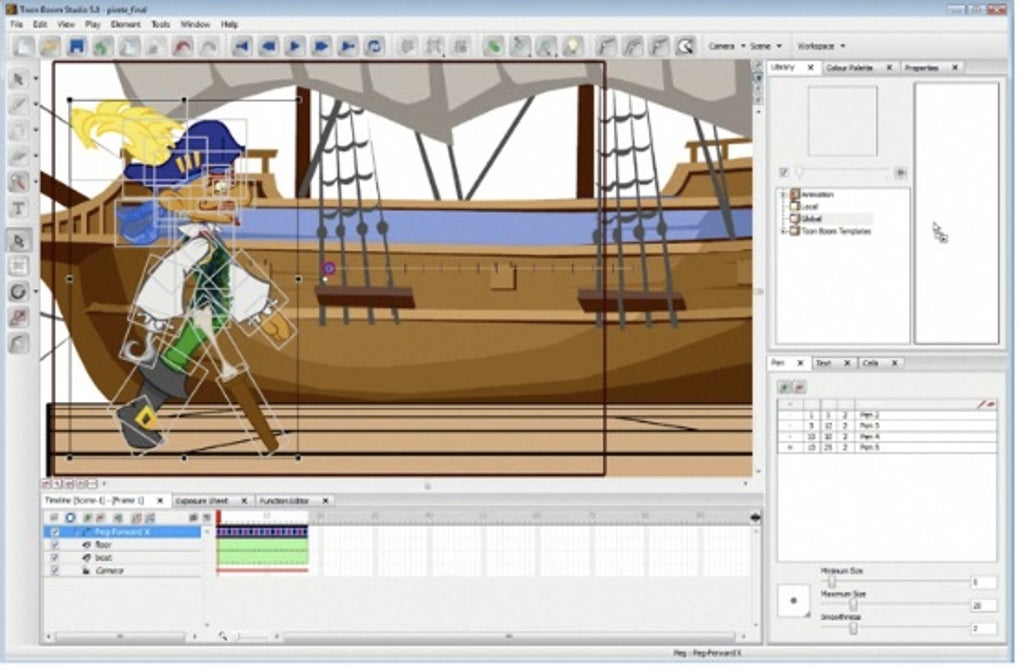
Recent versions of Toon Boom Studio have introduced sophisticated features to enhance character animation capabilities. The “Convenient Skeleton Effect Layer” is a significant development that simplifies the creation and animation of complex characters. This layer allows animators to define a skeleton for their characters, which simplifies complex movements and ensures consistent character poses throughout the animation.
Bone Level Segmentation and Animation
The bone-level segmentation feature allows for granular control over character animation. Animators can segment characters into individual bones, enabling fine-tuned control of movement and deformation. This is particularly beneficial when animating characters with numerous limbs and body parts, offering a level of detail and expressiveness that traditional animation techniques often struggle to achieve.
Bone Manipulation Tools
The software provides intuitive tools for manipulating bones within the animation timeline. Animators can easily adjust the rotation, length, and position of bones, ensuring precise and natural-looking movement. This ability to fine-tune bone parameters contributes to the overall smoothness and realism of the character’s animations. The software’s real-time preview of the Bone Effect ensures that animators can instantly visualize the results of their manipulations, streamlining the animation process.
Vector and Pixmap Transformations
Toon Boom Studio excels in handling both vector shapes and pixmap textures, which are crucial for creating diverse animation styles. The software provides fast and efficient transformation capabilities for both vector shapes and pixmap textures, allowing for seamless integration of different art styles and techniques within a single animation. This versatility is a significant advantage for animators working with varied asset types or stylistic preferences.
Region of Influence and Bone Template Reuse
The “More Accurate Region of Influence” feature provides greater precision in controlling the movement of objects within the animation. This functionality is particularly useful in complex scenes with multiple moving objects, ensuring that animations remain crisp and precise. Additionally, the ability to reuse Bone templates across several characters is a time-saving feature, streamlining the creation of animations featuring multiple characters with similar skeletal structures. This feature significantly accelerates the workflow, especially when dealing with large cast sizes or animation projects.
Toon Boom Studio’s Place in the Animation Industry
Toon Boom Studio’s impact extends beyond individual artists; its use in the creation of several notable animated productions solidifies its position as a legitimate tool within the industry. Animations like “Looney Tunes: Back in Action,” “The Rugrats,” and “SpongeBob The Movie” all feature projects utilizing Toon Boom Studio. This demonstrates its capacity for creating high-quality, professional-level animations for broad audiences and various stylistic sensibilities. Its versatility in handling different animation techniques ensures its adaptability to various projects and production styles.
User Experience and Learning Curve
While powerful, Toon Boom Studio does present a steeper learning curve compared to some more basic animation software. Its advanced features and comprehensive toolkit require time and dedication to master effectively. However, the intuitiveness of the core animation tools, combined with the numerous online tutorials and resources available, significantly reduces the initial learning hurdle.
The software’s complexity should not be a deterrent for aspiring animators. While a beginner might initially find it challenging, the extensive online community and resources make learning and adapting to the program possible. Dedicated users will discover that the time investment in learning Toon Boom Studio yields significant returns in terms of creative capabilities and animation quality.
Conclusion: A Powerful Tool for 2D Animation
Toon Boom Studio stands as a powerful and versatile 2D animation software package, appealing to both professional animators and serious enthusiasts. Its comprehensive feature set, robust import/export options, and intuitive interface (despite its learning curve) make it an excellent choice for creating high-quality animations for a variety of purposes. The recent additions of the Skeleton Effect Layer and associated bone manipulation tools significantly enhance character animation capabilities, solidifying its position as a leading software in the 2D animation industry. While the initial learning curve presents a challenge, the software’s powerful capabilities and supportive community make the effort worthwhile for any animator seeking to create professional-level animations.
File Information
- License: “Trial version”
- Latest update: “March 26, 2024”
- Platform: “Windows”
- OS: “Windows Vista”
- Language: “English”
- Downloads: “179.8K”
- Size: “107.27 MB”


