
TopStyle is a free Cascading Style Sheet (CSS) editor designed to streamline the process of creating and modifying style sheets for web pages. This comprehensive guide delves into the features, functionalities, and overall user experience of TopStyle, highlighting its strengths and addressing any potential limitations. We’ll explore its capabilities, compare it to alternatives, and examine user reviews to provide a complete overview.
TopStyle’s Core Functionalities: Simplifying CSS Development
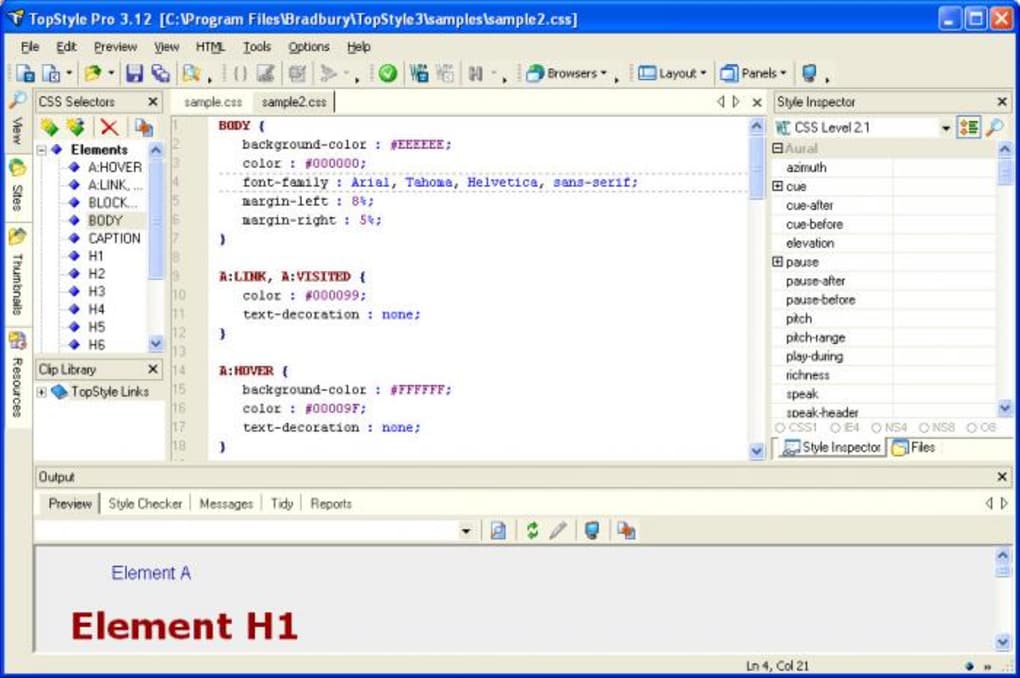
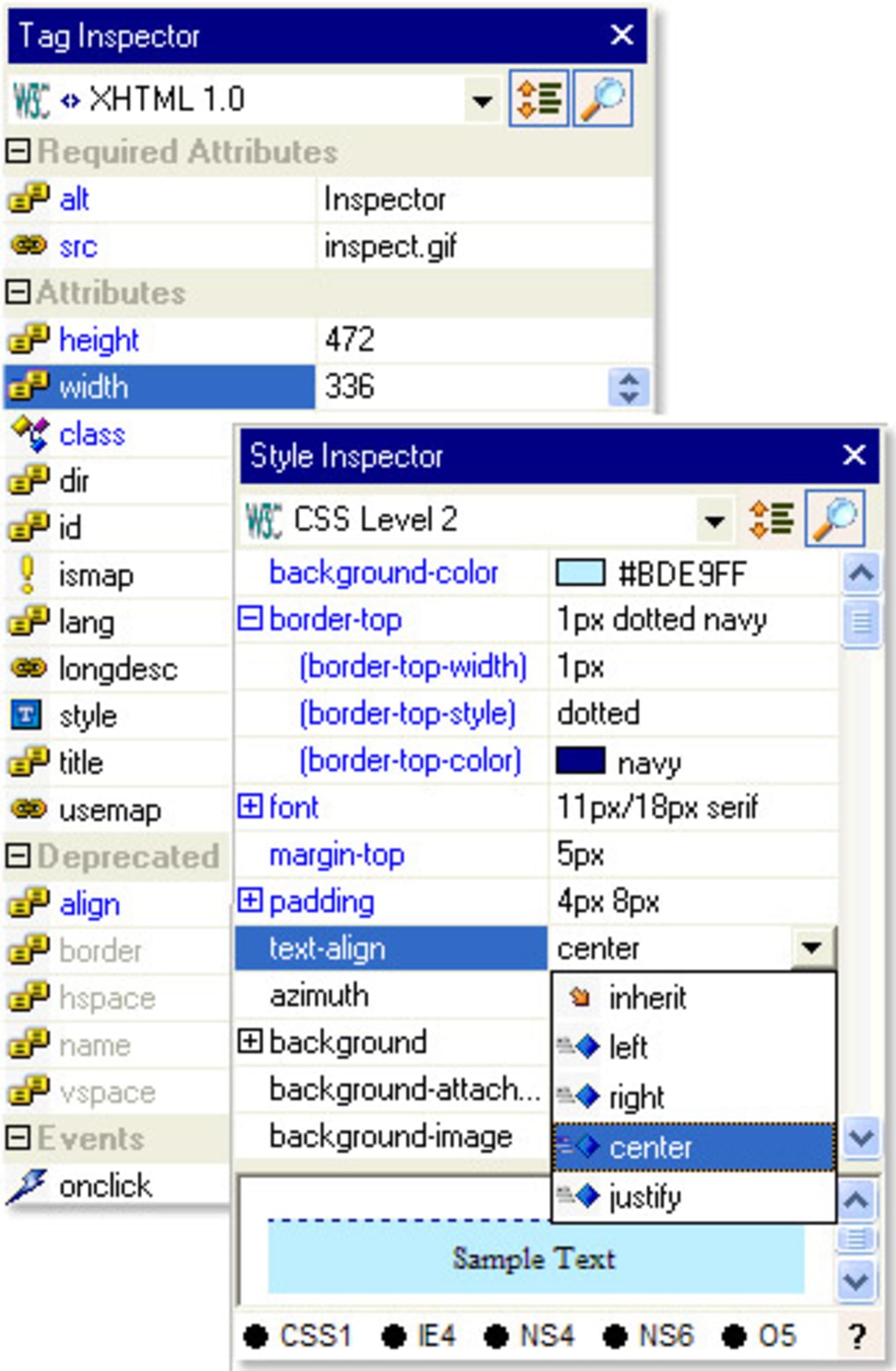
TopStyle’s primary strength lies in its efficient and user-friendly interface, geared towards simplifying the often complex task of CSS coding. It achieves this through three key features:
1. Auto-Completion: TopStyle incorporates an intelligent auto-completion feature that significantly speeds up the coding process. As the user begins typing a property name or value, a dropdown menu appears, suggesting possible completions. This predictive text functionality reduces typing errors and saves valuable time, allowing developers to focus on the overall design and functionality of their stylesheets. The suggestions offered are context-aware, meaning the possibilities offered are relevant to the current coding context, improving accuracy and preventing syntax errors. Simply pressing Enter or selecting with the mouse confirms the chosen suggestion, seamlessly integrating it into the code.
2. Real-Time Preview: A crucial element of TopStyle is its integrated preview screen. This real-time preview allows developers to instantly visualize the effect of their CSS code changes without needing to constantly refresh the web page. This immediate feedback loop significantly accelerates the development process and facilitates iterative design refinement. The visual representation aids in understanding how different CSS properties interact and helps in identifying any potential styling conflicts or inconsistencies. This feature is particularly valuable for beginners who are still learning the intricacies of CSS styling.
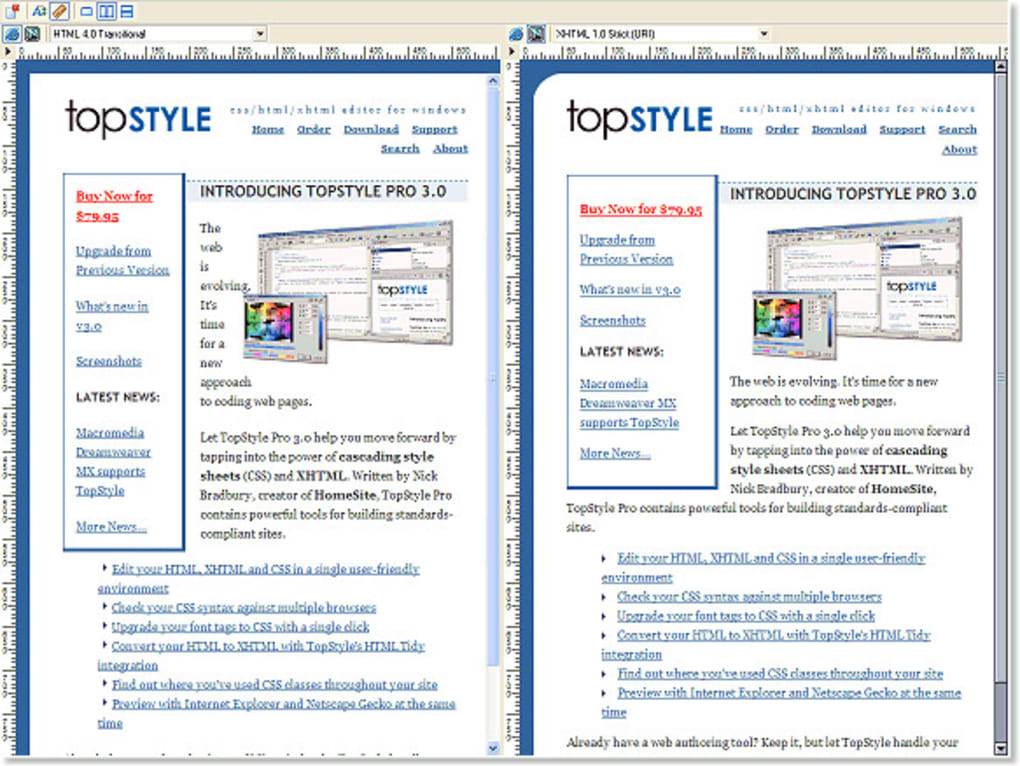
3. Browser Compatibility Checking: One of the most frustrating aspects of web development is ensuring cross-browser compatibility. TopStyle addresses this challenge by incorporating a built-in compatibility checker. This feature analyzes the written CSS code and identifies any potential inconsistencies or issues that might lead to variations in how the style is rendered across different web browsers. This proactive approach to compatibility testing saves developers significant time and effort in debugging, ensuring a consistent user experience across various platforms. The checker provides specific insights into which browsers might present problems and helps in resolving such discrepancies.
TopStyle’s User Interface and Ease of Use
TopStyle’s intuitive interface contributes significantly to its user-friendliness. The clean and uncluttered layout allows for efficient navigation and code manipulation. The editor’s straightforward design minimizes distractions and allows developers to concentrate on their code. This simplicity makes TopStyle accessible to both novice and experienced users, regardless of their familiarity with CSS. Features are logically organized, facilitating easy access to all functionalities. Furthermore, TopStyle’s lightweight design ensures a responsive performance, even on less powerful machines. This responsiveness makes the editing experience smoother and less prone to delays or lag.
TopStyle’s Strengths and Weaknesses: A Comparative Analysis
While TopStyle offers numerous advantages, it’s essential to consider its limitations within the broader context of CSS editors available in the market. Its strengths lie primarily in its ease of use, speed, and the core functionalities discussed earlier. Its auto-completion and real-time preview are particularly noteworthy features that significantly boost productivity.
However, compared to more comprehensive Integrated Development Environments (IDEs) like Adobe Dreamweaver or Visual Studio Code, TopStyle lacks some advanced features. For instance, it may not offer the extensive debugging tools, version control integration, or plugin support found in more powerful IDEs. While these advanced features are beneficial for larger projects, TopStyle is perfectly suitable for smaller projects or those where simpler tools are preferred.
Comparison with Alternative CSS Editors
TopStyle’s free nature makes it a compelling option, particularly for beginners or those working on smaller projects. However, users with more extensive requirements or advanced needs might consider alternatives like:
-
Notepad++: A free, lightweight text editor with syntax highlighting for CSS. While lacking the advanced features of TopStyle, it’s a simple solution for basic CSS editing.
-
Sublime Text: A powerful and customizable text editor with a wide range of plugins that extend its functionality. It offers a more versatile environment but requires a license for extended use.
-
VS Code: A feature-rich IDE with excellent CSS support through extensions. While more resource-intensive than TopStyle, it provides extensive debugging, version control, and other advanced functionalities.
-
Adobe Dreamweaver: A professional-grade web development tool with robust CSS support. It provides a comprehensive suite of features, but is a commercial product with a higher cost.
The choice of the best CSS editor ultimately depends on individual needs and project requirements. TopStyle excels as a straightforward, free option for users who prioritize ease of use and speed, whereas more advanced users may prefer the versatility and extended functionality offered by commercial products or advanced IDEs.
User Reviews and Community Feedback
User reviews for TopStyle consistently praise its speed, ease of use, and effectiveness. Many users cite its auto-completion feature as a major time saver. The real-time preview also receives significant positive feedback, improving workflow efficiency. The free availability is a frequently mentioned benefit. However, some users mention a lack of advanced features compared to professional-grade editors. This, however, is not unexpected considering TopStyle’s status as a free, lightweight tool.
Overall, user reviews paint a picture of a reliable and efficient CSS editor that is highly suitable for its intended purpose. The consistent praise for its simplicity and effectiveness speaks to its success in providing a user-friendly and productive development experience.
Conclusion: TopStyle’s Place in the Web Development Landscape
TopStyle stands out as a valuable tool for web developers, particularly those seeking a free, user-friendly, and efficient CSS editor. Its core features, including auto-completion, real-time preview, and browser compatibility checking, streamline the CSS development process and reduce the time needed for coding and debugging. While not as comprehensive as some commercial alternatives or advanced IDEs, TopStyle effectively caters to its target audience. For users who prioritize simplicity, speed, and a straightforward workflow, TopStyle remains a compelling and efficient choice for their CSS editing needs. Its free availability makes it an accessible entry point for beginners and a valuable asset for experienced developers needing a streamlined, quick solution. The positive user feedback consistently confirms its effectiveness and user-friendly nature, solidifying its place within the landscape of web development tools.
File Information
- License: “Free”
- Latest update: “February 7, 2024”
- Platform: “Windows”
- OS: “Windows 2000”
- Language: “English”
- Downloads: “81.2K”
- Size: “6.45 MB”


