
TP-Link Tether is a free mobile application designed to simplify the setup, management, and monitoring of TP-Link routers, range extenders, and other compatible network devices. Developed by TP-Link Technologies, this intuitive app prioritizes ease of use, offering a centralized platform for managing your home network without the need for a computer. Its straightforward interface and essential features make it particularly appealing to casual users who want quick access to key functionalities. This review will delve into the app’s features, strengths, and weaknesses, providing a comprehensive understanding of its capabilities and suitability for various users.
Streamlined Network Setup and Management
TP-Link Tether excels in its accessibility, making the setup of new devices remarkably simple. The app automatically detects compatible routers, guiding users through the configuration process with clear, step-by-step instructions. This user-friendly approach minimizes the technical expertise required, allowing even novice users to establish and configure their networks efficiently.
Beyond initial setup, the app provides a centralized dashboard for managing various network aspects. Users can effortlessly monitor network status, identify connected devices, and manage individual device permissions. Key features like parental controls, guest network creation, and Quality of Service (QoS) settings are presented with intuitive, mobile-friendly interfaces, enhancing the overall user experience.
The app’s device management capabilities are comprehensive. Users can easily block specific devices from accessing the network, adjust individual device bandwidth allocation using QoS, and monitor data usage for each connected device. This granular control empowers users to optimize network performance and manage internet access for various household members effectively.
Enhanced Security and Parental Controls
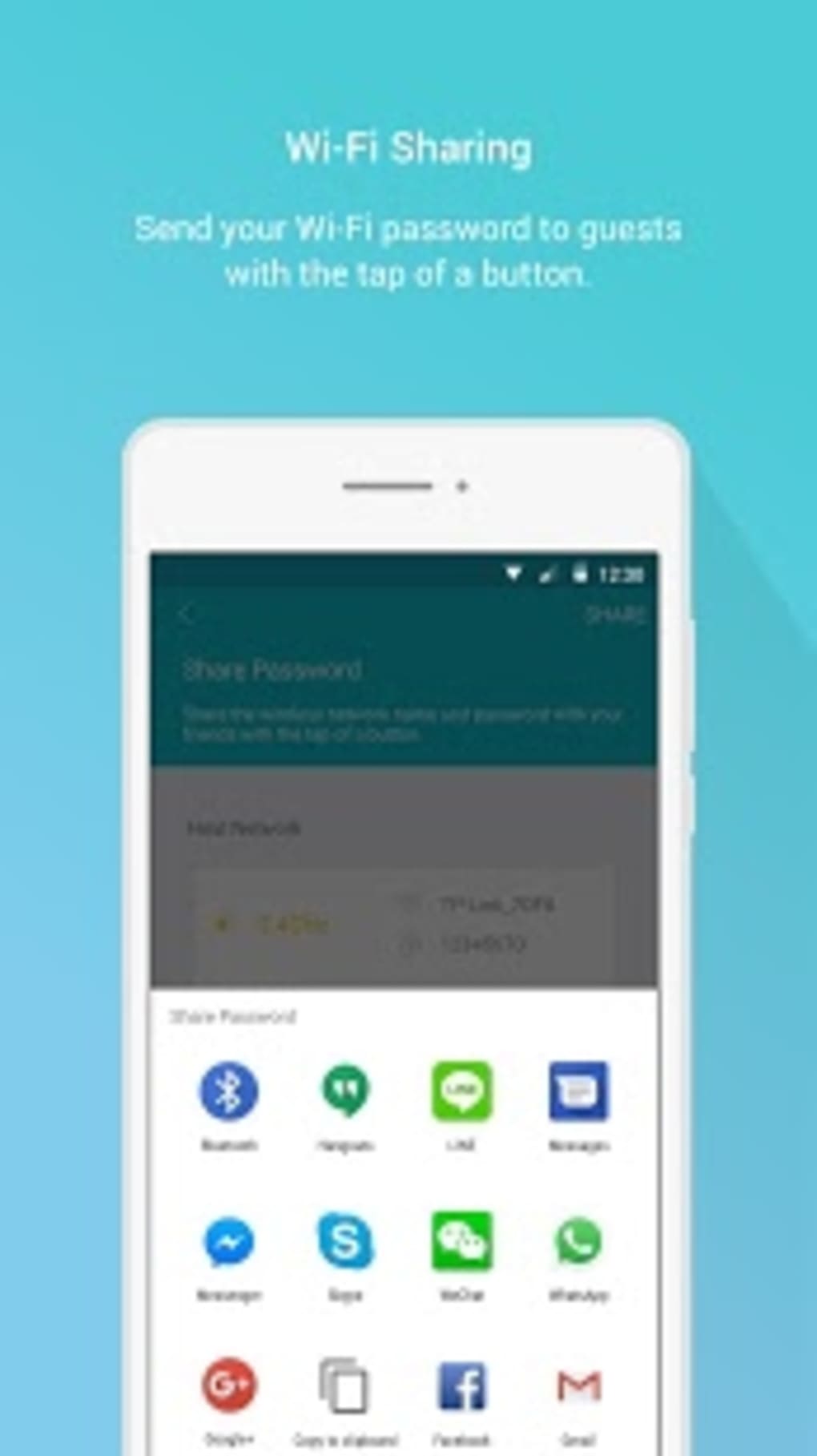
TP-Link Tether offers robust security features to safeguard your home network. The ability to create and manage guest networks provides a secure and isolated network for visitors, preventing unauthorized access to your primary network and its sensitive data. This separation enhances privacy and strengthens the overall security posture of your home network.

For families with children, the integrated parental controls are invaluable. The app allows users to schedule internet access times, block specific websites or applications, and monitor online activity. This granular level of control enables parents to create a safe and responsible online environment for their children, limiting exposure to inappropriate content and fostering healthy digital habits.
The ability to remotely manage your network adds another layer of convenience. If your router supports cloud access, you can manage your network settings and monitor its status even when you’re away from home. This remote access capability is particularly useful for troubleshooting issues or making quick adjustments to network configurations without needing physical access to the router.
User Interface and Experience
The visual design of TP-Link Tether is a significant strength. The app’s clean and uncluttered interface is highly intuitive, with clear menus, helpful icons, and a smart layout that ensures effortless navigation. Even users unfamiliar with network management will find the app easy to understand and use.
The app’s responsiveness and speed are generally excellent, with quick syncing between the app and the router, whether locally or remotely via TP-Link’s cloud service. However, it’s worth noting that occasional disconnection issues can occur, potentially impacting the seamlessness of the user experience. These instances, though infrequent, are a point to be aware of.
In-app notifications provide timely alerts for firmware updates and new device connections, enhancing the overall user experience and ensuring that your network remains updated and secure. This proactive approach keeps users informed about important changes and potential issues, facilitating timely intervention when necessary.
Compatibility, Updates, and Support
TP-Link Tether boasts wide compatibility with a broad range of TP-Link devices, but it’s crucial to note that not all models are supported. Older models or business-grade equipment may not be compatible with the app’s functionalities. Before purchasing a TP-Link device, it’s advisable to check the app’s compatibility list to ensure seamless integration.
TP-Link actively updates the app, incorporating new features, enhancing stability, and addressing bug fixes based on user feedback. This ongoing development reflects TP-Link’s commitment to improving the app and providing users with a consistently updated and improved experience.
The app includes a built-in help center and links to customer support, offering quick solutions to commonly encountered problems. However, for more complex issues or in-depth troubleshooting, users might need to access TP-Link’s official website or community forums for more comprehensive assistance. This layered support system caters to users with varying levels of technical expertise.
Limitations and Considerations
While TP-Link Tether offers a comprehensive suite of features, certain limitations exist. Some advanced settings typically found in desktop-based router configuration interfaces are absent from the app. This simplification, while beneficial for ease of use, may restrict the control available to advanced users who require fine-grained adjustments to their network configurations.
The occasional disconnection issues, although infrequent, can disrupt the user experience. While TP-Link actively addresses these issues through updates, users should be prepared for the possibility of temporary disruptions in connectivity.
Finally, the lack of compatibility with all TP-Link models is a notable limitation. Users with older or less common TP-Link devices might find the app unsuitable for their needs. This incompatibility highlights the need to verify device compatibility before relying on TP-Link Tether for network management.
Conclusion: A User-Friendly Network Management Solution
TP-Link Tether is a powerful and user-friendly network management application, particularly well-suited for casual users who seek an easy and accessible way to control their home networks. Its intuitive interface, streamlined setup process, and essential features like parental controls and guest network management significantly enhance the user experience.
While some limitations exist, such as the absence of advanced settings and potential compatibility issues with certain TP-Link devices, these shortcomings are largely outweighed by the app’s overall ease of use and comprehensive features. For most households utilizing TP-Link routers and extenders, TP-Link Tether remains a valuable and indispensable tool for simplifying and optimizing network management. The ongoing updates and support from TP-Link further solidify its position as a strong contender in the mobile network management arena.
File Information
- License: “Free”
- Latest update: “August 10, 2025”
- Platform: “Android”
- OS: “Android 15.0”
- Language: “English”
- Downloads: “24.5K”
- Download Options: “Google Play”


