
Traymond is a lightweight, open-source application designed to simplify workflow management by minimizing applications directly to the system tray. This eliminates taskbar clutter, allowing for a cleaner desktop experience and improved focus. While not a perfect solution for every program, Traymond offers a unique approach to multitasking and background application management, making it a valuable tool for power users and those juggling multiple applications simultaneously.
Streamlining Your Workflow with System Tray Minimization
The core functionality of Traymond revolves around its ability to minimize applications to the system tray using a simple hotkey combination. This contrasts with standard operating system minimization, which often leaves applications visible in the taskbar, still occupying screen real estate and potentially distracting the user. Traymond’s solution offers a more discreet method, allowing running programs to operate in the background without visual interruption. This is particularly beneficial when working with multiple applications concurrently, such as during research, writing, or coding projects. The user can seamlessly switch between tasks without the visual distraction of numerous open windows cluttering the taskbar.
Activating Traymond’s minimization function is straightforward. Upon launching the application, users can minimize any active window to the system tray by pressing the pre-defined hotkey combination: Win + Shift + Z. This hotkey provides quick and easy access to the feature without interrupting the current workflow. The minimized application continues to run silently in the background, maintaining its functionality while remaining unobtrusive to the user’s primary focus. Restoration of the minimized window is equally simple; a double-click on the Traymond system tray icon will bring the selected application back to the foreground. This intuitive design allows for seamless transitions between minimized and active applications.
Limitations and Considerations
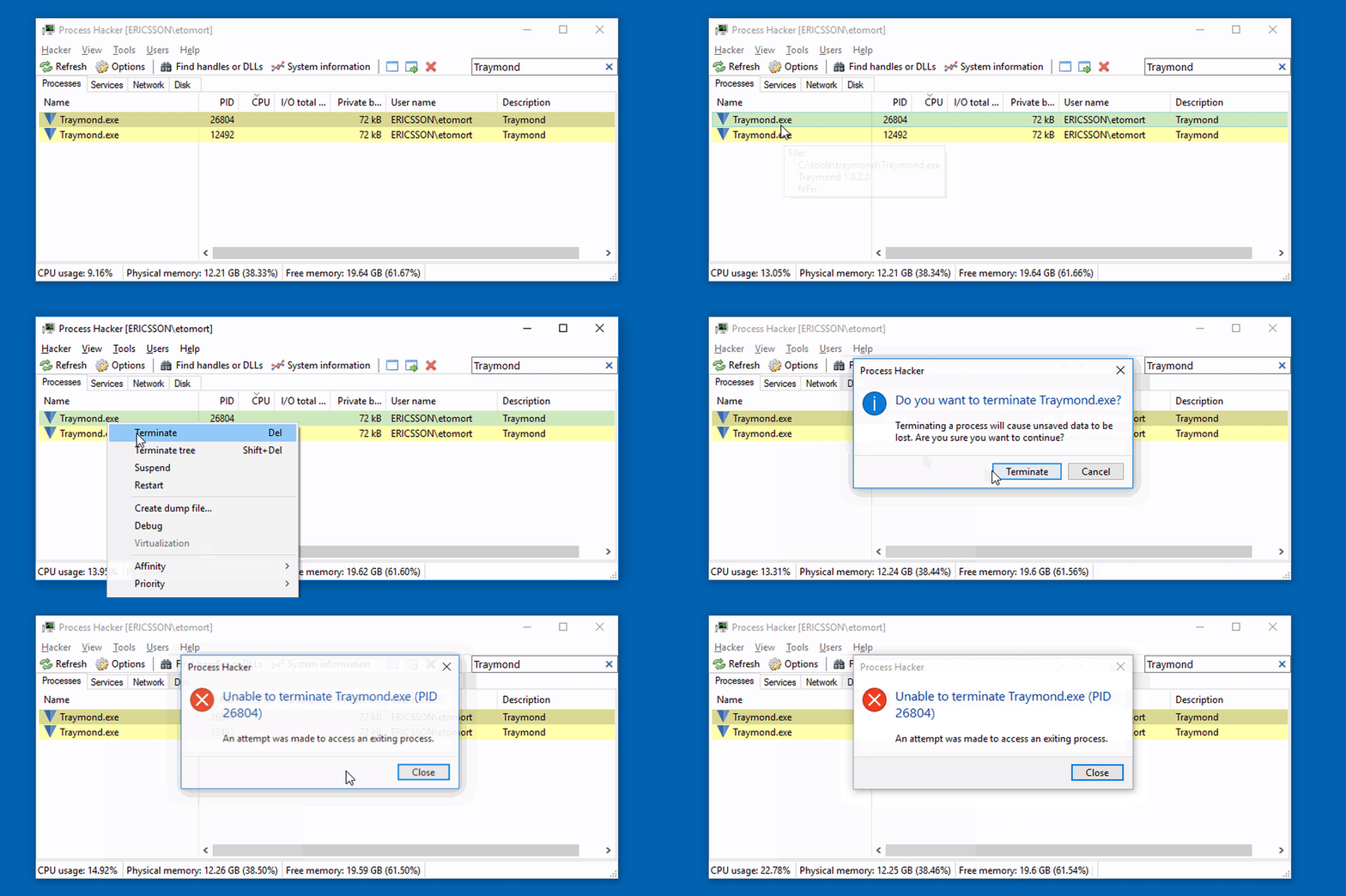
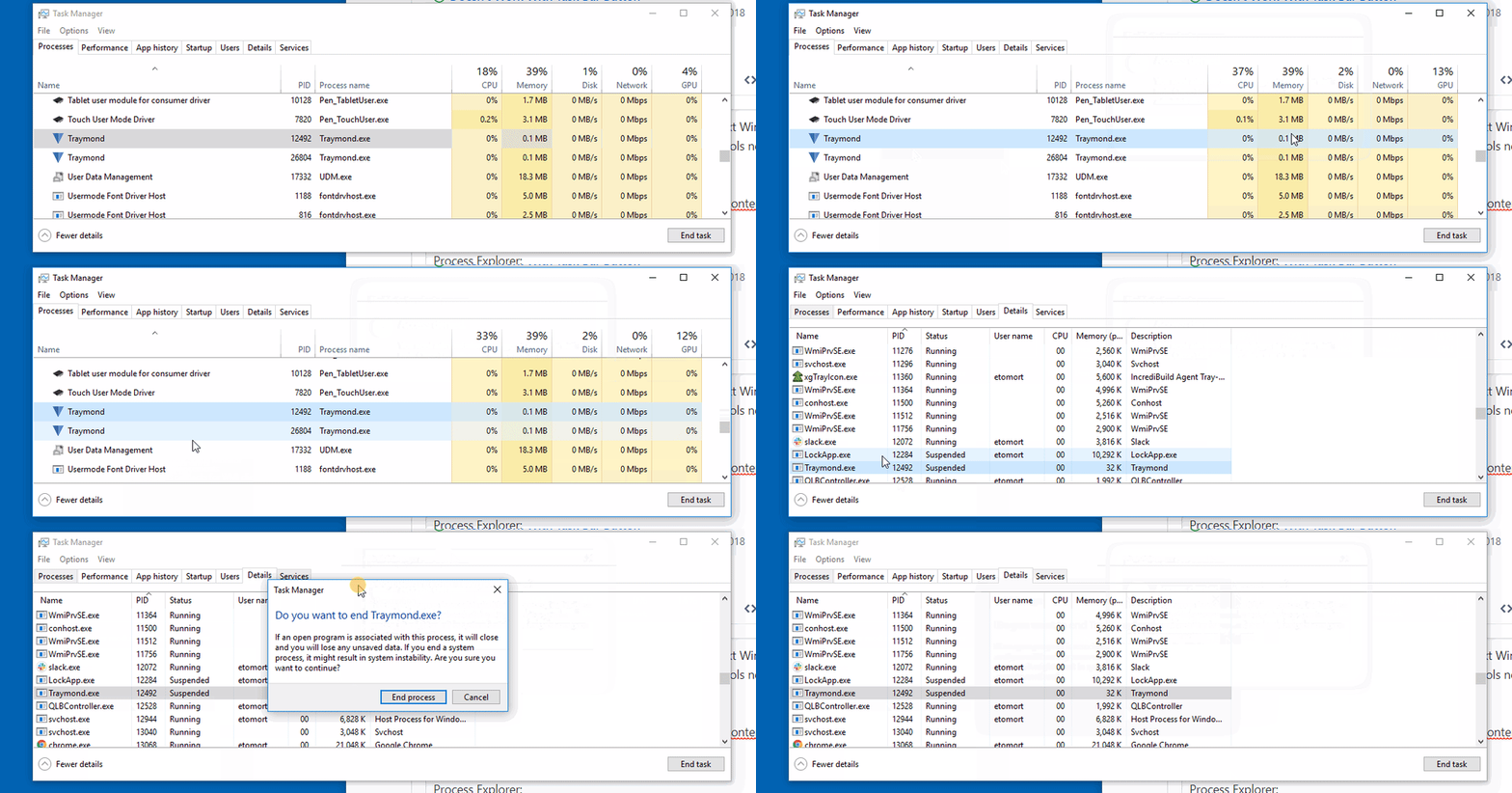
While Traymond excels in its core functionality, it’s crucial to acknowledge its limitations. Not all applications are compatible with Traymond’s minimization capabilities. Certain programs may be designed to prevent minimization to the system tray, thereby restricting Traymond’s functionality in those instances. This incompatibility is not a result of a flaw in Traymond, but rather a limitation imposed by the specific design of the incompatible applications themselves. These applications maintain their own independent methods of window management, overriding Traymond’s attempts to minimize them to the system tray. Users should be aware of this potential limitation before relying on Traymond to manage all of their running applications.
Furthermore, Traymond’s default hotkey combination is fixed. Users cannot modify the Win + Shift + Z hotkey without directly modifying the source code and recompiling the application. This requires a level of technical expertise beyond the average user. While compiling the source code is a straightforward process for experienced programmers, it may present a significant hurdle for those unfamiliar with programming and compilation processes. The absence of a user-configurable hotkey option limits the customization of the application, potentially impacting user experience for those who prefer different keyboard shortcuts. The lack of a dedicated configuration menu further reinforces this limitation, making configuration changes inaccessible to the average user.
Ease of Use and Installation
One of Traymond’s strengths is its simplicity. Installation is remarkably straightforward; the program is self-contained and can be executed directly from its executable file (EXE). This eliminates the need for a complex installation process, making it accessible to users of all technical skill levels. The absence of an installer also minimizes the program’s footprint on the system, ensuring a minimal impact on system resources. The application stores minimal data, further reducing its impact on system performance. This design philosophy prioritizes efficiency and ease of use, making Traymond an ideal solution for users seeking a lightweight and unobtrusive application management tool.
Features and Functionality: A Detailed Look
Traymond’s functionality extends beyond basic minimization. It offers the added benefit of recovering minimized windows even in the event of unexpected shutdowns. This ensures that users do not lose their progress or workflow if the application crashes or the system restarts. This recovery feature enhances the program’s reliability, minimizing the disruption caused by unexpected program termination. The ability to restore multiple windows simultaneously further adds to its efficiency, allowing users to quickly recover their work environment after an interruption.
Traymond Compared to Alternatives
Traymond occupies a unique niche in the world of application management tools. While many other utilities offer similar functionality, few provide the specific combination of system tray minimization, effortless setup, and background operation that Traymond delivers. Many competing applications require extensive configuration, resource-intensive installations, or complex interfaces. Traymond’s simplicity and focus on a core function make it stand out, offering a lightweight and unobtrusive alternative. The absence of an extensive configuration menu, while a drawback in terms of customization, contributes to the application’s overall simplicity and ease of use. This streamlined design prioritizes functionality over customization, making it a practical choice for users who value simplicity and ease of use over extensive configuration options.
While some users might find the lack of customization options limiting, the tradeoff is a highly efficient and easy-to-use application that performs its core function effectively. The simplicity of Traymond allows it to remain lightweight and efficient, minimizing its impact on system resources. This focus on resource efficiency sets it apart from some of its more feature-rich alternatives.
Conclusion: A Practical Tool for Enhanced Productivity
Traymond, despite its limitations, offers a valuable service for those seeking a simple yet effective way to manage their applications and minimize taskbar clutter. Its ease of use, minimal system impact, and ability to recover minimized windows are significant advantages. While it may not be suitable for every user or application, its unique approach to application management makes it a compelling tool for those who prioritize a clean desktop and efficient workflow. For users who value simplicity and efficiency over extensive customization options, Traymond stands as a highly practical choice for enhancing productivity. Its lightweight design and straightforward functionality make it a worthy addition to the toolkit of any user looking to streamline their multitasking experience. The ability to recover minimized applications after unexpected shutdowns adds a crucial layer of reliability, minimizing the disruption of lost progress. Ultimately, Traymond offers a convenient solution for a specific workflow need, making it a valuable tool for those who find its features align with their productivity goals.
File Information
- License: “Free”
- Version: “1.0.4”
- Latest update: “July 15, 2022”
- Platform: “Windows”
- OS: “Windows 7”
- Language: “English”
- Downloads: “685”
- Size: “60.42 KB”


