
Trend Micro HouseCall is a free, on-demand antivirus scanner available exclusively for Windows operating systems. Developed by Trend Micro, a leading cybersecurity company, HouseCall offers a powerful solution for users seeking a quick and easy way to scan their systems for malware without committing to a full-fledged antivirus suite. This review delves into the strengths and weaknesses of Trend Micro HouseCall, examining its features, performance, user experience, and overall effectiveness.
Ease of Use and Installation
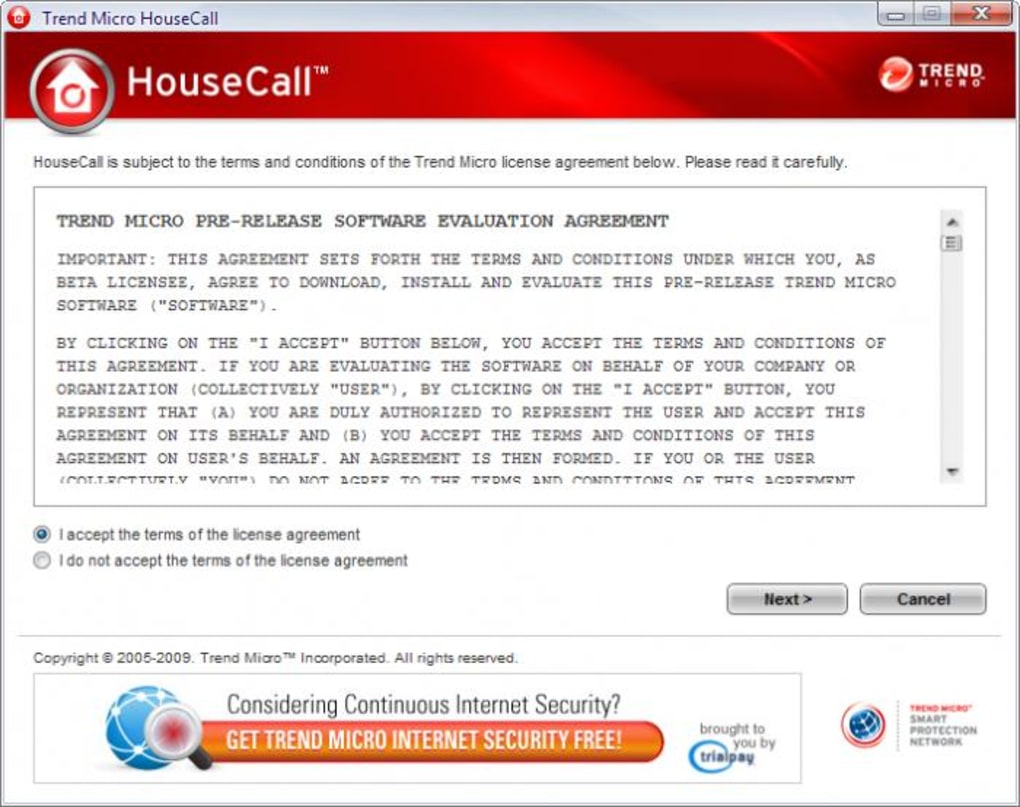
One of HouseCall’s primary strengths is its simplicity. The installation process is straightforward and quick, requiring minimal user interaction. The software’s interface is clean and intuitive, even for users with limited technical expertise. The scan options are clearly presented, allowing users to choose between a quick scan of critical areas or a more thorough full system scan. This accessibility makes it an ideal choice for users who may be uncomfortable with more complex antivirus programs. There’s no need to navigate through confusing menus or grapple with advanced settings; HouseCall gets straight to the point, making it suitable for both novice and experienced computer users. The program’s small file size also contributes to its ease of use; it doesn’t hog system resources during installation or operation.
Scanning Capabilities and Performance
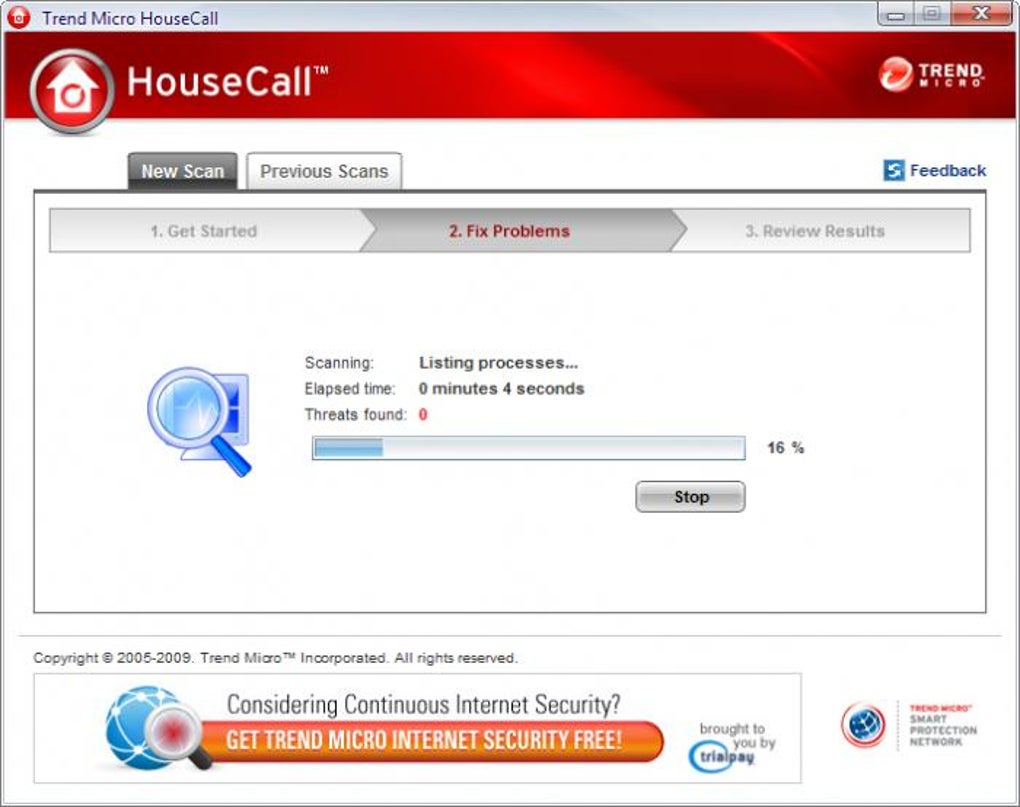
HouseCall offers two primary scan options: a quick scan and a full scan. The quick scan focuses on critical system areas, providing a rapid assessment of immediate threats. This is useful for users who need a fast check for potential problems without committing significant time. The full scan, on the other hand, thoroughly examines the entire system, including files and folders often overlooked by quicker scans. This option is more time-consuming but provides a more comprehensive analysis of the system’s security status.
The performance of HouseCall during scans is generally efficient, though the speed will vary depending on the system’s hardware specifications and the size of the hard drive. Full scans can take several hours on systems with large hard drives or slower processors. However, the program efficiently utilizes system resources, preventing significant slowdown during the scanning process. Progress is clearly displayed throughout the scan, keeping the user informed about its progress. The program’s ability to detect and remove a wide range of malware is a crucial factor in its overall effectiveness. While no antivirus program can guarantee 100% detection, HouseCall has generally received positive feedback regarding its effectiveness against various types of malware, including viruses, Trojans, worms, and spyware.
Detection Rates and Remediation
Independent testing organizations regularly evaluate antivirus software’s effectiveness. While specific detection rates for Trend Micro HouseCall may vary depending on the testing methodology and the malware samples used, it consistently performs well against a broad spectrum of threats. Its effectiveness in identifying and removing malicious software is a key element of its value. However, it’s crucial to remember that no antivirus solution is foolproof, and even the most effective programs may miss some threats.
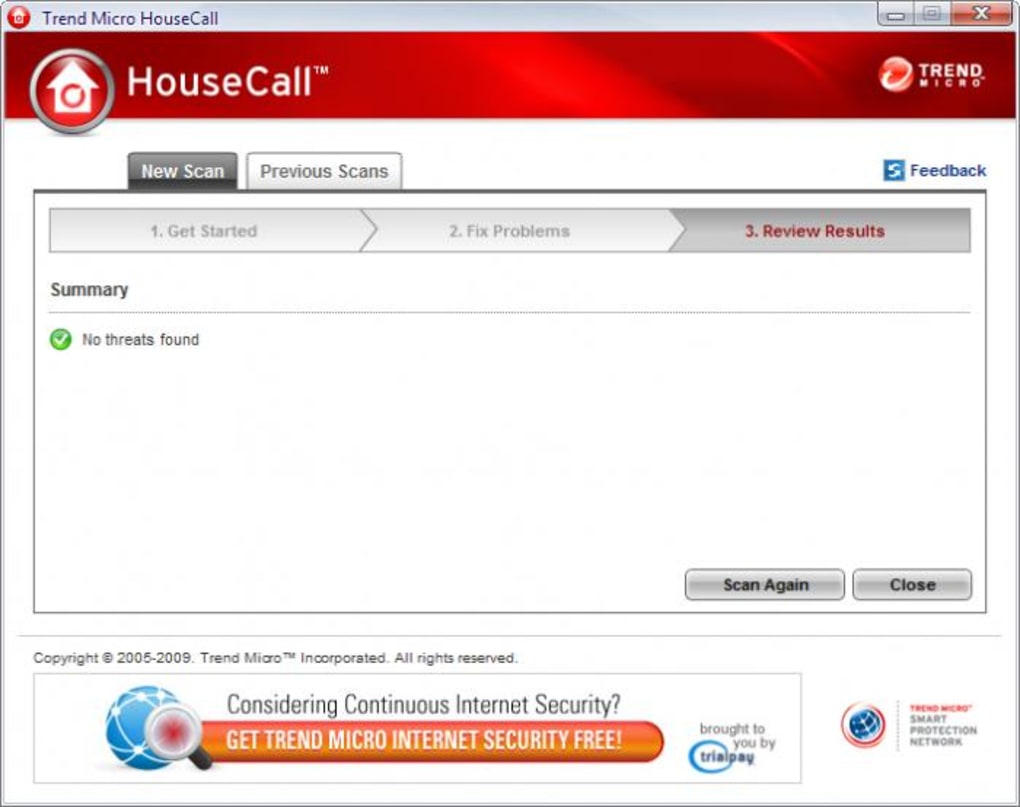
When HouseCall identifies malicious files, it provides clear instructions on how to proceed. It will usually offer the option to quarantine or delete the identified threats. Quarantine isolates the malicious files, preventing them from causing further harm while allowing the user to review and take further action if needed. Deletion permanently removes the identified threats. The program typically handles this process smoothly and effectively, removing the identified threats without requiring excessive user intervention.
Limitations and Considerations
While Trend Micro HouseCall offers several advantages, it also has limitations. Being an on-demand scanner, it lacks the real-time protection features found in full-fledged antivirus suites. This means that it doesn’t actively monitor the system for new threats as they emerge. Instead, it relies on scheduled scans or manual initiation by the user. This can leave the system vulnerable to attacks between scans, especially if the user forgets to run scheduled scans or doesn’t initiate a scan after downloading potentially malicious files.
Another limitation is its exclusivity to Windows systems. Users of macOS, Linux, or other operating systems cannot utilize Trend Micro HouseCall. While this is a significant limitation for users of other platforms, it’s a direct consequence of the program’s design and integration with the Windows operating system. The program also lacks additional features commonly found in comprehensive antivirus suites, such as firewall protection, anti-phishing capabilities, and parental controls. These features, while valuable for enhanced security, are purposefully excluded from HouseCall to maintain its lightweight and easy-to-use nature.
User Feedback and Reviews
User reviews of Trend Micro HouseCall are generally positive, with many praising its ease of use and effectiveness in detecting and removing malware. Many users appreciate its straightforward interface and the clear instructions provided during the scanning and remediation processes. However, some users have reported issues with the program freezing or crashing during scans, particularly on older systems with limited resources. Others have noted the lack of real-time protection as a significant drawback, highlighting the need for supplemental security measures. The absence of a progress bar in older versions also received criticism. This is something that the developer seems to have addressed in later updates.
Comparison with other Free Antivirus Software
Compared to other free antivirus solutions, Trend Micro HouseCall occupies a unique niche. While programs like Avast Free Antivirus or Bitdefender Antivirus Free Edition offer real-time protection and additional features, they also often require more system resources and can be more complex to use. HouseCall trades those additional features for simplicity and speed, making it a viable option for users who prioritize ease of use and require a quick, effective scan without the overhead of a full security suite. It sits well as an additional layer of security, working alongside a more comprehensive antivirus solution.
Conclusion
Trend Micro HouseCall serves as a valuable tool for users needing a quick and efficient way to scan their systems for malware. Its simplicity, ease of use, and effective detection capabilities make it a useful addition to any computer user’s security arsenal. While it lacks the real-time protection and additional features of a full-fledged antivirus suite, its lightweight nature and focused functionality make it a practical choice for users seeking a supplementary scan. Its suitability for less technically inclined users further solidifies its place in the free antivirus landscape. However, users should be aware of its limitations, such as the lack of real-time protection, and consider it as a complement to, rather than a replacement for, a comprehensive antivirus solution. The program’s consistent updates also demonstrate the developer’s commitment to maintaining its effectiveness against emerging threats.
File Information
- License: “Free”
- Latest update: “January 17, 2024”
- Platform: “Windows”
- OS: “Windows Vista”
- Language: “English”
- Downloads: “40.6K”
- Size: “2.87 MB”


