
Trio Office, a free office suite developed by GT Doc Studio, presents itself as a viable alternative to the industry-dominant Microsoft Office suite. While Microsoft Office remains the gold standard for productivity software, its high cost has driven many users to seek out more affordable, yet equally functional, options. Trio Office aims to fill this gap by providing a comprehensive package of essential office tools without the hefty price tag. This review will delve into the strengths and weaknesses of Trio Office, examining its features, usability, and overall value proposition.
Trio Office: A Suite of Three Core Applications
Trio Office comprises three core applications designed to meet the fundamental needs of most office users: a word processor (Word Editor), a presentation software (Slide Show), and a spreadsheet program (Spread Sheet). This integrated approach simplifies the user experience by consolidating three essential productivity tools into a single, easily accessible package. The convenience of having these three applications bundled together eliminates the need for multiple installations and simplifies the workflow for users who require these basic functionalities.
Word Editor: Streamlined Text Processing
Trio Office’s Word Editor provides a straightforward interface for creating and editing documents. While it may not boast the extensive features and advanced formatting options of Microsoft Word, it offers a solid foundation for general text processing tasks. Users can easily create, format, and edit documents, incorporating standard features like font selection, text styling, paragraph formatting, and basic image insertion. The minimalist design prioritizes ease of use over complex functionalities, making it an accessible option for users with varying levels of computer literacy. However, users accustomed to the advanced features of professional word processing software may find Trio Office’s capabilities somewhat limited. The absence of advanced features like mail merge, complex macros, or advanced track changes could pose limitations for users with more demanding document creation needs.
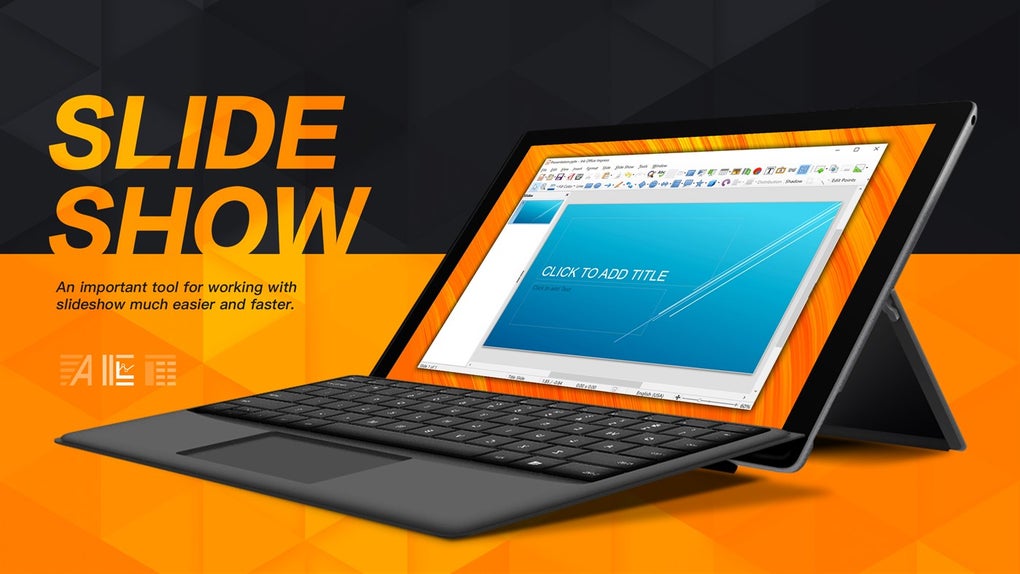
Slide Show: Creating Engaging Presentations
The Slide Show application in Trio Office allows users to create and deliver presentations. Similar to the Word Editor, it features a user-friendly interface that prioritizes simplicity. Users can create slides, add text, insert images, and apply basic formatting options. While the range of design templates and transition effects may be less extensive than those found in Microsoft PowerPoint, Slide Show provides sufficient functionality for creating effective presentations for various purposes. The ease of use makes it particularly suitable for users who need to create simple presentations quickly, without needing to invest time in mastering complex software. However, advanced users might find the limited animation and transition options to be restrictive. The lack of support for embedded videos or interactive elements could also restrict the capabilities for sophisticated presentations.
Spread Sheet: Basic Data Management and Analysis
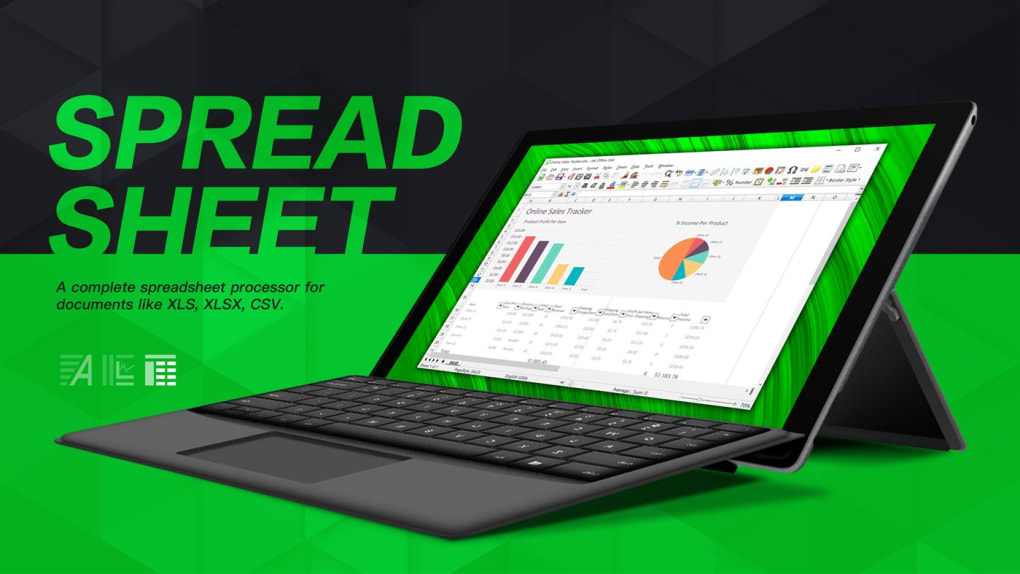
The Spread Sheet application in Trio Office offers a basic platform for data management and analysis. It allows users to create and edit spreadsheets, enter data, perform simple calculations, and apply basic formatting. While it provides fundamental spreadsheet functionality, it may lack the advanced features and data analysis tools of Microsoft Excel. Users can perform calculations using standard formulas and functions, but the range of available functions and the level of data analysis capabilities may be limited compared to professional spreadsheet software. This simplicity can be beneficial for users who need only basic spreadsheet functionality, but users accustomed to advanced features like pivot tables, macros, and complex data analysis will find these absent in Trio Office.
Trio Office: User Interface and Experience
One of Trio Office’s key strengths lies in its intuitive interface. The developers have clearly prioritized ease of use, resulting in a clean and straightforward design that is accessible to both novice and experienced computer users. The consistent interface across the three applications further enhances usability, allowing users to quickly adapt to each program without needing to relearn navigation or commands. The minimalist approach, while advantageous for ease of use, might also be perceived as simplistic by users seeking advanced features or customization options.
Trio Office: File Compatibility and Limitations
Trio Office boasts the ability to open a wide range of common file formats, ensuring compatibility with documents created using other office suites. This is crucial for seamless collaboration and data exchange. However, the extent of this compatibility needs further clarification; users should test its handling of various file formats, including older or less common types, to assess its reliability.
A notable limitation is the requirement of a subscription to enable printing functionality. While the software itself is free, this restriction could prove a significant drawback for users who regularly require printed copies of their documents. This model raises questions about the true cost of using Trio Office in a practical setting, and the lack of transparency on the pricing of this subscription limits the assessment of the overall value.
Trio Office: A Comparison with Alternatives
Compared to other free office suites available in the market, Trio Office holds a middle-ground position. It offers a good balance of simplicity and functionality, making it an accessible choice for users who require basic office tools without the complexity of more advanced programs. However, it may lack the range of features and advanced functionalities found in more feature-rich alternatives like LibreOffice or Apache OpenOffice.
While some might consider its reliance on a subscription for printing inconvenient, others may find the simplicity and ease of use preferable to the steeper learning curves of some open-source alternatives. The choice of which suite to use ultimately depends on the individual user’s specific needs and technical expertise.
Conclusion: Trio Office – A Suitable Choice for Basic Needs
Trio Office provides a decent free alternative to expensive office suites for users with basic needs. Its intuitive interface and the integration of three core applications into one package contribute to its ease of use. However, the limitations in advanced features, the subscription requirement for printing, and the absence of detailed information about the printing subscription’s cost affect its overall value proposition. Users should carefully consider their specific requirements and weigh the advantages of its simplicity against the potential limitations of its feature set before adopting Trio Office as their primary office suite. While suitable for users seeking a straightforward and easy-to-use office suite for basic tasks, it may fall short for those with more complex document creation, presentation, or data analysis needs. Further testing and exploration are recommended to fully assess Trio Office’s suitability for individual workflows.
File Information
- License: “Free”
- Version: “1.0”
- Latest update: “November 24, 2021”
- Platform: “Windows”
- OS: “Windows 10”
- Language: “English”
- Downloads: “66.4K”


