Tubidy is a versatile mobile application designed for effortless downloading of videos and music across various platforms. Boasting a user-friendly interface and a vast content library, Tubidy simplifies the process of accessing your favorite entertainment, making it a popular choice for users seeking a convenient and ad-free experience (although ads are present in the free version). This comprehensive review explores the features, functionalities, and alternatives to Tubidy, providing a complete overview of this popular download manager.
Tubidy: A Deep Dive into its Features and Functionality
Tubidy APK MP3 downloader offers a seamless and intuitive experience for acquiring music and videos from multiple online sources. Its streamlined design and robust functionality make it a compelling alternative to more complex download managers. The app’s core strength lies in its ability to simplify the often-complicated process of downloading multimedia content, catering specifically to users who prioritize ease of use and efficiency.
One of Tubidy’s key advantages is its user-friendly interface. The app is designed with simplicity in mind, ensuring that even novice users can quickly navigate its features and locate their desired content. The intuitive search functionality allows users to easily find specific videos or music tracks, while categorized sections – including popular videos, movies, music, sports, and technology – further streamline the browsing experience. This categorized approach makes it incredibly easy to locate content based on specific interests, eliminating the need to sift through endless lists of unrelated items.
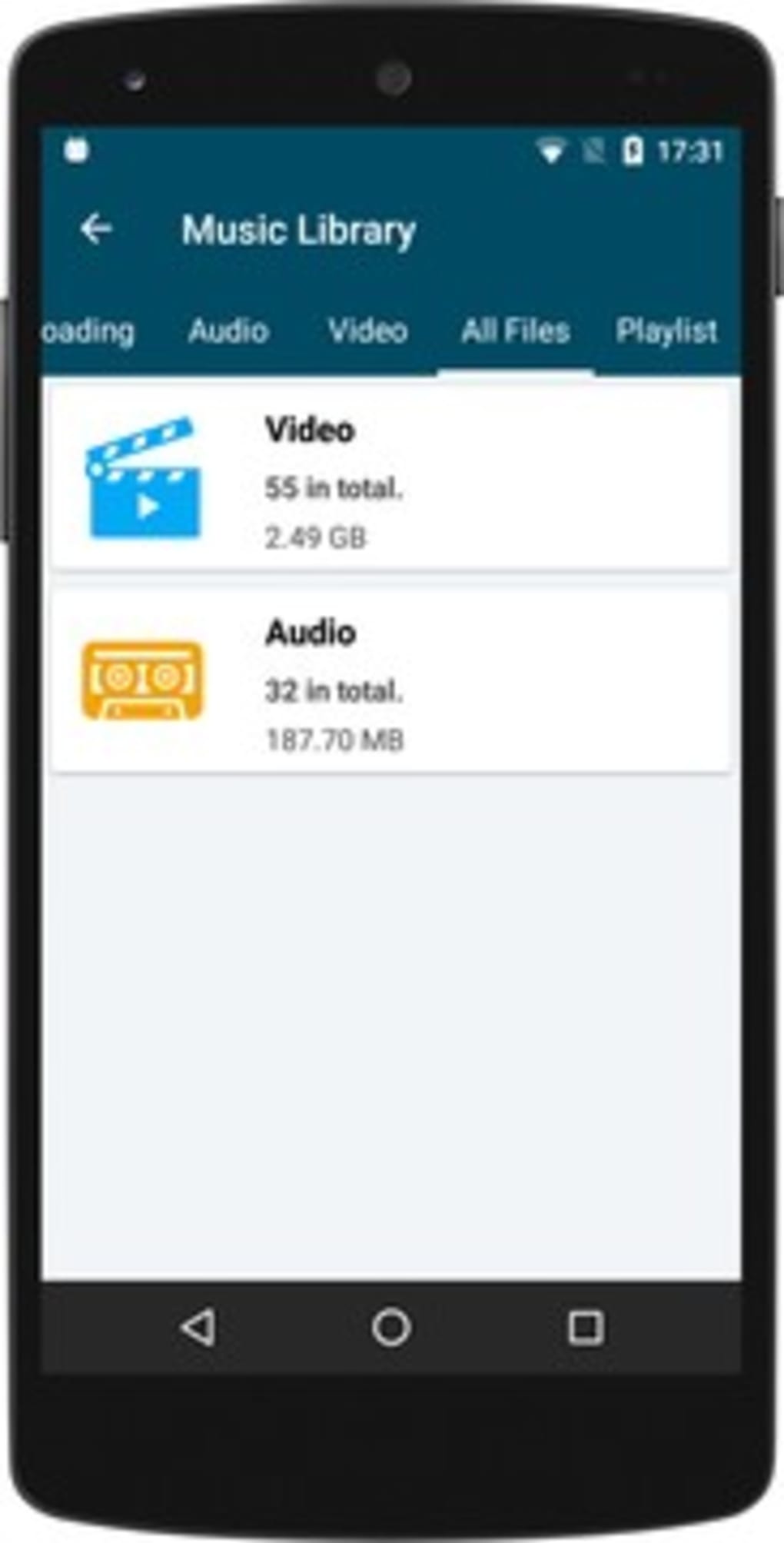
Beyond its simple interface, Tubidy offers a range of features designed to enhance the user experience:
-
Extensive Video and Audio Downloading: The app supports downloads from multiple platforms, allowing users to access a vast library of videos and MP3s. Users can choose from different video quality settings to optimize their downloads based on their internet connection speed and storage capacity. The app’s efficient download speeds minimize waiting times, ensuring a quick and efficient download process.
-
Integrated Media Player: Tubidy includes a built-in media player, eliminating the need for users to download separate applications to play their downloaded content. This all-in-one approach streamlines the entire entertainment experience, reducing the complexity often associated with using multiple apps for similar tasks.
-
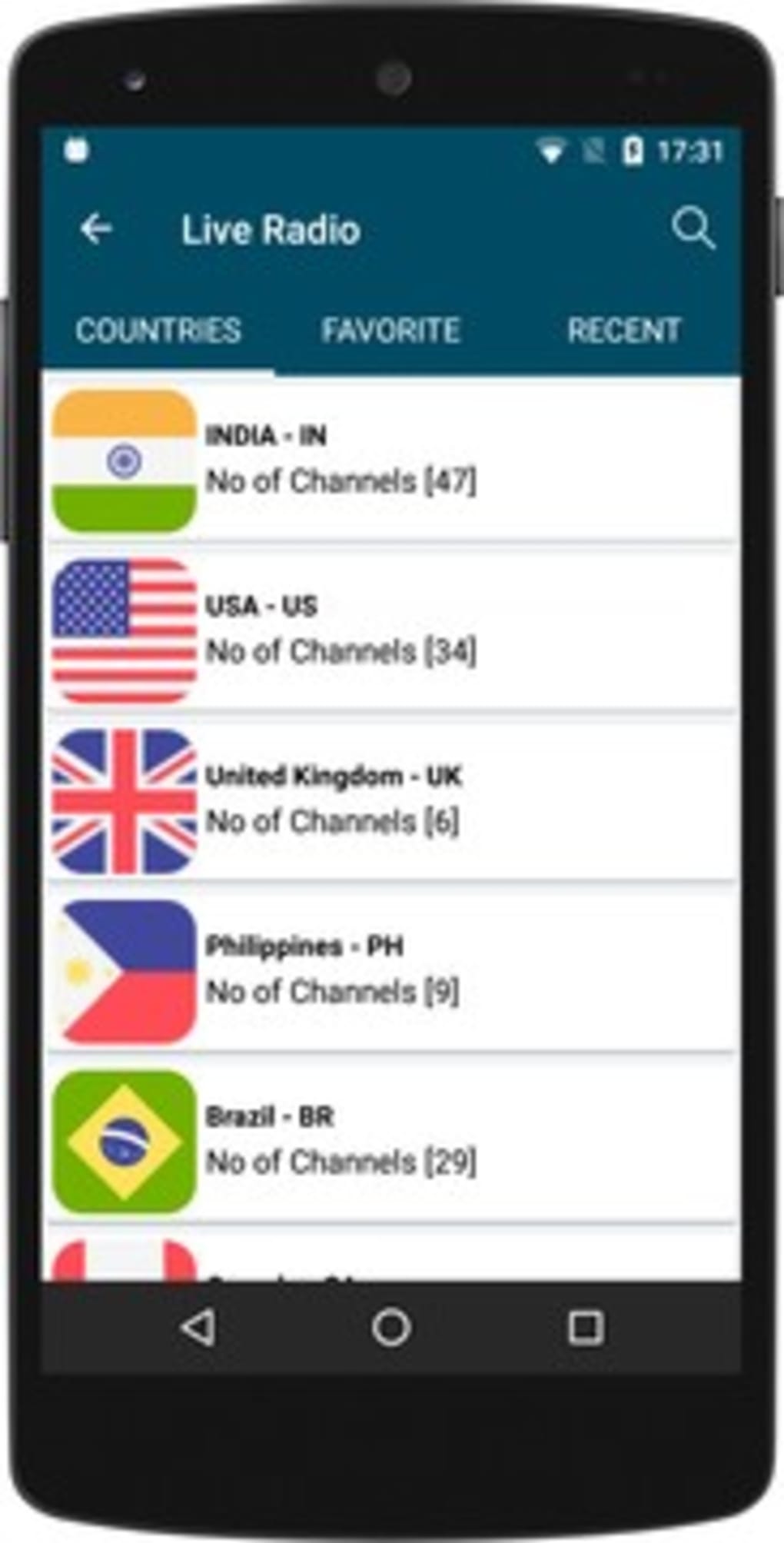
Multi-Language Radio Feature: Beyond videos and music downloads, Tubidy also offers access to a wide array of live and local AM and FM radio stations from around the world. Users can easily search for stations by country, genre, state, or city, providing a diversified listening experience that extends beyond the app’s download capabilities. The ability to listen in the background while using other applications further adds to its convenience.
-
Personalized Playlists: Users can create custom playlists, organizing their downloaded music into curated collections tailored to their preferences. This feature enhances the overall organization and usability of the app, ensuring users can easily access their favorite tracks.
-
Efficient Download Management: The app boasts efficient speed and stability in fetching and downloading videos. While occasional technical issues may arise, these are typically addressed through regular updates which further improve performance and address any identified bugs.
- Minimalistic Design: The app’s design prioritizes simplicity and functionality, providing a clean and uncluttered interface. This minimalistic approach makes the app intuitive and easy to use, particularly appealing to those who prefer a straightforward user experience.
Tubidy: System Requirements and Download Process
Tubidy seamlessly operates on Android devices running Android 7.0 and higher, ensuring compatibility with a wide range of devices. While primarily an Android app, Tubidy also offers an iOS counterpart for iPhone users. This cross-platform availability further broadens the app’s appeal and reach.
The download and usage process for Tubidy is straightforward:
-
Installation: Download the Tubidy APK file from a trusted source and install it on your Android device. Direct downloads from the official Tubidy website are recommended to avoid potentially malicious files.
-
Navigation: Open the app and use the search bar or browse through the categorized sections to find the desired video or music. The app’s intuitive navigation allows for easy discovery of content.
-
Selection: Tap on the video or music to open its details page or preview. This allows users to confirm their selection before initiating the download.
-
Download: Locate the download option and tap on it. The app will usually present choices for video quality or format, allowing users to select the option that best suits their needs and device storage capacity.
- Initiating the Download: Once the preferred quality or format is selected, the download will commence. Remember to always check your device’s storage space before initiating a download to ensure enough space is available. Also ensure the content being downloaded complies with copyright laws and the terms of use of the platform from which the content originates.
Tubidy: Pricing and Alternative Applications
Tubidy’s core service is provided free of charge, supported by advertisements. However, for users seeking an ad-free experience, a monthly subscription option is available, ensuring uninterrupted browsing and downloading without interruptions from advertisements.
While Tubidy offers a compelling solution for video and music downloads, several alternative applications provide similar functionalities. Some notable alternatives include:
-
Tubidy Official App for Android: This app, while likely similar in functionality, may offer improved performance or additional features over the APK version.
-
Yubidy 2020: This application offers MP3 searching and downloading within a clean interface. It is focused more narrowly on audio downloads.
-
Y2Mate APK for Android: This application focuses on providing free video and audio downloads from multiple sites, highlighting its ad-free nature and respect for user privacy.
-
Tubidy Mobi - Video Downloader: This app prioritizes both video and audio downloads, explicitly offering offline access to downloaded content.
-
Tubidy Fm Music Player for Android: This app focuses on the radio features, offering a vast collection of global radio stations.
Each of these alternative applications may have unique strengths and weaknesses, and the best choice will depend on individual user preferences and priorities.
Tubidy: Pros, Cons, and User Reviews
Pros:
- Extensive Content Library: Tubidy provides access to a massive repository of videos and music.
- Simple Interface: The app’s interface is exceptionally user-friendly and easy to navigate.
- Well-Categorized Content: The content is well-organized into categories, making it easy to find specific types of media.
- Multi-Platform Availability: Tubidy is available for both Android and iOS devices.
Cons:
- Lack of 4K Downloads: The app does not currently support downloading videos in 4K resolution.
- Room for Interface Improvement: While simple, the interface could benefit from further refinement to fully leverage the site’s potential.
- Absence of User Community: There is no built-in user community for sharing content or providing support.
- No Download Tracking: The app lacks user logins for tracking downloaded content.
- Regular Updates Required: The app requires periodic updates to maintain optimal performance and address potential issues.
User reviews for Tubidy are currently limited, but the overall experience seems to align with the description provided, highlighting both the ease of use and the potential need for future development and improvements.
In conclusion, Tubidy offers a straightforward and effective solution for downloading videos and music. While it has some limitations, its simplicity and extensive content library make it a strong contender in the crowded field of media download applications. The ongoing updates and potential for future improvements suggest that Tubidy will likely continue to evolve and meet the changing needs of its users.
File Information
- License: “Free”
- Latest update: “November 18, 2023”
- Platform: “Android”
- OS: “Android 4.1”
- Language: “English”
- Downloads: “203.8K”
- Size: “9.16 MB”
- Download Options: “APK, Google Play”
- Filename: “tubidy-app-mp3-downloader-1-3-9.apk”