
Nero TuneItUp is a powerful and user-friendly optimization tool designed to enhance the performance and stability of your Windows PC. It tackles common performance bottlenecks, freeing up valuable disk space, improving boot times, and generally making your computer run smoother and faster. This detailed guide explores the features, functionality, and benefits of Nero TuneItUp, focusing on how it can address various system issues and optimize your Windows experience.
Understanding the Core Functionality of Nero TuneItUp
Nero TuneItUp employs a multi-pronged approach to PC optimization, addressing various aspects that often contribute to slowdowns and instability. Its core functions can be categorized into:
-
System Analysis & Problem Identification: Upon launch, TuneItUp performs a comprehensive scan of your system, identifying potential issues such as unnecessary files, registry errors, and unused programs. It presents these findings in a clear, easy-to-understand manner, allowing users to prioritize and address specific problems.
-
Automated Maintenance: The software offers one-click automated maintenance, streamlining the process of cleaning temporary files, deleting digital footprints, and repairing registry entries. This is particularly beneficial for users who lack technical expertise or prefer a quick and efficient cleanup solution.
-
Targeted Optimization: Beyond automated maintenance, TuneItUp provides granular control over various optimization aspects. Users can selectively choose which components to clean, which programs to uninstall, and which settings to adjust, providing a high degree of customization.
-
High-Speed Mode: This feature prioritizes system resources for applications and games, boosting performance during intensive tasks. This can significantly improve gaming experiences and the speed of demanding programs.
Key Features and Their Benefits
Nero TuneItUp offers a range of features designed to address common performance problems and improve your overall PC experience. Let’s delve deeper into these key features:
1. Deleting Unnecessary Files
Over time, temporary files, log files, and other unnecessary data accumulate on your hard drive, consuming valuable storage space and potentially slowing down your system. TuneItUp efficiently identifies and removes these files, freeing up disk space and contributing to improved performance. The software clearly displays the affected folders, allowing users to review the files before deletion, ensuring that no essential data is accidentally removed. This feature directly addresses the issue of disk space clutter, a common cause of system sluggishness.
2. Eliminating Digital Footprints
Web browsers store temporary internet files, cookies, and browsing history, creating a digital footprint that can pose security and privacy risks. These files can also accumulate, impacting browser performance. TuneItUp effectively clears this data, enhancing both privacy and system speed. The detailed view allows users to selectively delete specific data, providing greater control over privacy settings and optimizing browser performance. By removing unnecessary browser cache files, it improves browsing speed and enhances overall system efficiency.
3. Registry Cleaning
The Windows Registry is a central database containing system settings and configurations. Over time, invalid or obsolete entries can accumulate, leading to instability and performance issues. TuneItUp’s registry cleaning function carefully scans and removes these invalid entries, improving system stability and potentially boosting performance. This process is crucial for maintaining a healthy and efficient Windows system. The software carefully vets each entry, ensuring that only invalid data is removed, minimizing the risk of system errors.
4. Streamlined Program Uninstallation
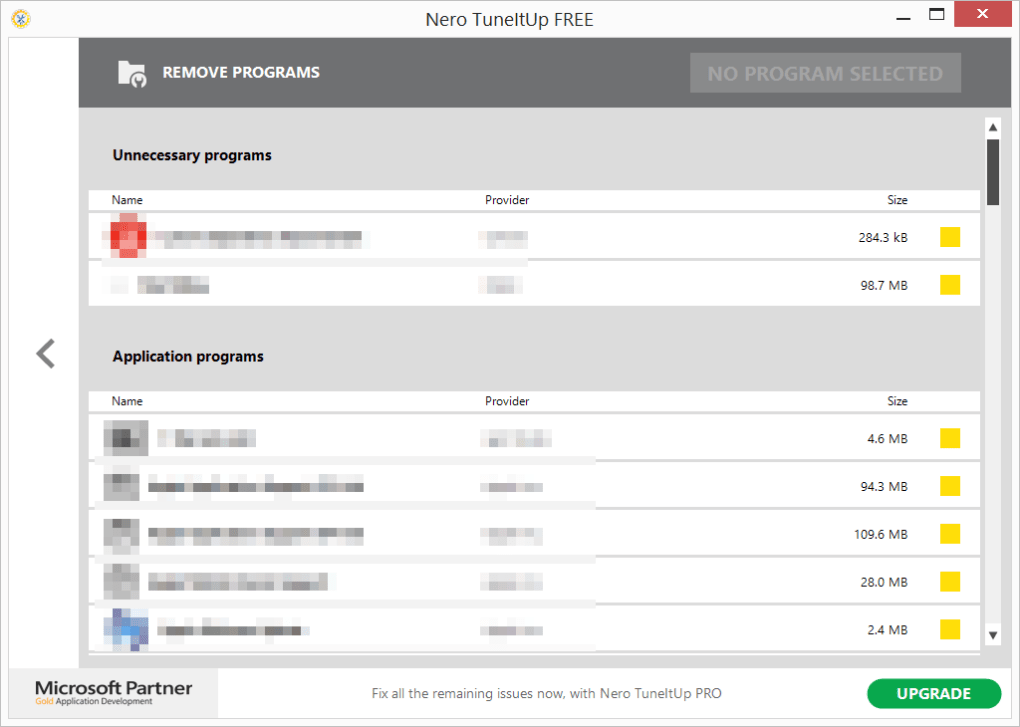
Unused programs occupy disk space and can potentially slow down your system’s boot time. TuneItUp’s uninstall wizard provides a simplified and effective way to remove unwanted applications, freeing up disk space and improving system responsiveness. This feature aids in removing lingering files and registry entries associated with uninstalled programs, ensuring a more thorough cleanup. The uninstaller streamlines the process, making it easier to remove multiple programs efficiently.
5. Multimedia Data Management
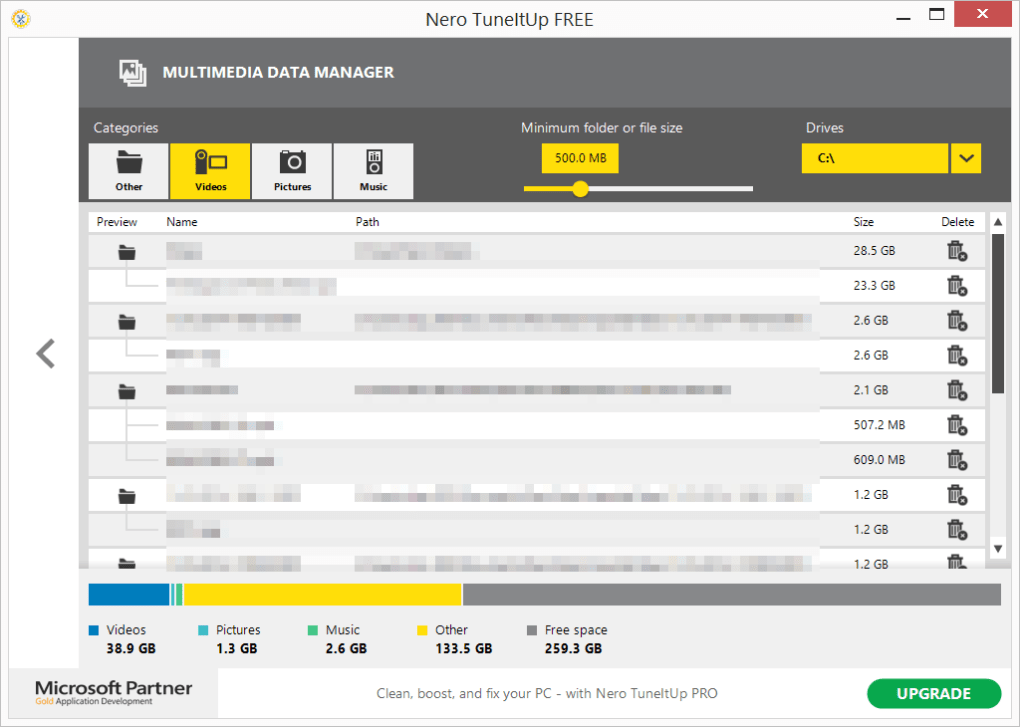
Multimedia files (images, videos, music) often consume significant storage space. TuneItUp helps manage these files by identifying large multimedia files and folders, enabling users to quickly locate and delete files they no longer need. This feature helps free up valuable storage space, especially beneficial for users with limited hard drive capacity. The user interface clearly highlights the size and location of these files, aiding in efficient storage space management.
Beyond the Core Features: Enhancing the User Experience
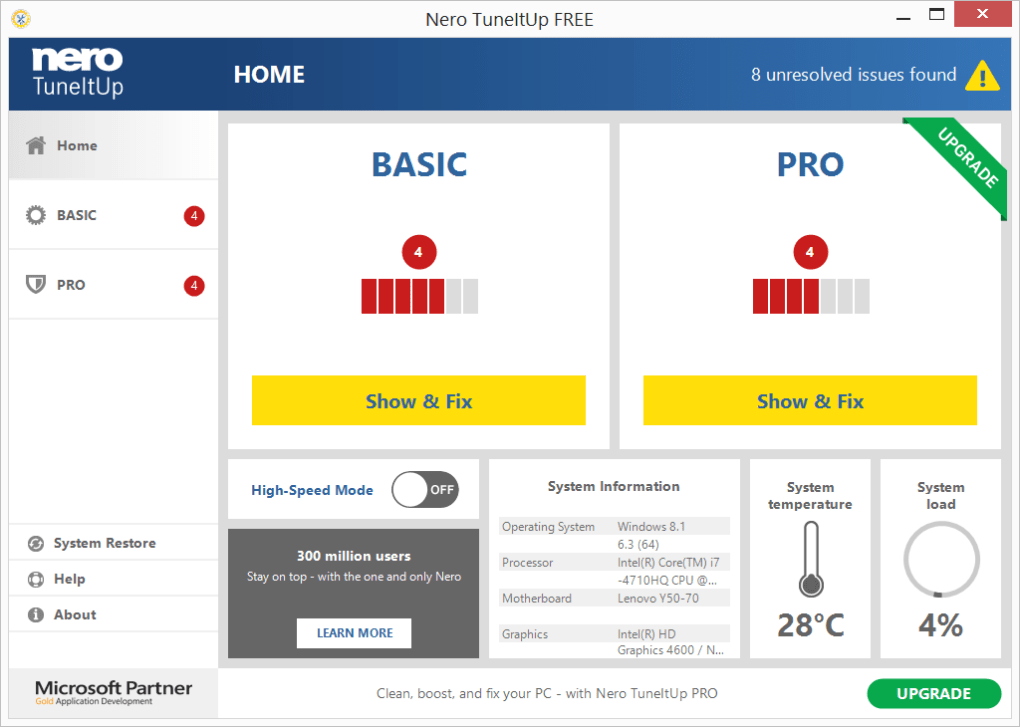
Nero TuneItUp isn’t just about technical optimization; it also prioritizes user experience. The interface is intuitive and easy to navigate, even for users with limited technical knowledge. The clear presentation of scan results and the ability to selectively choose actions make the process simple and user-friendly. The software’s one-click optimization features are ideal for users seeking a quick and efficient system cleanup, while the detailed options cater to more technically inclined users who prefer granular control over the optimization process.
System Requirements and Compatibility
Nero TuneItUp is designed for Windows operating systems. Specific system requirements may vary depending on the version, but generally, it operates efficiently on systems with moderate resources. While the exact requirements should be checked on the official Nero website, the software generally boasts excellent compatibility with a wide range of Windows versions, ensuring broad accessibility.
Security and Privacy Considerations
Data security and user privacy are paramount concerns. Nero TuneItUp has been designed with security best practices in mind, ensuring that the software only accesses necessary system files and data during the optimization process. No personal data is transmitted to third-party servers, safeguarding user privacy. The software’s transparent process and user-controlled actions provide a high degree of control, minimizing any potential privacy concerns.
Conclusion: A Powerful Tool for Optimizing Your PC
Nero TuneItUp provides a comprehensive solution for enhancing the performance, stability, and security of your Windows PC. Its blend of automated maintenance features and customizable optimization options makes it suitable for users of all technical skill levels. By addressing common performance bottlenecks such as unnecessary files, registry errors, and unused programs, TuneItUp can significantly improve your computer’s speed, responsiveness, and overall efficiency. Its user-friendly interface, coupled with powerful optimization tools, makes it a valuable addition to any Windows user’s toolkit. The software offers a compelling balance between ease of use and powerful functionality, contributing to a smoother and more efficient computing experience.
File Information
- License: “Free”
- Latest update: “May 1, 2024”
- Platform: “Windows”
- OS: “Windows 8”
- Language: “English”
- Downloads: “5.7K”
- Size: “159.77 MB”


