
Turbo VPN is a user-friendly application designed to facilitate secure internet connections through a network of diverse VPN servers. Offering a free three-day trial with unrestricted data and connection speeds, it presents a convenient entry point for users exploring the benefits of a virtual private network. This review delves into its features, performance, security implications, and overall user experience, comparing it to other VPN providers and assessing its suitability for various needs.
Ease of Use and Interface
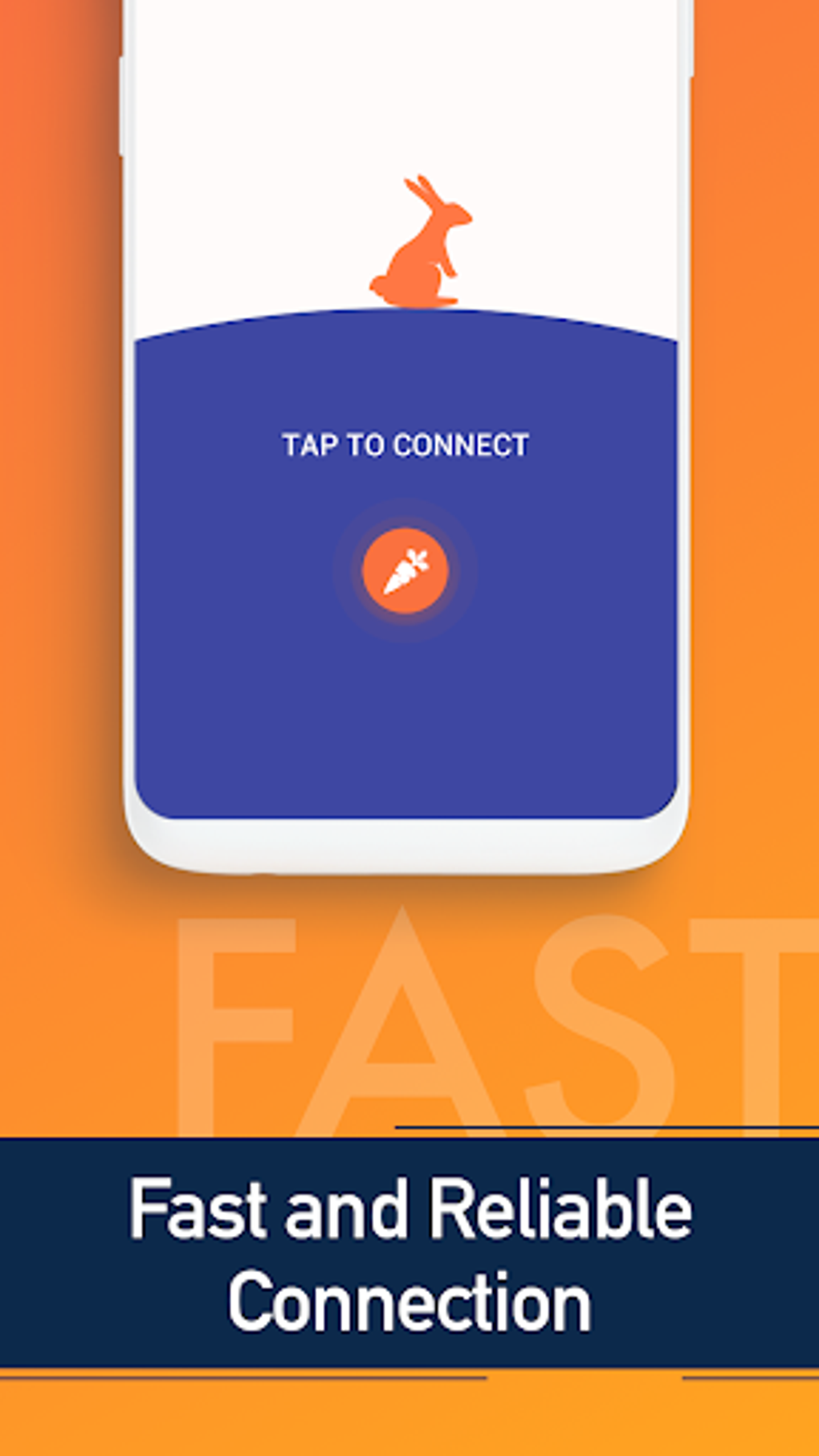
Turbo VPN boasts a remarkably intuitive interface, prioritizing simplicity and ease of use. The application’s design is streamlined, making it accessible to even users with limited technical expertise. Establishing a secure connection is achieved with a single click, automatically connecting the user to the optimal VPN server based on their location and network conditions. This automated connection process is a significant advantage, eliminating the need for manual configuration and server selection, which can be daunting for novice users.
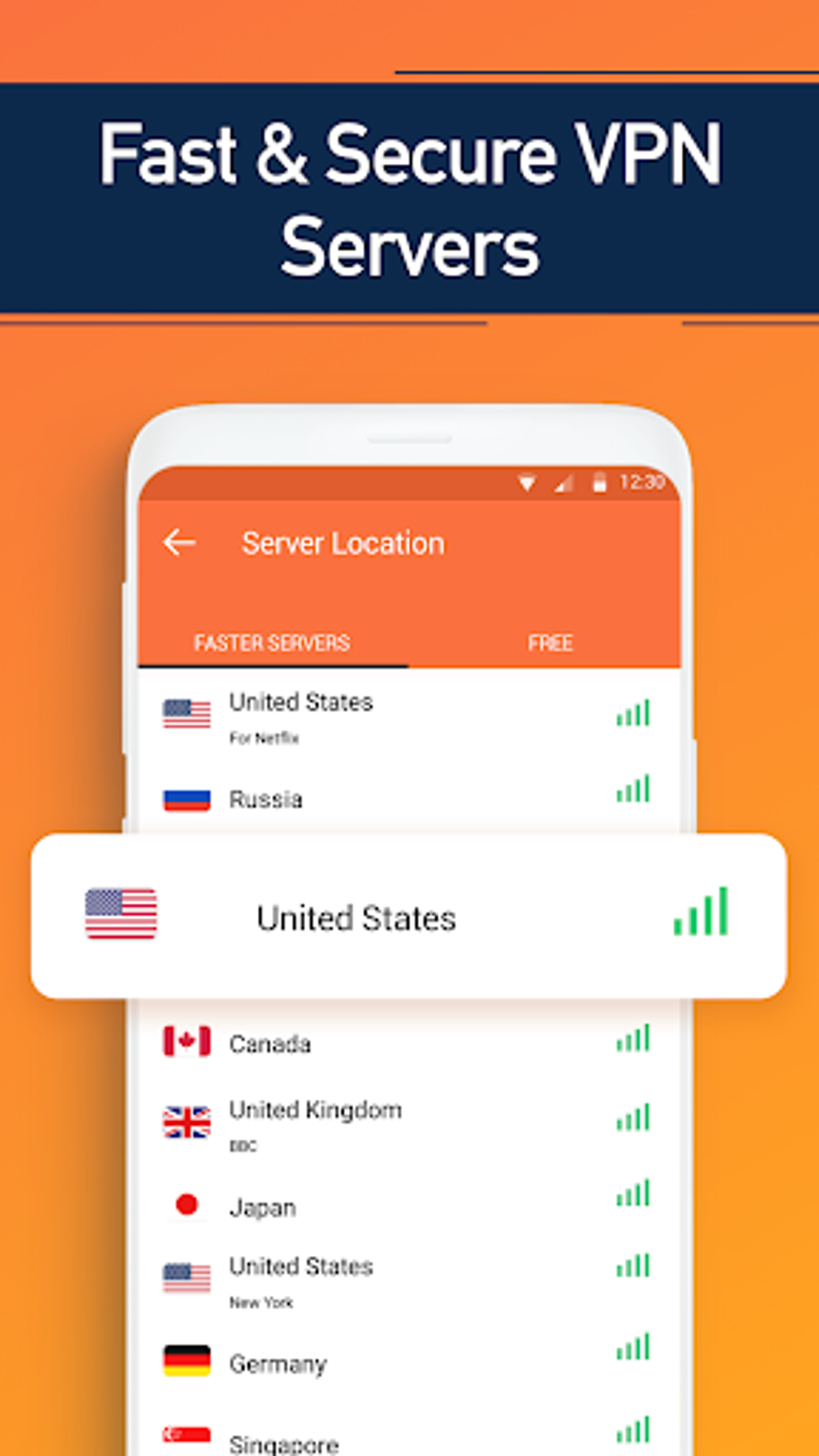
However, the application also provides an option for manual server selection, allowing users to choose from a substantial list of available servers located across numerous countries. This option provides greater control and allows users to optimize their connection for specific tasks or to bypass geographic restrictions on websites or services. The ability to effortlessly switch between automatic and manual modes adds to the flexibility and overall user-friendliness of the application.
Security and Privacy Features
Security and privacy are paramount considerations when choosing a VPN service. Turbo VPN addresses these concerns by employing robust security protocols to encrypt user data and protect their online activities from prying eyes. A key feature is the application’s commitment to a strict no-logs policy. This means that Turbo VPN does not retain records of users’ IP addresses, browsing history, or other identifiable information. This policy enhances user privacy and protects their anonymity while using the service.
Furthermore, Turbo VPN prevents third-party access to user IP addresses, ensuring that their online activities remain confidential even when accessing websites or services that might otherwise track their location or online behaviour. This feature is critical for users who value their online privacy and seek to protect themselves from potential surveillance or data breaches. The absence of logging and the protection against third-party IP address exposure significantly strengthen the security and privacy offered by Turbo VPN.
However, while the automated connection mode generally delivers reliable performance, some users have reported occasional connection drops when using the manual connection mode. While these instances are not frequent, they warrant consideration. The reliability of the connection is directly tied to the server selection and network stability. Users should understand that reliance on a specific server location may lead to unstable connections under certain circumstances.
Performance and Reliability
Turbo VPN generally provides fast and reliable connection speeds, allowing for seamless browsing and streaming. The automatic connection mode often delivers the most consistent performance, optimizing the connection for speed and stability. The extensive network of servers ensures that users can always find a server with optimal performance, regardless of their geographical location. This is a crucial feature for users who require a consistently fast and reliable VPN connection for activities such as streaming high-definition video or online gaming.
While the speed and reliability are generally excellent, the occasional connection drops reported by some users using the manual mode are a minor drawback. This suggests that while the automatic mode prioritizes stability, manually selecting less optimal servers might result in less reliable connections. Users should be aware of this potential issue and consider the trade-off between manual server control and connection reliability. The overall performance of Turbo VPN, especially in the automatic mode, is generally commendable.
Pricing and Subscription Options
Turbo VPN offers a free three-day trial, allowing potential users to experience the service before committing to a subscription. This trial period provides unrestricted access to the application’s full features, including unlimited data and connection speeds. This is a valuable opportunity for users to assess the application’s suitability for their needs without any financial commitment. After the trial period expires, users can choose from a range of subscription options, including weekly and yearly plans. The yearly plans offer a considerable discount compared to the weekly subscriptions, making them a more cost-effective option for long-term use. This pricing structure allows users to select the subscription plan that best suits their budget and usage patterns. The combination of a free trial and flexible subscription options makes Turbo VPN accessible to a wide range of users.
Comparison with Other VPN Services
Turbo VPN stands alongside several other prominent VPN providers, each with its strengths and weaknesses. For instance, it shares similarities with IP Vanish and Opera Browser in terms of functionality. However, direct comparisons require careful consideration of individual needs and priorities. While IP Vanish might excel in specific areas such as advanced security features or server coverage, Turbo VPN’s ease of use and user-friendly interface might appeal more to users who prioritize simplicity and accessibility. Similarly, Opera Browser integrates VPN functionality directly into the browser, offering a seamless and integrated experience.
The choice between Turbo VPN and other providers depends on factors like desired security level, server locations, and pricing. Users should carefully assess their own requirements before making a decision. This necessitates research into various VPN options and a comparison of their features and performance based on individual priorities.
Platform Compatibility
Currently, Turbo VPN is primarily available for Mac operating systems. This limited platform compatibility restricts its accessibility to users of other operating systems, such as Windows, Android, or iOS. This is a significant limitation for users who rely on different devices or operating systems and would prefer a VPN service with broader platform support. The lack of Android and iOS compatibility is a noteworthy drawback.
The absence of support for Android platforms, in particular, is a major limitation, considering the widespread use of Android devices. Users who primarily rely on Android-based smartphones or tablets would find Turbo VPN incompatible with their preferred devices, necessitating the search for alternative VPN solutions. While Turbo VPN’s Mac compatibility serves a segment of the market, expanding its platform availability would significantly enhance its overall appeal and utility.
Conclusion
Turbo VPN presents a compelling option for users seeking a user-friendly and secure VPN solution, particularly on Mac devices. Its intuitive interface, robust security features, and generally fast connection speeds make it an attractive choice. The availability of a free trial allows users to test the service before subscribing. However, limitations such as the short trial period, lack of Android compatibility, and occasional connection issues in manual mode should be taken into account.
Ultimately, the decision to use Turbo VPN depends on individual priorities and needs. Users should weigh the advantages of its ease of use and security against the limitations in platform compatibility and potential connection instability. This careful consideration will ensure that the chosen VPN service aligns optimally with individual requirements for online security and privacy. Considering its strengths and weaknesses, Turbo VPN remains a viable, though not universally applicable, option in the competitive VPN market.
File Information
- License: “Free”
- Latest update: “August 5, 2025”
- Platform: “Android”
- OS: “Android 13.0”
- Language: “English”
- Downloads: “737.2K”
- Download Options: “Google Play”


