
TVU Player is a free, peer-to-peer television application developed by TVU Networks. Unlike traditional television services, TVU Player doesn’t rely on a centralized broadcasting infrastructure. Instead, it connects users to a network of independent broadcasters, creating a dynamic and ever-changing landscape of online television channels. This unique approach offers a diverse range of content, but also introduces certain limitations in terms of reliability and availability. This review will delve into the features, advantages, disadvantages, and overall user experience of TVU Player.
Exploring the Content Landscape of TVU Player
The core appeal of TVU Player lies in its wide-ranging potential content. Because it’s a peer-to-peer network, the channels available are entirely dependent on the broadcasters currently active. This means the content is unpredictable and constantly evolving. You might find familiar channels mirroring mainstream television networks, offering news broadcasts, cartoons, or popular shows. However, the real charm of TVU Player lies in its potential to uncover unique and unusual content not found on traditional platforms. Independent broadcasters may stream niche programming, documentaries, live events, or even homemade productions. This makes TVU Player a treasure trove for those willing to explore and discover.
The diversity of content is truly its strongest aspect. One might stumble upon a live stream of a local ham radio event, a rare archival film screening, or a unique artistic performance. The decentralized nature fosters a sense of discovery and unexpected encounters. However, this lack of centralized control also means that content quality and consistency are not guaranteed. The sheer variety comes at the cost of predictability. There’s no set programming schedule; what’s available one hour might be gone the next.
The User Experience: Setting Up and Navigating TVU Player
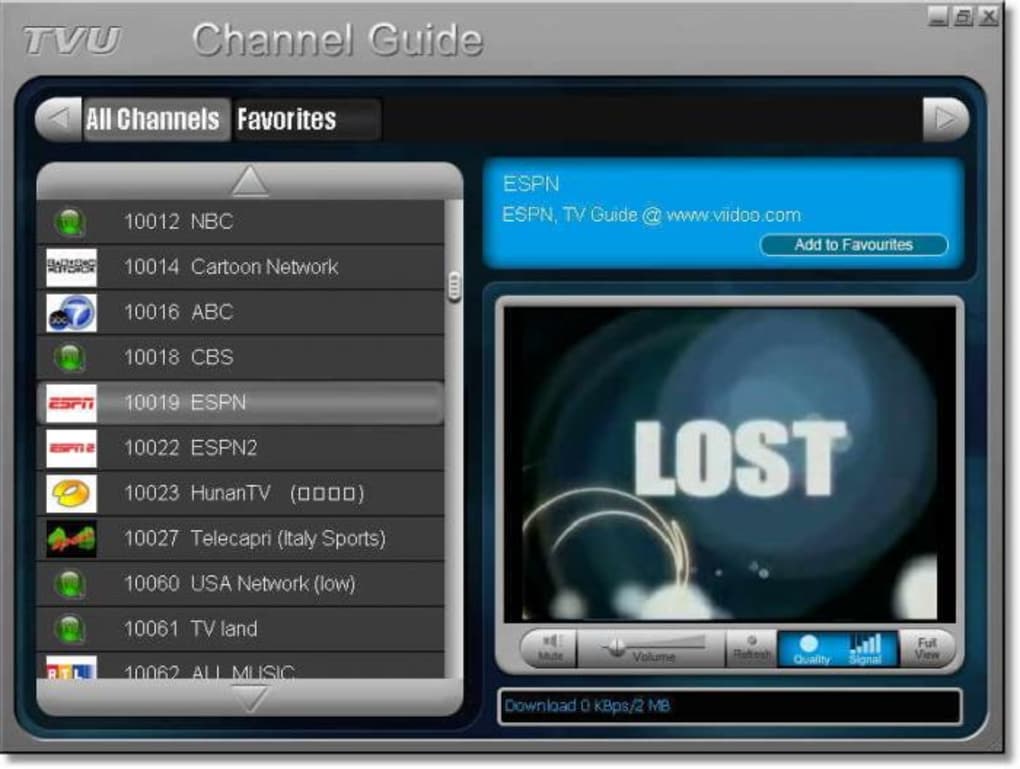
Getting started with TVU Player is relatively straightforward. The installation process is uncomplicated, and the interface is generally intuitive. However, achieving optimal playback requires some level of technical understanding and configuration. Users need to adjust settings to match their internet connection and the broadcaster’s capabilities. This often involves tinkering with buffering settings and stream quality, which can be a hurdle for users less comfortable with technical aspects.
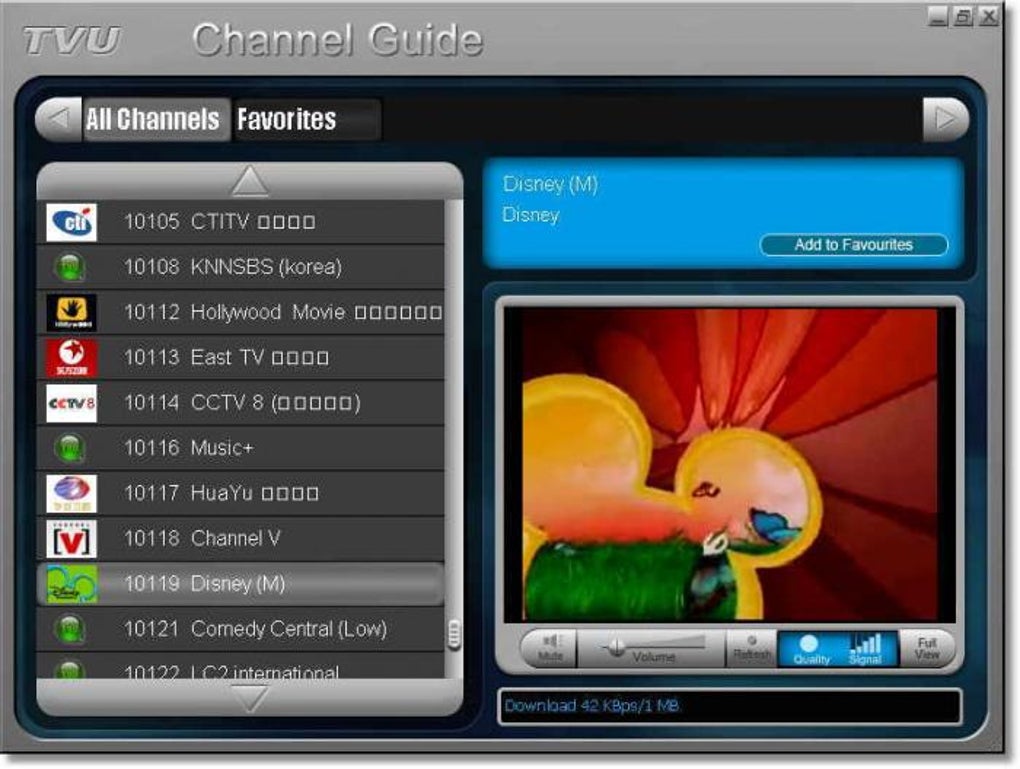
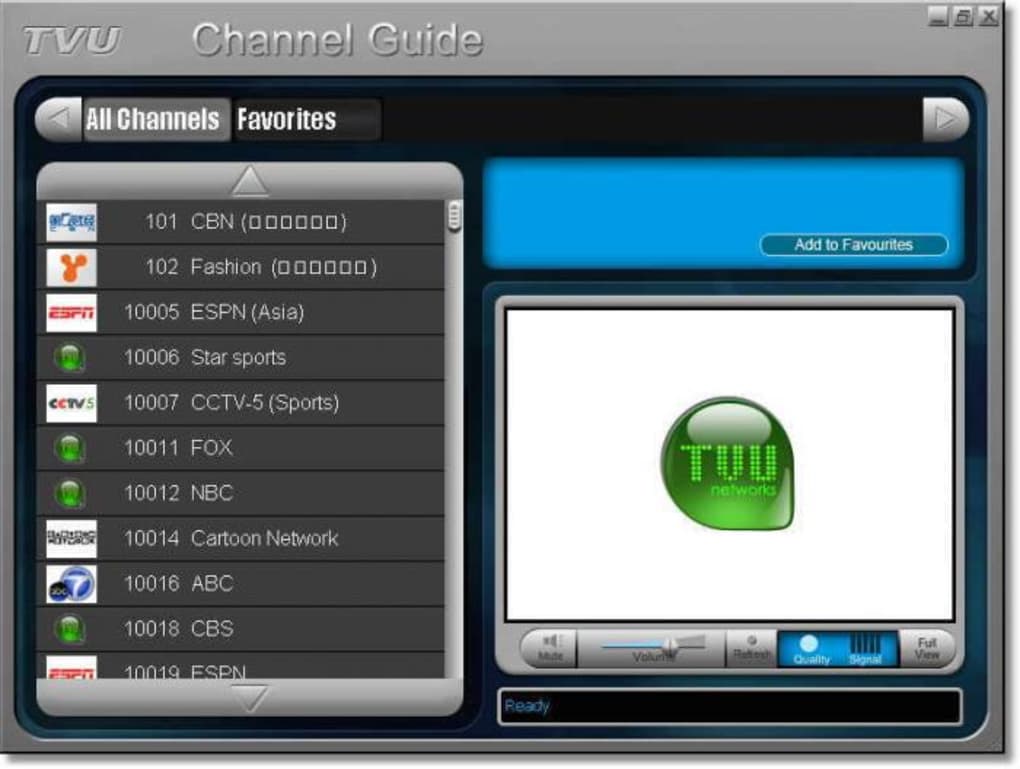
The lack of a centralized content directory makes browsing a more hands-on experience. Instead of a neatly organized channel guide, users are presented with a list of available streams. This requires active exploration and the willingness to try different channels to find content that interests them. This can be a positive for those who enjoy discovering new things, but it can also be frustrating for those seeking a more structured television experience.
The Peer-to-Peer Nature: Advantages and Drawbacks
TVU Player’s reliance on a peer-to-peer network presents both advantages and disadvantages. On the positive side, the decentralized structure allows for greater diversity in content. Independent broadcasters can easily share their content without needing approval from a central authority. This removes barriers to entry for smaller creators and fosters a sense of community among users and broadcasters alike. The lack of centralized servers also makes the platform more resilient to censorship and takedown attempts.
However, this peer-to-peer model also has drawbacks. The availability of channels depends heavily on the number of active broadcasters. At off-peak hours or in certain regions, the number of available streams might be significantly limited. Content reliability can also be an issue. Broadcasts may experience interruptions, lag, or poor quality due to factors beyond the control of the platform itself. This inherent unreliability is a major factor influencing the user experience. The quality of individual streams can vary greatly, depending on the broadcaster’s equipment and internet connection.
Comparing TVU Player to Traditional Television Services
TVU Player is not meant to replace a traditional television service. It occupies a different niche in the media landscape. Traditional services like cable or satellite TV provide a structured programming schedule, consistent quality, and a vast library of content. They generally offer a more reliable and predictable viewing experience. Streaming services, such as Netflix or Hulu, also provide a structured approach with curated content and a user-friendly interface.
TVU Player, on the other hand, provides an unpredictable and more participatory experience. It’s a platform for discovering unique and potentially rare content, but it’s not a replacement for the reliability and convenience of established television providers. The unpredictable nature and potential for technical difficulties are significant drawbacks.
Conclusion: A Niche Platform for Adventurous Viewers
TVU Player offers a unique and intriguing alternative to traditional television. Its peer-to-peer nature fosters a diverse range of content and allows for the discovery of unusual and unexpected programming. However, its unreliability, lack of centralized organization, and reliance on active broadcasters create a viewing experience quite different from mainstream television services.
TVU Player is not a solution for those seeking a predictable, consistently high-quality television experience. It’s more suitable for viewers who enjoy the thrill of discovery, are comfortable with some technical tinkering, and appreciate the potential to uncover hidden gems within a decentralized media landscape. The experience is undeniably unique, but it demands a specific type of viewer who’s willing to accept its limitations in exchange for the potential rewards. For those viewers, TVU Player offers a compelling alternative to the mainstream. For others, it may prove to be too unpredictable and unreliable.
File Information
- License: “Free”
- Version: “2.5.3.1”
- Latest update: “June 24, 2018”
- Platform: “Windows”
- OS: “Windows 2000”
- Language: “English”
- Downloads: “2.5K”
- Size: “5.64 MB”


