
UC Mini - Download Video Status Movies is a lightweight Android application designed for users who prioritize speed and ease of use when browsing videos online. This app offers a streamlined approach to accessing and enjoying various video formats, setting itself apart from heavier browsers with its focus on efficiency and entertainment features. This review will delve into its strengths and weaknesses, providing a comprehensive understanding of what UC Mini offers.
A Speedy and Colorful Interface
UC Mini boasts a fast and smooth browsing experience, a key selling point for many users. The interface is designed to be intuitive and user-friendly, making navigation and video playback straightforward. The app’s colorful design adds a vibrant and engaging aesthetic, enhancing the overall user experience. This visual appeal, combined with its speed, makes it an attractive option for those seeking a visually stimulating and efficient video browser. The app’s lightweight nature also contributes to its speed, ensuring minimal drain on device resources. Unlike many resource-intensive applications, UC Mini runs smoothly even on devices with limited processing power or memory, a significant advantage for users with older smartphones or tablets.
The core functionality of video browsing and playback is highly optimized. Videos load quickly, minimizing buffering issues and interruptions. The smooth playback further enhances the viewing experience, ensuring a pleasurable and uninterrupted enjoyment of the video content. This seamless integration of speed and efficient resource management makes UC Mini stand out as a particularly suitable browser for users in areas with limited or unstable internet connections, where buffering and slow loading speeds can be a major frustration.
Enhanced Features for a Superior Viewing Experience
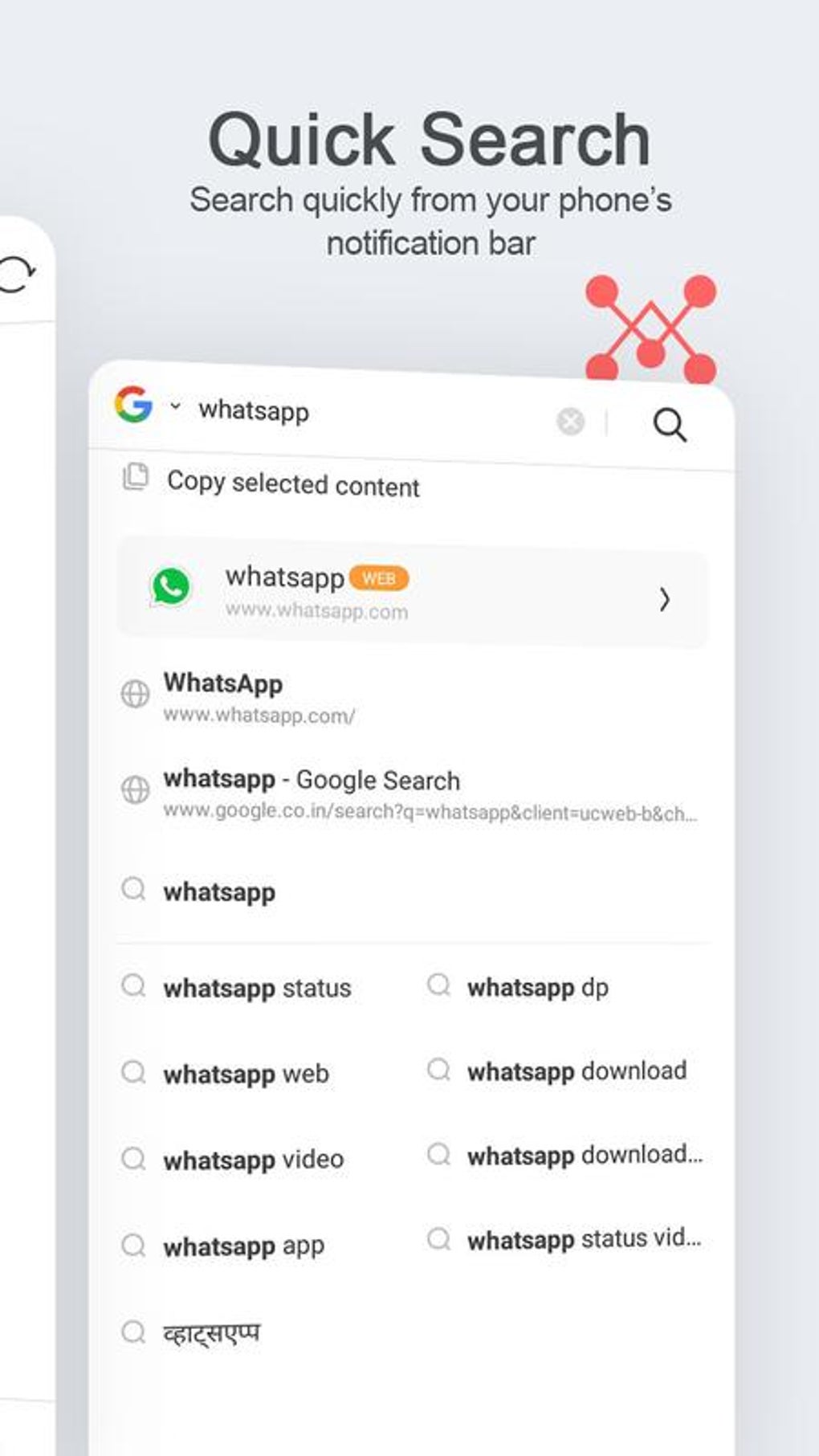
Beyond its core browsing function, UC Mini incorporates a range of features designed to elevate the user experience and offer additional functionality. These features add an element of entertainment and convenience, extending the app’s usefulness beyond basic video viewing.
.jpg)
One notable feature is its integrated video downloader. This allows users to effortlessly save videos for offline viewing, a valuable feature for users who frequently find themselves without an internet connection. This function simplifies the process of saving videos, eliminating the need for additional download managers or external applications. The ease and speed of this download function make it a particularly attractive feature for users who want to save videos for later use.
Another compelling feature is the inclusion of a face-swap video maker. This creative tool adds a fun and interactive dimension to the app. Users can use this feature to create personalized and amusing video content, sharing their creations with friends and family or using it for more personal entertainment. This innovative addition highlights the app’s focus on providing a multi-faceted and entertaining experience, extending beyond the basic function of video browsing.
.jpg)
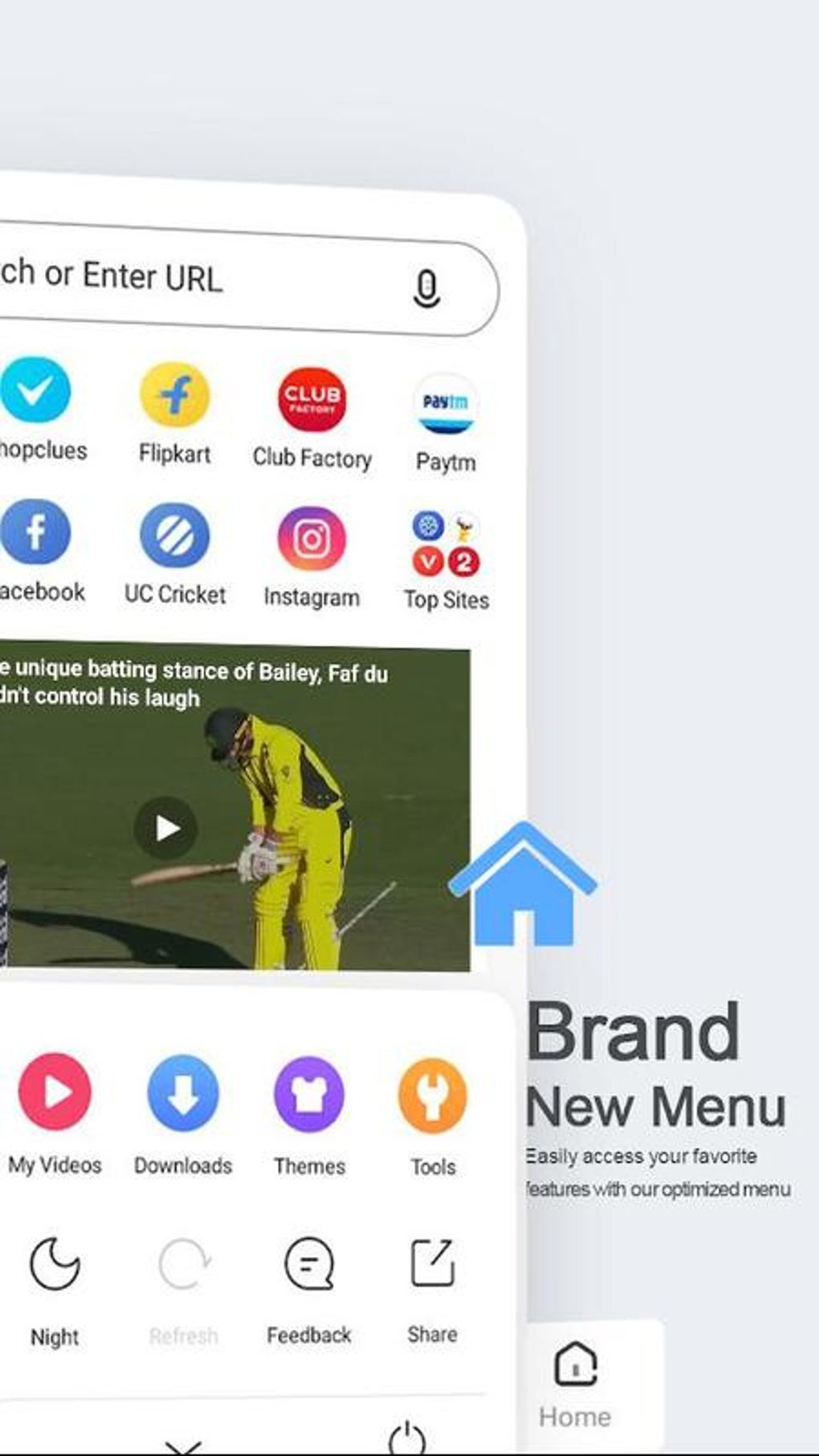
The inclusion of an ad blocker further enhances the user experience by removing disruptive advertisements, providing a clean and uninterrupted browsing environment. This feature is particularly appreciated by users who find intrusive ads annoying and distracting. It contributes greatly to the smooth and enjoyable browsing experience that UC Mini strives to deliver. The ability to browse privately using the built-in Incognito Mode also contributes to user privacy and control over their online activities.
The app’s categorization of videos into various genres, including movies, TV shows, and funny clips, simplifies the search process, making it easier for users to find the content that interests them. This intuitive organization is a significant advantage, particularly for users who consume a wide variety of video content.
.jpg)
Limitations: A Trade-off for Speed and Simplicity
While UC Mini excels in speed and ease of use, it has certain limitations compared to more feature-rich browsers. Its minimalist design, while advantageous for speed and efficiency, may compromise the degree of customization available to users.
Unlike more comprehensive browsers, UC Mini provides limited customization options. Users seeking extensive control over their browsing settings or the appearance of the interface might find this aspect lacking. The app prioritizes a streamlined experience, which inevitably limits some advanced options that power users might prefer. Those accustomed to highly customizable browsers might find this limitation initially frustrating. However, this trade-off is intentional, as the emphasis is on speed and ease of use, not complex customization.
Who is UC Mini For?
UC Mini - Download Video Status Movies is best suited for users who value speed and a straightforward, enjoyable video-browsing experience above extensive customization. Its lightweight nature and focus on efficiency make it ideal for devices with limited resources or users in areas with unreliable internet connectivity. The addition of entertaining features like the face-swap video maker further enhances its appeal to users seeking a fun and engaging mobile video experience.
Its limitations in customization make it less suitable for power users who require highly specialized settings and advanced browsing controls. For those seeking a simple, fast, and entertaining way to access and manage online video content, UC Mini offers a compelling alternative. Its straightforward design and focus on efficiency make it a practical choice for many users, particularly for those who use their mobile devices primarily for video consumption.
Comparison with Alternative Browsers
Several alternative browsers compete with UC Mini, each offering distinct strengths and weaknesses. Choosing the best browser depends heavily on individual user needs and preferences. While UC Mini prioritizes speed and simplicity, other browsers may offer superior customization, security features, or extensions.
For example, UC Browser, another popular mobile browser, provides a more comprehensive set of features and extensions, though at the cost of increased resource consumption. This contrast highlights the trade-off between functionality and efficiency that users face when selecting a mobile browser. Similarly, more established browsers like Chrome and Firefox offer extensive customization and extension support, but their larger size and increased resource demands can impact performance on less powerful devices.
The optimal choice comes down to individual priorities. For users who value speed and ease of use above all else, UC Mini presents a strong contender. Users who prioritize advanced features and customization options might prefer browsers like Chrome or Firefox.
Conclusion: A Solid Choice for Casual Video Consumption
UC Mini - Download Video Status Movies provides a smooth and enjoyable video-browsing experience, particularly for casual users who prioritize speed and simplicity. Its lightweight design, fast loading times, and entertaining features combine to deliver a positive user experience. While its limited customization options might deter power users, its strength lies in its efficient performance and user-friendly interface. If your primary need is fast and easy video access with some added entertainment value, UC Mini is a worthy consideration. Its focus on a streamlined, entertaining experience makes it a solid choice for a substantial portion of mobile video consumers. The trade-off between customization and speed is clearly defined, making it easy for users to determine if UC Mini’s strengths align with their browsing preferences.
File Information
- License: “Free”
- Latest update: “April 3, 2025”
- Platform: “Android”
- OS: “Android 13.0”
- Language: “English”
- Downloads: “477.7K”
- Download Options: “Google Play”


