
UC Browser Turbo is a minimalist web browser developed by the UC Browser team, designed to offer a fast and efficient browsing experience without sacrificing security or privacy. This lightweight alternative to its more feature-rich sibling, UC Browser, focuses on speed, simplicity, and data efficiency. It streamlines the browsing process, removing extraneous features and focusing on core functionalities that deliver a clean and efficient user experience.
Blazing Fast Browsing and Enhanced Security
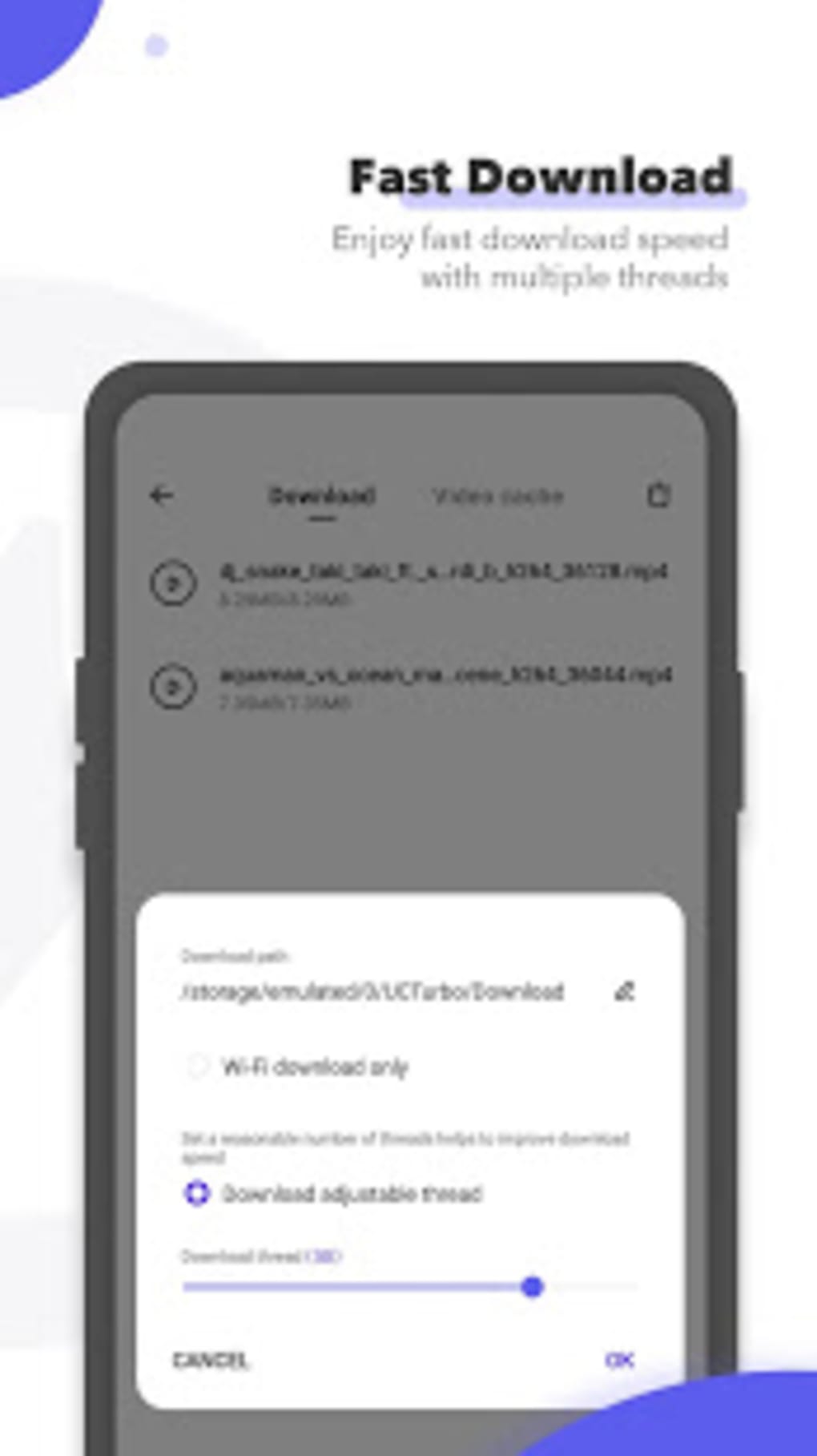
UC Browser Turbo leverages cloud acceleration technology to fetch data from the nearest servers, resulting in significantly faster page loading times and reduced data consumption. This intelligent routing ensures optimal performance, regardless of your location or network conditions. The browser isn’t just fast for web pages; it also boasts impressively fast video downloads. Optimized servers and high download thread settings enable users to download HD videos quickly and reliably, maintaining stability even at high speeds.
The browser also allows for background video playback and offline streaming. Users can cache videos for later viewing, eliminating the need for an active internet connection. This feature is particularly useful for users with limited or unreliable data plans, or those who frequently travel to areas with poor connectivity.
Security is a key focus for UC Browser Turbo. Similar to popular browsers like Chrome and Firefox, it incorporates a standard incognito mode, enabling private browsing without leaving a digital footprint. Built-in ad blockers not only enhance browsing speed by eliminating intrusive advertisements but also serve as a critical layer of protection against ad trackers and malware.
Furthermore, the app prioritizes user privacy by providing the ability to hide and password-protect all downloaded content, including videos, files, and photos. This creates a secure private space within the device, safeguarding sensitive personal data from unauthorized access.
Minimalist Design and User-Friendly Interface
UC Browser Turbo’s minimalist design is a departure from more cluttered browsers. The interface is intentionally clean and uncluttered, devoid of news feeds, push notifications, or other distracting elements. This streamlined approach focuses the user experience on core browsing functionality, improving efficiency and minimizing interruptions.
Users can personalize their homepage by adding frequently visited websites and pages to their bookmarks. While some default sites are included, users can easily remove them and add their preferred destinations. Customization options extend beyond bookmark management. Users can further personalize the browser’s appearance by setting custom HD wallpapers, even using their own photos.
Beyond its core browsing function, UC Browser Turbo includes a suite of integrated tools, eliminating the need for separate app downloads or browser extensions. These tools include a social media status downloader, an image search function, and an internet speed test. This all-in-one approach simplifies the user experience and keeps the browser lightweight.
Feature Set and Comparison to Original UC Browser
UC Browser Turbo offers a significant subset of the features found in the original UC Browser, prioritizing speed and a minimalist interface. While some functions from the original browser may be absent, this streamlined approach makes UC Browser Turbo a faster, more efficient, and arguably more user-friendly experience for many users. The trade-off between features and speed is intentional, designed to create a more focused and responsive browsing experience.
Pros:
- Minimalist Design: The clean and uncluttered interface enhances user experience and browsing efficiency.
- Cloud-Accelerated Browsing: The use of cloud technology significantly improves page load speeds and data efficiency.
- Private Space: The secure storage for downloaded content enhances user privacy and data protection.
- Integrated Tools: The inclusion of useful tools like a status downloader and speed test eliminates the need for additional downloads.
- Fast Video Downloads: Optimized servers and high download thread settings enable fast and reliable video downloads.
- Background and Offline Video Playback: Enjoy videos even without an active internet connection.
- Built-in Ad Blocker: Enhances browsing speed and protects against ad trackers and malware.
- Incognito Mode: Enables private browsing without leaving a digital trail.
Cons:
- Missing Features: Some features from the original UC Browser have been omitted to maintain the browser’s minimalist design and focus on speed. This might be a drawback for users heavily reliant on those features.
Alternative Browsers
While UC Browser Turbo provides a unique blend of speed, simplicity, and security, several other browser options exist. These alternatives offer different strengths and weaknesses, and the best choice often depends on individual user preferences and needs. Some popular alternatives include:
- Google Chrome: A widely used browser known for its speed, security, and vast extension library.
- Firefox: Another popular browser with a strong focus on privacy and customization options.
- Brave Browser: A privacy-focused browser that blocks ads and trackers by default.
- Opera Browser: Known for its built-in VPN and data saving features.
- UC Browser: The original UC Browser, which offers a wider array of features than UC Browser Turbo, but potentially at the cost of speed and a less streamlined user interface.
The choice between UC Browser Turbo and other browsers depends on user priorities. If speed, simplicity, and a clean interface are paramount, UC Browser Turbo is an excellent choice. However, users who require a wide range of features and extensions might find other browsers, such as Chrome or Firefox, better suited to their needs.
Conclusion
UC Browser Turbo presents a compelling option for users seeking a fast, secure, and user-friendly mobile browsing experience. Its minimalist design, coupled with advanced features like cloud acceleration and built-in ad blocking, sets it apart from the competition. While some users may miss features present in the original UC Browser or other more feature-rich alternatives, the trade-off for speed and a cleaner interface is significant for many users. Ultimately, whether UC Browser Turbo is the right browser for you depends on your individual priorities and needs. Its focus on efficiency, security, and a minimalist approach makes it a valuable option in the ever-expanding landscape of mobile web browsers.
File Information
- License: “Free”
- Latest update: “June 26, 2025”
- Platform: “Android”
- OS: “Android 9.0”
- Downloads: “769.9K”
- Size: “46.86 MB”
- Download Options: “APK, Google Play”
- Filename: “com-ucturbo-192-60093656-4af776f1e9d49fa7253bba6afa19c26c.apk”


