
UltData is a free Android utility application developed by Tenorshare Co., Ltd., designed to recover accidentally deleted photos, videos, and other files from mobile devices. This comprehensive review delves into its functionality, user experience, strengths, weaknesses, and compares it to alternative solutions available in the market.
Functionality and Features: Recovering Lost Data with Ease
UltData offers a straightforward approach to data recovery, distinguishing itself with its user-friendly interface and lack of root access requirements. Unlike some competitors, UltData doesn’t demand users to root their devices, simplifying the recovery process significantly. This feature alone caters to a broader audience, eliminating a major technical hurdle for many users.
The app presents four distinct recovery modes immediately upon launch. Users can selectively scan for photos, videos, or audio files, allowing for targeted searches and reducing unnecessary processing time. Following the scan, UltData displays the recoverable files, providing users with a preview before initiating the recovery process. This preview function is crucial; it allows users to assess the quality and relevance of the recoverable files, preventing accidental recovery of unwanted data or wasted storage space. The filtering options, based on file size and time, further enhance the precision and efficiency of the recovery process.
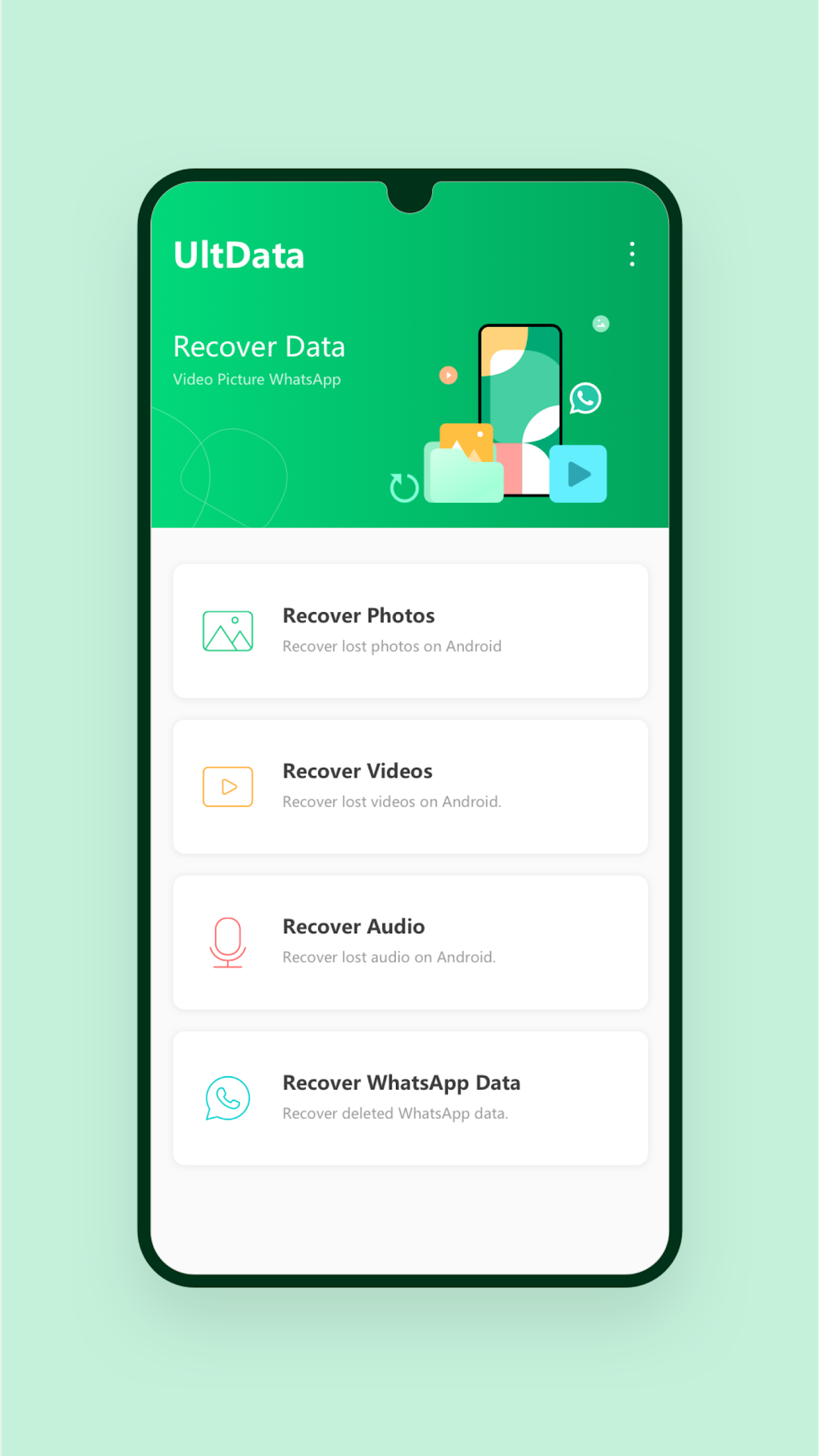
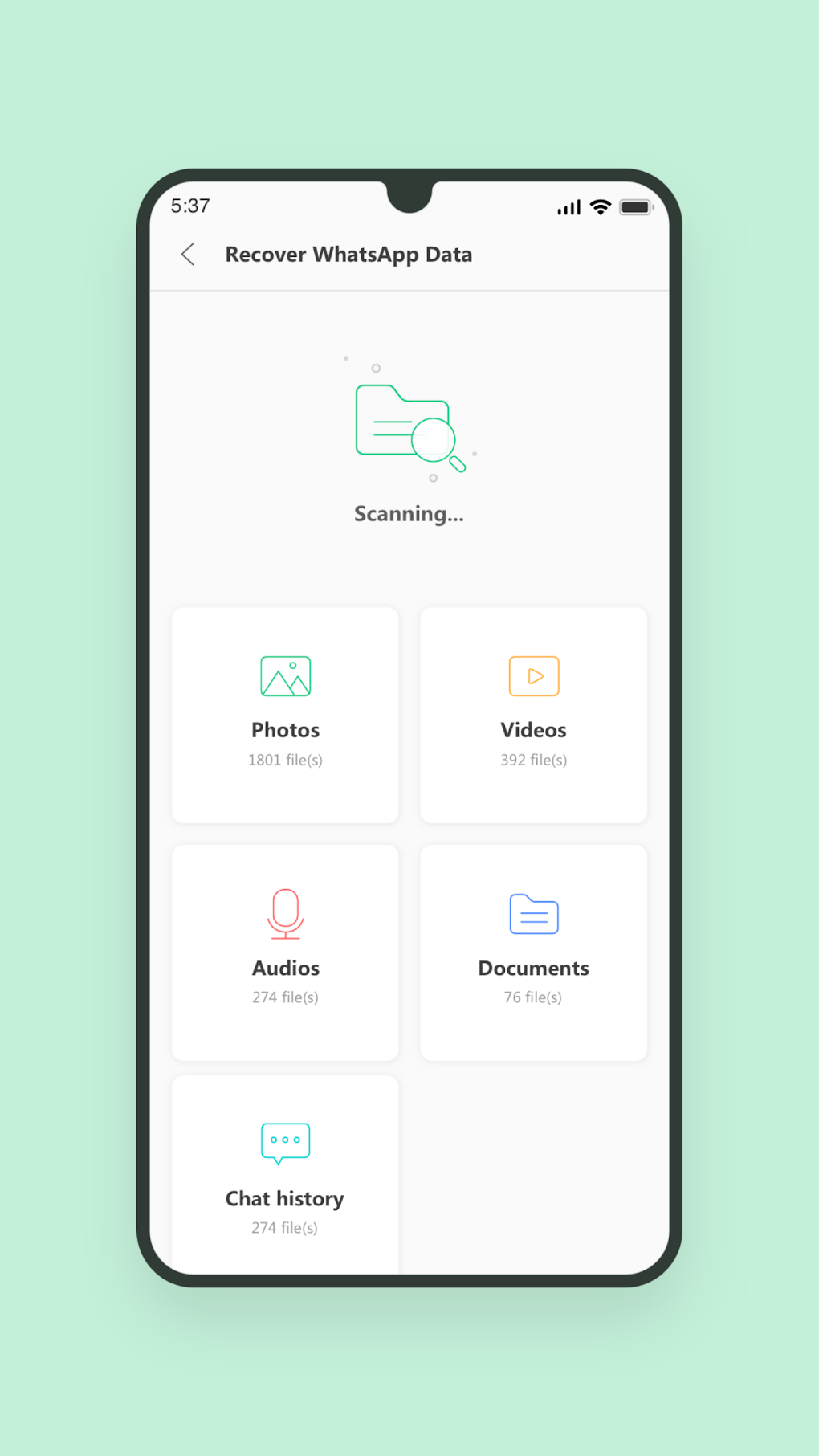
Beyond basic media file recovery, UltData offers a dedicated WhatsApp Recovery feature. This feature expands the scope of recovery to include not only photos, videos, and audio files exchanged through WhatsApp, but also crucial documents and chat logs. This addition proves exceptionally useful for users who rely heavily on WhatsApp for communication and data storage.
The absence of a root access requirement is a significant advantage. Rooting Android devices can be a complex and risky procedure that may void warranties or compromise device security. UltData’s ability to function without root access makes it a safer and more accessible option for the average user. However, it’s important to acknowledge that even with a tool as effective as UltData, there’s no guarantee of 100% recovery. Several factors, including the extent of data overwriting and the device’s storage conditions, can influence the success rate.
User Interface and Experience: Simplicity and Intuitiveness
UltData’s strength lies in its clean and intuitive user interface. The app is designed to be easily navigable, even for individuals with limited technical expertise. The straightforward layout and clear instructions make the data recovery process accessible to everyone, regardless of their technical proficiency. The one-tap operation for initiating scans further simplifies the process, enhancing user-friendliness.
The preview function, discussed earlier, is a key element of the user experience. It significantly reduces the chances of recovering unwanted or irrelevant files, optimizing storage space and saving the user time. The filtering options provide an additional layer of control, enabling users to efficiently navigate the list of recoverable files.
The overall design emphasizes simplicity and ease of use, making UltData a compelling choice for anyone facing accidental data loss. The app avoids overwhelming the user with complex settings or technical jargon, ensuring a smooth and stress-free recovery experience.
Comparison with Alternative Apps: A Competitive Landscape
UltData competes with several other data recovery applications for Android. While it shares similar functionalities with apps like File Recovery and FileBin, UltData differentiates itself primarily through its user-friendly interface and the absence of root access requirements.
Other apps may require advanced technical knowledge or potentially risky root access to function, while UltData prioritizes simplicity and safety. This makes UltData a more accessible choice for a wider range of users who may not possess the technical expertise or comfort level with rooting their devices. The dedicated WhatsApp recovery feature is another significant differentiator, providing a highly sought-after capability that many competitors lack.
However, other applications might offer more advanced features or broader recovery capabilities. The choice between UltData and its competitors often comes down to individual needs and preferences. While UltData excels in user-friendliness and ease of use, other apps might provide more comprehensive recovery options or support for a wider range of file types.
Strengths and Weaknesses: A Balanced Perspective
Strengths:
- User-friendly interface: UltData’s intuitive design makes it exceptionally accessible to a broad range of users. The simplicity of its layout and clear instructions minimize the learning curve.
- No root access required: This is a major advantage, eliminating a technical barrier and enhancing safety for many users.
- WhatsApp recovery: The dedicated WhatsApp recovery feature is a significant plus, covering various file types, including documents and chat logs.
- Preview function: The ability to preview recoverable files before recovery saves time and storage space.
- Filtering options: Filtering by time and file size allows for efficient navigation and targeted recovery.
Weaknesses:
- No 100% recovery guarantee: As with all data recovery tools, UltData cannot guarantee the recovery of all deleted files. The success rate depends on various factors, including data overwriting.
- Limited file type support (compared to some alternatives): While UltData supports a range of media files and WhatsApp data, its file type support may be narrower than some competitor apps.
- Potential for improvement in recovery success rate: While generally effective, some users might find the recovery success rate to be less than ideal in specific situations.
Conclusion: A Valuable Tool for Data Recovery
UltData presents a compelling solution for recovering accidentally deleted photos, videos, and other files from Android devices. Its user-friendly interface, lack of root access requirements, and dedicated WhatsApp recovery feature make it a valuable tool for both technically savvy and less experienced users. While no data recovery tool offers a 100% guarantee, UltData provides a straightforward and efficient process, enhanced by its preview and filtering capabilities. The app’s simplicity and ease of use outweigh its minor limitations, making it a strong contender in the competitive landscape of Android data recovery applications. The absence of a 100% success guarantee should be considered, and users should manage their expectations accordingly. However, for a free, user-friendly, and effective tool, UltData is a highly recommended option.
File Information
- License: “Free”
- Latest update: “August 3, 2025”
- Platform: “Android”
- OS: “Android 13.0”
- Language: “English”
- Downloads: “21.5K”
- Download Options: “Google Play”


