
UltFone iOS Location Changer is a location spoofing application designed for Windows and Mac operating systems. This software allows users to alter their GPS location on their iPhones, simulating movement and velocity to create a more realistic spoofed location. This detailed guide explores the app’s functionality, benefits, drawbacks, and alternatives, providing a comprehensive overview for potential users.
Understanding Location Spoofing and UltFone iOS Location Changer
Location spoofing, the act of masking your actual geographical location, has a variety of uses, ranging from enhancing gameplay experiences to circumventing location-based restrictions. UltFone iOS Location Changer achieves this by intercepting and modifying GPS signals or location data before it’s registered by other applications. While triangulation using cellular network signals can still potentially reveal your true location, most modern apps and games rely primarily on GPS data, making this type of spoofing effective in many cases.
The app boasts the ability to not only change your static GPS coordinates but also to simulate movement along a custom route, specifying speed and duration. This feature adds a layer of realism, making the spoofed location appear more believable than simply teleporting to a new spot on a map. This contrasts with some simpler location spoofing apps which only allow for static location changes. The app’s ability to mimic movement makes it suitable for applications requiring dynamic location updates, such as location-based games or fitness trackers.
Key Features and Functionality
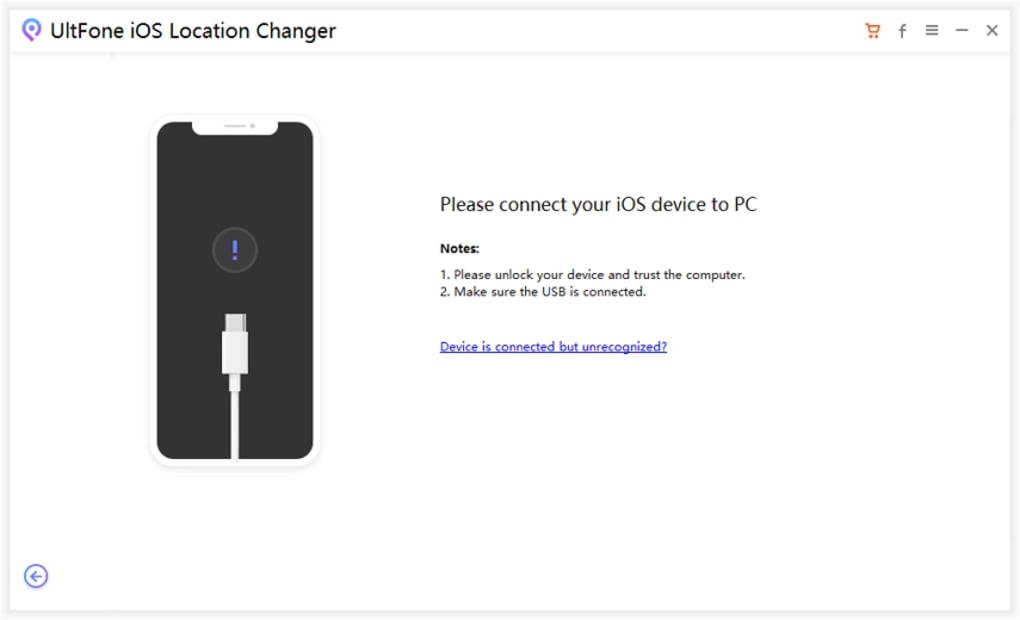
UltFone iOS Location Changer provides a straightforward interface for modifying your iPhone’s location. Key features include:
-
Static Location Change: Users can input specific coordinates (latitude and longitude) or select a location directly on an integrated map interface to instantly change their apparent location.
-
Simulated Movement: This is a key differentiator. The app allows users to define a route, including waypoints and speed, simulating realistic movement between locations. This feature is crucial for applications that monitor movement patterns, such as fitness apps or augmented reality games. The ability to control the velocity of the simulated movement adds a significant level of control and realism to the spoofing process.
-
Compatibility: While primarily designed for use with iPhones, the application is available for both Windows and Mac operating systems, providing broader access for users on different platforms. The consistent interface across platforms ensures a familiar user experience regardless of the operating system.
-
Ease of Use (Relative): While the app aims for user-friendliness, some users might find the setup and initial use to require a learning curve. A more comprehensive user manual or integrated tutorial would significantly enhance the user experience and alleviate potential frustration for new users.
Advantages of Using UltFone iOS Location Changer
The advantages of using a location spoofing application like UltFone iOS Location Changer are multifaceted:
-
Accessing Geo-Restricted Content: Many apps and games restrict access based on location. UltFone allows users to bypass these restrictions, accessing content not available in their region. This opens up a world of possibilities, allowing players to engage with international game servers or access region-specific streaming services.
-
Enhanced Gaming Experience: Location-based games like Pokémon Go heavily rely on GPS data. UltFone allows players to strategically “teleport” to different locations to catch rare Pokémon or participate in raids without physically traveling. This expands gameplay opportunities and increases the accessibility of the game.
-
Privacy and Security Considerations (Use with Caution): While the primary focus is on gaming and content access, the ability to change your location can also have privacy implications. It’s crucial to understand the ethical and legal considerations before using the app. Misrepresenting your location for deceptive purposes could have significant repercussions.
-
Social Media Check-ins: Users can check into locations on social media even if they are not physically present. This functionality should be approached cautiously, as misrepresentation can lead to mistrust and potential consequences.
- Testing Location-Based Apps: Developers of location-based apps can use UltFone to test their applications across diverse locations without the need for physical travel. This streamlines the testing process and ensures functionality across different geographical areas.
Disadvantages and Limitations
Despite its advantages, UltFone iOS Location Changer has certain limitations:
-
App Activation Sequence: The app requires careful activation before launching other apps that need location data. Users need to initiate the location spoofing process before opening the target application to ensure effective masking. This sequence of actions can be cumbersome for casual users.
-
Lack of Comprehensive Documentation: As mentioned, a more comprehensive user manual or integrated tutorial would greatly benefit users, especially those new to location spoofing applications. Clear instructions and troubleshooting guidance would reduce frustration and improve the overall user experience.
-
Potential for Detection: While the app strives to mask the spoofed location effectively, some sophisticated applications or services might detect inconsistencies and identify the location spoofing. The effectiveness of the spoofing depends on the countermeasures employed by the target application.
-
Ethical and Legal Considerations: The use of location spoofing applications must adhere to ethical and legal guidelines. Misusing the app for fraudulent or deceptive purposes can have severe consequences. Users should be aware of the legal and ethical implications before employing this type of software.
Alternatives to UltFone iOS Location Changer
Several alternative location spoofing applications exist, each with its own features and limitations. Some popular alternatives include:
-
Fake GPS Location: This app offers similar functionality to UltFone, allowing users to change their GPS location. However, it may lack the advanced features like simulated movement offered by UltFone.
-
Fake-A-Location: Another contender in the location spoofing arena, Fake-A-Location often provides a user-friendly interface but may not offer the level of control over route simulation provided by UltFone.
Choosing the right alternative depends on individual needs and preferences. Factors to consider include ease of use, advanced features (like route simulation), and compatibility with specific target applications.
Conclusion
UltFone iOS Location Changer offers a convenient and relatively user-friendly way to spoof your iPhone’s GPS location. Its ability to simulate movement adds a significant advantage over simpler alternatives. However, potential users should weigh the benefits against the drawbacks, considering the app’s limitations and the potential ethical and legal implications of location spoofing. Thorough research and careful consideration of alternatives are crucial before deciding whether UltFone iOS Location Changer or a comparable application meets your specific requirements. Always remember to use any location spoofing app responsibly and ethically, adhering to the terms of service of any apps or games you use in conjunction with the location spoofer.
File Information
- License: “Free”
- Version: “1.0”
- Latest update: “January 31, 2023”
- Platform: “Windows”
- OS: “Windows 7”
- Language: “English”
- Downloads: “9.6K”
- Size: “1.91 MB”


