
Unlimited Free VPN - Betternet for Chrome offers a free and readily accessible virtual private network (VPN) service directly within the Chrome browser. This review delves into its features, performance, security implications, and overall user experience, comparing it to both paid and free alternatives in the market. We will explore its strengths and weaknesses to help you determine if it’s the right VPN solution for your needs.
Unlocking the Potential: Features and Functionality
Betternet’s core function is to provide a secure and encrypted connection to the internet, masking your IP address and location. This fundamental feature serves several crucial purposes:
-
Enhanced Privacy: By encrypting your internet traffic, Betternet shields your online activities from potential snoopers, including your internet service provider (ISP), government agencies, and cybercriminals. This protection is particularly vital when using public Wi-Fi hotspots, where your data is more vulnerable to interception.
-
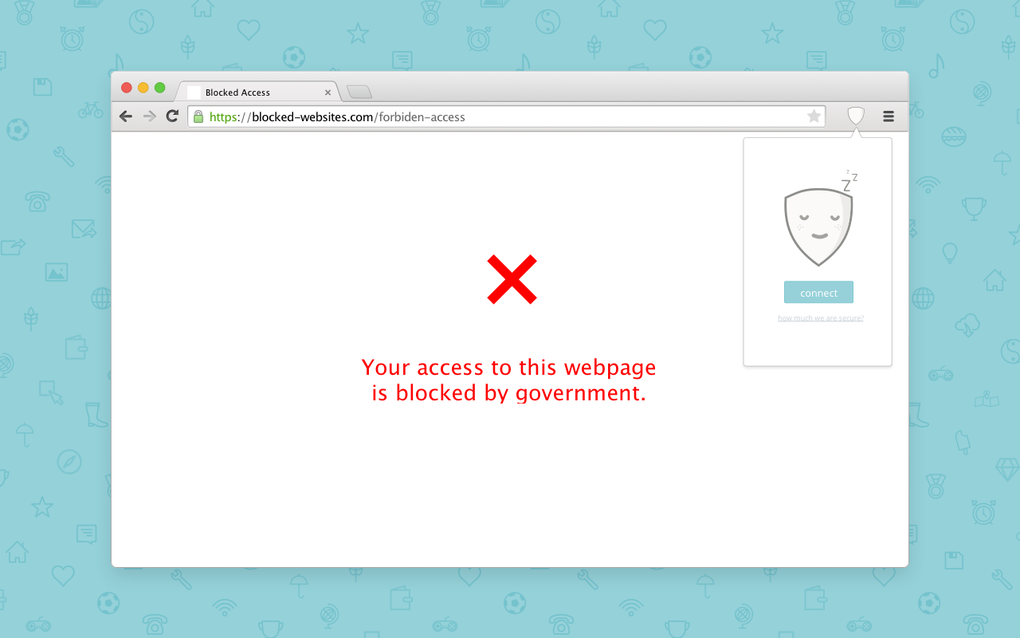
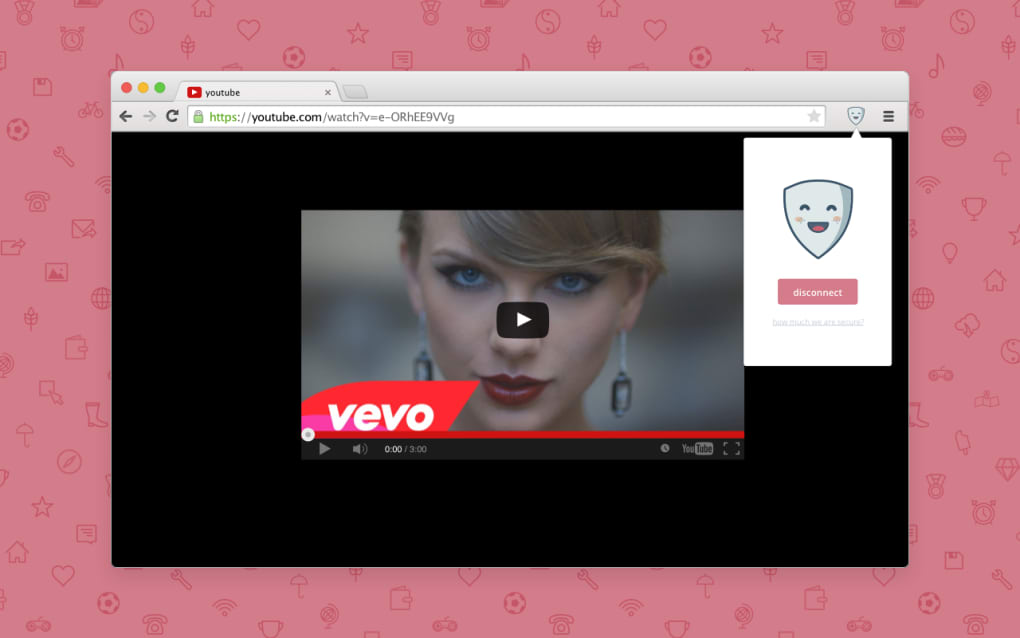
Unblocking Geo-Restricted Content: Many websites and streaming services restrict access based on geographical location. Betternet circumvents these restrictions by connecting you to servers in different countries, effectively changing your virtual location. This allows you to access content unavailable in your region, such as streaming services with different libraries or websites blocked by your government or institution.
-
Bypass Censorship: In countries with strict internet censorship, Betternet can help you access blocked websites and services, enabling you to circumvent government restrictions on information access. This functionality is a key appeal for users in regions with limited online freedom.
-
Improved Security on Public Wi-Fi: Public Wi-Fi networks are notorious for security vulnerabilities. Connecting to a VPN like Betternet encrypts your data, protecting your sensitive information from potential eavesdroppers when using these unsecured networks. This is particularly crucial for banking, shopping, and other activities requiring secure transmission of personal data.
The user interface is deliberately streamlined, focusing on simplicity and ease of use. A single button initiates the VPN connection, making it accessible even to technologically less proficient users. This simplicity, while beneficial for many, may lack the granular control offered by more advanced VPN services. The automatic server selection aims to optimize connection speed by connecting you to the nearest available server.
Security and Privacy: A Deeper Look
Betternet’s claim of “no logs” is a critical aspect of its marketing. However, the absence of a comprehensive and independently audited privacy policy raises concerns. While the service might not explicitly log browsing history or user data, the lack of transparency makes it difficult to definitively confirm this claim. Users concerned about stringent privacy requirements may prefer VPNs with more robust and transparent privacy policies and independent audits.
The level of encryption employed by Betternet is another crucial point. While a VPN fundamentally enhances security, the strength of the encryption protocol directly impacts its effectiveness. The absence of detailed information about the encryption protocols used adds to the uncertainty regarding the level of security Betternet offers. Users expecting military-grade encryption might find Betternet’s lack of transparency unsettling.
The free nature of Betternet raises questions about its revenue model. Free VPN services often rely on advertising or data collection to generate revenue. Although Betternet claims to be ad-free, the absence of a clear revenue model fuels speculation about potential data collection practices. Users prioritizing complete anonymity should carefully evaluate these potential trade-offs.
Performance and Speed: Free vs. Paid Options
Betternet’s advertised speed is a significant selling point. Its automatic server selection mechanism aims to minimize latency and optimize connection speed. However, real-world performance can vary significantly depending on several factors:
-
Server Load: As a free service, Betternet likely experiences higher server load compared to paid VPNs with more robust infrastructure. This can lead to slower connection speeds, particularly during peak usage times.
-
Geographic Location: The distance between your location and the selected server significantly impacts connection speed. Connecting to a server far away will inevitably result in slower speeds than connecting to a nearby server.
- Internet Connectivity: Your underlying internet connection significantly influences the VPN’s performance. A slow internet connection will inherently limit the speed, regardless of the VPN service used.
Compared to paid VPN services, Betternet’s free version may exhibit reduced speeds and occasional connection instability. Paid services typically offer more servers, higher bandwidth, and improved network infrastructure, leading to a more consistent and faster experience. This is a key trade-off between cost and performance.
User Experience and Interface: Simplicity vs. Functionality
Betternet’s interface is exceptionally simple. The one-click connection process is highly intuitive and user-friendly. This simplicity caters to users seeking a straightforward VPN solution without complex settings or configurations.
However, this simplicity comes at the cost of advanced features. Users seeking granular control over server selection, protocol choices, or advanced security settings will find Betternet’s limited functionality restrictive. Paid VPN services often offer customizable settings, allowing users to fine-tune their connection for optimal performance and security.
Alternatives and Comparison
Several alternative VPN services cater to diverse needs and budgets. These options offer a comparison point against Betternet:
-
Paid VPNs (e.g., ExpressVPN, NordVPN): Paid services generally provide superior speeds, more server locations, advanced features (like split tunneling and kill switches), and stronger privacy guarantees backed by transparent policies and independent audits. The higher cost reflects the enhanced performance and security.
-
Free VPNs (e.g., ProtonVPN (limited free plan), Windscribe (limited free plan)): Some free VPN services offer a limited free tier with data caps or reduced functionality. While not as comprehensive as paid options, they still provide a degree of privacy and security, often with more transparency than Betternet.
Choosing between Betternet and alternatives depends on your individual needs. If privacy and speed are paramount, investing in a paid service might be worthwhile. For basic protection and occasional use with limited bandwidth requirements, a free alternative with a transparent privacy policy could be a viable option.
Conclusion
Betternet’s Unlimited Free VPN for Chrome offers a simple and readily accessible VPN solution for basic privacy and geo-restriction circumvention. Its ease of use and one-click connection are highly appealing. However, the lack of transparency regarding its privacy policy, encryption protocols, and revenue model raises concerns for users prioritizing robust security and stringent privacy protection.
Users should carefully weigh the trade-offs between simplicity, cost, and security features before choosing Betternet. For users with higher security and privacy requirements, or those needing consistent high-speed connections, investing in a reputable paid VPN service is strongly recommended. Betternet serves as a viable option for users with limited needs and a tolerance for potential compromises on privacy and performance. Always prioritize using a VPN service with a clear and transparent privacy policy and a proven track record of security.
File Information
- License: “Free”
- Version: “7.1.5”
- Latest update: “August 12, 2024”
- Platform: “Windows”
- OS: “Windows 8.1”
- Language: “English”
- Downloads: “479.4K”


