
USB flash drives, or thumb drives, have become ubiquitous in our digital lives, serving as convenient portable storage solutions. However, their portability also presents a significant security risk. Losing a USB drive containing sensitive personal or professional data can have severe consequences. This review delves into the functionality, strengths, and weaknesses of USB Flash Security, a software designed to address this vulnerability by adding password protection to your USB drives.
Functionality and Features
USB Flash Security is a Windows-based application that encrypts and protects the contents of your USB flash drives. Once installed and configured, the software requires a password to access the data stored on the protected drive. This effectively prevents unauthorized access, even if the drive is lost or stolen. The software is designed to be relatively user-friendly, despite some criticisms regarding its instruction clarity due to possible translation issues from its Japanese origins. The process involves installing the software onto your PC, selecting the target USB drive, and setting a password. Once protected, every attempt to access the drive requires authentication using the established password.
The software’s encryption mechanism ensures that even if someone gains physical access to the drive, they cannot easily retrieve the data without the correct password. This makes it an effective tool for protecting sensitive information such as financial records, personal documents, confidential work files, and more. The simplicity of the setup and use is a clear advantage; users simply need to install the software, choose their drive, set their password, and go. This ease of use makes it accessible even to users who may not be tech-savvy.
Security and Performance
The core functionality of USB Flash Security is centered around its robust password protection. The software effectively prevents unauthorized access, thereby mitigating the risks associated with lost or stolen USB drives. The encryption method employed offers a significant layer of security, making it difficult for unauthorized individuals to decipher the data stored on the protected drive. This protection extends to any computer the drive is connected to; the password protection remains active irrespective of the machine’s operating system or security software.
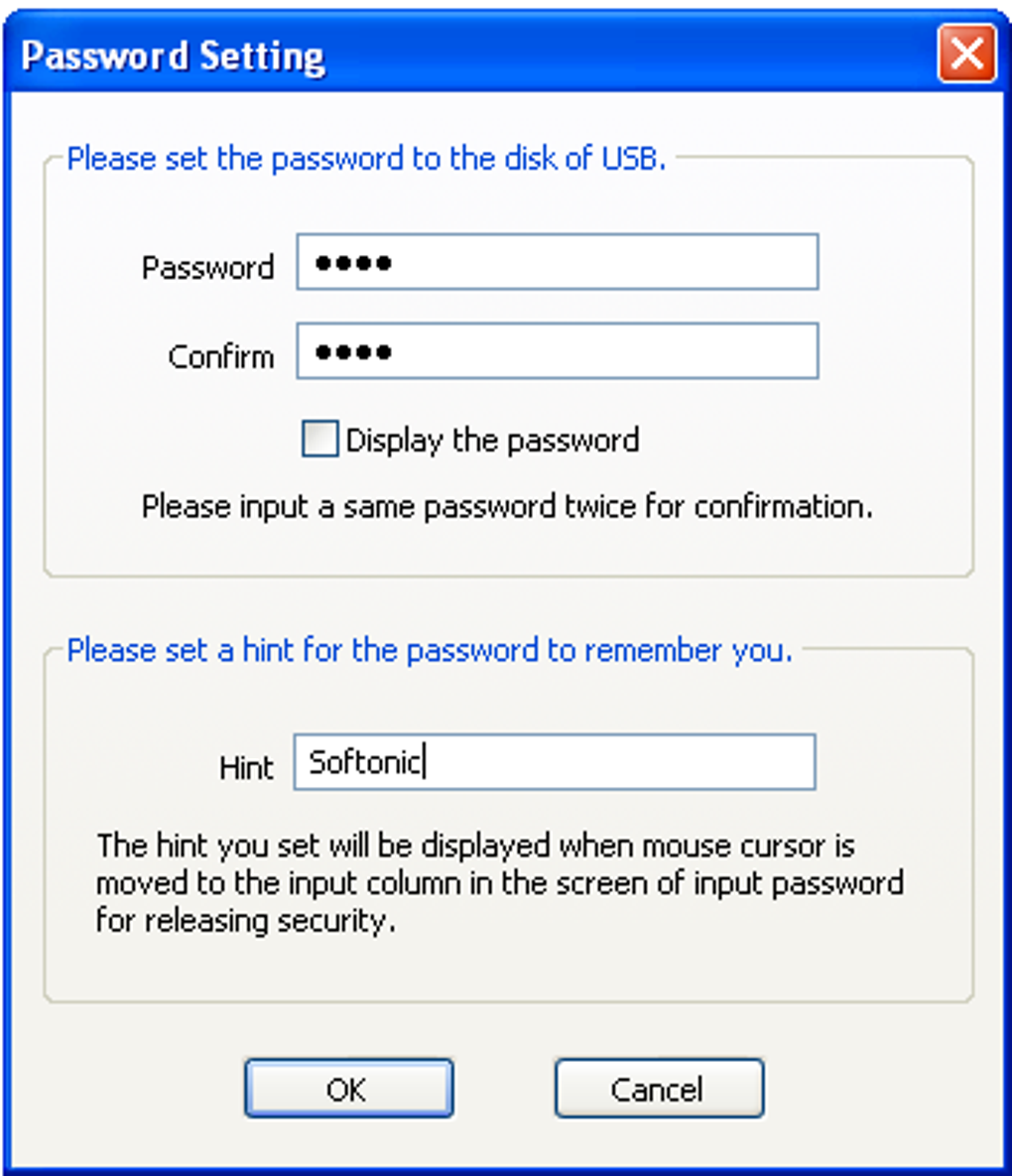
However, the software’s performance is not without drawbacks. A significant concern raised by users is the complete data erasure that occurs during the installation process. This means that any data previously stored on the selected USB drive is permanently deleted before the encryption and protection are applied. This necessitates a complete backup of the drive’s contents before installing and activating the security software. While this ensures complete protection of the data post-installation, the initial process is intrusive and potentially destructive for those who haven’t adequately prepared.
Platform Compatibility and Limitations
One of the most significant limitations of USB Flash Security is its exclusive compatibility with Windows PCs. This severely restricts the usability of the protected drives. If a user needs to access the protected data from a Mac, Linux machine, or any other non-Windows environment, they will be unable to do so. This is a major drawback in today’s diverse computing landscape. The lack of cross-platform compatibility reduces the software’s practicality and usefulness for individuals or teams working across different operating systems.
Furthermore, reports indicate some compatibility issues with certain versions of Windows, specifically Windows Vista and Windows 7. While the software claims to be functional, these compatibility problems might manifest as unexpected errors or malfunctions. These compatibility issues highlight the need for comprehensive testing and updates to ensure seamless integration across a wider range of operating systems. The limited operating system compatibility significantly restricts the software’s appeal and practical utility.
User Experience and Interface
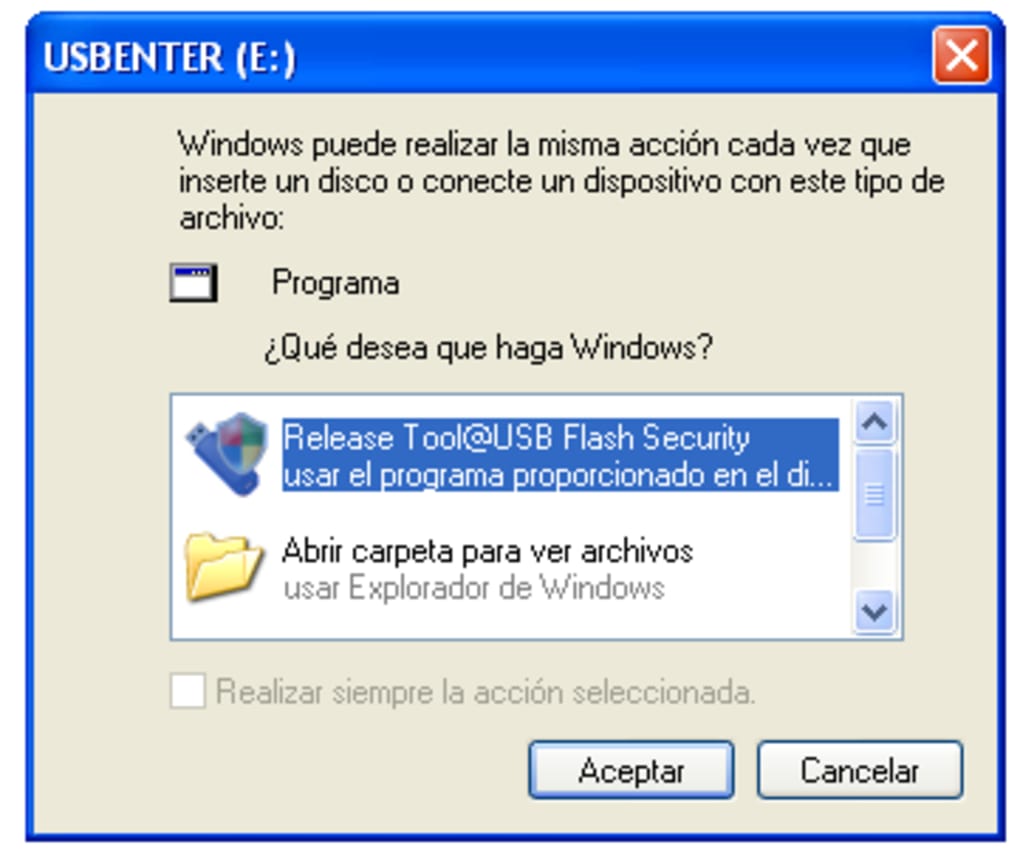
While the core functionality is straightforward – protecting USB drives with a password – the user experience surrounding USB Flash Security presents some challenges. The initial installation and setup processes may seem cumbersome and unintuitive to users due to the aforementioned data wiping and potentially confusing translations in the instructions. The need for administrative privileges to run the software adds another layer of complexity, requiring users to adjust their system settings each time they need to access the protected drive.
Although the process of protecting the drive itself is fairly straightforward once the software is installed, the overall user experience is marred by the potential for data loss during installation and the lack of clear, concise instructions. The software could benefit from a significant redesign focusing on usability and providing clearer guidance to users throughout the entire process. A more user-friendly interface could significantly improve the software’s appeal and ease of use.

Alternatives and Comparisons
Several alternative solutions exist for securing USB flash drives, each offering varying levels of functionality, security, and compatibility. Some alternatives provide cross-platform compatibility, enabling users to access their data from various operating systems. Others offer additional features such as file encryption, access controls, and self-destruct mechanisms. When considering alternatives, users should carefully evaluate their specific security needs, platform compatibility requirements, and desired level of user-friendliness.
Choosing the right software depends heavily on individual needs. If cross-platform access is crucial, alternative solutions should be preferred. If ease of use is prioritized, the potential complexities of other solutions need to be weighed against the perceived simplicity of USB Flash Security, even with its data erasure drawback.
Conclusion: Weighing the Pros and Cons
USB Flash Security offers a simple, if somewhat cumbersome, solution for securing data on USB flash drives. Its strength lies in its effectiveness in protecting data from unauthorized access via password protection. However, the significant drawbacks – complete data erasure upon installation, limited Windows-only compatibility, and potential user experience challenges – need to be seriously considered. The software’s simplicity is appealing, but its limitations are substantial.
Before using USB Flash Security, users must carefully weigh the pros and cons. The complete data wipe during installation demands meticulous preparation and backups. The lack of cross-platform compatibility restricts usage significantly. If these limitations are unacceptable, users should explore alternative solutions that better align with their specific needs and preferences. Ultimately, choosing a USB drive encryption solution depends on a careful assessment of individual requirements and a willingness to adapt to the software’s specific limitations. While the security offered is robust, the overall user experience and platform limitations may outweigh the benefits for many users.
File Information
- License: “Free”
- Latest update: “July 10, 2023”
- Platform: “Windows”
- OS: “Windows Vista”
- Language: “English”
- Downloads: “199.4K”
- Size: “8.30 MB”


