
uTorrent, a BitTorrent client, has gained significant popularity for its ease of use, speed, and lightweight nature. Originally known for its Windows version, uTorrent has expanded to support Mac devices, providing a convenient way to download torrent files. This guide delves into the features, safety, legality, installation, and alternatives of uTorrent, specifically focusing on its Mac version.
Understanding uTorrent for Mac
uTorrent for Mac is a free, lightweight BitTorrent client that leverages peer-to-peer (P2P) technology to download files efficiently. Unlike some resource-intensive download managers, uTorrent minimizes its system footprint, allowing users to continue using their Macs without experiencing performance lags. Its ability to download various file types, including movies, videos, books, and music, makes it a versatile tool. However, it’s crucial to remember that downloading copyrighted material is illegal. The responsibility for legal compliance rests solely with the user. uTorrent itself is a tool; its ethical and legal use depends entirely on the user’s actions.
A key advantage of uTorrent for Mac is its integrated search bar functionality. This feature seamlessly launches a web browser, directing users to relevant torrent search websites. While it doesn’t host a built-in directory, it streamlines the process of finding torrent files. Users can simultaneously download multiple files or selectively choose specific files from a list. The program’s intuitive interface is designed for both novice and experienced users.
User Interface and Functionality
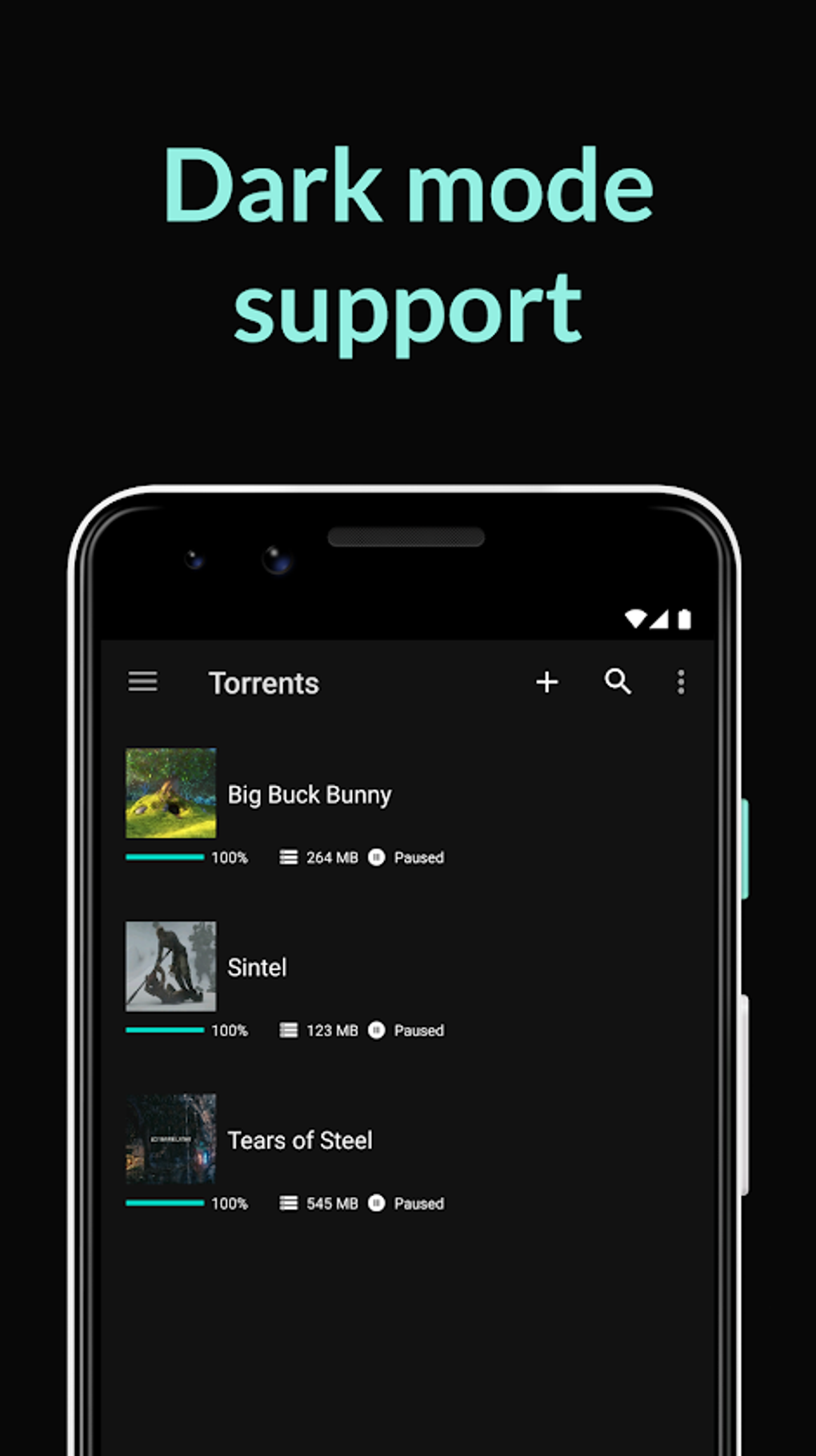
The user interface (UI) of uTorrent for Mac is clean and straightforward, prioritizing ease of use. The main window displays a list of currently downloading and queued torrents. A search bar, conveniently located in the top-right corner, facilitates quick access to torrent search engines via a web browser. The left-hand panel provides options to switch between active and inactive torrents and displays an icon for RSS feed management.
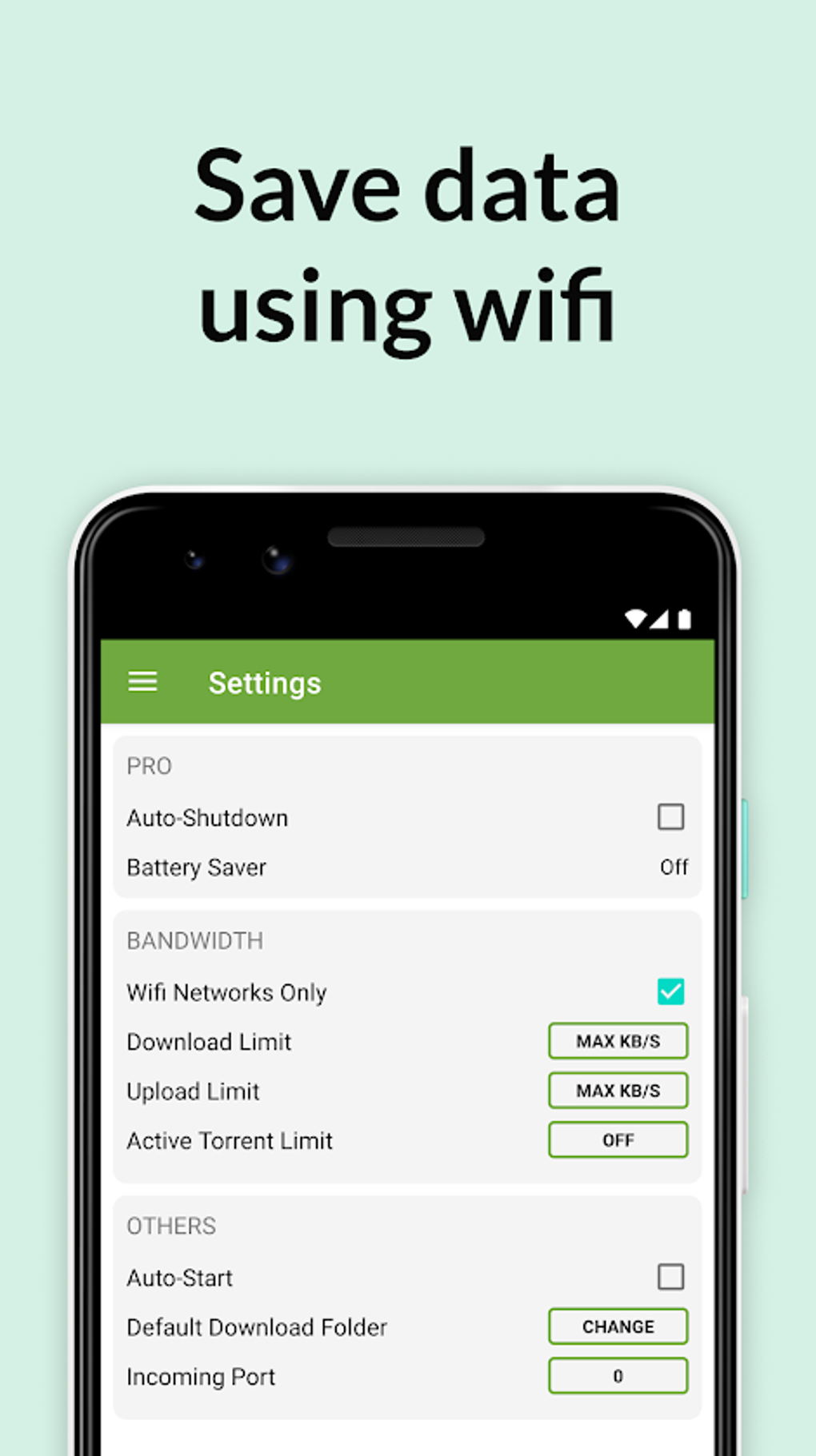
Configuration options are readily accessible through the settings menu. Users can customize various aspects, including the download location, bandwidth allocation, download scheduling, and privacy settings. These options are clearly labeled and easily navigable, ensuring a user-friendly experience for managing downloads.
Performance and Efficiency
Compared to other P2P file-sharing programs, uTorrent for Mac boasts impressive speed and efficiency. The application’s small size (only 4MB in the latest version) minimizes its impact on system resources. This minimal resource consumption allows users to seamlessly multitask, running other applications alongside uTorrent without noticeable performance degradation.
Furthermore, uTorrent intelligently manages bandwidth allocation. It adjusts bandwidth usage based on the system’s needs and other active processes. This feature prevents download speeds from negatively impacting other online activities, such as web browsing or video streaming. Users can continue using their internet connection without significant slowdowns, even during simultaneous downloads.
Advanced Features: RSS Feeds and Search Capabilities
Beyond basic download functionality, uTorrent for Mac offers advanced features that enhance its utility. The inclusion of RSS feed support allows for automated downloads. Users can configure RSS feeds containing torrent links; upon updating, uTorrent automatically downloads any new files added to the feed. This automated process simplifies the download process for regularly updated content.
While uTorrent itself lacks a built-in search engine, the integration with web browsers via the search bar facilitates access to a vast array of torrent files. Users can leverage popular torrent search websites to locate desired files, broadening their access to content. This method provides access to millions of torrent files readily available online.
Safety, Legality, and Privacy Considerations
Using uTorrent for Mac is generally safe, provided users exercise caution and adhere to legal guidelines. It’s crucial to remember that downloading copyrighted material without permission is illegal. While uTorrent itself isn’t inherently illegal, the content downloaded using it can be. Downloading files with low seed counts or from untrusted sources increases the risk of downloading malware. Always check user comments and ratings before initiating a download.
Furthermore, uTorrent doesn’t inherently hide your IP address. Torrenting exposes your IP address to other users within the P2P network. For enhanced security and privacy, using a Virtual Private Network (VPN) is highly recommended. A VPN encrypts your internet traffic, masking your IP address and protecting your online activity. This is particularly crucial when downloading files through a P2P network.
Installation and Alternatives
Installing uTorrent on a Mac is straightforward. Simply download the .exe file and run the installer. However, compatibility issues may arise with older Mac operating systems. The application may not be fully compatible with older versions, such as Mac OS Catalina, which primarily supports 64-bit applications, while uTorrent’s Mac version is 32-bit. As an alternative, users can utilize the uTorrent web application to access and download torrent files.
While uTorrent provides a robust and efficient torrenting experience, several alternatives exist. These include Vuze (Azureus), Transmission, Folx, and Deluge. Each offers varying features and functionalities, allowing users to choose the client best suited to their needs and preferences.
Should You Download uTorrent for Mac?
uTorrent for Mac offers a compelling combination of speed, ease of use, and lightweight design. Its ability to handle multiple downloads simultaneously, without significantly impacting system performance, makes it a practical choice for downloading various files. The addition of features like RSS feed support and the integrated search bar adds significant functionality. Its free availability further enhances its appeal.
However, potential compatibility issues with older Mac OS versions and the need for a VPN to protect privacy are important factors to consider. The choice to use uTorrent should be made considering individual needs, technical proficiency, and awareness of legal and safety guidelines surrounding torrenting.
Conclusion
uTorrent for Mac provides a straightforward and efficient way to download torrent files. Its intuitive interface, speed, and minimal resource consumption make it a popular choice. However, users must be mindful of the legal implications of downloading copyrighted material and the importance of using a VPN to protect their privacy and security. The decision to utilize uTorrent ultimately depends on individual needs and understanding of the potential risks and benefits. Exploring available alternatives is also advisable to find the best fit for specific requirements.
File Information
- License: “Free”
- Latest update: “March 24, 2025”
- Platform: “Android”
- OS: “Android 13.0”
- Language: “English”
- Downloads: “2.9M”
- Download Options: “Google Play”


