
XPlayer, a free multimedia player application, offers a robust and versatile solution for playing a wide variety of video and audio formats on Android devices. Its extensive format compatibility, coupled with a user-friendly interface, makes it a compelling choice for users seeking a convenient and efficient media playback experience. This comprehensive review delves into XPlayer’s features, performance, advantages, and potential drawbacks, providing a thorough assessment of its capabilities.
Feature Overview: Extensive Format Support and High-Quality Playback
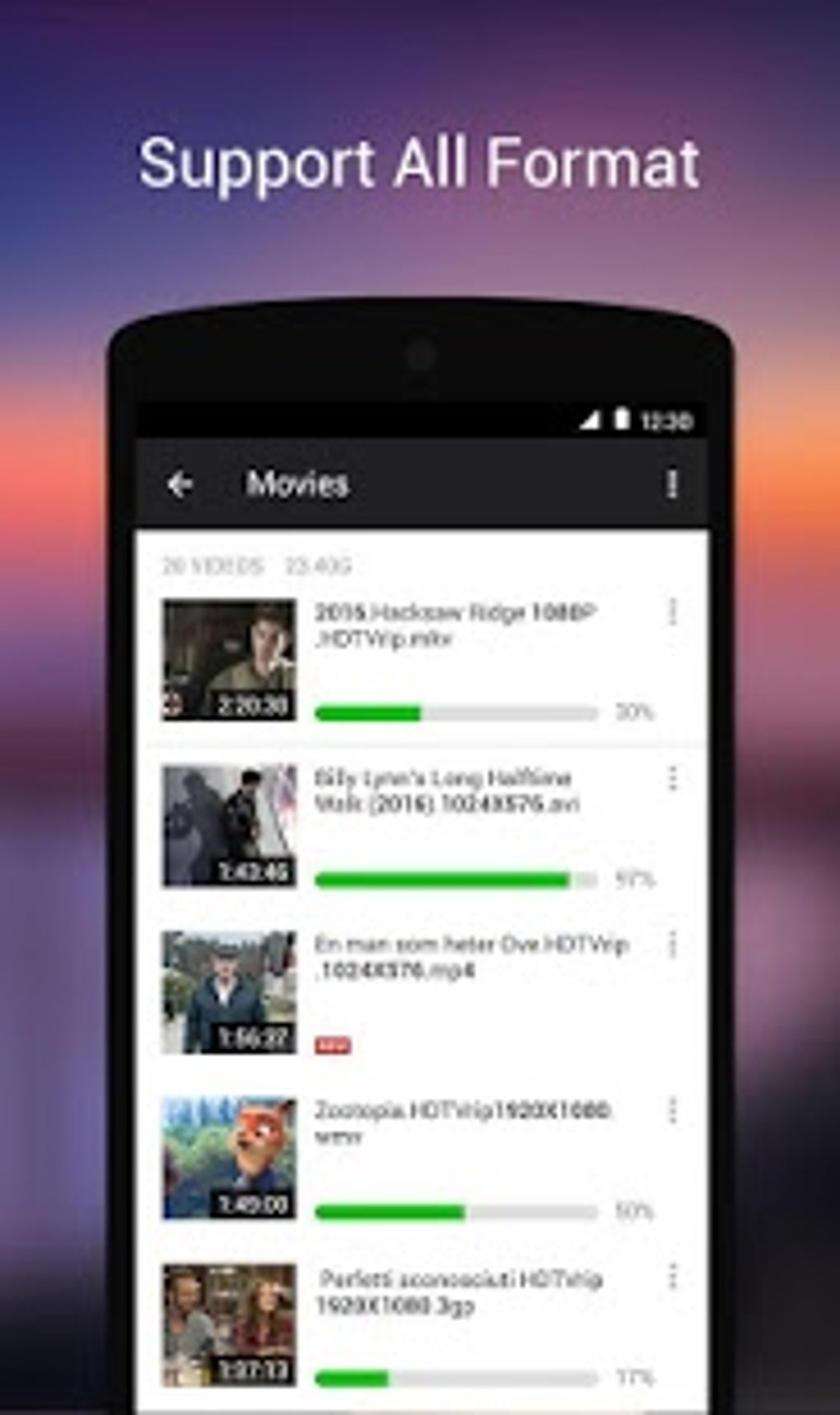
XPlayer distinguishes itself through its broad support for various video and audio formats. The application seamlessly handles popular formats like MP4, MKV, MOV, FLV, AVI, WMV, RMVB, TS, and many others, eliminating the need for users to convert files before playback. This eliminates a significant hurdle for users who often encounter compatibility issues with other media players. Furthermore, XPlayer extends its support to high-definition (HD), 3D, and 4K video playback, ensuring users can enjoy their media content in the highest possible quality, provided their device hardware supports it. The built-in music player enhances the user experience, allowing for seamless transitions between video and audio playback.
Beyond its format compatibility, XPlayer provides users with a convenient media library. This integrated library facilitates organization and access to media files stored on the device’s internal storage, SD card, USB drives, and even online sources. This centralized management system simplifies navigation and eliminates the hassle of searching for files across multiple locations. The ability to import media from various sources consolidates media management into a single platform, enhancing overall convenience and efficiency.
User Interface and Ease of Use: Simplicity Meets Functionality
XPlayer’s intuitive user interface is a notable strength. The design prioritizes simplicity and ease of navigation, ensuring a user-friendly experience for individuals with varying levels of technical expertise. The app’s clean layout and straightforward controls make accessing and managing media files effortless. The intuitive organization of the media library enhances the user experience, making it simple to browse and select files for playback. This user-centric design makes XPlayer accessible to a broad audience, including those less familiar with complex media player interfaces.
Performance and Limitations: Online Content Dependence and Advertisements
While XPlayer provides a largely positive user experience, some limitations exist. The app’s performance can be dependent on a stable internet connection when streaming online content. Users in areas with unreliable or slow internet connectivity might encounter buffering issues, delays, and interruptions during playback. This reliance on consistent internet access could be a significant drawback for users in areas with limited internet infrastructure. This performance dependency is a factor to consider when evaluating XPlayer’s suitability for specific user needs and environments.
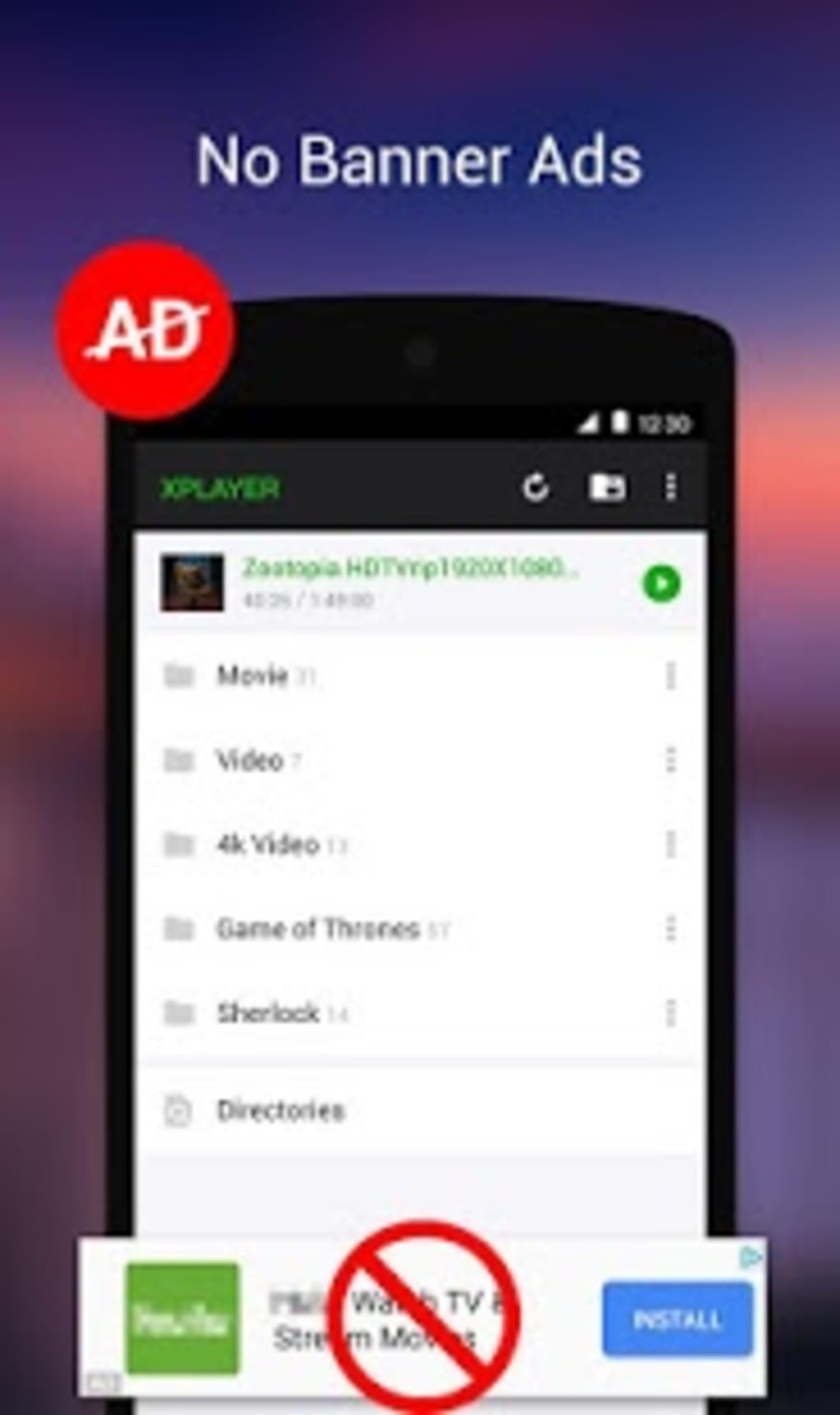
Another potential drawback is the app’s ad-supported model. While the app itself is free, the inclusion of advertisements can be disruptive to the viewing experience. The frequency and intrusiveness of these advertisements could be a source of frustration for some users. This trade-off between free access and occasional advertising interruptions is a consideration for users who prioritize an uninterrupted media playback experience.
Advantages and Disadvantages: A Balanced Perspective
To summarize, XPlayer presents a compelling combination of advantages and disadvantages. The application’s strengths lie in its comprehensive format support, high-quality playback capabilities, user-friendly interface, and convenient media library. These features cater to users seeking a versatile and efficient media player. However, the potential drawbacks, such as the dependence on a stable internet connection for online content and the inclusion of advertisements, must also be considered.
Advantages:
- Extensive Format Support: Plays a wide range of video and audio formats without requiring conversion.
- High-Quality Playback: Supports HD, 3D, and 4K video for optimal viewing experience.
- User-Friendly Interface: Intuitive design for ease of navigation and use.
- Integrated Media Library: Conveniently organizes and manages media files from various sources.
- Built-in Music Player: Seamlessly transitions between video and audio playback.
- Free to Use: Accessible to all users without any upfront costs.
Disadvantages:
- Internet Dependence for Online Streaming: Performance can be negatively impacted by unreliable internet connections.
- Ad-Supported Model: The presence of advertisements can be disruptive.
Alternatives and Comparisons: Exploring Competing Applications
XPlayer exists within a competitive landscape of multimedia player applications. While XPlayer offers a strong feature set, users might find alternative options suitable to their specific needs and preferences. Some popular alternatives include MX Player, VLC for Android, and numerous other applications offering similar functionalities. The optimal choice often depends on individual priorities, such as specific format support needs, user interface preferences, and tolerance for advertisements. A comparative analysis of these alternative applications is crucial to ensure that users select the application most closely aligned with their requirements.
Several alternative applications, each with its unique strengths and weaknesses, warrant consideration:
- MX Player: Known for its hardware acceleration capabilities and robust subtitle support, MX Player offers a powerful and feature-rich alternative. Its extensive codec support and customization options make it a strong contender.
- VLC for Android: Based on the popular desktop VLC media player, this Android version offers broad format compatibility and versatility. Its open-source nature and commitment to cross-platform compatibility appeal to many users.
- Other Applications: Numerous other multimedia players, each offering a unique blend of features and capabilities, exist on the Android platform. Careful research into the specifics of these applications helps determine the best fit for individual needs.
The selection of a suitable multimedia player depends on the user’s individual requirements. Factors such as preferred interface style, specific format support needs, and tolerance for advertisements all play a role in this decision-making process. Thorough research and comparisons are encouraged to make an informed choice.
Conclusion: A Solid Choice with Caveats
XPlayer offers a valuable media playback experience, especially for users seeking a comprehensive solution for playing a wide variety of formats. Its intuitive interface, robust features, and ease of use make it accessible to a broad audience. However, potential users should be aware of the app’s reliance on a stable internet connection for optimal online streaming performance and the presence of advertisements. These factors should be carefully considered before making a decision. Ultimately, XPlayer stands as a solid choice for many users, but careful consideration of its limitations ensures a satisfactory user experience. For users prioritizing seamless, uninterrupted playback and ad-free experience, exploring alternative applications might be advisable.
File Information
- License: “Free”
- Latest update: “August 11, 2025”
- Platform: “Android”
- OS: “Android 15.0”
- Language: “English”
- Downloads: “55.6K”
- Download Options: “Google Play”


