
Video Up Movie Maker Editor is a free mobile video editing application available for iPhone, developed by MAETCH EXPANSION S.L. This app provides a user-friendly interface combined with a surprisingly robust set of features, making it a compelling option for both casual users and those seeking more advanced editing capabilities. This review delves into the app’s strengths and weaknesses, exploring its functionality, ease of use, and overall value proposition.
Powerful Editing Tools for Seamless Video Creation
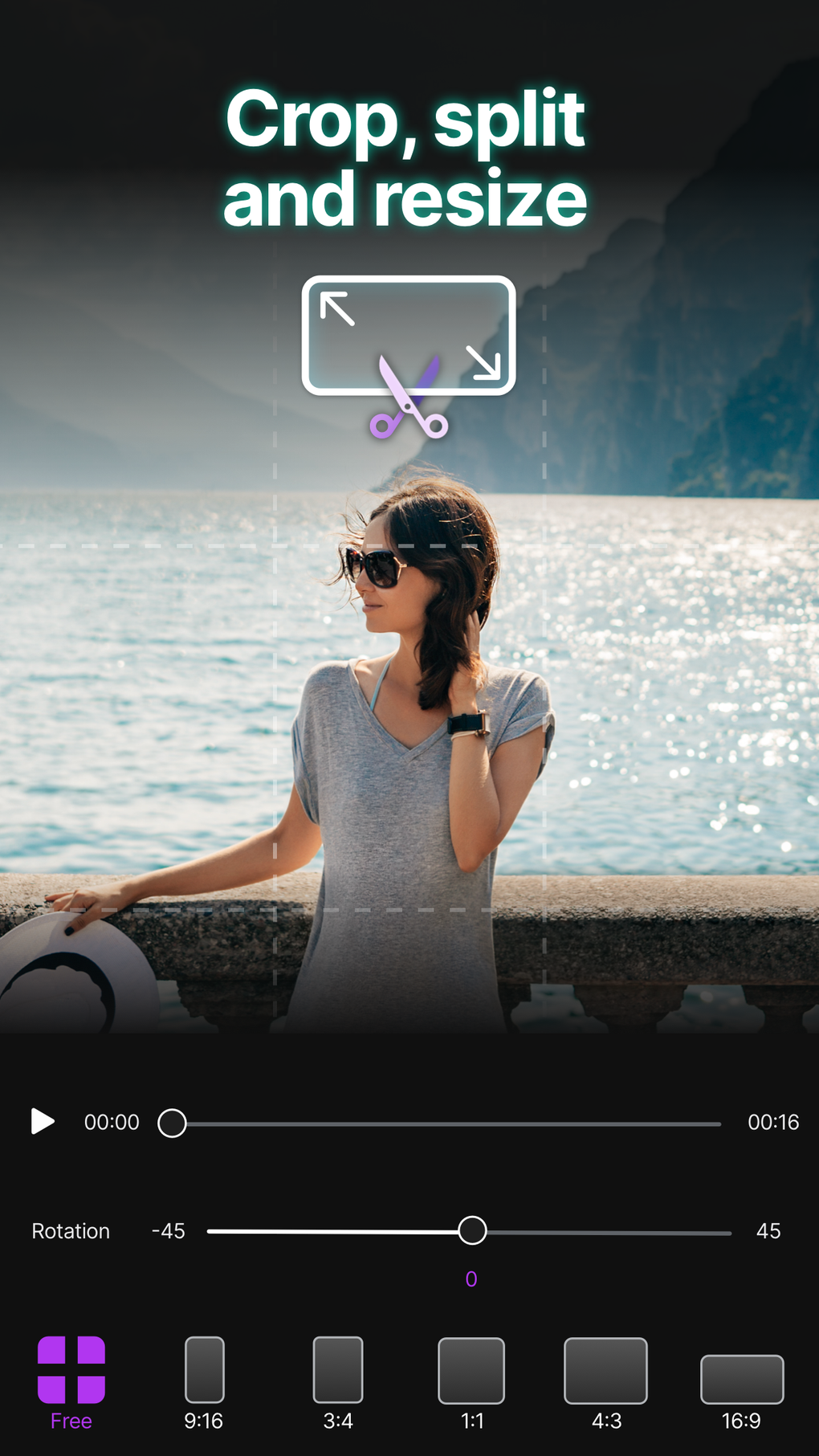
Video Up Movie Maker Editor empowers users to transform raw footage into polished, professional-looking videos. The app boasts a comprehensive suite of editing tools, catering to various skill levels. Basic editing functions like trimming, cropping, and cutting clips are readily accessible, allowing for precise control over the video’s length and composition. More advanced users can leverage features such as transforming clips, adjusting parameters like opacity, contrast, saturation, hue, exposure, and temperature, offering granular control over the visual aesthetic. The ability to manipulate orientation and even adjust playback speed, including slow-motion and fast-forward effects, adds another layer of creative freedom.
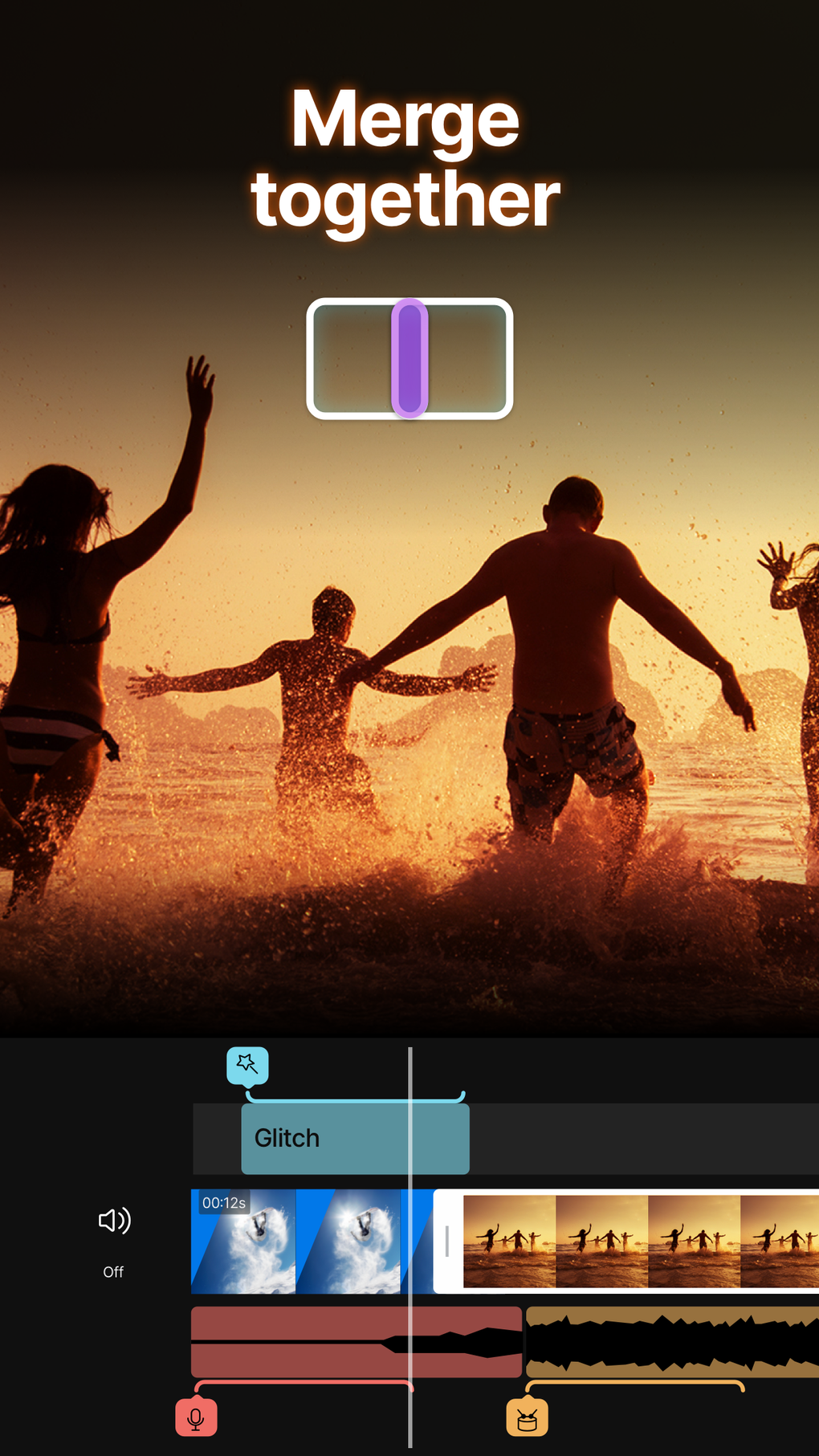
Beyond basic adjustments, Video Up Movie Maker Editor offers a compelling array of creative tools to enhance the visual appeal of videos. Users can effortlessly add text overlays, title slides, and personalized outros, providing opportunities for branding and customized messaging within the video. The app’s incorporation of cinematic filters, transitions, and animations allows for a polished and visually engaging final product. The control over transition speed adds a nuanced layer of control, enabling users to fine-tune the pacing and flow of their video edits. Furthermore, the capability to edit the color and background of the video provides additional flexibility in achieving a desired visual style.
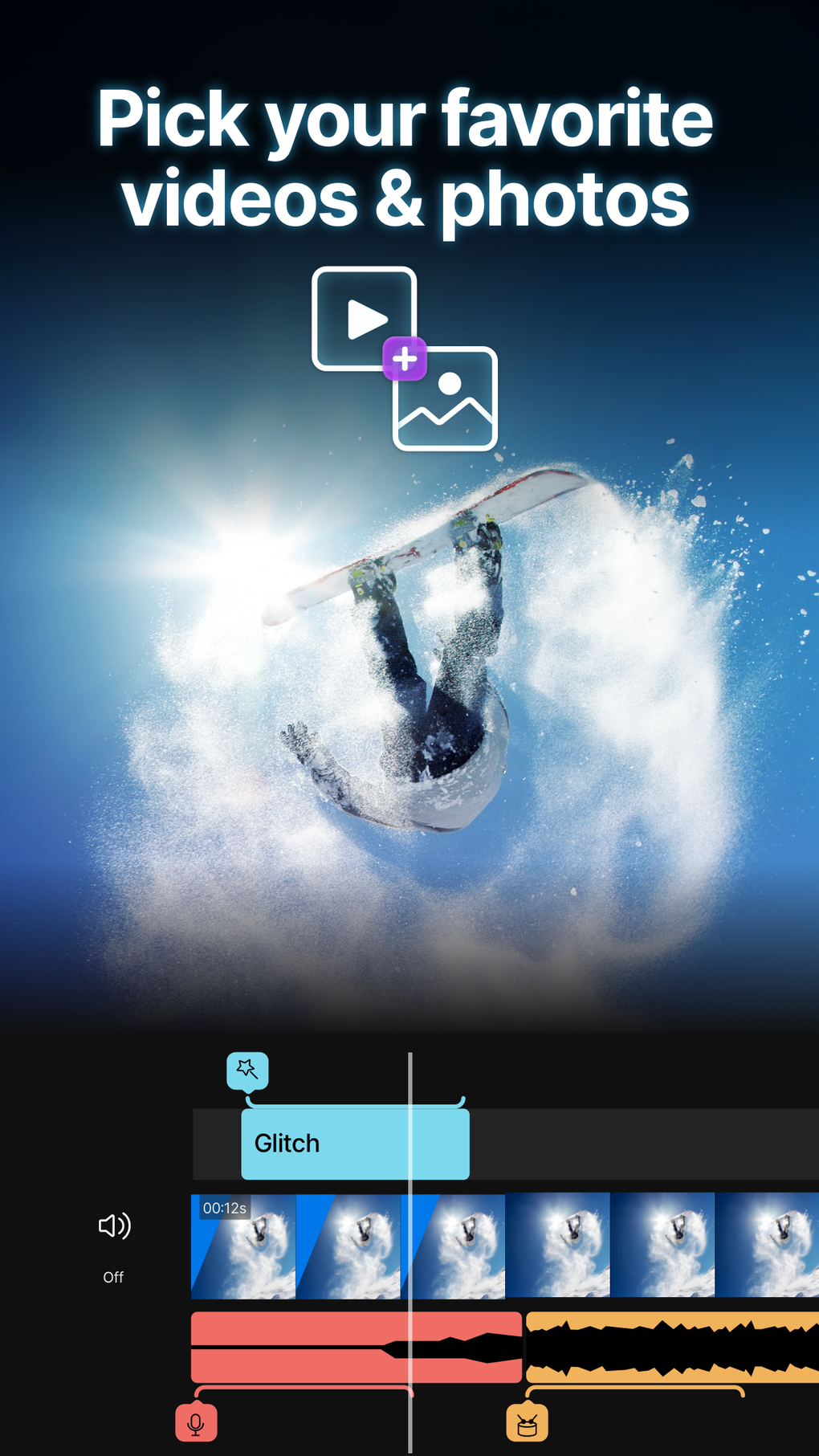
The app’s audio editing capabilities extend beyond simple volume adjustments. Users have the ability to trim, customize, and mix multiple audio tracks, enabling sophisticated sound design to complement the visuals. This feature is particularly useful for adding background music, sound effects, or voiceovers, significantly enhancing the overall quality and impact of the final video. The flexibility to work with multiple audio tracks opens doors for creating more complex and dynamic audio landscapes within the video project.
Intuitive Interface and User-Friendly Experience
Despite the extensive range of features, Video Up Movie Maker Editor maintains a user-friendly interface, making it accessible to both novice and experienced video editors. The app’s layout is intuitive and well-organized, allowing users to quickly locate and access the tools they need. The app’s design prioritizes ease of navigation, minimizing the learning curve and maximizing productivity. The clear visual cues and straightforward controls contribute significantly to a streamlined and enjoyable editing experience.
Sharing and Export Options: Seamless Integration with Social Media
Video Up Movie Maker Editor simplifies the process of sharing finished videos, offering unlimited saving, sharing, and upload capabilities. The app supports popular social media platforms such as Instagram, TikTok, and YouTube, facilitating easy content distribution. This seamless integration with social media platforms reduces the steps required to share edited videos, allowing users to effortlessly reach a wider audience. The ability to export videos in various formats and resolutions ensures compatibility with different platforms and devices. This feature enhances the versatility and usability of the app, making it suitable for users across various platforms and devices.
Performance and System Requirements
The app is designed for iPhone devices running iOS 16.4 or later. While the specific performance may vary depending on the device’s processing power and available memory, Video Up Movie Maker Editor generally provides a smooth and responsive editing experience. The app’s optimization ensures that even complex edits can be processed relatively quickly without significant lag or performance issues. The app’s system requirements are relatively modest, making it compatible with a wide range of iPhone models.
Comparison with Other Video Editing Apps
Video Up Movie Maker Editor stands out among its competitors by offering a comprehensive suite of features while maintaining a user-friendly interface. Compared to other popular video editing apps, Video Up boasts a strong balance between functionality and ease of use. Some competitors might offer specific advanced features absent in Video Up, but these are often accompanied by a steeper learning curve. Conversely, some simpler editing apps may lack the depth of features found in Video Up Movie Maker Editor. The app successfully caters to a broader range of users, offering a satisfying editing experience without compromising accessibility.
Conclusion: A Versatile and Powerful Mobile Video Editor
Video Up Movie Maker Editor is a valuable tool for anyone looking to create high-quality videos on their iPhone. Its extensive range of editing tools, coupled with its intuitive interface and seamless social media integration, makes it a highly recommended app. Whether you’re a seasoned video editor or a beginner just starting out, Video Up Movie Maker Editor provides the tools and functionality to transform your ideas into engaging and professional-looking videos. The app’s free availability further enhances its appeal, making it an excellent choice for users of all skill levels and budgets. While minor improvements could be implemented in future updates, the current version provides a satisfying and efficient video editing experience, making it a strong contender in the mobile video editing landscape. The app’s continued development and potential for future updates could further solidify its position as a leading mobile video editing application.
File Information
- License: “Free”
- Version: “1.28.2”
- Latest update: “July 12, 2025”
- Platform: “iPhone”
- OS: “iOS 16.4”
- Language: “English”
- Downloads: “697”


