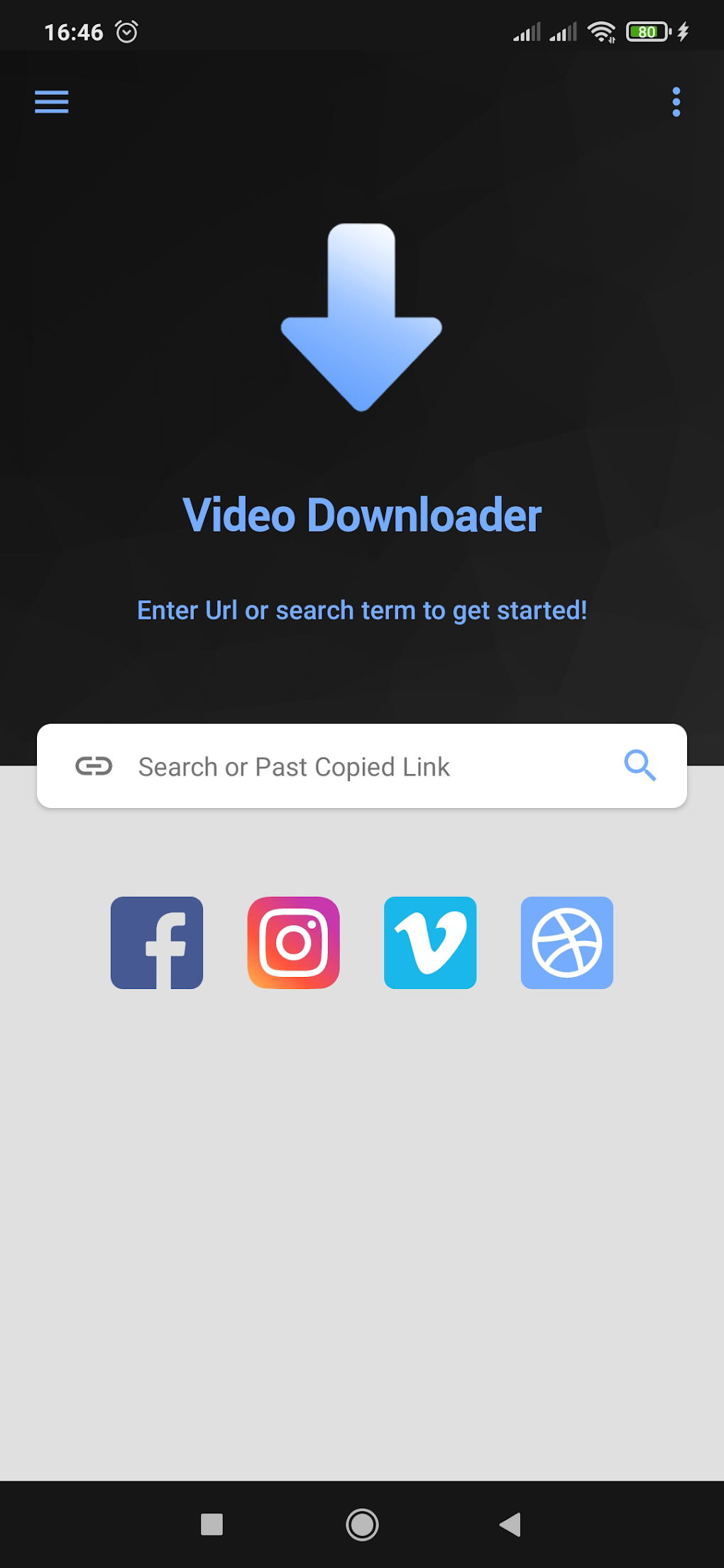
Videoder Video Downloader has emerged as a popular choice for downloading videos from a wide array of online platforms. Its intuitive interface, robust functionality, and commitment to user satisfaction make it a versatile tool for both casual users and tech enthusiasts. This comprehensive guide explores Videoder’s features, safety, usage, and overall value, providing a detailed overview of this powerful video downloading application.
Understanding Videoder Video Downloader
Videoder is a versatile video downloading application designed for Android devices. It allows users to download videos from numerous online sources, including, but not limited to, YouTube, Facebook, Instagram, and many others. Its popularity stems from its extensive feature set, ease of use, and generally reliable performance. The app caters to a broad spectrum of users, from those seeking simple video downloads to individuals needing advanced features like background downloading and high-definition video capture.
Is Videoder Safe to Use?
The question of safety is paramount when considering any app that handles downloads from the internet. Videoder is generally considered safe to use, provided you take the necessary precautions. It enjoys a substantial user base and hasn’t been associated with significant malware or security vulnerabilities. However, it’s crucial to always download the app from a reputable source, such as the official website (if available) or a trusted app store. Furthermore, keeping the app updated with the latest security patches is vital to mitigating any potential risks. Downloading from unofficial sources significantly increases the risk of encountering malicious software. Always exercise caution and prioritize your digital security.
How to Use Videoder Video Downloader: A Step-by-Step Guide
Using Videoder is remarkably straightforward. The user-friendly design ensures a smooth downloading experience, even for those unfamiliar with similar applications. The process involves several simple steps:
-
Download and Installation: Download the Videoder APK file from a trusted source. Once downloaded, locate the file on your Android device and initiate the installation process. Your device may prompt you to enable installation from unknown sources; this is a necessary step if you are not downloading from the Google Play Store.
-
Launching Videoder: After successful installation, locate the Videoder app icon on your device and tap to launch the application.
-
Locating the Video: Navigate to the website or platform hosting the video you wish to download. Identify the video and copy its URL. This is usually achieved by tapping the “Share” or similar button and selecting “Copy Link.”
-
Pasting the URL: Return to the Videoder application. You’ll find a search bar or input field; paste the copied URL into this field.
-
Choosing Download Options: Videoder will analyze the URL and present various download options. These options will typically include different video resolutions (e.g., 360p, 720p, 1080p, 4K) and formats (e.g., MP4, AVI, 3GP). Select the desired quality and format based on your preferences and device capabilities. Higher resolutions will result in larger file sizes and potentially longer download times.
-
Initiating the Download: After selecting your preferences, tap the “Download” button. The download process will commence, and you can monitor its progress within the app.
-
Managing Downloads: Videoder typically provides a dedicated section to manage your downloads. Here, you can view the progress of ongoing downloads, pause or resume downloads, and access your downloaded videos once the process is complete.
Key Features of Videoder Video Downloader
Videoder distinguishes itself through its extensive and well-implemented feature set. These features enhance the user experience and make it a compelling alternative to other video downloaders:
-
Ultra HD Video Downloading: Videoder supports downloading videos in Ultra High Definition (UHD) or 4K resolution. This allows users to download videos at the highest possible quality, providing a truly immersive viewing experience.
-
Supported Video Formats: The app boasts broad compatibility with various video formats, including MP4, AVI, and 3GP, ensuring seamless playback across a wide range of devices and media players. This eliminates the need to convert downloaded videos, saving time and effort.
-
Multi-platform Compatibility: Videoder’s versatility extends beyond Android smartphones. It is also compatible with Android tablets, offering consistent functionality across different screen sizes and device types. This ensures a unified experience whether you’re using a phone or a tablet.
-
Effortless Auto-Download: Videoder incorporates an intelligent auto-download feature. While browsing the web, the app automatically detects videos and offers to download them, streamlining the download process significantly. This eliminates the manual steps involved in copying and pasting URLs.
-
Background Downloading: Videoder allows for seamless background downloading. This means you can download videos without interrupting other activities on your device. The download will continue even when the app is closed or you are using other applications.
-
High-Definition Downloading: Videoder prioritizes maintaining the original quality of videos during the download process. This ensures that downloaded videos retain their high-definition quality, allowing for a sharp and detailed viewing experience.
-
Personalized Viewing Experience: Users can personalize their viewing experience by adjusting various settings. Features like screen resizing and speed control allow for customized video playback to suit individual preferences.
-
Social Media Integration: Videoder integrates seamlessly with popular social media platforms like Facebook, Instagram, and Twitter. This feature allows users to directly download videos from these platforms, eliminating the need for workarounds or third-party tools.
Should You Download Videoder Video Downloader?
The decision of whether to download Videoder depends on your individual needs and priorities. However, several factors strongly suggest Videoder is a worthwhile consideration:
-
Comprehensive Feature Set: Videoder’s extensive features, encompassing Ultra HD downloading, multi-platform support, and background downloading, provide a highly functional and user-friendly experience.
-
Intuitive Interface: The app’s design prioritizes ease of use. The intuitive interface makes downloading videos a simple and straightforward process.
-
Versatility: Videoder’s compatibility with various platforms and video formats ensures broad applicability. It caters to the needs of a wide range of users, from casual video watchers to tech-savvy individuals.
-
Efficiency: The auto-download and background download features significantly increase the efficiency of the video download process.
Considering the pros and cons, Videoder emerges as a robust and efficient video downloading application. Its comprehensive feature set and user-friendly interface make it a valuable tool for anyone seeking a streamlined and effective video downloading experience.
Pros and Cons of Videoder Video Downloader
Pros:
- Integrated search engine: Simplifies the process of finding videos to download.
- Conversion capabilities: Allows for conversion between various video formats, increasing compatibility.
- Powerful video downloader for Android: Offers a comprehensive solution for downloading videos on Android devices.
- Supports Ultra HD, various formats, and multiple platforms: Ensures flexibility and high-quality downloads.
- Auto-download, background download, and high-definition download: Streamlines the downloading process and enhances user experience.
Cons:
- Minor glitches: Occasional bugs or performance issues may occur.
- Search function isn’t comprehensive: May not locate all videos on certain platforms.
- Copyright risks: Downloading copyrighted material without permission is illegal and may have consequences.
App Specifications
- License: Free
- Version: 14.4.2 (as of writing)
- Latest Update: February 20, 2025 (as of writing)
- Platform: Android (and other platforms, as noted)
- OS: Android 6.0 and higher
- Language: English (and other languages, as noted)
- Downloads: 7.2M
- Size: 10.65 MB
- Developer: Videoder
User Reviews and Conclusion
User reviews offer valuable insights into the user experience. While generally positive, some users have expressed concerns about the removal of certain content categories and limitations in the search function. However, the overwhelming consensus points towards Videoder being a powerful and effective video downloader. Its strengths lie in its ease of use, comprehensive feature set, and ability to handle various video formats and resolutions. While exercising caution regarding copyright compliance is paramount, for those seeking a reliable and efficient Android video downloader, Videoder remains a strong contender. The app’s continuous updates suggest ongoing development and improvements, further bolstering its long-term viability. Ultimately, the decision to use Videoder rests on the individual user’s needs and assessment of the potential risks and rewards.
File Information
- License: “Free”
- Latest update: “February 20, 2025”
- Platform: “Android”
- OS: “Android 6.0”
- Language: “English”
- Downloads: “7.2M”
- Size: “10.65 MB”
- Download Options: “APK, Google Play”
- Filename: “Videoder_14.4.2.apk”