
VideoGuru is a free-to-use mobile application designed for creating engaging videos from photos and other media. Targeting both casual users and those with more advanced editing needs, VideoGuru offers a straightforward interface coupled with a range of features aimed at simplifying the video creation process. This comprehensive guide delves into the app’s functionalities, advantages, disadvantages, and overall user experience.
Effortless Video Creation: Key Features and Functionality
VideoGuru shines in its ability to transform static images into dynamic videos with minimal effort. Its core functionality centers around importing photos and arranging them into a sequence. The app provides a simple drag-and-drop interface for intuitive organization and reordering of clips. Once the photos are selected, users can begin customizing their video using a variety of tools.
One of the app’s most appealing aspects is its wide selection of customizable elements. Users can easily adjust the duration of individual photos within the sequence, allowing for varying emphasis on different moments. The ability to trim and crop photos provides further control over the visual composition of each frame. Adding transitions between images helps to create a smooth and engaging flow, while adjusting the speed of playback allows for dramatic slow-motion or fast-forward effects, adding cinematic flair to even the simplest videos.
Beyond visual enhancements, VideoGuru provides comprehensive options for audio customization. Users can add background music from a built-in library or import their own tracks. The app provides controls for adjusting volume levels, creating seamless fades, and synchronizing audio with the visual elements for a more polished and professional feel. The selection of music is reasonably extensive, featuring a wide array of genres, though users with very specific musical tastes might need to supplement with their own audio files.
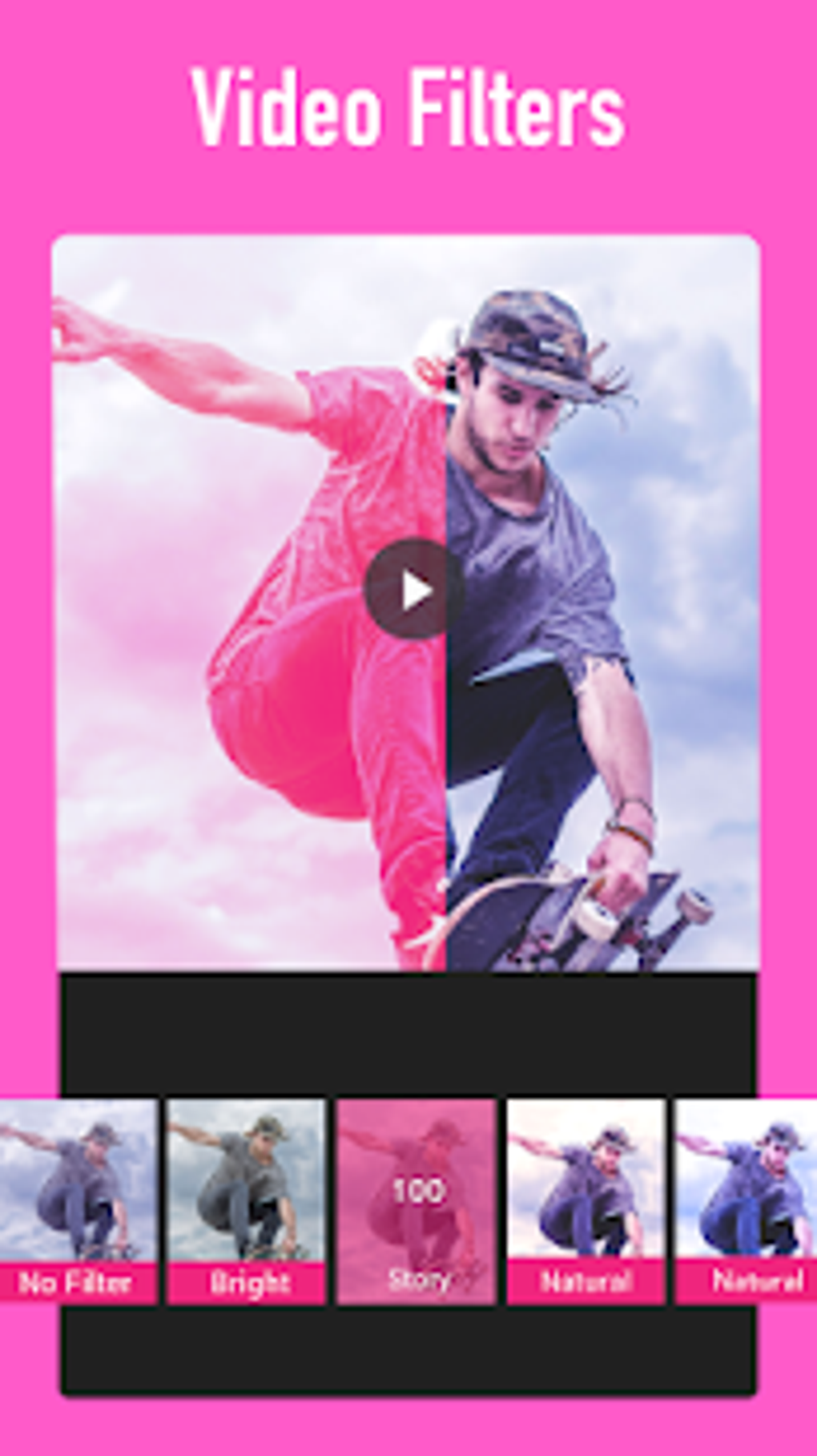
The app also incorporates various visual effects that can further enhance the overall aesthetic. These effects range from simple filters to more complex overlays and transitions, providing a wide range of creative possibilities. While some effects might be considered more stylistic than practically beneficial, they add a layer of personalization that allows users to tailor their videos to their individual preferences.

User Experience and Interface Design
VideoGuru’s user interface is designed with simplicity and ease of use in mind. The app’s layout is clean and uncluttered, presenting users with a straightforward workflow. The intuitive drag-and-drop functionality for photo arrangement minimizes the learning curve, making it accessible even for those unfamiliar with video editing software. The tools are clearly labelled and organized, allowing users to quickly access the functions they need.
Navigation within the app is smooth and intuitive, with a clear progression from photo selection to final export. The real-time preview feature provides immediate visual feedback as users make changes, ensuring they can see the effects of their edits instantly. This feature alone reduces the time spent on trial-and-error, significantly enhancing the editing workflow.
While the interface excels in simplicity, experienced editors might find it somewhat limited compared to more professional-grade software. Some advanced features found in competing apps are absent, and the customization options, while sufficient for most users, may not meet the demands of those requiring highly specific controls.
Pros and Cons: Weighing the Advantages and Disadvantages
VideoGuru, like any application, has its strengths and weaknesses. Understanding these aspects helps determine its suitability for individual needs.
Pros:
- Ease of use: The app’s intuitive interface and drag-and-drop functionality make video creation accessible to a broad range of users, regardless of their technical skills.
- Comprehensive feature set: VideoGuru offers a wide range of features, including photo arrangement, trimming, cropping, speed adjustment, transition effects, background music addition, and visual effects. This comprehensive nature makes it suitable for a variety of video creation tasks.
- Free to use: The app is completely free, eliminating any financial barriers to entry. This open access allows users to experiment and create videos without any upfront costs.
- Real-time preview: The real-time preview feature enhances the editing process by allowing users to instantly see the results of their changes. This immediate feedback significantly reduces the trial-and-error process, improving efficiency.
- Regular updates: The developers regularly release updates, incorporating improvements, bug fixes, and new features based on user feedback and technological advancements. This commitment to continuous improvement ensures the app remains relevant and competitive.
Cons:
- Limited advanced features: Compared to professional-grade video editing software, VideoGuru lacks some advanced features that experienced users might require. This limitation might prove frustrating for those with more intricate editing needs.
- Potential for watermarks: Although the app itself is free, some exported videos might include watermarks. While the app provides options to remove them, this could require additional steps or in-app purchases.
- Reliance on internet connection: Certain features, particularly access to the music library and some effects, might require an active internet connection. This dependence can limit offline usage capabilities.
- Output quality variations: While generally providing acceptable video quality, the final output can sometimes vary depending on the source photos and the chosen settings. High-quality source material is crucial to achieving optimal results.
- Advertisement integration: As a free application, VideoGuru includes advertisements. While not overly intrusive, these advertisements could become distracting for some users.
Comparison with Similar Apps and Alternatives
VideoGuru sits within a crowded market of video editing applications. While its ease of use and comprehensive feature set are significant advantages, it’s essential to compare it with competing apps to determine the best option for individual needs. Some notable alternatives include InShot, CapCut, and VN Video Editor Maker.
InShot offers a similar user-friendly interface but often boasts more advanced features and effects. CapCut, developed by ByteDance, is known for its strong performance and user-friendly AI-powered features. VN Video Editor Maker is favoured for its extensive editing capabilities and options for professional-looking results, albeit with a slightly steeper learning curve.
The choice between VideoGuru and its competitors depends on several factors, including the level of editing expertise, desired features, and tolerance for advertisements. For casual users seeking a simple and efficient way to create videos from photos, VideoGuru stands as a solid contender. However, for users requiring advanced features or a more professional editing experience, InShot, CapCut, or VN Video Editor Maker might be more suitable alternatives.
File Information
- License: “Free”
- Latest update: “July 25, 2025”
- Platform: “Android”
- OS: “Android 13.0”
- Language: “English”
- Downloads: “22.9K”
- Download Options: “Google Play”


