
Videolan Movie Creator, a video editing software from the creators of the renowned VLC Media Player, represents an ambitious foray into a new domain. While still in its nascent stages—a pre-alpha release, according to the developers—it holds significant promise, showcasing a user-friendly interface and intuitive workflow despite its current instability. This review delves into the software’s strengths and weaknesses, offering a balanced perspective on its potential and current limitations.
A First Look: Interface and Functionality
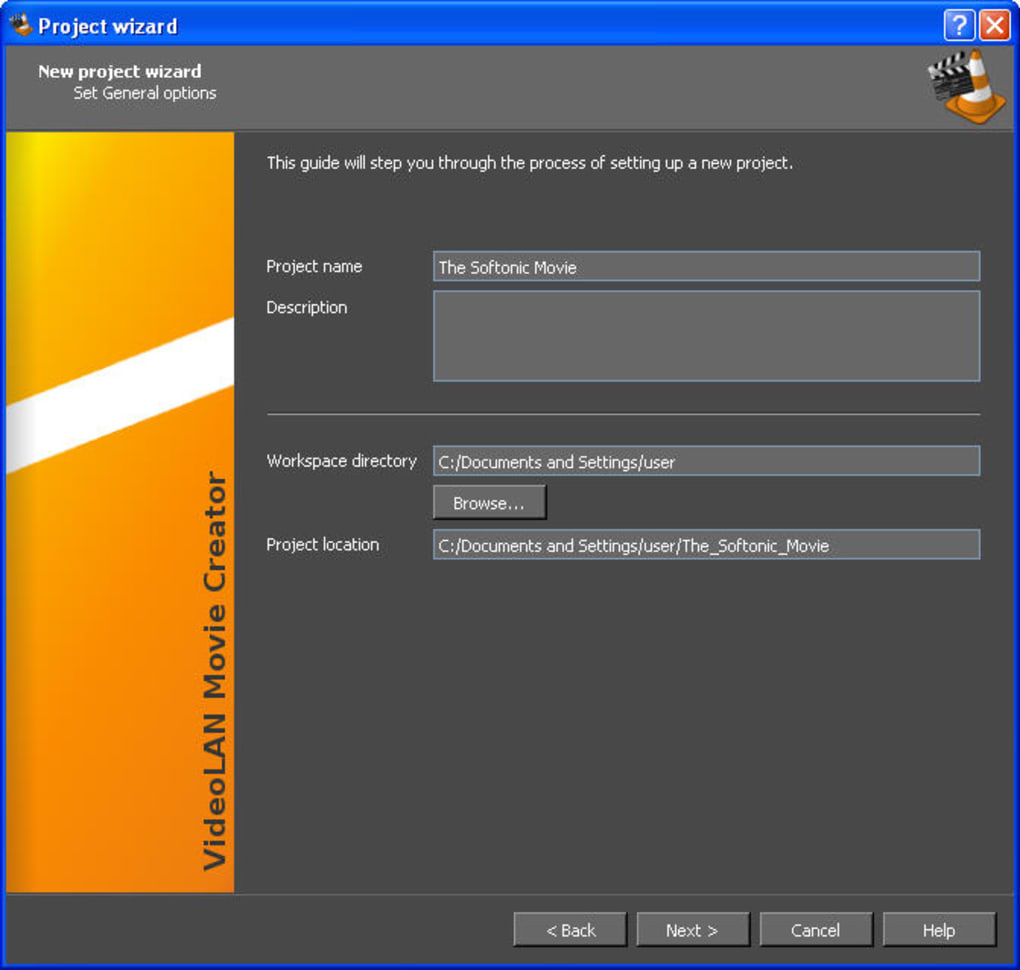
The Videolan Movie Creator’s interface immediately stands out with its clean and modern aesthetic. The color scheme, primarily black, gray, and orange, provides a professional look while maintaining excellent readability. The developers have clearly prioritized ease of use, evident in the inclusion of a helpful wizard that guides new users through the initial setup and project creation process. This wizard is particularly beneficial for beginners who may be unfamiliar with video editing software.
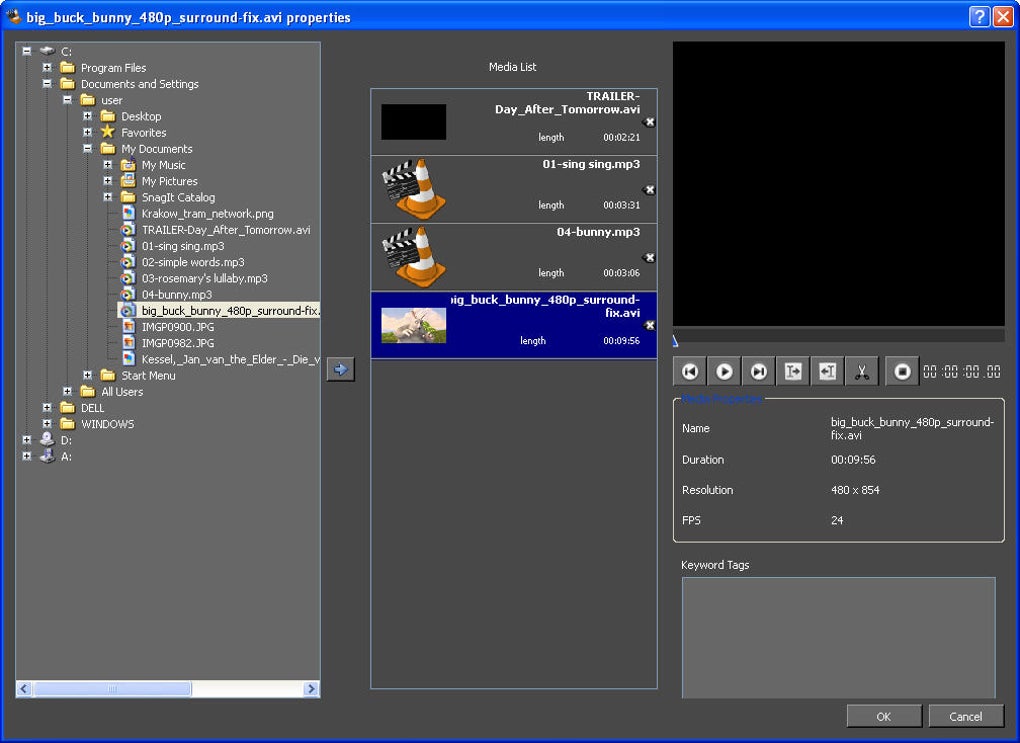
The program employs a familiar dual-screen layout, a standard feature in many video editing applications. One screen displays the preview of the video being edited, allowing users to visualize their work in real-time. The other screen shows the timeline, where media assets are arranged and manipulated. The timeline is intuitively designed, facilitating a drag-and-drop workflow. Users can easily import, arrange, cut, and manipulate video and audio clips, with the ability to add effects planned for future releases. The ease with which media files can be imported and arranged sets Videolan Movie Creator apart from some of its more cumbersome competitors.
Current Limitations: Instability and Bugs
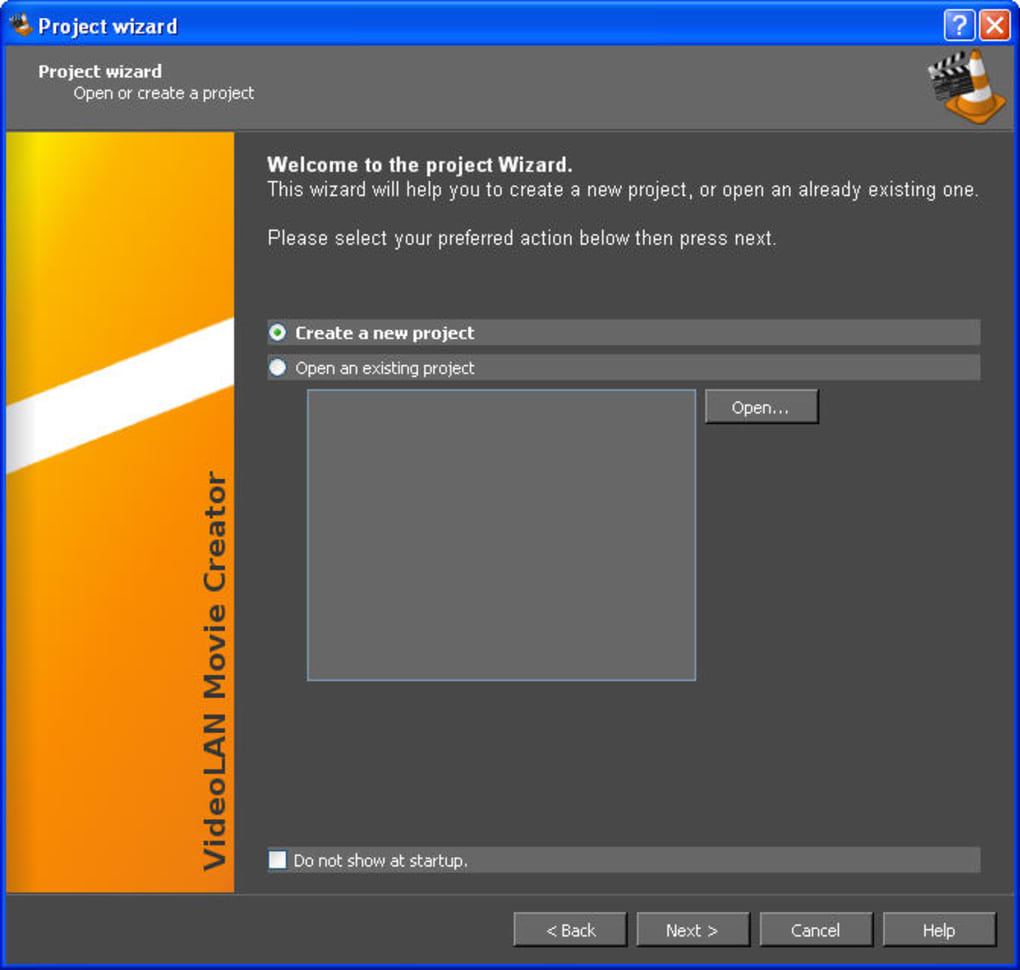
Despite its user-friendly interface and intuitive workflow, Videolan Movie Creator is currently hampered by significant instability and numerous bugs. During testing, frequent crashes were encountered, interrupting the editing process and requiring restarts. This instability is a major drawback, making it impractical for serious video editing projects. The software’s pre-alpha stage readily explains these issues.
Furthermore, the import functionality is limited. While videos and audio files can be imported and edited without major issues, the import of image files was unavailable during testing. This limitation restricts the creative possibilities of the software, hindering the creation of projects that incorporate still images or require a more diverse range of media assets. The inability to easily import and work with various image formats is a considerable limitation for a video editor.
Feature Set and Potential for Growth
Despite its current limitations, Videolan Movie Creator displays a promising set of features that suggest a bright future. The ability to work with multiple layers of audio and video is a particularly noteworthy aspect. This functionality allows for complex projects with layered soundscapes and multiple video tracks, offering a degree of versatility beyond basic video editing. The capability to easily separate audio tracks from videos is another notable feature, facilitating precise audio manipulation and post-production adjustments. The timeline zoom function also adds a considerable level of precision when arranging and manipulating media, enhancing the user experience.
The ease of managing imported media files in a single, readily accessible location ensures efficiency. This thoughtful design element simplifies the editing workflow, ensuring users can locate and manipulate media assets without unnecessary searching or navigating through complex file structures. The developers’ focus on creating a streamlined and easily navigable interface is appreciated.
The software’s preview screen allows for immediate visual feedback while editing, enhancing the overall user experience. Real-time preview allows users to directly observe the effects of editing choices, minimizing the need for tedious rendering or exporting to review progress. The absence of effects during testing might be due to the pre-alpha stage, and the expected inclusion of effects in future releases promises additional creative control and potential.
User Feedback and Future Development
User reviews reveal a mixed bag of opinions reflecting the software’s current state. Many users express excitement about the potential of Videolan Movie Creator, praising its intuitive interface and ease of use. However, there is also considerable criticism regarding its instability and frequent crashes. Users have reported issues ranging from inability to import certain file types to complete program failure.
The overwhelmingly negative feedback regarding the software’s instability points to the need for extensive bug fixes and improvements to stability before it can be considered a viable option for serious video editing. While the ease of use and intuitive interface are attractive, the current instability makes it unfeasible for anything beyond very casual use. The lack of core functionalities like image import is another significant drawback. The feedback highlights the need for substantial improvements before Videolan Movie Creator can become a genuinely competitive video editor.
The developers’ acknowledgement of the pre-alpha stage reassures users that the software is undergoing active development. The positive user feedback related to the interface and workflow strongly suggests that, with sufficient development and bug fixing, Videolan Movie Creator could become a powerful and user-friendly video editing application. Addressing the critical issues regarding stability and expanding the feature set, particularly by resolving the image import limitations and adding planned effects, are paramount for the software’s success.
The future of Videolan Movie Creator hinges on addressing the current limitations while retaining the strengths of its user-friendly design. The potential is certainly there, but significant improvements in stability and added functionalities are crucial before it can truly compete with established video editing software. The continued development and refinement, based on user feedback, will determine whether it will mature into a formidable video editor.
File Information
- License: “Free”
- Latest update: “August 15, 2024”
- Platform: “Windows”
- OS: “Windows Vista”
- Language: “English”
- Downloads: “168.2K”
- Size: “28.06 MB”


