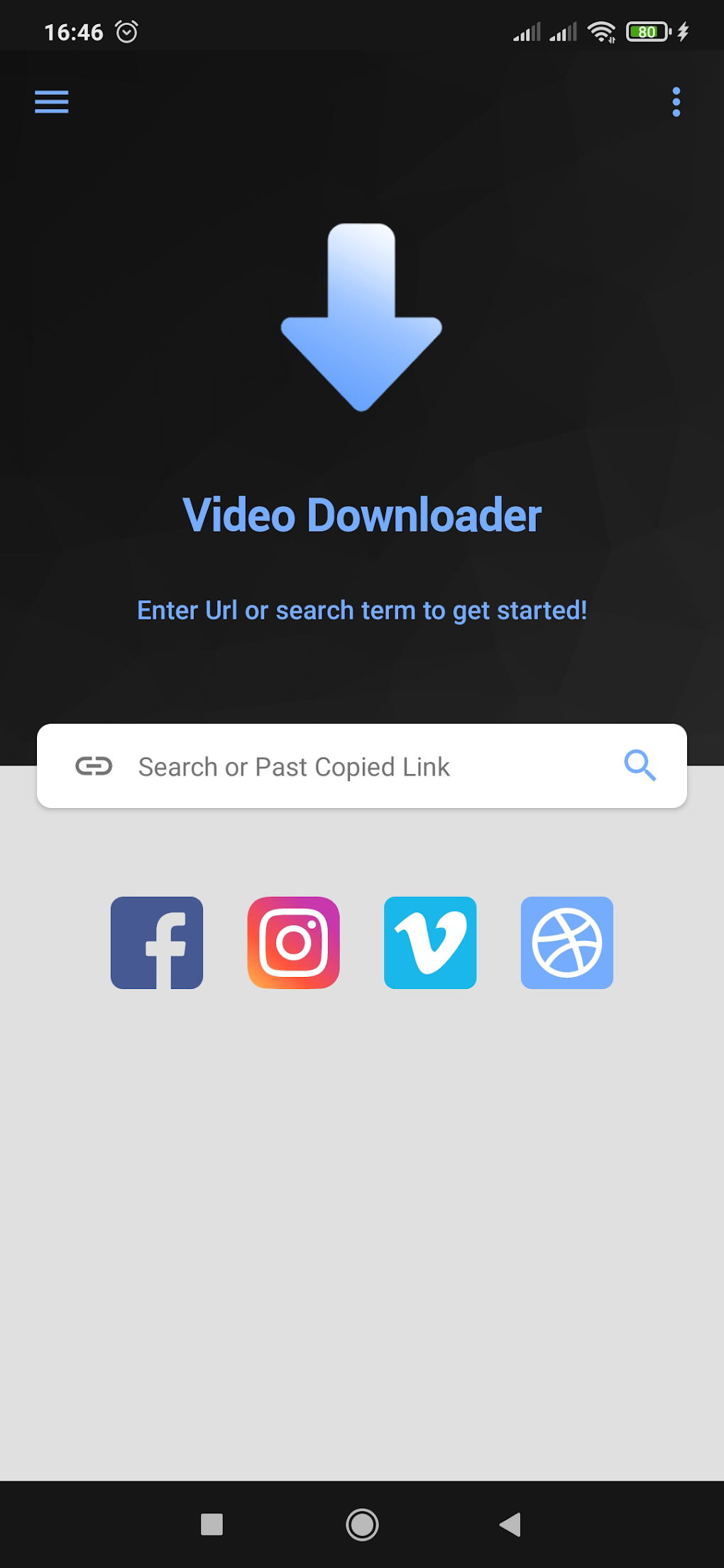
VidMate is a free video downloading application developed by a company of the same name. It’s designed to provide a comprehensive multimedia experience, combining video downloading, conversion, and playback functionalities into a single, convenient package. Its popularity stems from its broad support for various video platforms and its overall versatility. This review will delve into the app’s strengths and weaknesses, helping you determine if it’s the right choice for your needs.
Extensive Video Source Support and Download Capabilities
One of VidMate’s key selling points is its ability to download videos from a vast array of websites. Unlike many apps that restrict downloads to a single platform, VidMate supports numerous popular sources, including, but not limited to, YouTube, Facebook, and Instagram. This broad compatibility makes it a versatile tool for users who consume video content from various online sources. The convenience of having a single app to manage downloads from multiple platforms significantly streamlines the video acquisition process.
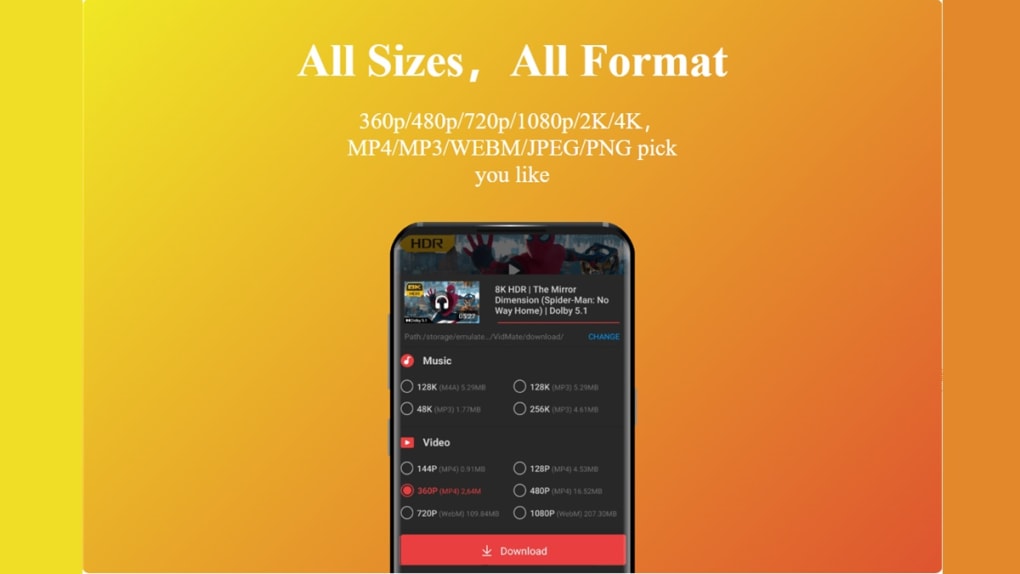
Beyond the range of websites it supports, VidMate also offers a choice of video resolutions for download. This allows users to tailor their downloads to their device’s capabilities and their desired viewing quality. The ability to download high-definition videos ensures a crisper and more visually satisfying viewing experience, although it’s important to note that higher resolutions naturally lead to larger file sizes. This option caters to diverse needs and bandwidth capacities.
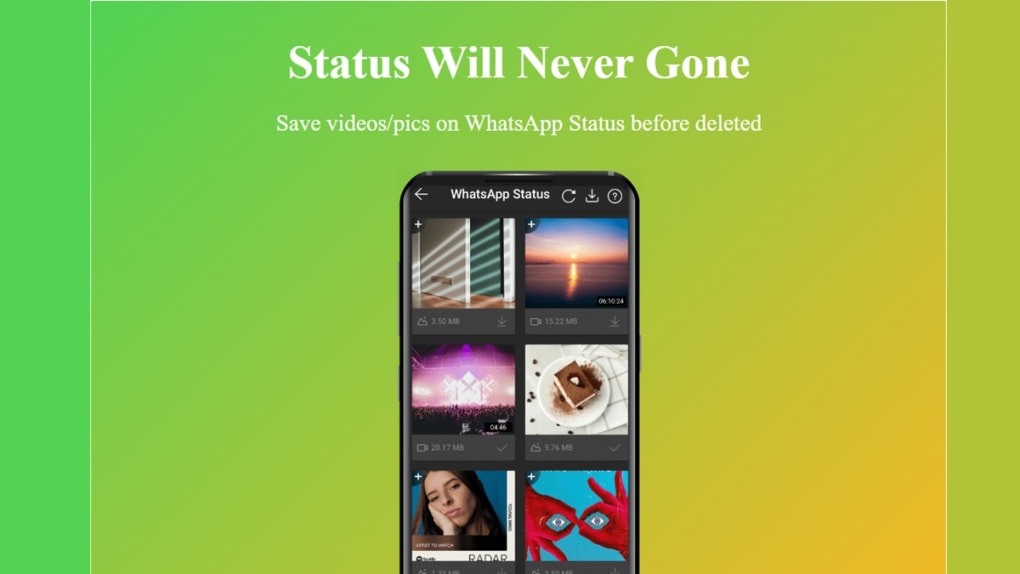
The app’s download management features are also quite robust. VidMate allows users to download multiple videos concurrently, significantly reducing the overall download time. This multi-tasking capability is a major advantage for users who need to download numerous videos at once, saving them considerable time and effort.
Built-in Conversion and Customization Options
Another notable feature of VidMate is its integrated video conversion tool. This allows users to convert downloaded videos into various formats, notably MP3 and MP4, without needing to resort to separate conversion software. This all-in-one approach streamlines the workflow, simplifying the entire process from download to playback across different devices. This eliminates the need for additional apps or online services, providing a complete and self-contained solution. This integrated functionality enhances the app’s overall convenience and user-friendliness.
The app boasts customizable UI features, allowing users to adjust the color scheme and overall aesthetic to match their preferences. Options range from light and dark modes to more colorful and neutral themes, offering considerable flexibility to personalize the visual experience. This level of customization caters to individual tastes and preferences, enhancing the overall usability and appeal.
User Interface and Ease of Use
VidMate prioritizes a user-friendly experience. Despite its extensive features, the app maintains a relatively simple and intuitive interface. Downloading videos and navigating the app’s various settings is straightforward, even for individuals with minimal technical expertise. This accessibility is a significant advantage, making the app approachable to a wider range of users.
The straightforward design minimizes the learning curve, allowing users to quickly grasp the app’s functionality and get started with downloads. The clear and uncluttered interface contributes significantly to a positive user experience, even for those less comfortable with technology. This focus on simplicity differentiates it from some more complex video downloaders.
Limitations and Potential Drawbacks
Despite its numerous positive attributes, VidMate is not without its drawbacks. A major criticism is the presence of intrusive advertisements within the app. These ads can be disruptive to the user experience and, more significantly, they can consume considerable storage space on the user’s device. This adds to the overall burden of the app on the device’s resources. The aggressive advertising is a considerable inconvenience for many users.
Another limitation is the app’s rudimentary video editing capabilities. While advertised as having editing features, the functionality is very basic and somewhat finicky. Users expecting sophisticated video editing tools will likely be disappointed. The editing aspect is significantly under-developed compared to dedicated video editing software.
A crucial point to consider is VidMate’s unavailability on the official Google Play Store. This is due to policy violations, meaning users must download the app from third-party sources. This presents a potential security risk, as downloading apps from unofficial sources carries the risk of malware exposure. Users should proceed cautiously and only download from reputable third-party sites. This is a significant downside for many users who prefer the security and reliability of official app stores.
Conclusion: Weighing the Pros and Cons
VidMate presents a mixed bag of advantages and disadvantages. Its extensive support for various video platforms, high-quality downloads, built-in converter, and customizable UI are strong selling points. The app’s user-friendly interface further enhances its appeal. However, the intrusive ads, significant storage consumption, limited editing capabilities, and the need to download from third-party sources pose substantial drawbacks.
Ultimately, the decision of whether to use VidMate hinges on the individual user’s priorities and risk tolerance. If the need for a versatile downloader and converter outweighs concerns about intrusive ads and security risks associated with downloading from third-party sources, VidMate can be a powerful tool. However, users seeking a polished, ad-free experience with advanced editing capabilities should consider alternative options. Careful consideration of these factors is vital before downloading and installing the app. Proceed with caution and prioritize security when sourcing the download. The extensive feature set should be weighed against the potential downsides before making a decision.
File Information
- License: “Free”
- Latest update: “August 6, 2025”
- Platform: “Android”
- OS: “Android 13.0”
- Language: “English”
- Downloads: “36.1M”
- Size: “30.40 MB”
- Download Options: “APK, Google Play”
- Filename: “vidmate_v5.2927_20250115155350_encrypt.apk”