
Virtual Camera: Live Assist is a free Android application developed by andvipgroup that offers users a unique way to manage and interact with their device’s camera functionality. Instead of directly using the phone’s built-in camera, the app allows users to replace the camera feed with pre-recorded videos, still images, or even live network streams. This functionality opens up a range of possibilities, from enhancing privacy to assisting with live streaming broadcasts and providing a playful way to interact with friends. This in-depth analysis explores the app’s features, functionality, security implications, and potential use cases.
Replacing Your Camera Feed: Functionality and Customization
At its core, Virtual Camera: Live Assist acts as a virtual camera replacement. The app effectively intercepts requests for camera access from other applications and replaces the actual camera feed with the user’s selected media. This means that instead of seeing a live video stream from the device’s camera, other apps will display the content chosen by the user within the Virtual Camera: Live Assist application. This substitution offers several key advantages.
The app’s ease of use is a significant strength. Users can seamlessly select photos, videos, or even live streams from their device’s storage or network sources. The interface is designed for intuitive navigation, allowing users to easily browse their media library and choose the desired replacement feed. The app doesn’t require extensive technical knowledge; even novice users can quickly grasp the basic functionality and implement it effectively.
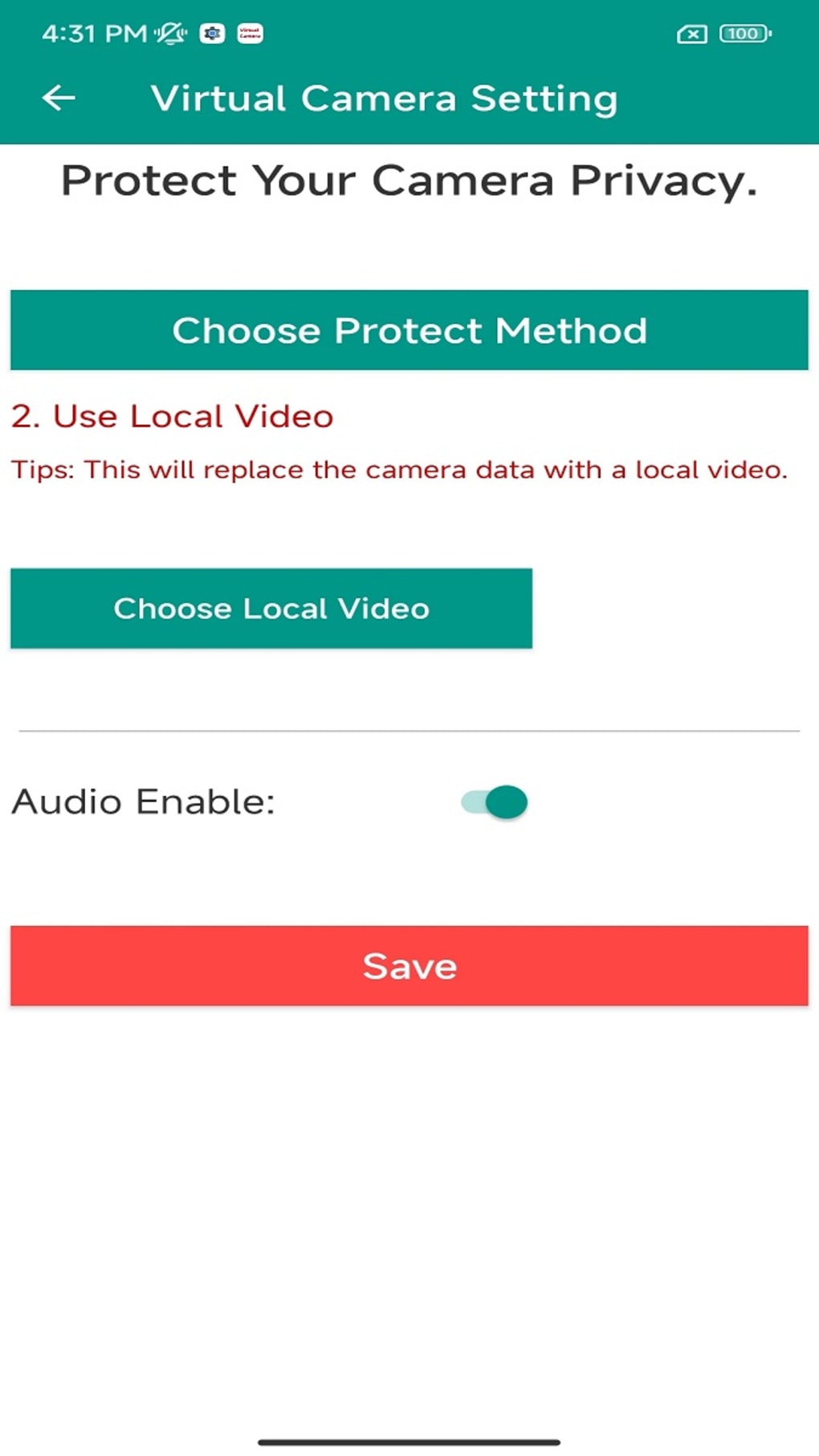
Beyond simple replacement, Virtual Camera: Live Assist provides advanced customization options. Users can resize, rotate, and zoom the replacement footage to perfectly fit the context of the application requesting camera access. This level of customization ensures that the substituted content appears natural and seamless, further enhancing the deception or providing a more tailored experience depending on the user’s intentions. This functionality is particularly useful in scenarios requiring precise alignment or specific framing of the replacement media.
Privacy Implications and Security Considerations
While offering compelling features, Virtual Camera: Live Assist’s reliance on a virtual machine raises critical security concerns. The app’s function hinges on creating a virtual environment that emulates the device’s camera, effectively masking the real camera feed. However, this virtual machine might be detectable by sophisticated applications or security software, potentially compromising the intended privacy protection.
The app’s developers explicitly acknowledge this limitation, emphasizing the potential for detection by other apps. This transparency is commendable but underscores the fact that Virtual Camera: Live Assist is not a foolproof solution for absolute camera privacy. Malicious apps or advanced security measures might still identify the virtual camera and potentially circumvent its masking capabilities.
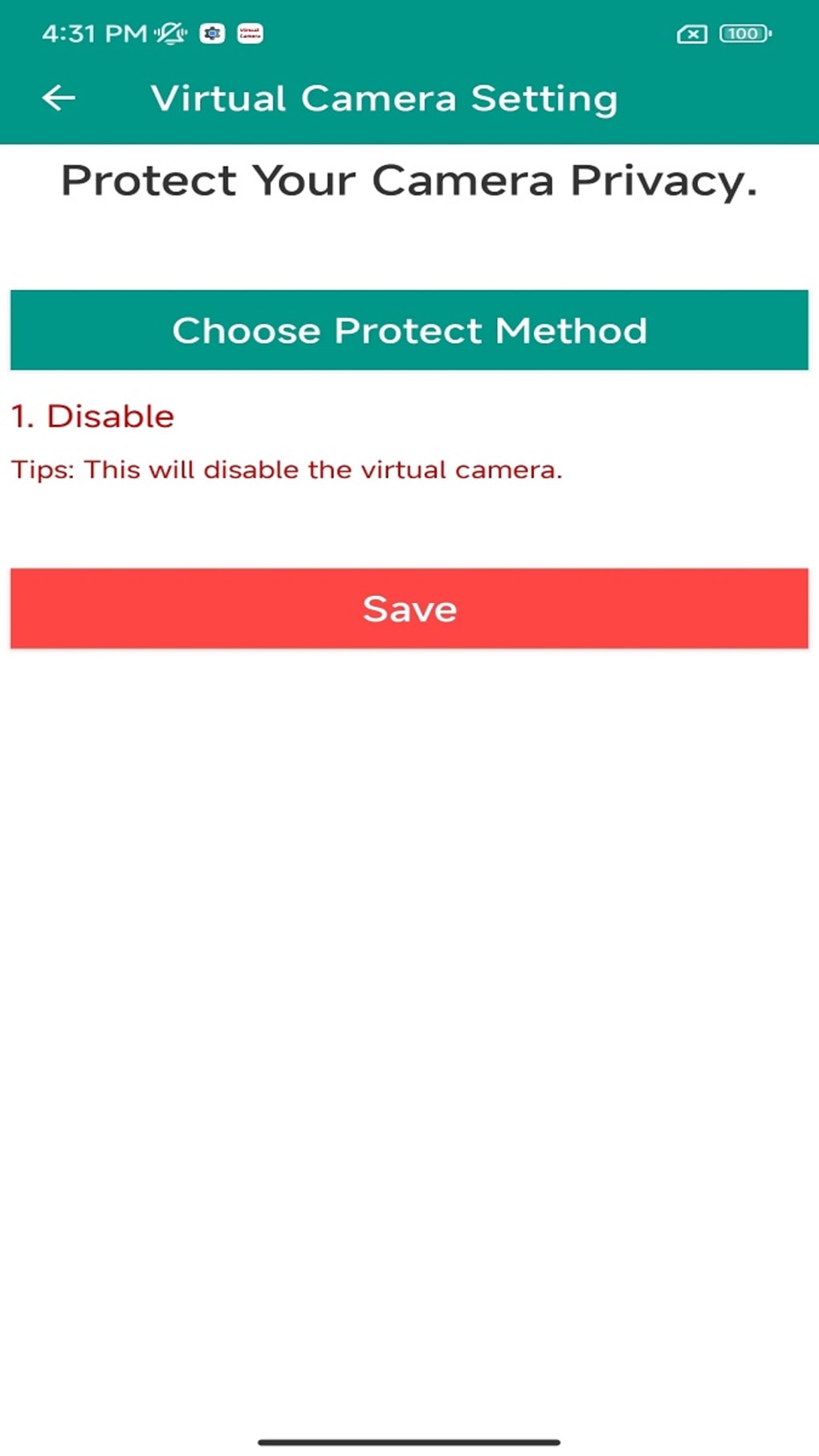
Therefore, using Virtual Camera: Live Assist should not be considered a complete replacement for more robust privacy measures. Users who are extremely concerned about malicious apps accessing their camera might find it more reliable to disable camera access for specific applications altogether through their device’s settings, rather than relying solely on the masking provided by this app.
Use Cases: Beyond Privacy – Entertainment and Live Streaming
While privacy is a primary focus, the app’s capabilities extend to other practical applications. One significant area is live streaming assistance. Virtual Camera: Live Assist can be invaluable for streamers or broadcasters who need to seamlessly integrate pre-recorded footage or graphics into their live feeds. This could involve switching between live camera shots and pre-produced segments without interrupting the broadcast, providing a more professional and engaging experience for viewers. This functionality eliminates the need for complex video editing software and intricate setup configurations.
Furthermore, Virtual Camera: Live Assist offers a fun and entertaining aspect. The ability to replace the camera feed with amusing videos or photos can create playful interactions with friends or family during video calls or online games. This opens possibilities for practical jokes or unexpected visual surprises, adding an element of surprise and amusement to otherwise mundane interactions. The creative possibilities are limited only by the user’s imagination and access to engaging media.
Alternative Applications and Comparisons
The market offers several alternative applications offering similar functionality to Virtual Camera: Live Assist, although each with its own strengths and weaknesses. Some apps focus solely on privacy, while others cater more towards live streaming or video conferencing.
For example, some apps provide a more robust virtual camera solution with enhanced security features, potentially making them less susceptible to detection than Virtual Camera: Live Assist. However, these advanced solutions often come with increased complexity and may require more technical expertise from the user. Other apps might offer a narrower range of features, focusing specifically on live streaming integration or video conferencing enhancements.
Choosing the right app depends heavily on individual needs and priorities. Users primarily concerned with privacy might opt for a solution prioritizing robust security features, even if it comes with a steeper learning curve. Conversely, those seeking primarily entertainment value or live streaming assistance might find Virtual Camera: Live Assist’s simplicity and user-friendly interface more appealing, even with its acknowledged security limitations. A thorough comparison of available alternatives, considering individual priorities, is essential before selecting an application.
Conclusion: A Versatile Tool with Limitations
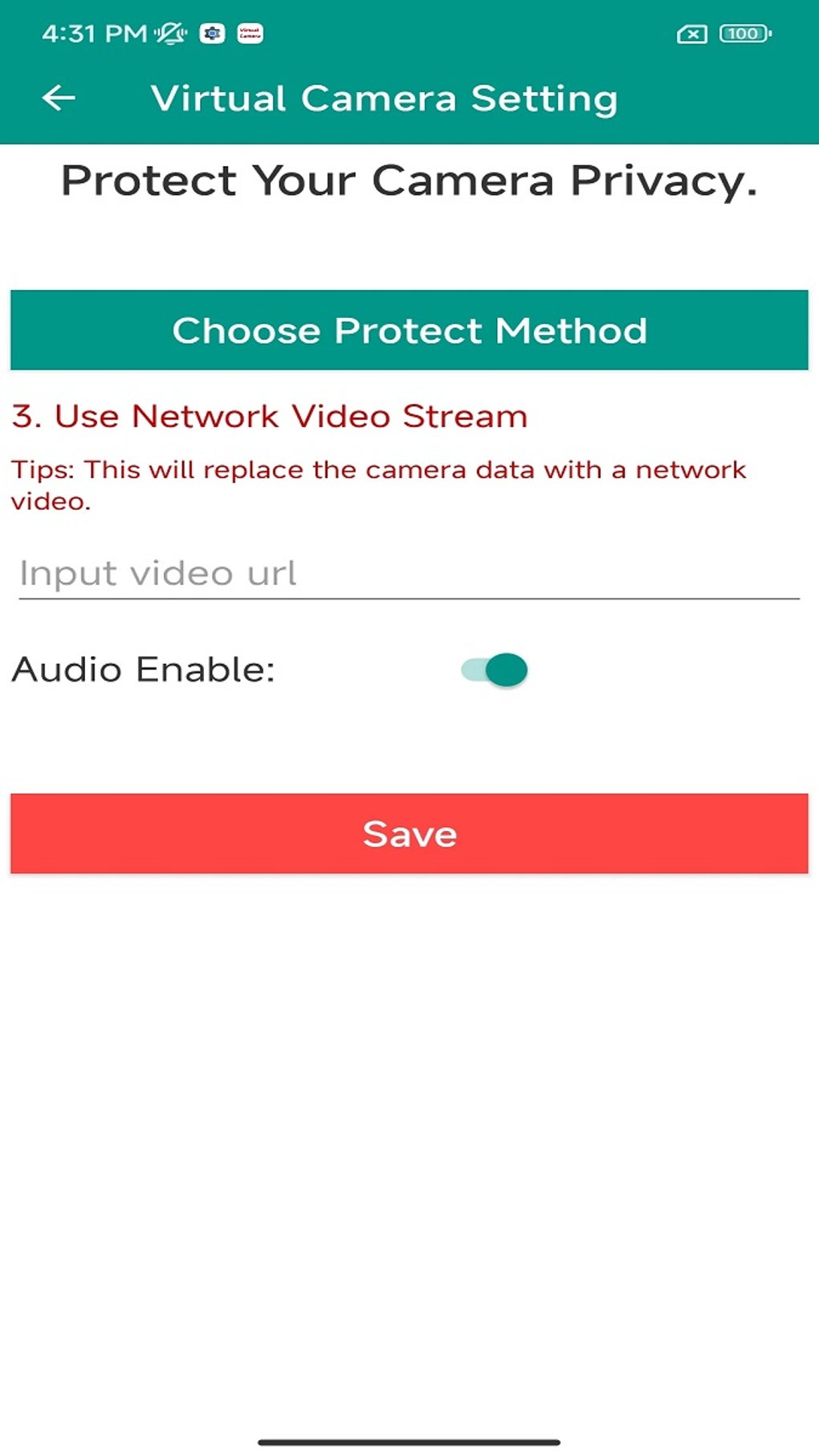
Virtual Camera: Live Assist is a versatile Android application offering unique camera management capabilities. Its ability to replace the camera feed with alternative media makes it a powerful tool for privacy enhancement, live streaming assistance, and entertainment. The app’s user-friendly interface and customization options contribute to its accessibility and ease of use.
However, it’s crucial to understand the app’s limitations, particularly concerning security. Its reliance on a virtual machine makes it potentially detectable by advanced applications or security software. This means that while the app can provide a level of camera privacy, it does not guarantee complete protection against sophisticated attempts to access the device’s actual camera feed. Users must consider these limitations and weigh them against the potential benefits before using the application. In situations where absolute camera privacy is paramount, disabling camera access for specific apps directly through the Android settings remains the most reliable solution.
Despite its limitations, Virtual Camera: Live Assist remains a valuable tool for users seeking a creative and practical solution for managing their device’s camera functionality. Its versatile features and ease of use make it a compelling option for a wide range of use cases, provided users understand and accept the associated security implications. The ongoing development and updates of the app may further improve its performance and address some of its current limitations.
File Information
- License: “Free”
- Latest update: “August 7, 2024”
- Platform: “Android”
- OS: “Android 13.0”
- Language: “English”
- Downloads: “76.1K”
- Download Options: “Google Play”


