
VMate is a free Android application developed by the VMate App Team. It’s a multifaceted tool that combines video downloading, basic editing capabilities, and social media functionality into a single platform. This all-in-one approach aims to streamline the user experience, eliminating the need for multiple apps to handle various video-related tasks. While offering convenience, VMate also presents some limitations, primarily in its video quality and editing features, which are discussed in detail below.
Video Downloading and Diverse Sources
One of VMate’s core features is its robust video downloading capabilities. It allows users to download videos from a wide range of online sources and websites, offering a convenient way to access and save content for offline viewing. The app supports downloads at various resolutions, ranging from 144p to 720p, depending on the source video’s availability and the user’s device capabilities. This flexibility caters to users with different bandwidth needs and device specifications, ensuring accessibility for a broad audience. The app also boasts the ability to download subtitles for select videos, enhancing accessibility for viewers who require this feature. The ability to download from multiple sources enhances its utility and user convenience. However, users should be mindful of copyright regulations and only download videos that are legally available for download.
Basic Editing and Multimedia Tools
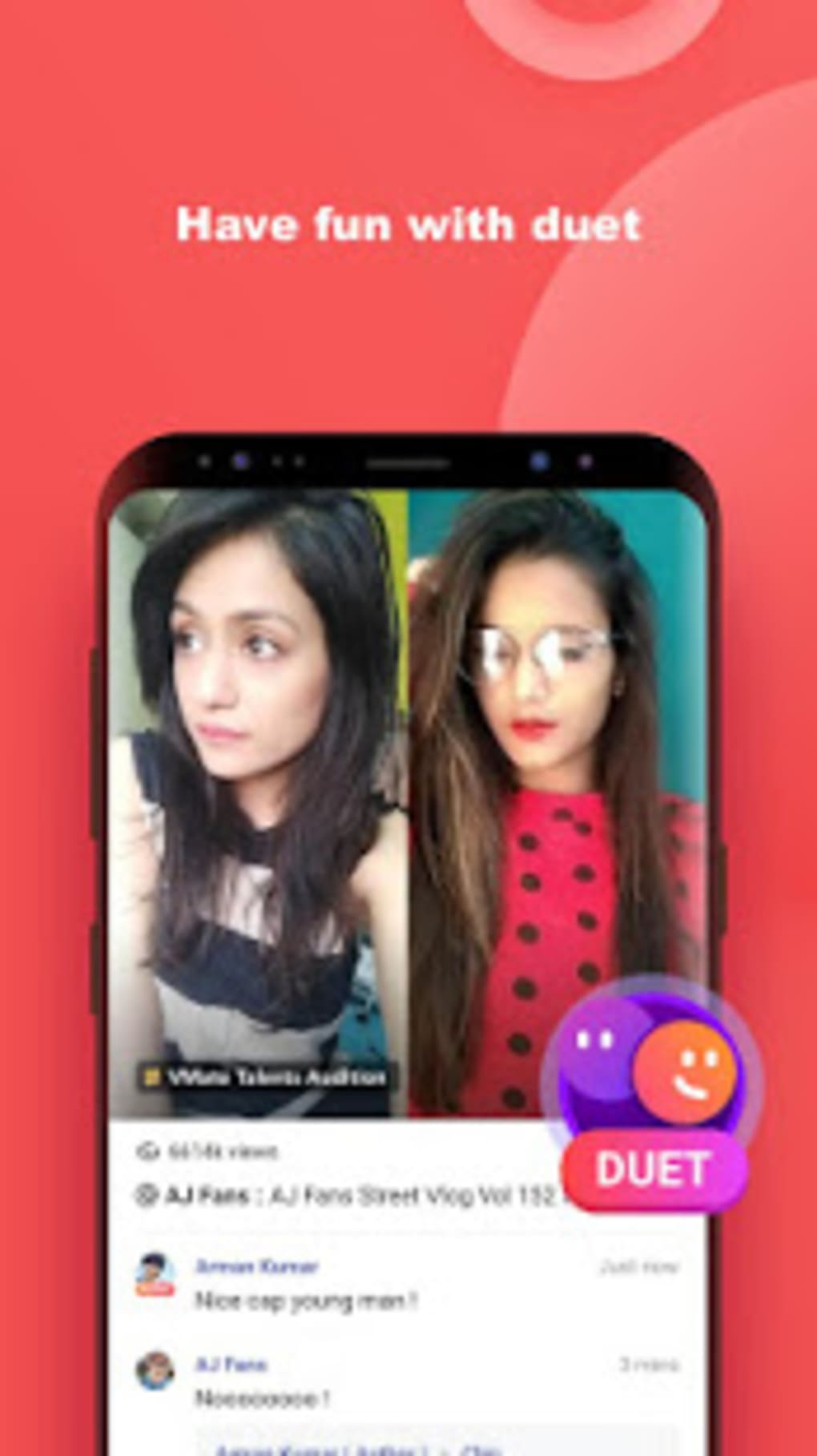
Beyond downloading, VMate incorporates basic video editing functionalities. Users can trim videos, apply simple effects, and perform other rudimentary editing tasks. While these features are not as comprehensive as dedicated video editing software, they provide a convenient way to quickly enhance or personalize downloaded content before sharing. This integrated editing capability simplifies the workflow, allowing users to edit and share videos without needing to switch between multiple applications. However, the limitations in editing functionality should be noted. VMate lacks the advanced features found in professional video editing software. Users seeking advanced tools will need to explore alternative applications for those needs.
Integrated Social Platform and Sharing Features
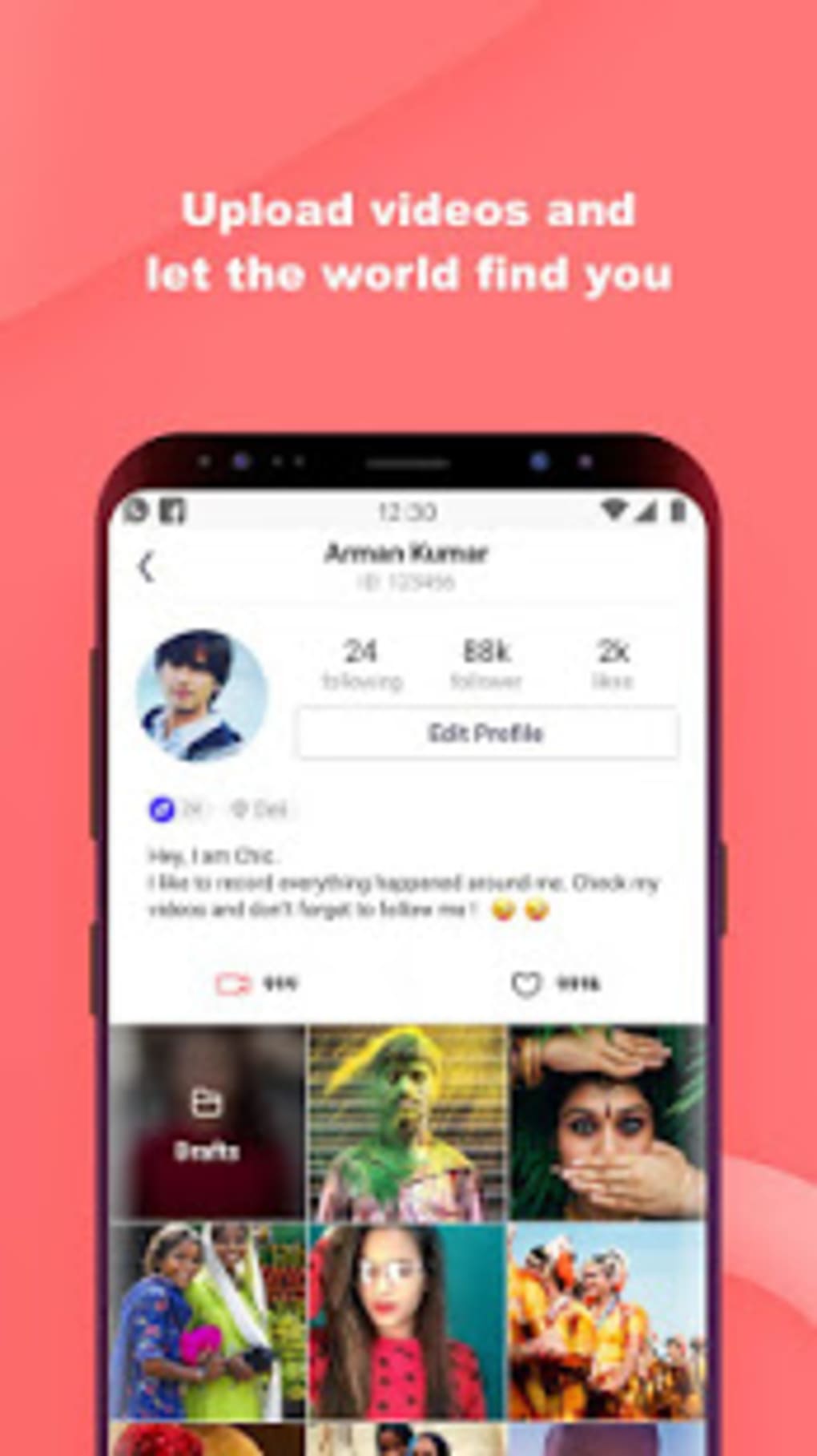
VMate integrates a social platform enabling users to share their downloaded and edited videos directly with others. This social aspect adds a community element, allowing users to connect, interact, and engage with other VMate users. Users can comment, and potentially like or react to videos. This feature fosters a sense of community around shared video content. However, the description provided does not elaborate on the exact features or functions of the social network. Whether this social platform is well-designed, intuitive and user-friendly is unclear based on this description, only indicating that it has a confusing social media feature.
Intuitive Interface and User-Friendly Design
VMate prioritizes user experience with an intuitive interface designed for ease of use. The app’s layout is simple and straightforward, featuring large text and bright colors for improved visibility. This design choice caters to users who may find smaller text difficult to read or have issues with visual clarity. Additionally, a night mode is included, further enhancing usability in low-light environments. This attention to usability makes VMate accessible to a wide range of users, regardless of their technical expertise or visual preferences. However, while the interface is designed for ease of use, the user experience may still be affected by some limitations and features.
Resource Demands and Limitations
While VMate offers convenience and various features, it’s crucial to acknowledge its limitations. The app lacks support for high-definition (HD) video, a significant drawback for users who prioritize high-quality video playback. This limitation restricts the viewing experience to standard definition, potentially impacting the visual appeal of the content. Additionally, the app’s resource demands might impact the performance of less powerful devices. Older phones or tablets with limited processing power or memory might experience performance issues when using VMate. The user experience can be significantly impacted by these performance issues.
Comparison with Alternative Apps
Compared to dedicated video downloaders like VidMate or TubeMate, VMate attempts to provide a more comprehensive solution by incorporating social media functions and basic video editing. VidMate and TubeMate prioritize downloading functionality, often offering faster downloads and broader compatibility with various video platforms. Other apps focus exclusively on video editing, providing superior tools and features compared to VMate’s basic editing suite. Thus, the choice between VMate and other apps depends on individual priorities. Users prioritizing sheer download speed and efficiency might favor VidMate or TubeMate. Those needing comprehensive editing tools should seek dedicated video editing software. VMate aims to occupy a middle ground offering a balance of convenience and additional features, but potentially sacrificing performance in other aspects.
Potential Copyright Issues and Legal Considerations
Users should be aware of the potential copyright implications of downloading and sharing videos. Downloading copyrighted material without permission is illegal in many jurisdictions. VMate’s inclusion of a social sharing feature further complicates the issue, as users could inadvertently distribute copyrighted content. It’s crucial to respect copyright laws and only download and share videos that are legally available for distribution. The app does not provide any tools or information to assist the user in complying with copyright laws. The user is solely responsible for ensuring they abide by copyright law while using the app.
Overall Assessment and User Recommendations
VMate provides a versatile video experience, combining downloading, editing, and social sharing into one package. Its intuitive interface and availability across a wide range of devices make it an accessible option for many users. However, the lack of HD video support and advanced editing tools is a significant limitation. The integrated social media feature may also not appeal to all users. The app is suitable for users who want a simple, all-in-one solution for downloading, performing basic edits and sharing standard definition videos within a limited social community. Users requiring advanced editing tools or high-quality video playback should consider alternative applications dedicated to these specific functionalities. The user experience of VMate is ultimately a balance of convenience and compromise, offering a degree of versatility at the cost of certain performance and features.

File Information
- License: “Free”
- Latest update: “March 31, 2025”
- Platform: “Android”
- OS: “Android 7.0”
- Language: “English”
- Downloads: “873K”
- Size: “40.21 MB”
- Download Options: “APK, Google Play”
- Filename: “com.uc.vmate_v2.711.apk”


