
VMware Horizon Client is a powerful remote desktop application developed by VMware, Inc., designed to provide secure and efficient access to virtual desktops and applications within an enterprise environment. This comprehensive solution leverages virtualization technology to create a centralized digital workspace, enabling employees to work remotely without compromising productivity or security. Unlike simpler remote desktop tools like AnyDesk or TeamViewer, Horizon Client’s strength lies in its robust features, scalability, and tight integration with VMware’s broader virtualization ecosystem. This article provides a detailed overview of VMware Horizon Client, exploring its functionality, benefits, limitations, alternatives, and recent updates.
VMware Horizon Client: Streamlining Remote Work for Enterprises
VMware Horizon Client facilitates a virtual desktop infrastructure (VDI) by separating the application and desktop environment from the physical device. This allows users to access their workspaces from anywhere with an internet connection, transforming static computers into a flexible and secure centralized digital workspace. The platform’s core functionality hinges on VMware’s virtualization technology, where each operating system runs within a virtual machine managed by a hypervisor. This architecture enhances security and allows for centralized management of resources, applications, and data. Administrators gain granular control over the virtual workspace, simplifying management and enhancing security measures, while end-users experience a consistent and secure remote desktop experience.
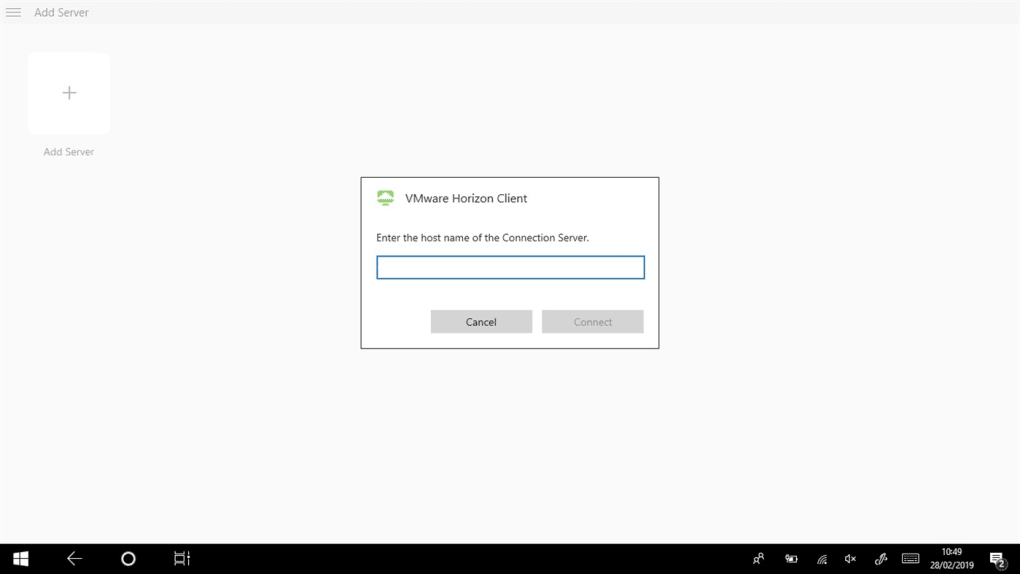
The platform is particularly beneficial for larger organizations needing a robust and scalable solution for managing remote workforces. It allows businesses to consolidate resources, reduce costs associated with physical hardware and individual device management, and significantly improve security protocols. The centralized management system streamlines updates, maintenance, and policy implementation across the entire virtual desktop infrastructure.
The Advantages of VMware Horizon Client: Centralization, Security, and Efficiency
Several key advantages position VMware Horizon Client as a leading solution for enterprise remote access:
-
Centralized Management: Horizon Client allows administrators to manage all virtual desktops and applications from a single platform. This simplifies the deployment, maintenance, and updates of software and hardware resources, reducing operational complexity and IT overhead. Resource allocation is optimized across the entire infrastructure, ensuring efficient utilization of computing power and storage.
-
Enhanced Security: The platform boasts a comprehensive suite of security features designed to meet the rigorous demands of corporate environments. This includes support for two-factor authentication (2FA), utilizing methods like RADIUS (Remote Authentication Dial-In User Service) or RSA SecurID Authentication, configured through the Horizon Administrator. The single-sign-on (SSO) feature, integrated with Active Directory, simplifies user access while enhancing security by eliminating the need to transmit passwords across networks. Additional security layers include fingerprint authentication for mobile devices and smart card authentication, providing multiple levels of protection against unauthorized access.
-
Simplified Application Delivery: Horizon Client simplifies the deployment and management of applications. Administrators can quickly and easily deploy applications to virtual desktops, ensuring consistency across all user environments. This streamlined process minimizes disruption to end-users, allowing for faster updates and easier troubleshooting.
-
Cost Reduction: By virtualizing desktops and applications, organizations can significantly reduce IT costs. This includes lower expenditure on physical hardware, decreased energy consumption, and reduced maintenance expenses. The centralized management also minimizes the need for on-site IT personnel, further reducing operational costs. The platform’s stateless desktop capabilities further minimize storage costs by eliminating the need for persistent virtual machine configurations.
-
Consistent User Experience: Regardless of the underlying hardware or operating system, Horizon Client provides a consistent and familiar user experience. This consistency eliminates potential productivity loss caused by switching between different systems or applications and enables seamless collaboration among remote teams.
-
Flexible Deployment: The solution supports a variety of deployment models, including on-premises, cloud-based, and hybrid environments, providing flexibility to accommodate different organizational needs and infrastructure configurations. This adaptability allows organizations to integrate Horizon Client into their existing infrastructure without major disruptions.
Limitations of VMware Horizon Client: Complexity and Infrastructure Demands
While VMware Horizon Client offers numerous benefits, it’s not without limitations:
-
Complexity: The software’s complexity can be a significant barrier for smaller organizations or individuals lacking expertise in virtualization technologies. The initial setup, configuration, and ongoing management require a higher level of technical expertise compared to simpler remote desktop solutions. The integration with authentication protocols like RADIUS or RSA SecurID necessitates specialized knowledge and infrastructure.
-
Resource Requirements: Horizon Client demands a robust and stable infrastructure to function effectively. This includes sufficient network bandwidth, reliable servers, and a well-configured virtual infrastructure. Organizations with limited IT resources or unreliable network connections may find the platform challenging to implement and maintain. Performance can be negatively impacted by network latency and insufficient server capacity.
- Overkill for Small Businesses: For small businesses or teams with modest remote access needs, the extensive features and complexity of Horizon Client may be unnecessary. Simpler, less resource-intensive solutions might be more appropriate for these organizations, offering a better cost-benefit ratio.
Alternatives to VMware Horizon Client: Exploring Other Remote Access Options
Several alternatives cater to different needs and organizational structures:
-
Microsoft Remote Desktop (RDP): A built-in Windows feature, RDP is a simple and cost-effective option for basic remote desktop needs. Its ease of setup and integration with Windows environments make it suitable for small businesses or individuals.
-
TeamViewer and AnyDesk: These popular solutions offer user-friendly interfaces and cross-platform compatibility, ideal for personal use or small teams needing uncomplicated remote access. They lack the scalability and centralized management features of Horizon Client but are significantly easier to implement.
-
Apache Guacamole: An open-source web-based remote desktop gateway, Guacamole requires no client-side installation, offering broad compatibility across devices and operating systems. This makes it suitable for organizations prioritizing open-source solutions and requiring less client-side maintenance.
-
Parallels Remote Application Server (RAS): RAS combines ease of use with robust features, including centralized management and strong security. It’s well-suited for medium-sized businesses needing a balance of usability and comprehensive functionality.
-
Citrix Workspace: Citrix Workspace offers a comparable experience to VMware Horizon Client, providing virtual desktop and application access, but often with a simpler deployment process and potentially lower complexity for administration.
The choice of alternative depends on factors such as organizational size, budget, technical expertise, and specific requirements for security, scalability, and ease of use.
A Fresh Perspective: VMware Horizon’s Recent Updates and Omnissa’s Emergence
VMware has consistently updated Horizon, releasing new versions with improved performance, security, and user experience. Recent releases, such as Horizon 8 (2312), introduce features like streamlined update processes (allowing for automatic updates or manual initiation), enhanced enterprise capabilities (including improved security and cloud integration), and optimized support for hybrid cloud environments. These updates emphasize ease of management, improved security postures, and greater compatibility with modern workflows. Furthermore, improvements to the user interface and migration capabilities between Horizon 7 and Horizon 8 aim to reduce friction for administrators and end-users.
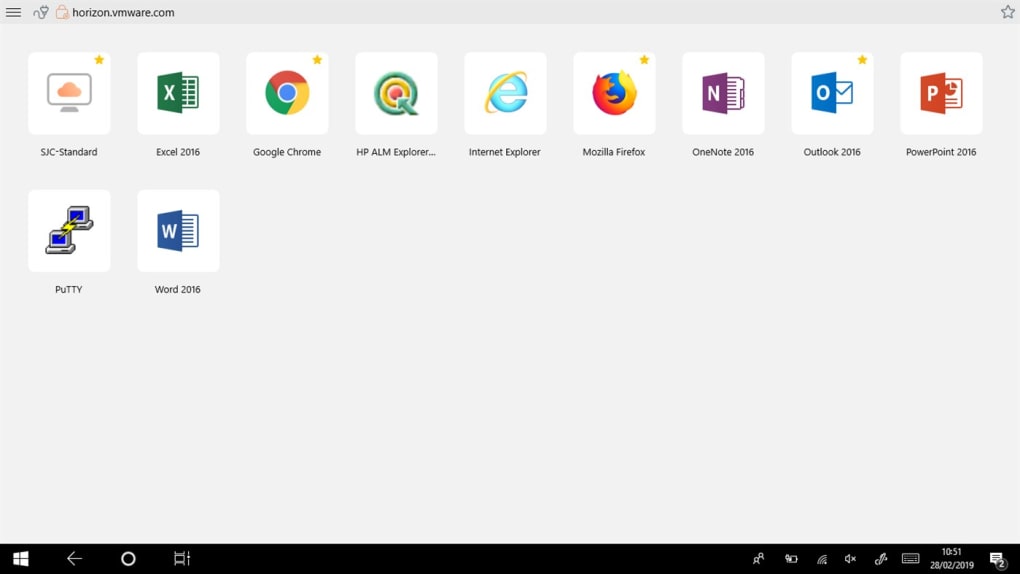
The recent separation of VMware’s End-User Computing (EUC) division, now known as Omnissa, signals a renewed focus on delivering cutting-edge digital workspace solutions. Omnissa builds upon VMware’s legacy, continuing to refine and enhance Horizon and Workspace ONE, emphasizing seamless user experiences, robust security, and multi-device compatibility. This independent entity aims to further innovate in the digital workspace domain, expanding its capabilities to meet the evolving needs of modern enterprises.
Conclusion: VMware Horizon Client – A Powerful Tool with Specific Applications
VMware Horizon Client remains a powerful solution for organizations requiring robust remote desktop virtualization capabilities. Its centralized management, comprehensive security features, and efficient application delivery make it an ideal choice for large enterprises managing extensive virtual workforces. However, the software’s complexity and resource demands should be carefully considered before implementation. Organizations should assess their specific needs and available resources to determine if VMware Horizon Client is the appropriate solution or if one of the many viable alternatives better addresses their requirements. The ongoing evolution of the platform under Omnissa promises continued innovation and improvements in functionality, security, and user experience, ensuring its continued relevance in the dynamic landscape of remote work and digital transformation.
File Information
- License: “Free”
- Latest update: “November 28, 2024”
- Platform: “Windows”
- OS: “Windows 11”
- Language: “English”
- Downloads: “86.3K”
- Size: “280.13 MB”


