
Transform your gaming experience with a voice changer designed for seamless integration across multiple platforms. This comprehensive guide explores the features, benefits, and considerations of using voice-changing software for PC, PlayStation 4, Xbox, and mobile devices, empowering you to enhance your online gaming interactions and broadcasts.
A Multi-Platform Voice Modification Solution
The demand for high-quality, versatile voice changers has exploded alongside the rise of online gaming and streaming. Voice changers offer a fun and engaging way to personalize your gaming identity, protect your privacy, and even add a layer of strategic depth to your gameplay. This technology allows users to alter their voice in real-time, adding effects, changing pitch and tone, and even mimicking the voices of popular characters. The ability to use a single application across multiple platforms – PC, PS4, Xbox, and mobile – is a significant advantage, ensuring consistency and ease of use regardless of your chosen gaming device. This eliminates the need to manage separate software installations or configurations for each platform.
Modern voice changers are far more sophisticated than their predecessors. Gone are the days of robotic or unrealistic voice alterations. Today’s software utilizes advanced algorithms to produce natural-sounding modifications, minimizing the “artificial” quality that could compromise immersion. Furthermore, many high-end voice changers offer a wide array of customization options, allowing for granular control over pitch, tone, effects, and other audio parameters. This enables users to create truly unique and personalized voices that accurately reflect their creative visions. The best voice changers also boast low latency, ensuring that there’s minimal delay between speaking and the altered voice being heard, crucial for a smooth and responsive gaming experience.
The benefits of using a voice changer extend beyond mere entertainment. For streamers and content creators, voice changers can provide a professional edge, allowing them to maintain a consistent on-air persona without revealing their real voice. This added layer of privacy can be crucial for those who prefer to maintain anonymity or separation between their online and offline identities. In competitive gaming, a voice changer can be a strategic asset, masking one’s identity and potentially deceiving opponents. Moreover, for players who may feel uncomfortable using their natural voice online, a voice changer can be an empowering tool, allowing them to participate more freely and confidently in online gaming communities.
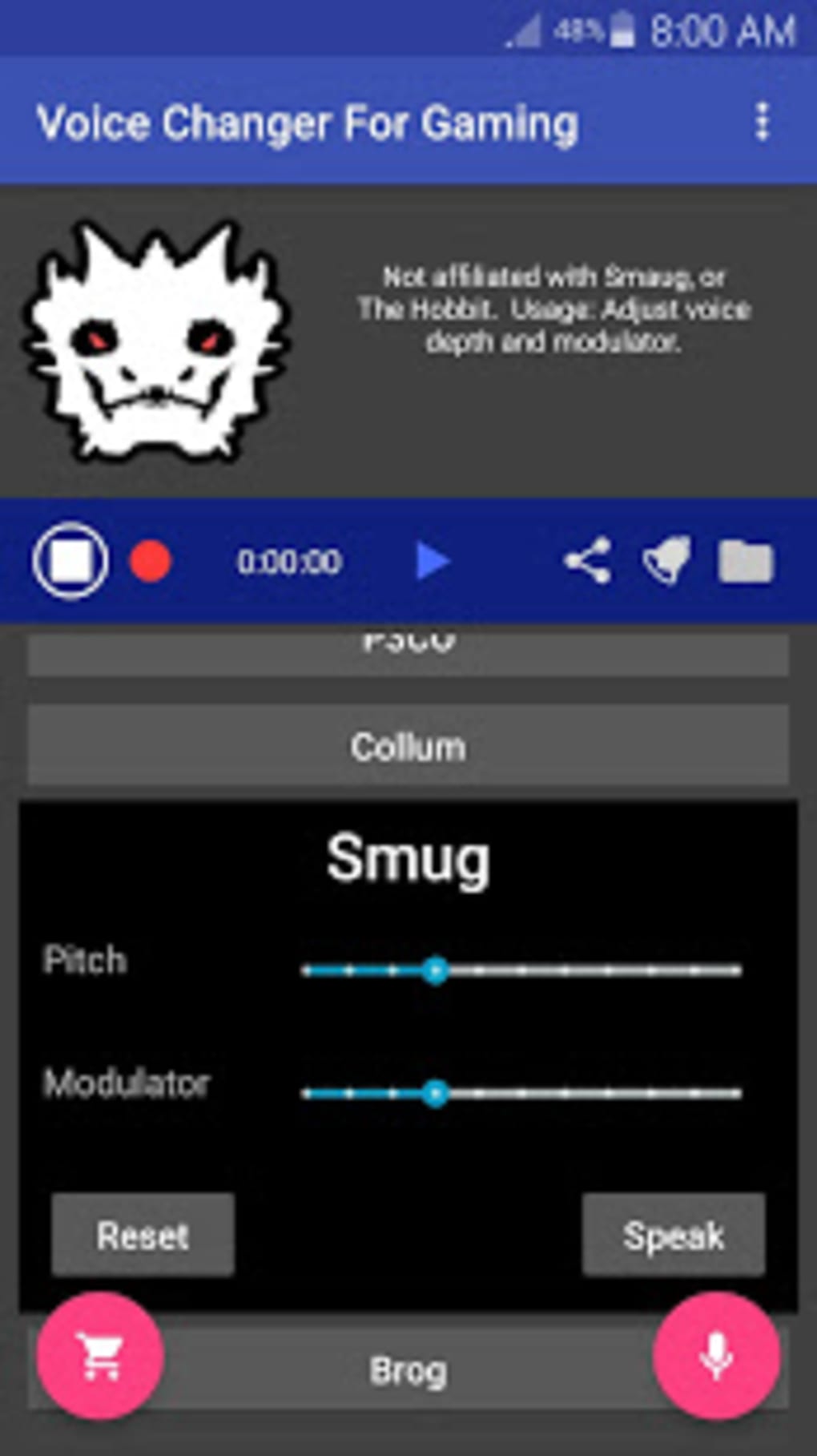
Exploring Voice Changer Features and Functionality
A high-quality voice changer should incorporate a variety of features to ensure both ease of use and creative flexibility. Key features to look for include:
-
Real-time voice modification: This is arguably the most essential feature. The voice changer must process and alter your voice instantly, minimizing any noticeable lag or delay. This is critical for seamless integration into online gaming and communication.
-
Extensive voice presets: A large selection of pre-set voices allows users to quickly and easily experiment with different sounds without needing to delve into complex customization settings. These presets can range from subtle alterations to dramatic transformations, offering a wide range of options to match different personalities or gaming scenarios. The selection may include various accents, genders, ages, and even voice effects to emulate popular characters or create unique and fantastical soundscapes.
-
Customization options: Beyond pre-sets, users should have the ability to fine-tune the voice to their precise specifications. This usually involves the ability to adjust parameters like pitch, tone, resonance, and the addition of various effects (e.g., reverb, echo, distortion). This granular level of control empowers creative users to create truly bespoke vocal soundscapes.
-
Background operation: The voice changer should operate seamlessly in the background, allowing users to continue with their gaming or streaming without interruptions. The software should remain active even when the screen is off or other applications are in use.
-
Compatibility: Broad compatibility with various platforms (PC, PS4, Xbox, mobile devices) is crucial for accessibility and convenience. The voice changer should work flawlessly with popular gaming platforms and communication applications (Discord, TeamSpeak, etc.).
-
Ease of use: Despite its advanced capabilities, the interface of the voice changer should remain intuitive and user-friendly. The software should be easily navigable, with clearly labeled settings and controls. Complicated or confusing software can diminish the overall gaming experience, so choosing user-friendly software is essential.
Connecting Your Voice Changer to Different Gaming Platforms
Connecting your voice changer to various platforms varies depending on the specific software and platform. Generally, most voice changers operate as virtual audio devices that can be selected as the default input for your gaming platform or communication application. This often involves configuring the audio settings within the application and choosing the voice changer as the primary input source. Some advanced configurations may require adjusting system-wide audio settings. Detailed instructions are usually provided within the voice changer’s user manual or online support documentation. In some cases, particularly for consoles (PS4, Xbox), specific software or hardware may be needed to ensure compatibility.
Legal and Ethical Considerations
While voice changers offer a plethora of entertaining and practical applications, it’s crucial to use them responsibly and ethically. Always be aware of the copyright implications of mimicking the voices of copyrighted characters. Using such voices commercially or in contexts that could be considered copyright infringement should be avoided. Similarly, using a voice changer to impersonate someone else could lead to legal ramifications and ethical breaches. Always respect online community guidelines and terms of service, which often have provisions against impersonation or disruptive behavior.
Choosing the Right Voice Changer
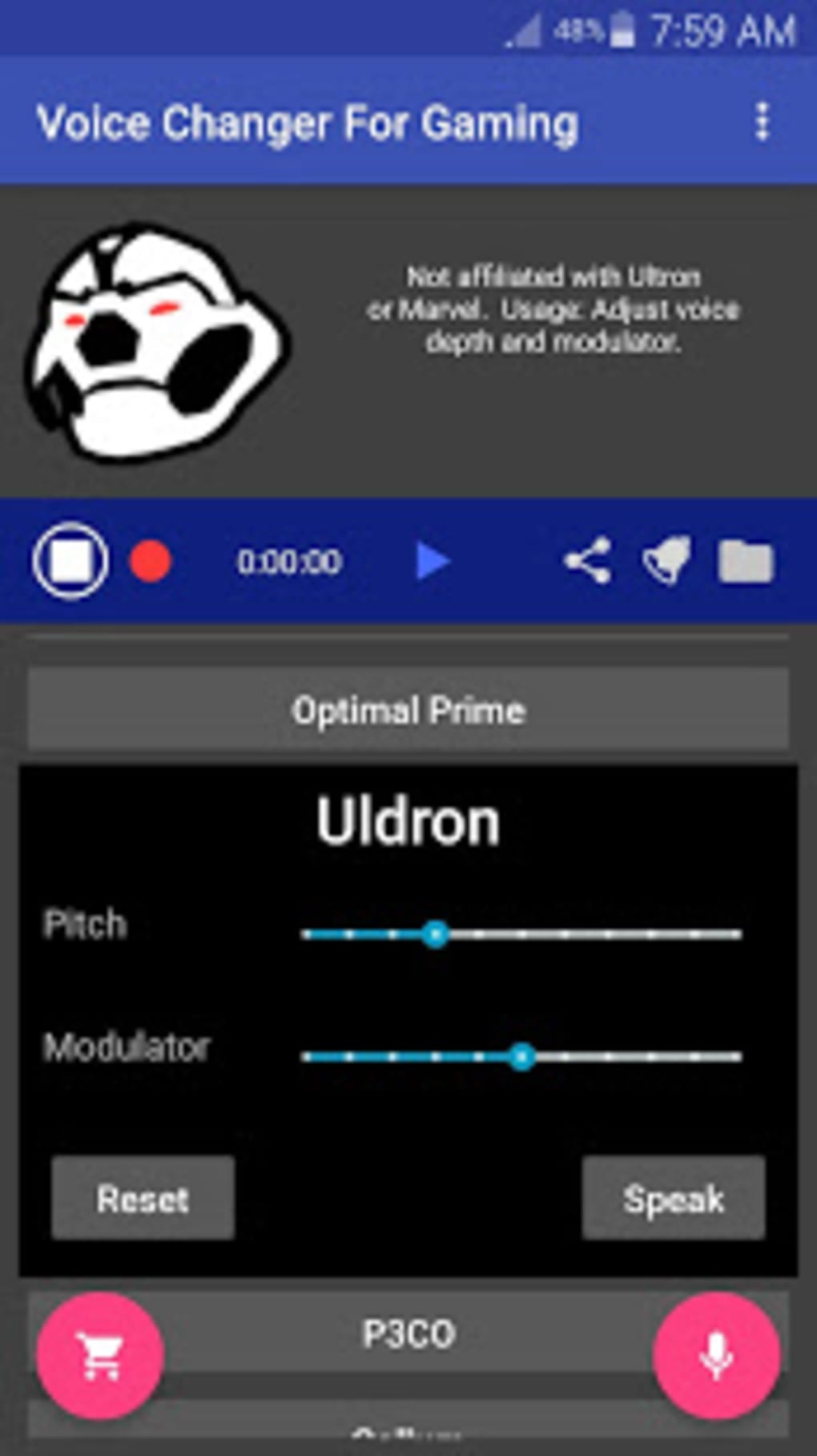
The market for voice changers is diverse, offering various options with different capabilities and price points. When selecting a voice changer, consider the following factors:
-
Features: Prioritize features that align with your needs and intended use. If you’re primarily focused on gaming, real-time voice modification and low latency are critical. If you’re a streamer, a large selection of voice presets and customization options are important.
-
Platform compatibility: Ensure compatibility with all the platforms you use regularly. This guarantees seamless integration across your gaming and streaming ecosystem.
-
Ease of use: The interface should be intuitive and user-friendly, allowing for quick and efficient voice adjustments.
-
Audio quality: The quality of the voice alterations should be high, resulting in natural-sounding voices that don’t sound robotic or artificial.
-
Reviews and ratings: Checking reviews and ratings from other users can offer valuable insights into the performance, reliability, and overall user experience of the software. This can be invaluable in identifying potential issues before purchasing or downloading.
-
Price: Voice changers vary in price, from free options with limited features to more advanced paid programs offering a wider range of functions and higher audio quality. Choosing the appropriate price point depends on your budget and requirements.
By carefully considering these factors, you can choose the perfect voice changer to enhance your gaming experience, improve your streams, and add a unique creative dimension to your online presence. Remember to use your chosen software responsibly and ethically, adhering to all applicable laws and community guidelines.
File Information
- License: “Free”
- Version: “0.10.78”
- Latest update: “June 26, 2025”
- Platform: “Android”
- OS: “Android 13.0”
- Downloads: “20.6K”
- Size: “7.21 MB”
- Download Options: “APK, Google Play”
- Filename: “com-stereomatch-voice-changer-gaming-1078-49931612-632d42c1e075b8efcc94688979ecd99d.apk”


