
Voice Changer with Effects is a popular Android application designed to modify audio recordings, adding a wide range of effects for entertainment and creative purposes. This review delves into the app’s features, usability, sound quality, and overall effectiveness, providing a comprehensive assessment for potential users.
Core Features: Transforming Your Voice and Sounds
At its heart, Voice Changer with Effects is a straightforward audio recording and manipulation tool. Its primary function is to capture audio input – whether it’s your own voice or ambient sounds – and then apply a diverse selection of voice and sound effects. The app offers a user-friendly interface, making the process of recording and editing accessible to users of all technical skill levels.
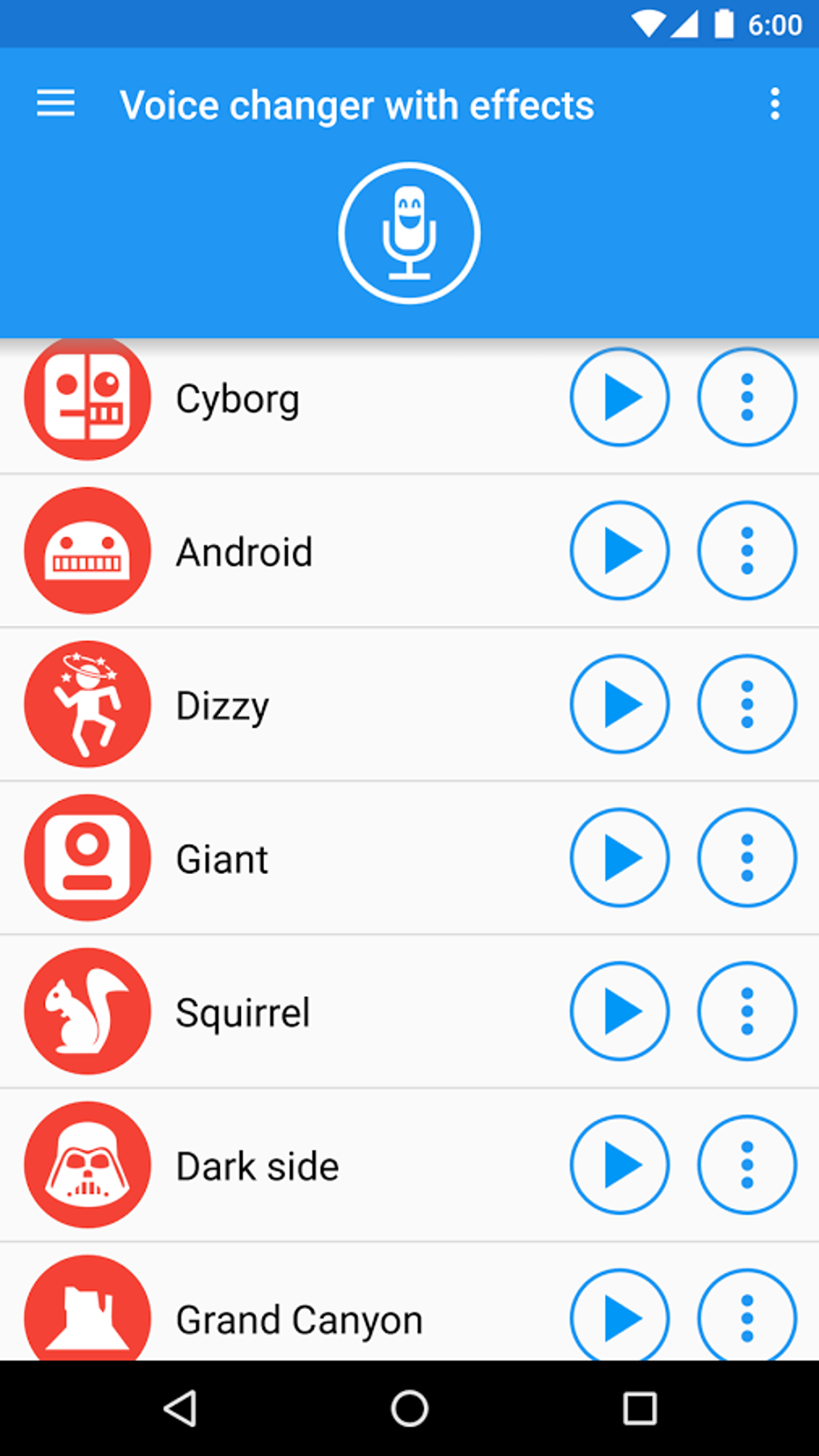
The app’s strength lies in its extensive library of pre-set effects. These range from the classic “chipmunk” effect, which raises the pitch of the audio to create a high-pitched, squeaky sound, to more elaborate transformations like mimicking the voices of popular fictional characters, such as Darth Vader or Transformers. Other effects simulate different communication devices, such as a phone line or a radio transmission, adding a layer of playful distortion to the audio.
Beyond its built-in effects, Voice Changer with Effects also allows users to import their own sound files. This opens up a world of creative possibilities, allowing users to overlay custom sound effects onto their recordings, blend different audio elements, or create unique sound collages. This level of customization is a key differentiator, setting it apart from simpler voice-changing apps that only offer a limited selection of pre-defined effects. The ability to import sounds from various sources, including the phone’s internal storage, SD card, and cloud storage services, adds to its versatility.
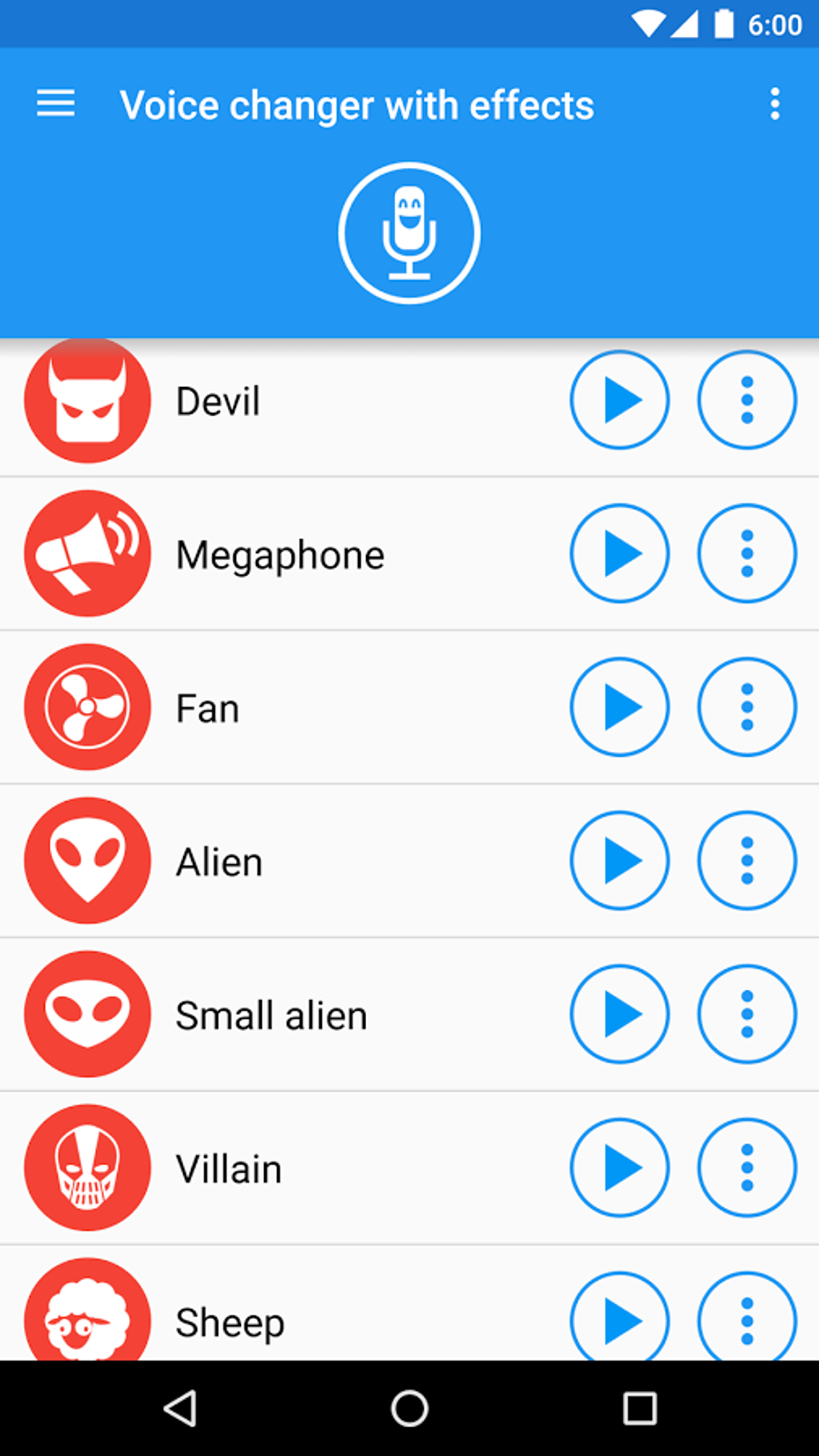
An additional feature, albeit limited in the free version, is a built-in piano. This allows users to create musical sounds that can then be integrated into their recordings or manipulated with the available effects. This function adds an element of interactive sound design to the app, making it more than just a simple voice changer. The inclusion of a text-to-speech function is another useful addition, allowing users to input text that the app then converts into speech using a robotic voice, offering another layer of audio material for manipulation and effect application.
User Experience: Simplicity Meets Functionality
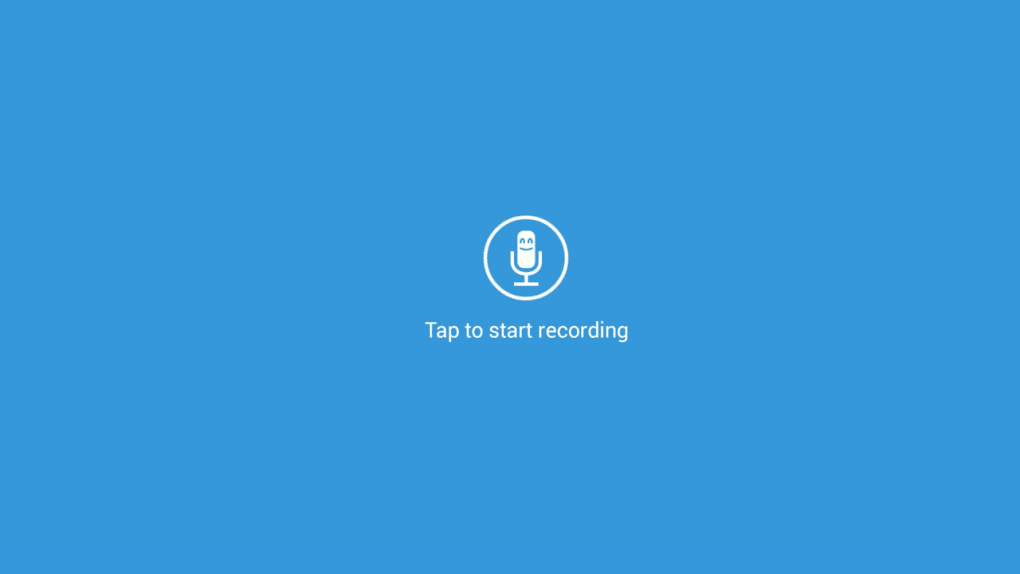
The app’s intuitive interface is a major advantage. The recording process is incredibly simple: a single button initiates recording, and another allows the user to select and apply effects. This straightforward design makes it accessible even to users with limited experience with audio editing software. The application of effects is equally seamless, with a clear and organized display of available options.
However, this simplicity comes at a cost. While the app excels at quick, straightforward edits, it lacks advanced options for fine-tuning recordings or effects. Users cannot adjust parameters like volume levels or effect intensity after applying them, limiting the level of precision and control available. This lack of granular control may frustrate users seeking more intricate editing capabilities.
Sound Quality and Effect Effectiveness
The quality of the effects is generally high, with many accurately replicating the intended sounds. The app’s processing power efficiently handles the audio manipulations, producing clear and easily understandable results even with complex effects applied. The robotic text-to-speech function, though not perfect, provides a reasonably accurate rendition of the input text, offering a suitable base for further modification.
While most effects impress with their fidelity, some might find minor imperfections in certain transformations. The accuracy and quality of the effects can vary slightly depending on the input audio; high-quality recordings generally yield better results than recordings with background noise or poor audio capture. This is a common limitation across many audio editing applications.
Sharing and Exporting: Seamless Integration with Social Media
Voice Changer with Effects facilitates easy sharing of modified recordings. Users can readily save their creations to their device’s storage, use them as custom ringtones or notification sounds, or share them directly to popular social media platforms like WhatsApp. This seamless integration with social media enhances the app’s utility, extending its function beyond just sound manipulation and into the realm of social interaction and entertainment.
Comparison with Alternatives
Several alternative voice changer apps exist on the market, each with its own strengths and weaknesses. Some might offer a more extensive selection of effects, while others prioritize advanced editing features. Direct comparison requires evaluating individual needs and preferences. For users who value simplicity and a wide array of readily accessible effects, Voice Changer with Effects is a compelling choice. However, users demanding advanced editing controls and nuanced adjustments might find alternative applications more suitable.
Pros and Cons: A Balanced Perspective
Pros:
- Easy to Use: The intuitive interface makes it simple to record and apply effects, regardless of technical expertise.
- Wide Variety of Effects: Offers a comprehensive range of voice and sound effects, from simple transformations to more elaborate character impersonations.
- Import Functionality: Allows users to import and incorporate custom sounds, fostering creativity and personalization.
- Seamless Sharing: Offers simple options for saving, sharing, and using modified recordings as ringtones or notifications.
- Good Sound Quality: Most effects are processed effectively, resulting in high-quality audio output.
Cons:
- Lack of Advanced Editing Options: The absence of granular control over parameters limits precision and customization.
- Limited Piano Functionality (Free Version): The piano feature, while a unique addition, is restricted in the free version.
- Potential for Minor Imperfections: While generally high-quality, some effects may exhibit minor imperfections depending on the input audio.
Conclusion: A Fun and Versatile Tool
Voice Changer with Effects provides a satisfying user experience, blending simplicity with a considerable range of features. Its intuitive design makes it accessible to a broad audience, while the large selection of effects and import functionality caters to both casual users and those seeking more creative control. While the lack of advanced editing features may disappoint some, the overall effectiveness and ease of use make it an excellent option for anyone looking to add a touch of fun and creativity to their audio recordings. It is a valuable tool for generating humorous audio messages, creating personalized ringtones, or simply experimenting with sound design. Its free availability further enhances its appeal, making it a worthwhile addition to any Android device.
File Information
- License: “Free”
- Latest update: “April 10, 2025”
- Platform: “Android”
- OS: “Android 13.0”
- Language: “English”
- Downloads: “64.7K”
- Download Options: “Google Play”


