
Voice Recorder Pro is a free audio recording application available for Android devices, developed by Splend Apps. This app offers users a straightforward and effective way to capture high-quality audio, catering to a variety of needs from casual voice memos to professional recordings. This review delves into the app’s features, performance, and overall user experience, comparing it to other available options in the Android marketplace.
Key Features and Functionality
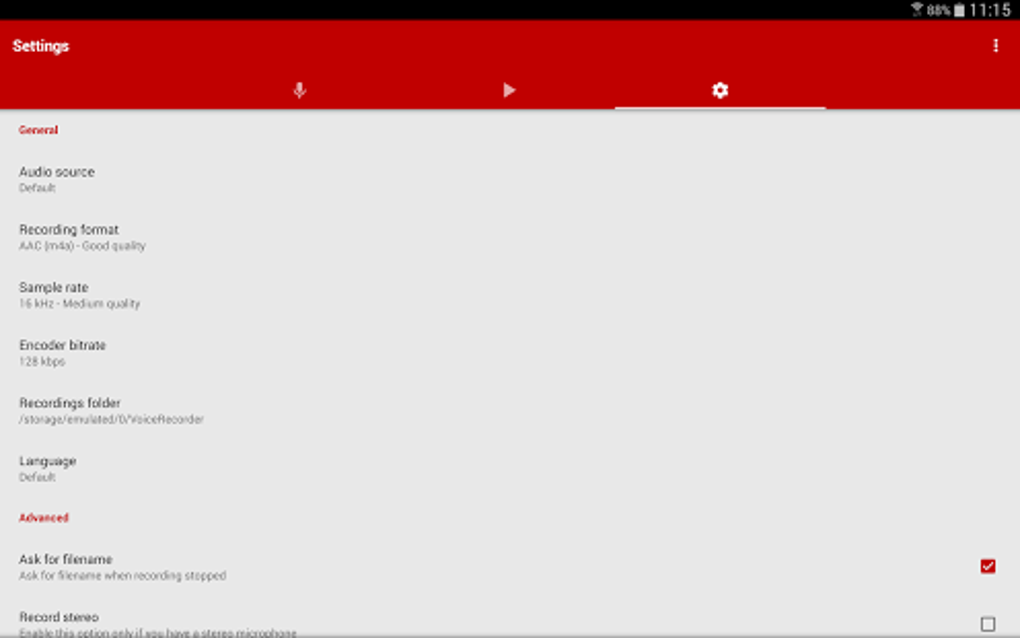
Voice Recorder Pro distinguishes itself through several key features designed to enhance the recording process and provide users with flexibility in managing their audio files. The app boasts support for four distinct audio formats, allowing users to optimize file size and audio quality according to their specific requirements. This flexibility is further extended by the ability to adjust the sample rate directly within the app, giving users greater control over the fidelity of their recordings.
The app caters to both stereo and mono recording, providing options suitable for different recording scenarios. Stereo recording captures a richer soundscape, ideal for situations where ambient sounds are important, such as capturing the atmosphere of a live event. Mono recording, on the other hand, is better suited for situations where clear vocal capture is the priority, such as interviews or lectures. The absence of recording time limits ensures that users can record for extended periods without interruption, making it suitable for long meetings, presentations, or even extended lectures.
User Interface and Experience
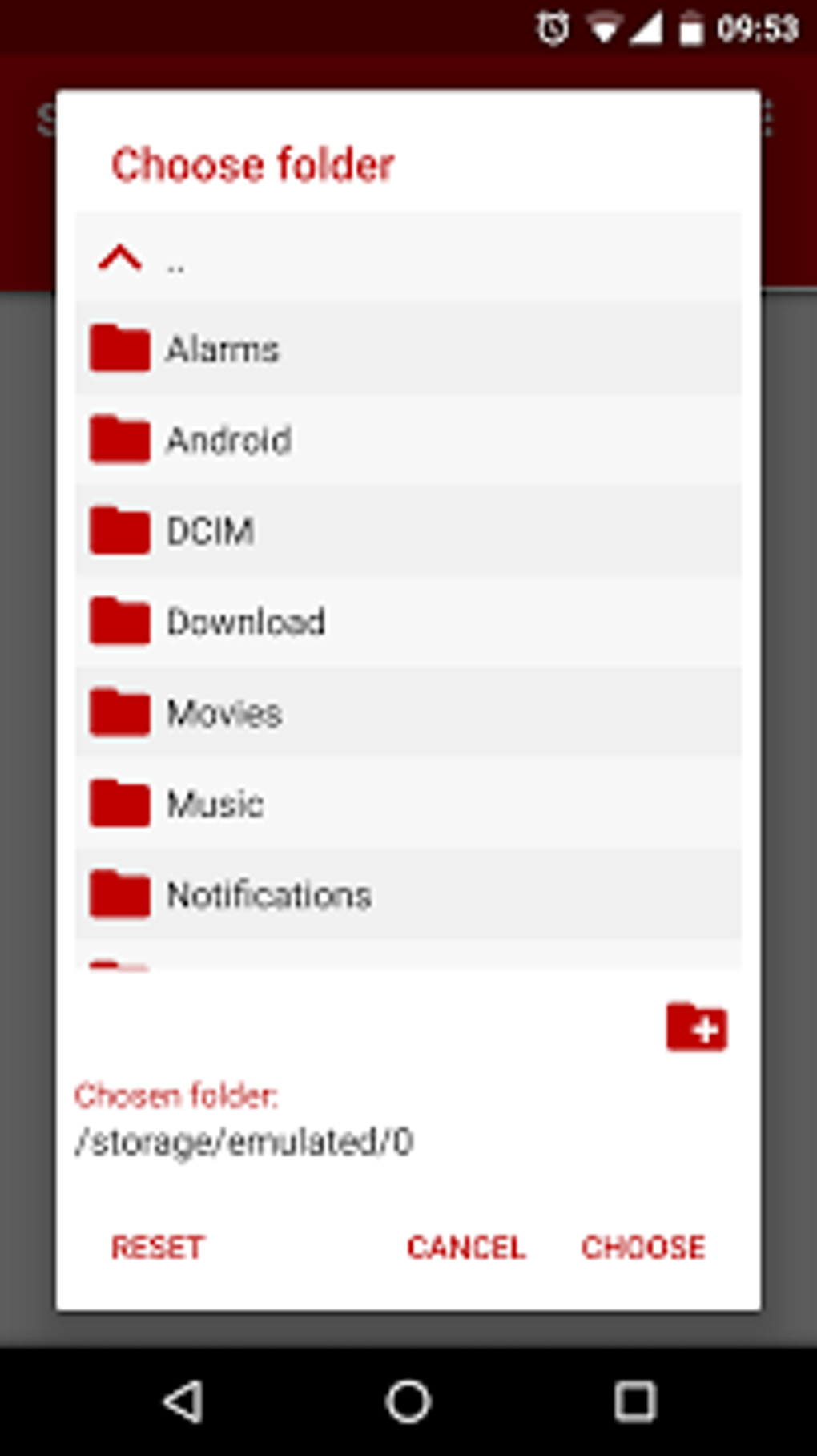
The user interface (UI) of Voice Recorder Pro is designed for simplicity and ease of use. The app’s layout is intuitive and uncluttered, ensuring a straightforward user experience. The core recording function is readily accessible, with clear visual cues indicating the recording status. This ease of access minimizes any learning curve and allows even novice users to quickly begin recording.
Navigating through recorded audio files is also straightforward. The app offers a well-organized file management system, making it easy to locate and manage recorded files. The ability to rename, delete, or share audio files directly from within the app adds to its overall practicality. While the design lacks extensive customization options, its simplicity makes it highly accessible to a broad range of users, regardless of their technical expertise. The absence of unnecessary complexities focuses the user experience on the primary function: recording and managing audio.
Performance and Reliability
The performance of Voice Recorder Pro is commendable. The app consistently delivers high-quality audio recordings without noticeable glitches or distortions, provided the device’s hardware adequately supports the chosen sample rate and format. The app’s reliability is further enhanced by its consistent performance across a wide range of Android devices and versions. Users report minimal issues with crashes or unexpected behavior, even during extended recording sessions. This robustness is crucial for an application that heavily relies on consistent performance to maintain the integrity of recorded audio.
The app’s handling of large audio files is also noteworthy. The ability to record without time limits ensures the app can handle recordings of significant duration without experiencing performance degradation. This is a vital aspect for applications that aim to provide a reliable solution for capturing extended audio content. The efficient management of large files avoids the problems of app instability or data loss that can plague less optimized apps.
Comparisons with Alternative Apps
Several alternative audio recording applications exist on the Android market. These apps offer varying features and functionalities, making direct comparisons necessary for evaluating Voice Recorder Pro’s strengths and weaknesses.
One prominent competitor is “Audio Recorder and Editor,” which, as the name suggests, combines audio recording with basic editing capabilities. While Voice Recorder Pro excels in its pure recording functionality, the absence of integrated editing tools places it at a disadvantage against competitors offering all-in-one solutions. However, users who prefer specialized applications may find this separation of functionality more advantageous, allowing them to select dedicated editing software tailored to their preferences.
Another application, “Recorder,” focuses on providing an auto-transcriber feature alongside recording. This is a significant differentiator, as it adds value beyond basic audio capture. Voice Recorder Pro lacks this feature, making it less attractive to users who need transcription services alongside recording. However, the dedicated focus on recording allows for optimization in that specific area, potentially leading to a higher-quality audio output compared to apps handling multiple functionalities.
FL Studio Mobile, a more advanced digital audio workstation, represents a considerable jump in capability and complexity. This app targets a professional audience, offering extensive features far beyond basic recording. Voice Recorder Pro, in comparison, caters to a broader user base, offering ease of use and simplicity as its key selling points. Users requiring professional-level tools would naturally prefer FL Studio Mobile, but those seeking a straightforward recording solution would likely find Voice Recorder Pro more suitable.
Ultimately, the choice between these and other applications depends on the individual user’s specific needs and priorities. Voice Recorder Pro offers an uncomplicated and reliable recording experience, while other applications might provide additional features at the cost of increased complexity.
Conclusion
Voice Recorder Pro, with its straightforward interface, high-quality recording capabilities, and reliable performance, provides a commendable solution for various audio recording needs. Its simplicity and ease of use make it accessible to a broad audience, while its lack of integrated editing features and auto-transcription capabilities might limit its appeal to some users. However, for individuals seeking a clean, efficient, and reliable audio recording application for their Android device, Voice Recorder Pro deserves serious consideration. The app’s strong performance across different devices and versions along with its robust management of large audio files further enhances its appeal as a versatile and reliable recording tool. The choice of using this app depends on individual needs and preferences regarding audio recording functionality and integration with other tools. If simplicity and reliability are paramount, Voice Recorder Pro emerges as a solid and effective choice.
File Information
- License: “Free”
- Latest update: “July 25, 2025”
- Platform: “Android”
- OS: “Android 13.0”
- Language: “English”
- Downloads: “6.9K”
- Download Options: “Google Play”


