
VSCO, initially known as VSCO Cam, has established itself as a prominent player in the mobile photography landscape. This in-depth analysis explores the app’s strengths and weaknesses, examining its features, user experience, and overall value proposition. We’ll compare VSCO to native camera apps and other popular photo editing applications, highlighting what sets it apart and where it could improve.
Superior Image Quality and Editing Capabilities
One of VSCO’s primary selling points is its superior image quality. Unlike many default Android camera apps, VSCO employs advanced processing technology that results in more vibrant colors, sharper images, better white balance, and improved exposure. These improvements are noticeable even when comparing side-by-side shots taken with the default camera app and VSCO, using identical settings. The enhanced image processing isn’t just about raw image capture; it’s also about how VSCO manages to preserve detail and avoid over-processing, resulting in more natural-looking photographs.
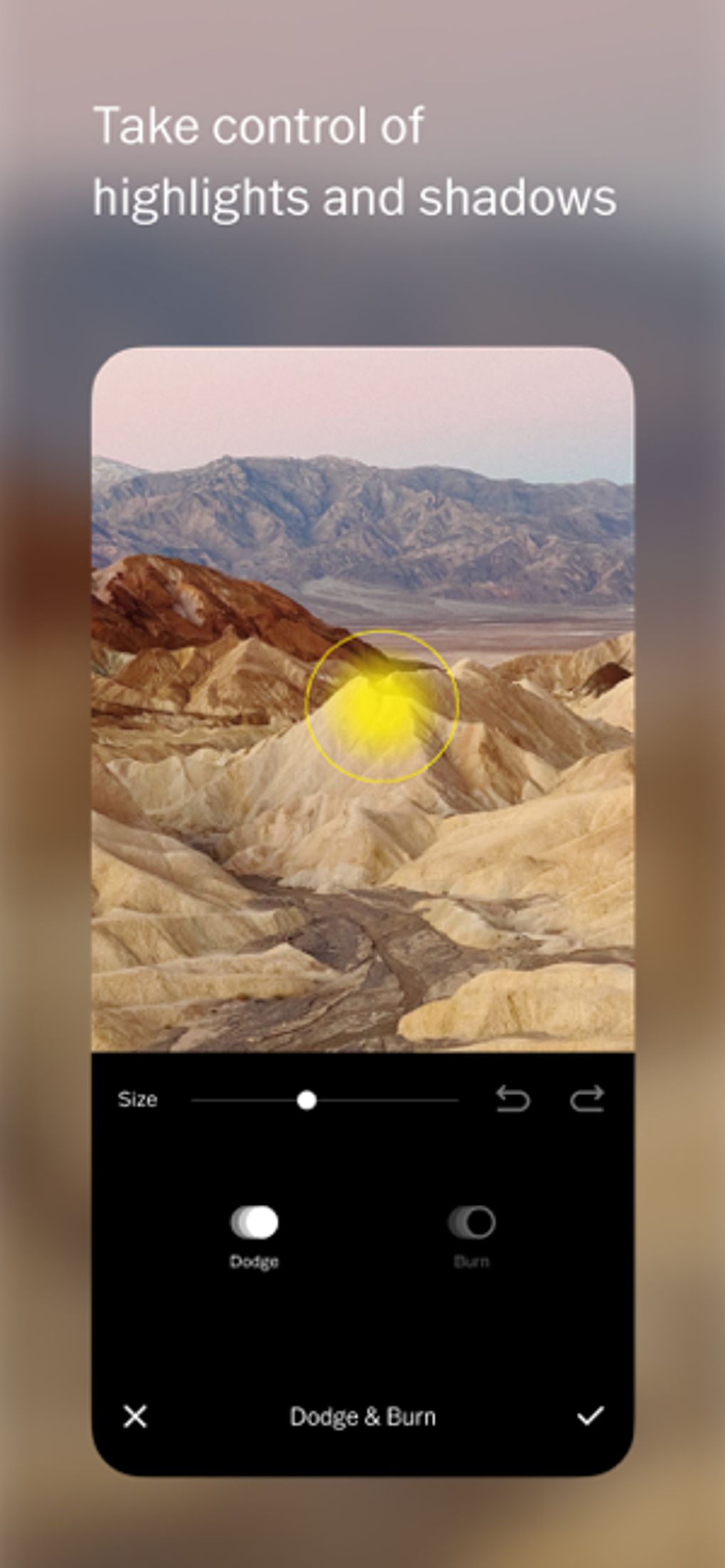
Beyond its superior image capture, VSCO boasts a comprehensive suite of editing tools comparable to professional desktop software. Users have access to a range of adjustments, including exposure, temperature, contrast, saturation, tint, shadows, highlights, and more. These controls are implemented via intuitive sliders, allowing for precise fine-tuning of each aspect of the image. The app also includes a smart crop tool with pre-set aspect ratios, as well as a rotate function, facilitating precise adjustments to composition and orientation.
.webp)
The Power of Presets and Customization
VSCO’s strength extends beyond its basic editing tools; it offers a vast library of customizable presets (filters). These presets, akin to those found in apps like Instagram, instantly alter the mood and appearance of an image. However, VSCO’s presets are not merely one-click filters; they provide a level of granularity often missing from similar applications. Users can precisely adjust the strength of each preset using a precision slider, allowing for a high degree of personalization and control over the final look. The initial app includes a selection of presets, but users can expand their creative options by purchasing additional preset packs through VSCO’s in-app store. These packs offer a diverse range of styles, from vibrant and saturated looks to muted and faded tones, ensuring there’s a preset to match every aesthetic preference.
User Interface and User Experience: A Mixed Bag
While VSCO excels in image quality and editing capabilities, its user experience is not without its flaws. The app’s minimalist, industrial-style design, while aesthetically pleasing to some, can initially feel unconventional and even awkward to navigate. The interface differs significantly from the standard Android design paradigm, and the lack of an introductory tutorial can leave new users feeling lost and frustrated. The cryptic nature of some interface icons exacerbates this problem, creating an unnecessary learning curve.
Furthermore, the app’s navigation can be frustrating. The back hardware key consistently exits the app entirely, disrupting workflow and forcing users to navigate back to their desired location within the app manually. This design choice contradicts standard Android conventions and is a significant point of contention for many users. While the editing process itself is fairly intuitive thanks to the use of sliders and a helpful “before and after” comparison feature (achieved by holding down on an edited image), the overall navigation and lack of clear instructions detract from the overall user experience. The lack of landscape mode support during editing further limits usability, particularly for users preferring a larger editing canvas.
Sharing, Organization, and Community Features
.webp)
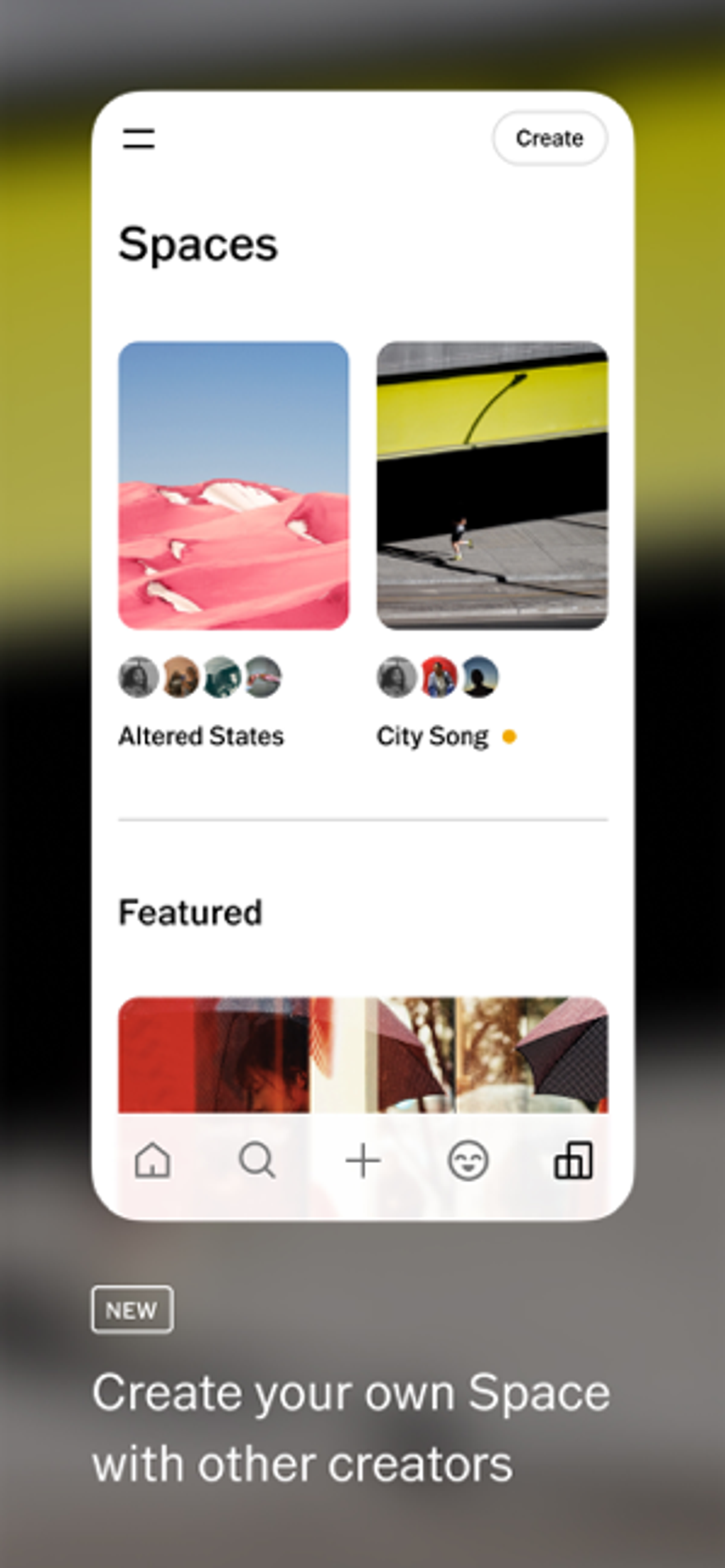
VSCO provides ample opportunities for sharing photos with friends, family, and the wider VSCO community. Users can easily share their edited images via various platforms including Instagram, Facebook, Twitter, email, and Google+. The “More” option expands these sharing possibilities even further, enabling integration with virtually any compatible app installed on the user’s device. This flexibility caters to users’ individual social media preferences and communication styles.
Beyond sharing, VSCO offers robust organization tools. Users can organize, favorite, and filter their images using quick filter navigation, making it easy to locate specific photos within a large library. The app also provides multiple thumbnail sizes to personalize the browsing experience. Each image displays metadata including geolocation, date, and the preset used, ensuring users can easily keep track of their photo details and recall the creative choices made during the editing process.
VSCO Journal and Community Engagement
VSCO goes beyond a simple photo editing app; it fosters a sense of community through its VSCO Journal. This feature offers a wealth of inspirational photography, tutorials, interviews, and articles aimed at elevating users’ photography skills and broadening their creative horizons. The Journal acts as a valuable resource for learning, providing guidance and inspiration to both amateur and professional photographers.
VSCO further encourages community participation by allowing users to submit their images to the VSCO Cam Weekly Selects. This feature allows talented photographers to gain exposure and showcase their work to a wider audience. The app also leverages hashtags (#VSCOcam) to connect users across different social media platforms, creating a thriving online community dedicated to mobile photography.
Comparison to Other Photo Editing Apps
While VSCO distinguishes itself with its superior image quality and curated presets, other photo editing apps offer strong competition. Snapseed, for example, provides a more comprehensive and versatile set of editing tools, often appealing to users who require highly advanced adjustments. Other apps, like Huji Cam, focus on specific aesthetic effects, providing a distinct and easily recognizable style that can be attractive to users seeking a vintage or retro feel.
The choice between VSCO and alternative apps often comes down to individual preferences and priorities. Users valuing superior image quality and a curated selection of elegantly designed presets will likely gravitate towards VSCO. Those seeking more granular control over every aspect of image editing, or those desiring a wider variety of effects, might prefer an app like Snapseed.
Conclusion: A Powerful Tool with Room for Improvement
VSCO remains a powerful tool for mobile photography enthusiasts. Its superior image quality, thoughtfully designed presets, and strong community features set it apart from many competing apps. However, the app’s user interface and navigation require refinement to enhance the overall user experience. Addressing the inconsistencies with the back button functionality, improving the clarity of interface icons, and adding a more comprehensive tutorial would significantly enhance usability and broaden VSCO’s appeal to a wider range of users. Despite its shortcomings in the UI/UX department, VSCO’s strengths in image processing and aesthetic appeal solidify its position as a significant player in the mobile photography market. Future updates addressing the usability issues could elevate VSCO to become an even more compelling and accessible tool for all photographers, regardless of their technical proficiency.
File Information
- License: “Free”
- Latest update: “June 14, 2025”
- Platform: “Android”
- OS: “Android 13.0”
- Language: “English”
- Downloads: “186.1K”
- Download Options: “Google Play”


