
Google Wave, a collaborative communication platform, once promised a revolutionary approach to online interaction. While its lifespan was relatively short, it left a mark on the history of online collaboration. One attempt to enhance the Wave experience was Waver, a desktop client built using Adobe Air. This review explores Waver’s features, strengths, and weaknesses, examining why it ultimately failed to gain significant traction compared to using Wave directly within a web browser.
Waver’s Promise: Bringing Wave to the Desktop
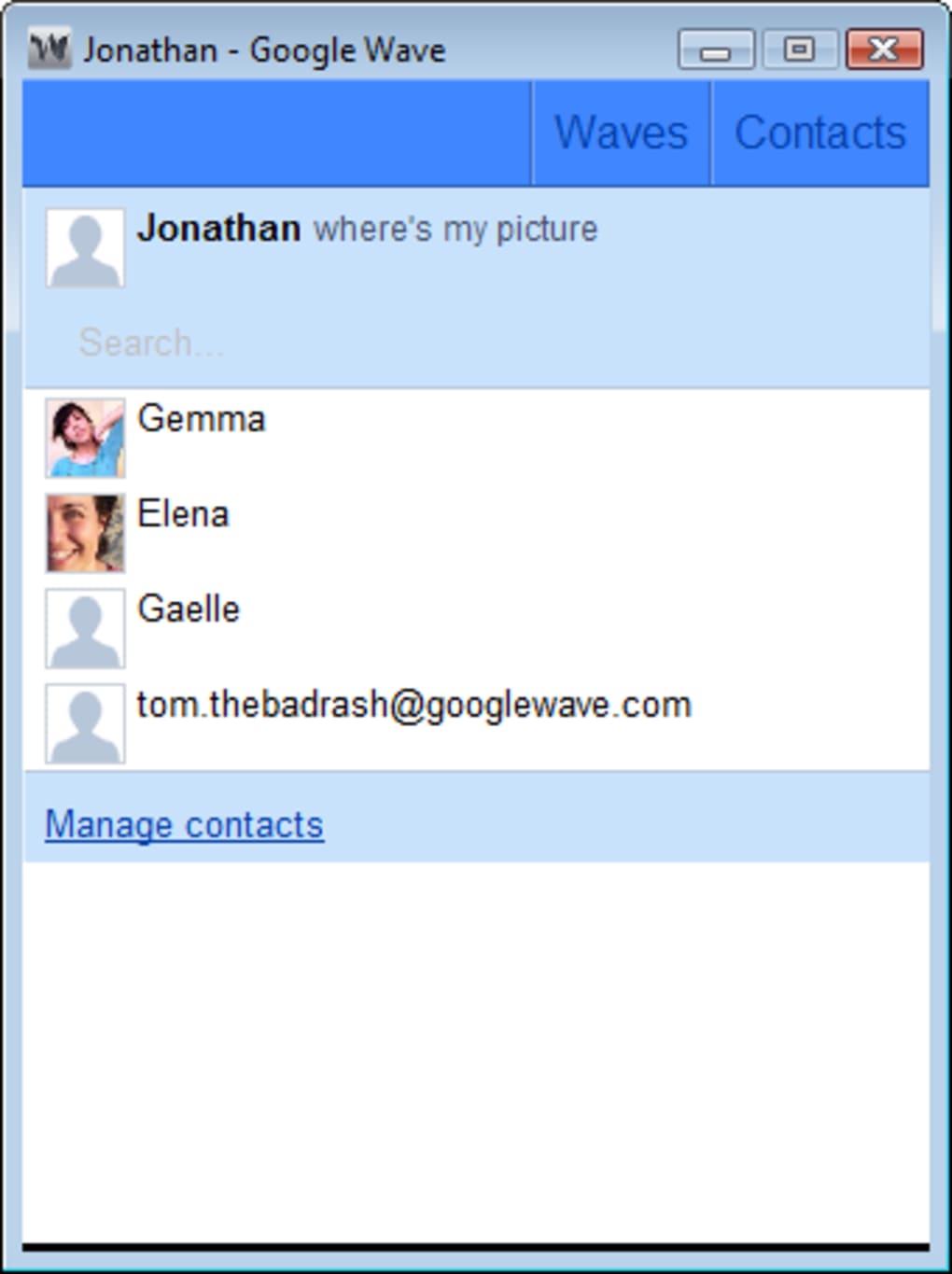
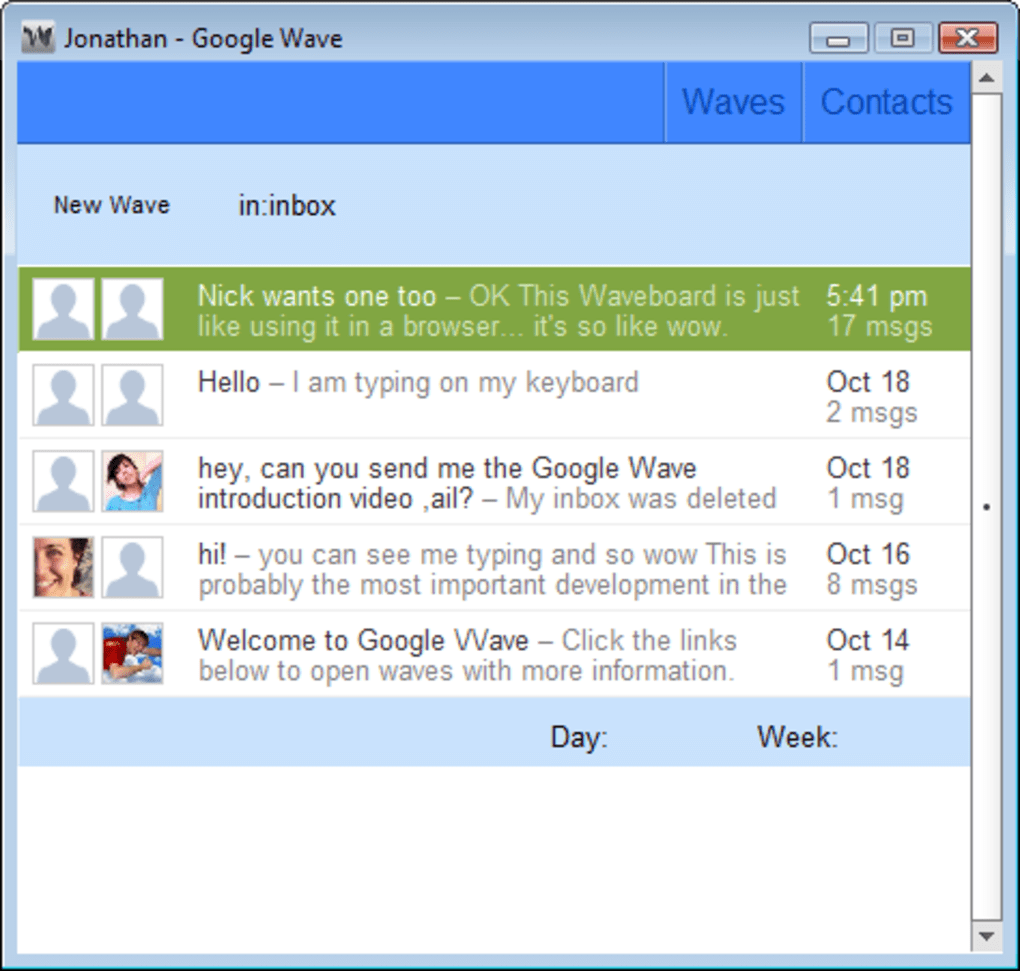
Waver aimed to provide a standalone desktop experience for Google Wave, freeing users from the confines of their web browser. The primary selling point was the potential for improved focus and a cleaner, distraction-free environment. The premise was simple: a dedicated application could provide a more streamlined and potentially more aesthetically pleasing interface than the browser-based version of Wave. This was particularly appealing to users who found the browser interface cluttered or distracting. The application offered two main tabs, one for managing contacts and another for accessing “waves,” Google’s term for collaborative projects and conversations. In theory, this separation could improve organization and workflow.
The Reality: A Cramped and Underdeveloped Experience
Unfortunately, Waver’s execution fell short of its initial promise. While functional, the application felt significantly cramped and less intuitive than the browser-based Google Wave interface. This cramped feeling stemmed from a less-than-optimal design and a seemingly inefficient use of screen real estate. Navigation wasn’t as straightforward, and the overall user experience lacked the polish and ease of use found in many other desktop applications. This hampered its ability to effectively compete with the established browser-based interface.
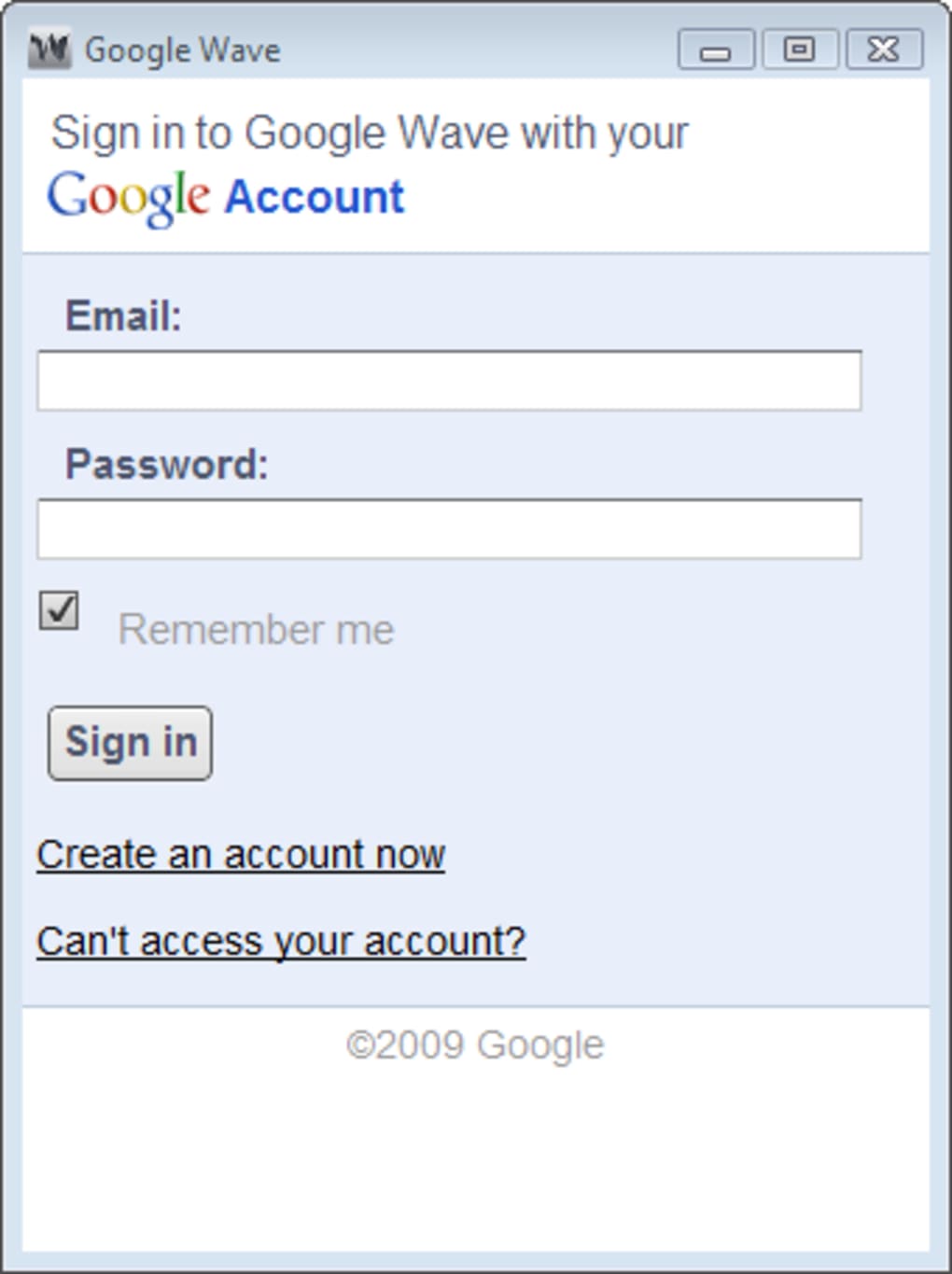
Furthermore, one of Wave’s most significant shortcomings – the lack of robust notification system – remained unresolved in Waver. Users were still required to actively monitor the application to check for updates to their waves. This fundamental flaw undermined the convenience a dedicated desktop client was supposed to offer. The constant need to manually check for updates negated much of the purported benefit of having a dedicated application. The absence of proactive notifications meant users couldn’t reliably rely on Waver to keep them informed about important updates, effectively negating one of the primary advantages of a dedicated desktop application over a browser-based one.
A Question of Aesthetics and Functionality
Waver’s visual design further contributed to its shortcomings. Despite being relatively simple in functionality, the application’s appearance gave the impression of being unfinished or rushed. Even considering its early version number (1.0), the interface lacked the polish and refinement expected from a desktop application, especially one built using a mature framework like Adobe Air. The visuals did not contribute to a positive user experience and, in fact, detracted from it.
The lack of visual appeal, coupled with the functionality issues, raised questions about the overall design process and the priorities of the developers. It appeared that the focus was primarily on functionality rather than on creating a polished and user-friendly experience. The result was an application that functioned adequately but lacked the charm and sophistication needed to compete with the browser-based alternative.
Missed Opportunity: A Desktop Client Without Added Value
A critical analysis of Waver reveals its fundamental flaw: it failed to add any significant value beyond simply replicating the Google Wave experience in a desktop environment. It lacked innovative features, performance enhancements, or integrations that would justify its existence as a separate application. Instead, it provided a less polished and less intuitive version of the existing browser interface, without addressing any of Wave’s inherent limitations. The failure to deliver any meaningful improvement or added value to the core Google Wave experience resulted in a desktop client that was, at best, redundant and, at worst, inferior to its browser-based counterpart.
In retrospect, the development of Waver appears to have been a missed opportunity. Had the developers focused on addressing Wave’s shortcomings or incorporating novel features exclusive to the desktop client, Waver might have found a niche audience. However, its failure to provide anything beyond a simple port of the browser application ultimately doomed it to obscurity.
The Legacy of Waver: A Case Study in Missed Potential
Waver serves as a cautionary tale in software development. While the idea of a dedicated desktop client for Google Wave was conceptually sound, the execution fell far short. The application’s underdeveloped nature, coupled with its failure to address the core limitations of the original Google Wave service, rendered it unnecessary and ultimately unsuccessful.
The lack of significant improvements or added value compared to the browser-based version highlights the importance of careful planning and design in software development. Simply replicating existing functionality in a different environment is not enough to justify the creation of a new application. A successful application needs to offer a unique value proposition that enhances the user experience or provides features that are not available in alternative solutions. Waver failed to meet this crucial criterion.
The relatively small number of downloads and the lack of positive user reviews underscore the application’s failure to attract a significant user base. The absence of substantial updates or improvements further suggests a lack of developer support and a general lack of interest in the project. The overall experience highlights the need for developers to carefully consider the value proposition of their applications and to focus on creating products that offer a clear advantage over existing alternatives. Waver’s fate serves as a reminder that even a well-intentioned idea can fail if it is not executed properly and does not address a real user need or provide a meaningful enhancement to an existing solution. The experience offers a valuable lesson for aspiring software developers, emphasizing the importance of understanding user needs, designing a user-friendly experience, and providing clear value to justify the creation of a new application. In the end, Waver’s legacy is not one of innovation or success, but rather a case study in missed potential and the pitfalls of inadequate execution.
File Information
- License: “Free”
- Version: “1.0”
- Latest update: “October 28, 2009”
- Platform: “Windows”
- OS: “Windows XP”
- Language: “English”
- Downloads: “1.5K”
- Size: “57.11 KB”


