
Wavosaur is a free, powerful audio editing software available exclusively for Windows. Categorized as an audio editor and more specifically as a splitter and joiner, it offers a robust set of features for manipulating audio files, making it a compelling choice for both casual users and more experienced audio enthusiasts. This review delves into its capabilities, interface, and overall usability, comparing it to other popular audio editing software.
Key Features and Functionality
Wavosaur provides a comprehensive suite of tools for audio editing, processing, and recording. Its functionality extends beyond simple cutting and pasting, encompassing advanced features often found in more expensive professional software packages.
Editing Capabilities: The core of Wavosaur lies in its precise editing capabilities. Users can effortlessly cut, copy, paste, and manipulate audio segments with pixel-perfect accuracy. This precision is aided by its accurate waveform representation, which allows for meticulous editing. The software supports multiple document interfaces (MDI), allowing users to work on several audio files simultaneously within a single session – a feature that significantly enhances workflow efficiency, particularly when working on complex projects involving multiple tracks or sound effects.
Processing and Effects: Wavosaur goes beyond basic editing, offering a range of powerful processing options. These include essential functions such as muting tracks, converting between stereo and mono channels, inserting silence, adjusting volume levels, normalizing audio to a consistent level, applying fade-in and fade-out effects, inverting or flipping audio, and utilizing an undo function for easy mistake correction. These features allow users to refine audio quality, create unique sonic textures, and address issues like inconsistent volume levels.
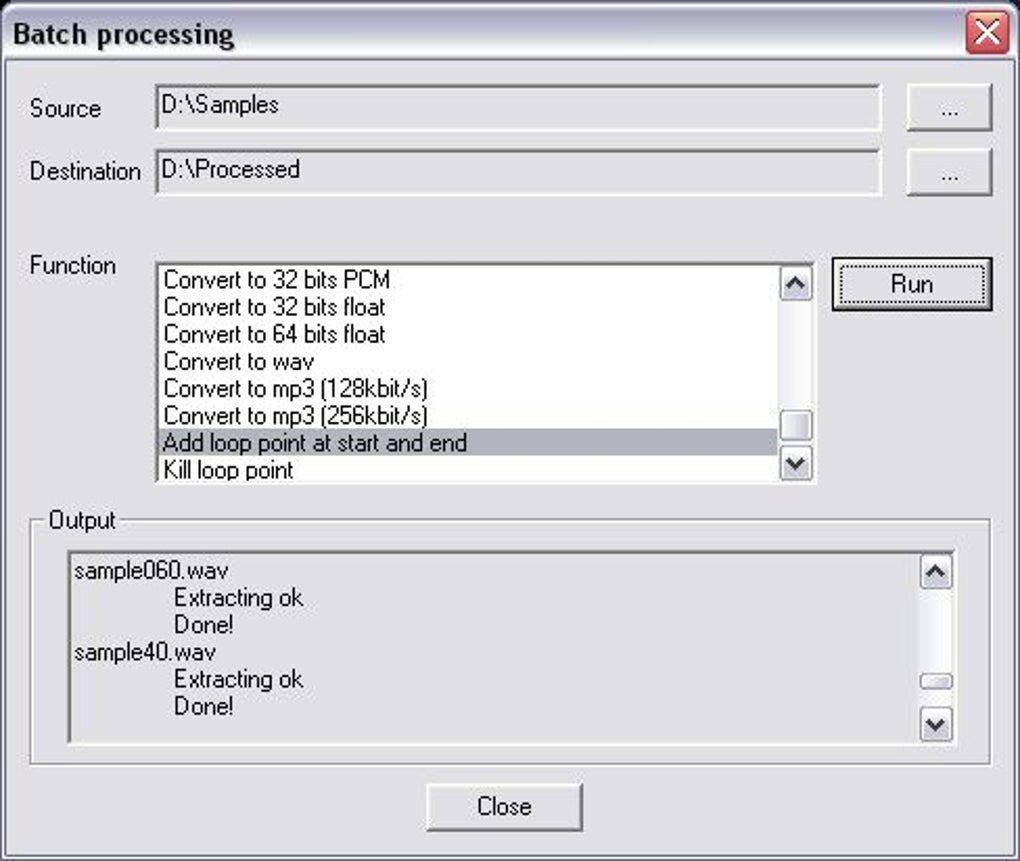
Advanced Features: Wavosaur integrates advanced features rarely found in free audio software. Notably, it supports VST plugins, significantly expanding its functionality. VST (Virtual Studio Technology) plugins add a wide array of effects, instruments, and processing tools, enabling users to drastically enhance their audio editing capabilities and explore a diverse range of creative possibilities. The compatibility with ASIO drivers further enhances performance by reducing latency, crucial for real-time audio processing and recording tasks. This combination of VST support and ASIO driver compatibility positions Wavosaur as a serious contender against proprietary audio editing software.
Multichannel WAV Support: The software’s support for multichannel WAV files caters to users working with surround sound or complex audio projects involving multiple tracks. This feature allows for seamless editing of multi-channel audio, a significant advantage for those involved in video production, professional audio mastering, or creating immersive sound experiences.
Recording Functionality: Beyond editing and processing, Wavosaur also includes audio recording capabilities. While not as feature-rich as dedicated recording software, its basic recording function suffices for many users needing to capture audio directly into the program. The built-in recording tools make it a convenient all-in-one solution for many audio tasks.
User Interface and Usability
Wavosaur boasts a clean and intuitive interface, making it accessible to users of varying experience levels. Its simplicity contrasts with the extensive feature set, demonstrating the software’s well-thought-out design. The straightforward layout enables efficient navigation through the numerous editing and processing tools.
Waveform Display: The clear and responsive waveform display is crucial for precise audio editing. The ability to quickly zoom in and out allows for detailed work on small audio segments while providing a broad overview of the entire file. This ensures both precision and context awareness during editing.
Right-Click Context Menu: Wavosaur’s implementation of a right-click context menu adds a layer of convenience. This context-sensitive menu provides quick access to relevant commands based on the user’s selection, streamlining workflow and reducing the need to navigate through menus.
Navigation and Shortcuts: While the visual interface is intuitive, Wavosaur also supports keyboard shortcuts. These shortcuts accelerate the editing process, especially for repetitive tasks, which enhances efficiency for power users familiar with keyboard-driven workflows.
Comparison with Other Audio Editors
While Wavosaur stands out as a robust free option, it’s essential to compare it to other popular audio editors, both free and commercial.
Audacity: Audacity, another widely-used free audio editor, shares some similarities with Wavosaur, offering basic editing capabilities, recording functions, and a reasonable level of effect processing. However, Wavosaur arguably surpasses Audacity in its handling of multichannel audio, VST plugin support, and potentially, its more refined interface for some users.
Ocenaudio: Ocenaudio, also a free editor, is known for its user-friendly interface, focusing on ease of use. Wavosaur, despite its clean interface, may have a steeper learning curve for some users due to its more extensive feature set. The choice depends on user priorities – ease of use vs. advanced capabilities.
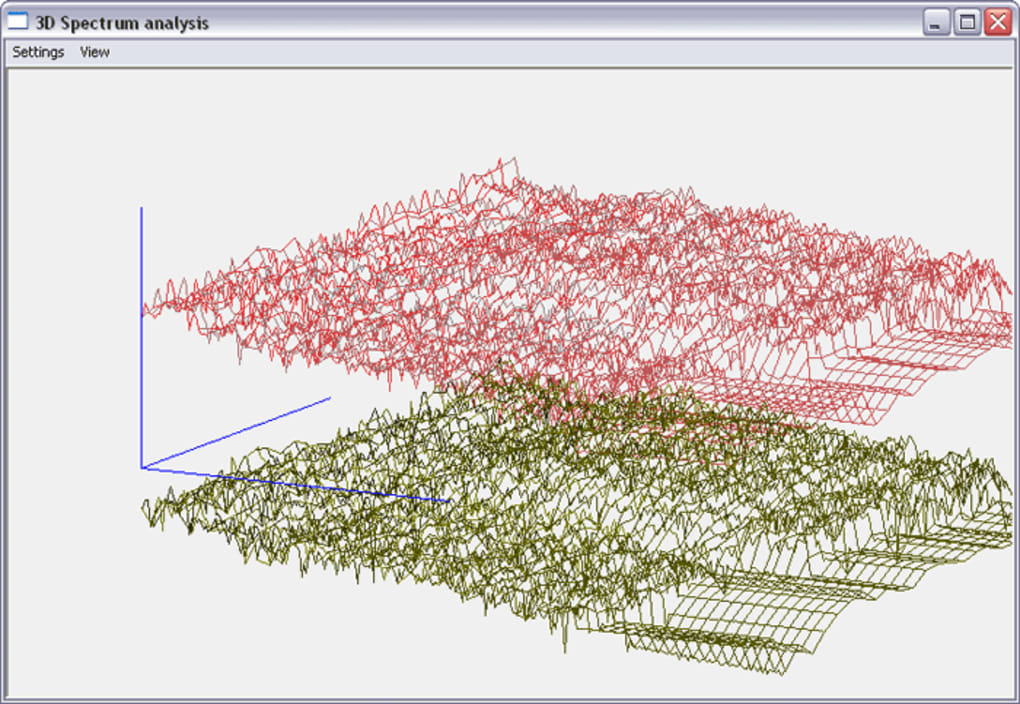
Commercial Software (e.g., Adobe Audition, Steinberg WaveLab): Commercial audio editors offer a broader range of advanced features, more refined effects, and often better performance optimization. However, these programs come at a significant cost. Wavosaur provides a compelling alternative for users who don’t need the professional-level features or don’t want to invest in commercial software.
System Requirements and Availability
Wavosaur is designed exclusively for the Windows operating system. While specific minimum requirements are not explicitly detailed on most sources, its compatibility with older versions of Windows (Windows 98 and prior) suggests that it’s relatively lightweight and has modest system demands. This makes it accessible to a broader range of Windows users with older machines. The software is available in multiple languages, increasing its accessibility to a global audience.
Conclusion
Wavosaur presents a highly competitive offering in the world of free audio editing software. Its combination of powerful features, including VST plugin support, ASIO driver compatibility, and multichannel WAV file handling, positions it significantly above many other free audio editors. While the more advanced feature set might present a slightly steeper learning curve for some users, the software’s clean interface and helpful context menus mitigate this. Overall, Wavosaur represents an excellent option for users seeking a capable and free audio editor for Windows, offering a surprising amount of functionality typically found only in commercial software packages. Its strength lies in its ability to bridge the gap between simple audio editing tasks and more demanding professional-level needs, all without the price tag.
File Information
- License: “Free”
- Latest update: “July 18, 2025”
- Platform: “Windows”
- OS: “Windows Vista”
- Language: “English”
- Downloads: “84.5K”
- Size: “2.21 MB”


