
Webcam On-Off is a lightweight, free Windows utility designed for straightforward webcam control. Its primary function is to quickly and easily toggle your webcam on and off, providing a simple solution for users concerned about privacy or needing quick access to webcam functionality. While lacking the advanced features found in some more comprehensive webcam software, its ease of use and minimal resource consumption make it an attractive option for many users. This review delves into the program’s functionality, history, user experience, and compares it to similar applications available in the market.
Functionality and Features
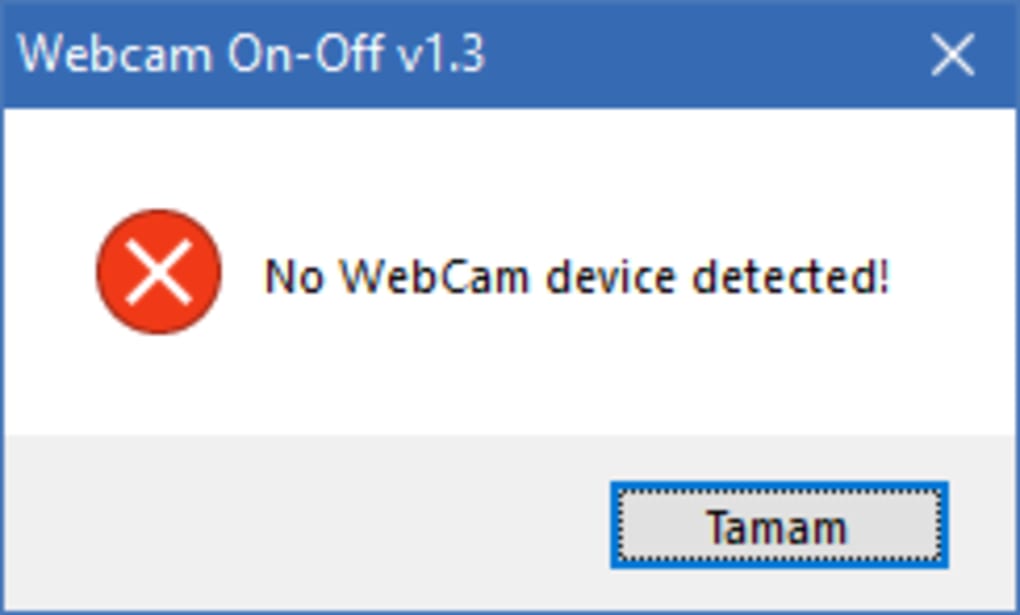
At its core, Webcam On-Off performs one task exceptionally well: turning your webcam on and off. This seemingly simple action is often buried within multiple layers of settings in other applications or operating system menus. Webcam On-Off provides direct, immediate control, eliminating unnecessary steps and saving valuable time. The interface is minimalistic, featuring a single button—typically a large, clearly labeled “ON/OFF” toggle—which instantly switches the webcam’s status. This simplicity ensures accessibility even for users unfamiliar with complex software interfaces.
Beyond the core on/off functionality, Webcam On-Off doesn’t offer extensive customization options. It doesn’t include features like adjusting brightness, contrast, or resolution, nor does it provide options for image or video capture. This limited feature set contributes to its small size and efficient performance, making it ideal for users who prioritize speed and simplicity over advanced customization. However, this streamlined approach means users seeking advanced webcam controls will need to look for alternative software.
User Interface and Experience
The user interface of Webcam On-Off reflects its functional minimalism. The program generally launches with a single window, featuring the prominent ON/OFF toggle button. The absence of cluttered menus and unnecessary options contributes to a clean, intuitive user experience. The straightforward design ensures users can quickly understand and use the application without requiring a learning curve. The visual design is typically understated and functional, prioritizing clarity and ease of use over aesthetic appeal.
The installation process is generally quick and straightforward, requiring minimal user interaction. The program has a small footprint, demanding minimal system resources, and it is highly unlikely to impact overall system performance even on older or less powerful machines. This efficient design further enhances its appeal for users who prioritize system performance and stability.
System Requirements and Compatibility
Webcam On-Off is designed for Windows operating systems and has shown compatibility with older Windows versions, extending its reach to a broader user base. Its lightweight nature ensures it can run efficiently on machines with limited resources, making it accessible to a wide range of users regardless of their hardware specifications. The program’s small installation size minimizes storage space requirements, making it a suitable option for devices with limited storage capacity. While specific system requirements may vary slightly depending on the version, its generally low demands make it highly compatible with a variety of hardware configurations.
Comparison with Alternative Applications
Several alternative webcam applications offer broader functionality than Webcam On-Off. Many provide advanced features such as video recording, image capture, facial recognition, motion detection, and various video effects. These applications often come with a more complex interface, including numerous settings and customization options. However, the simplicity and ease of use of Webcam On-Off make it a strong contender for users who prioritize speed and simplicity.
For instance, some applications integrate with streaming platforms, allowing for direct live-streaming capabilities, a feature absent in Webcam On-Off. Others offer features like background blurring or replacement, enhancing video conferencing privacy and quality. However, these advanced applications generally demand significantly more system resources and have a steeper learning curve. Webcam On-Off’s strength lies in its specialized focus on quick on/off switching without sacrificing performance.
Conclusion
Webcam On-Off serves a specific niche exceptionally well. Its simplicity and efficiency make it ideal for users prioritizing speed and ease of use for basic webcam control. The minimal interface and small footprint make it an excellent choice for users with less powerful machines or limited storage space. While lacking the advanced features found in other, more comprehensive webcam software, its focused functionality and user-friendly design make it a strong contender in its particular area. For users who simply need a quick and easy way to toggle their webcam on and off without the complexities of more feature-rich software, Webcam On-Off remains a valuable and effective tool. Its continued availability and user base suggest that its simplicity and effectiveness continue to meet the needs of a segment of users who prioritize ease of use above extensive customization and advanced features. Therefore, it retains its relevance despite the availability of more comprehensive alternatives.
File Information
- License: “Free”
- Latest update: “July 12, 2023”
- Platform: “Windows”
- OS: “Windows 8.1”
- Language: “English”
- Downloads: “3K”
- Size: “480.76 KB”


